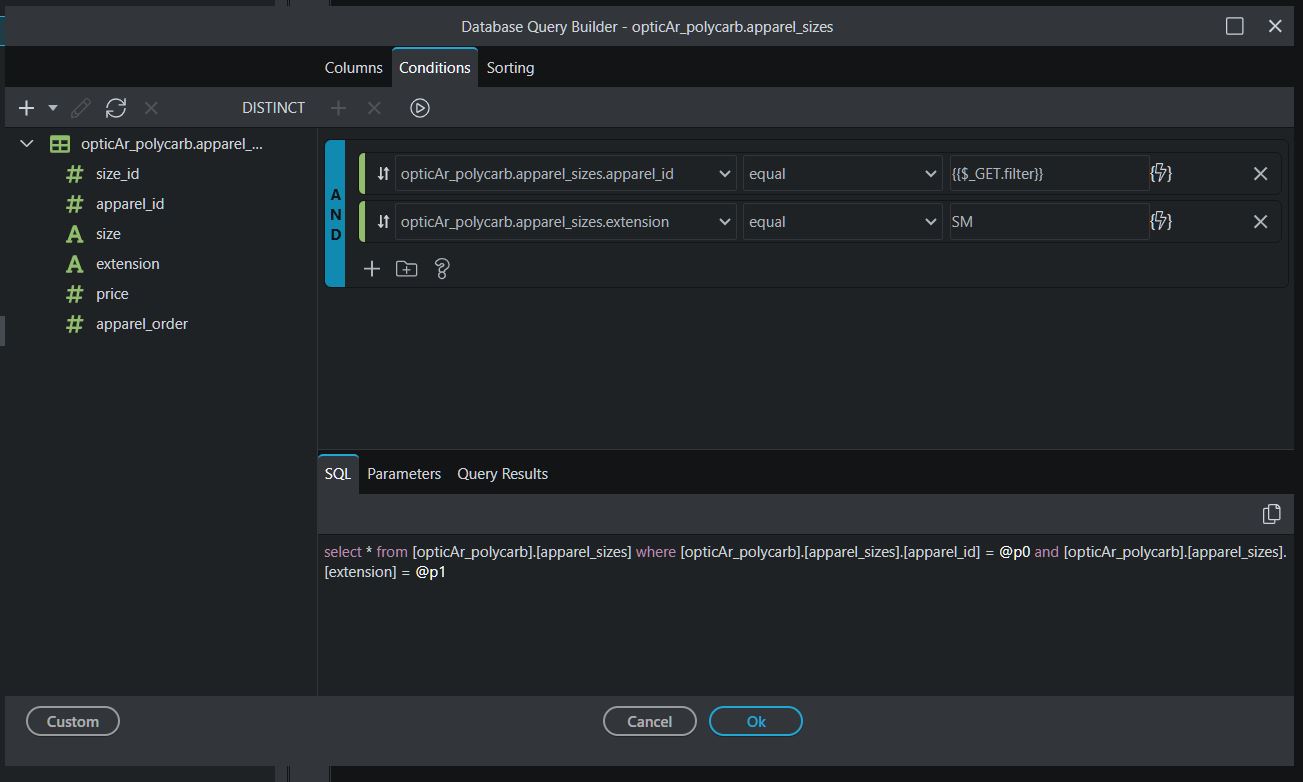
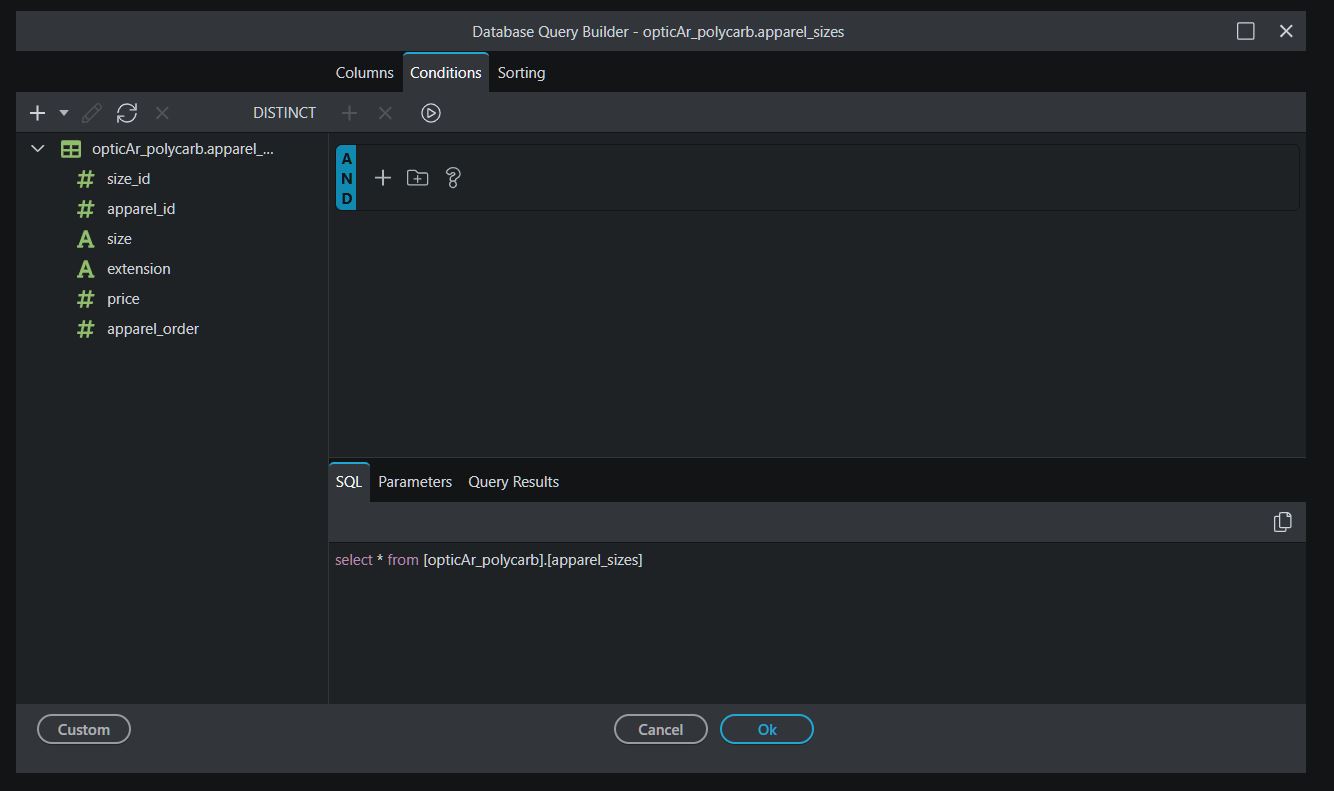
I can confirm this issue in a NodeJS project with MSSQL database. I can see the code for condition in the code editor, however, it doesn’t show conditions in the UI.
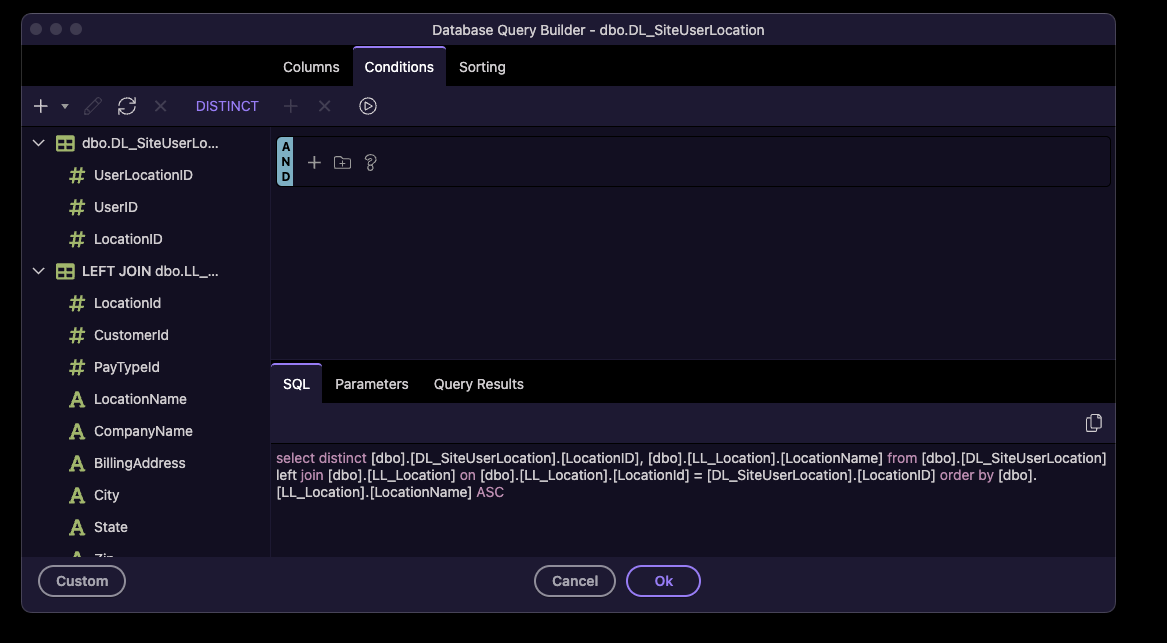
I have seen this issue off and on with MSSQL database in Database Query Builder, especially where APIs have been added over the course of multiple versions of Wappler. It is most likely related to [dbo] prefix in the table and field names. In some cases I was able to fix the UI issue by removing [dbo]. prefixes from the tables and field names, in others I had to rebuild the queries.
This is what my issue is now. I’m on a Mac with Node and MS SQL Server. I thought it was fixed by doing the database schema refresh but it does not. While it kept my selected fields, It clears out the conditions and parameters.
There is something broken in the new auto-alias configuration in 7.2.2. Was about to post the same issue. 3 days - I am suprised it has not been fixed yet!
For older/existing queries, opening it messes with conditions because it does not match the alias Wappler is trying to add to the query.
Additionally, join conditions are broken too.
Making changes in the join UI is also broken - it does not show the table name, only the alias input.
Any change in any query now requires me to rewite the whole query and every join. Please release an urgent fix.