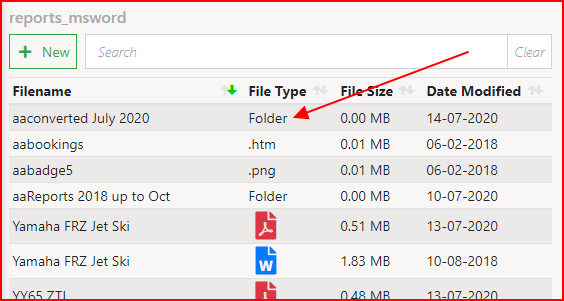
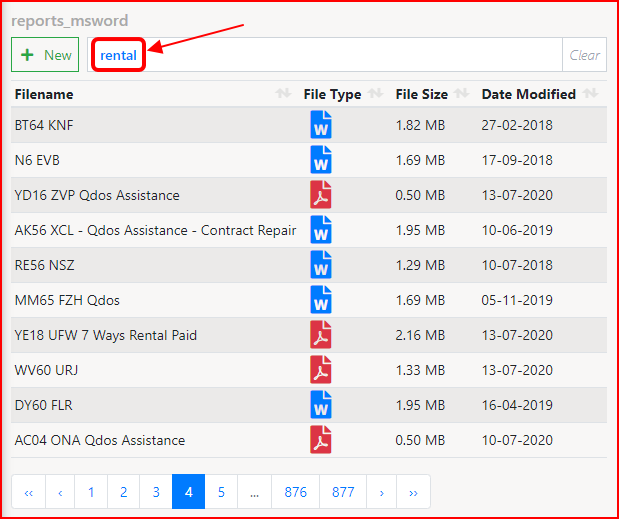
I have an SPA page that looks at a file directory and returns a list of files using a Server Action Folder List. This works well, but there are thousands of files.
This list isn’t created as part of a Paged Query so how can I do Paging, Sort and Search on this list, the same as I can with my other Queried pages?
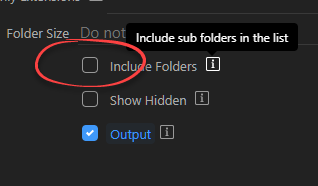
Also, I can see folders inside this directory but how do I see files in those sub-folders?
Current set-up : SPA Pages, Windows 10, MySQL, PHP
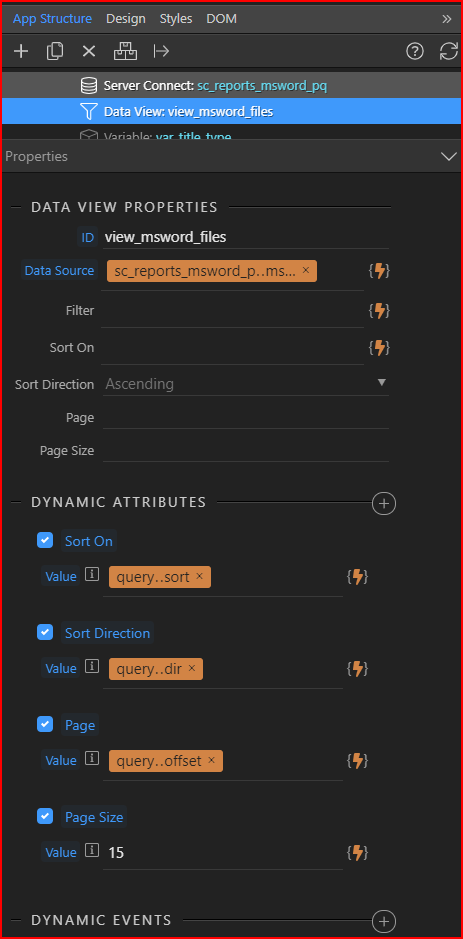
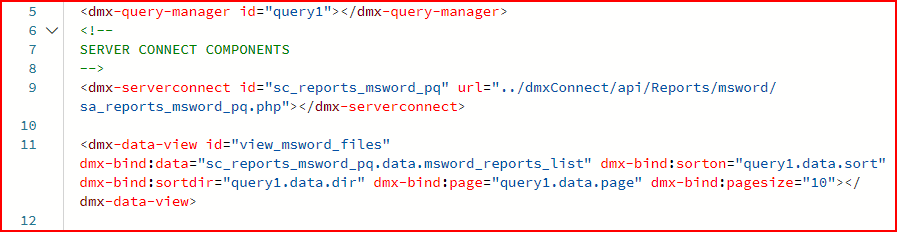
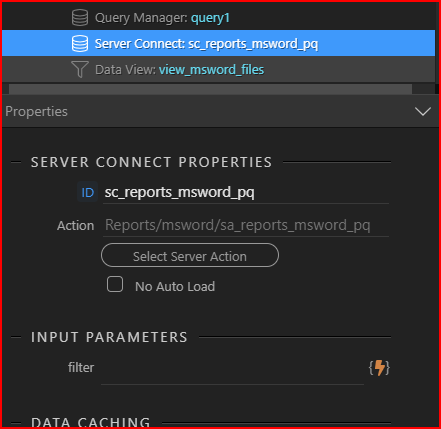
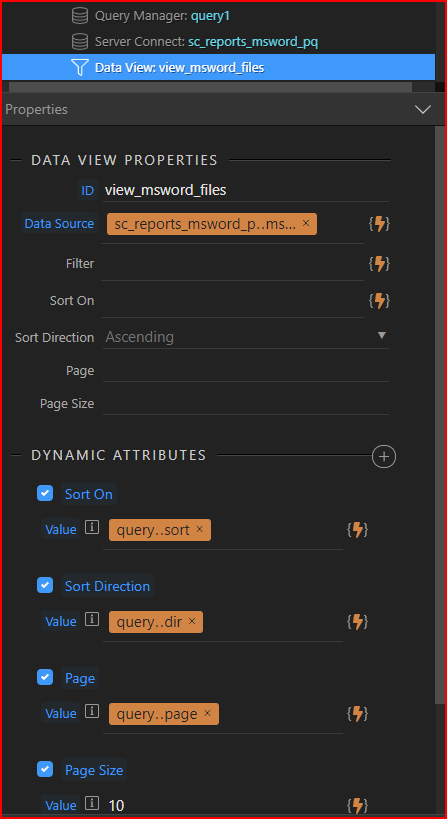
I do this using a server connect action to get the list of files and then use the Data View component in App Connect - so I can using paging etc. This may not be practical with a very large number of files, but I’ve used it with over 10,000 files and it takes less than 2 seconds to display the page; after that searching/soriting etc is more or less instant.
Alternatively, you could create an image database table - creating records as images are imported. A potential issue with this is if images can be uploaded via FTP for example, bypassing your database inserts. To get round this, you can create a facility to rebuild the image table. Again, this is pretty quick. I’ve just tried it on my folder with 10k images and it took less than 10 seconds (on my hosting site - it’s slower on the Windows computer in front of me).
&$(@$£#@ &^$£|?!!!
I’m using Data View and it never crossed my mind that I have the functionality at my finger tips!
Thanks for the guidance (and proverbial slap on the hand )
How do you get on with sub-folders? By that I mean, how do you display them and their contents?
Hi Marcel, do you mean use a repeat on the folder list to view the sub-folders? If so I had thought it might be something like that but I have not tried it as yet.
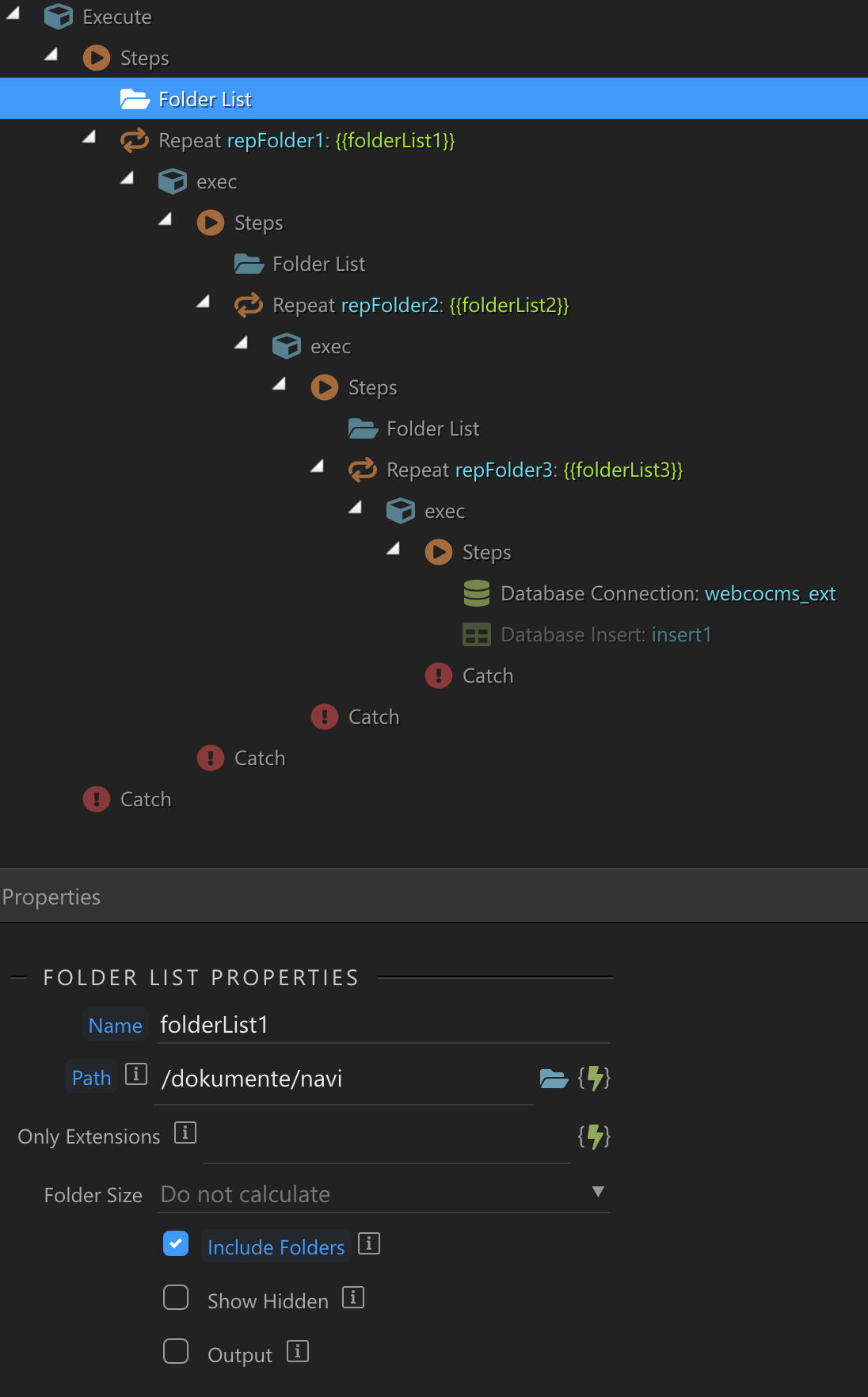
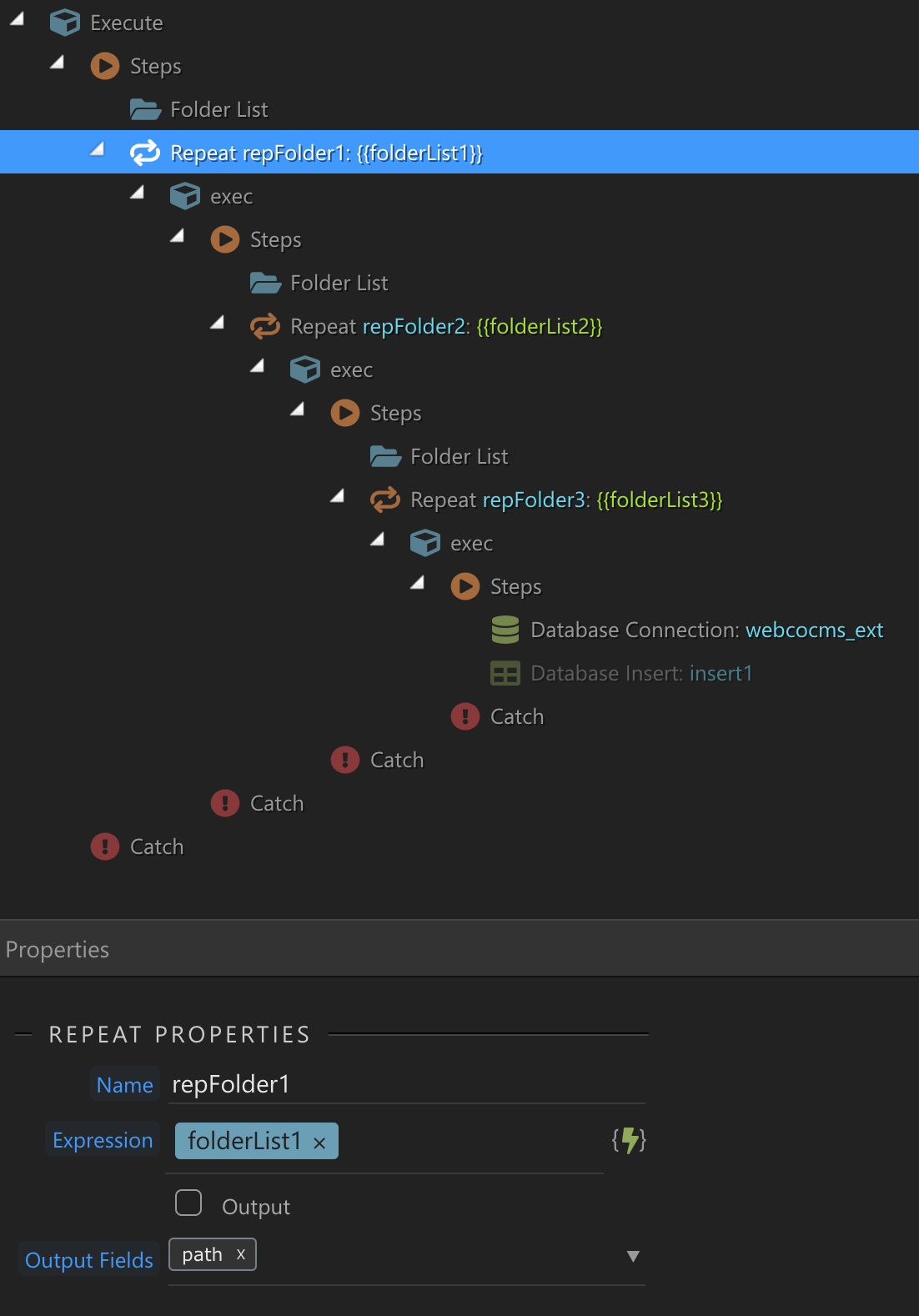
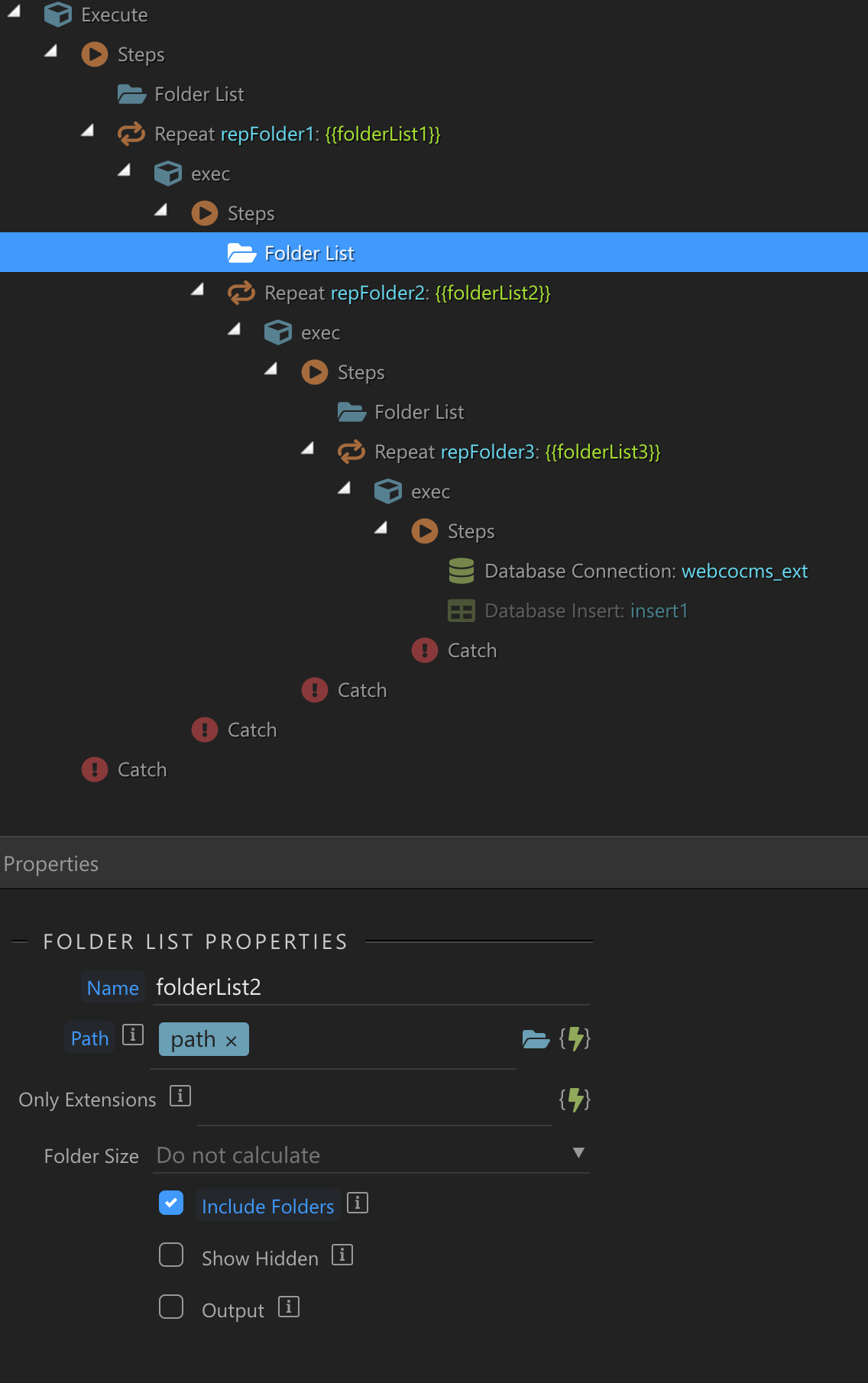
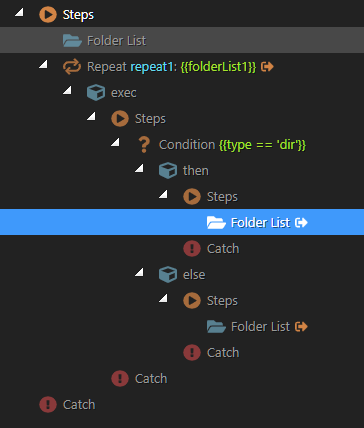
Won’t this only work if you subfolder names are known in advance? It should be possible to get the subfolder names and contents dynamically, but I haven’t quite managed it yet. This gets all the files, in the main folder and in subfolders one level down, but I’m not sure how to put it into a table at the other end:
@MH2ag@TomD@Teodor
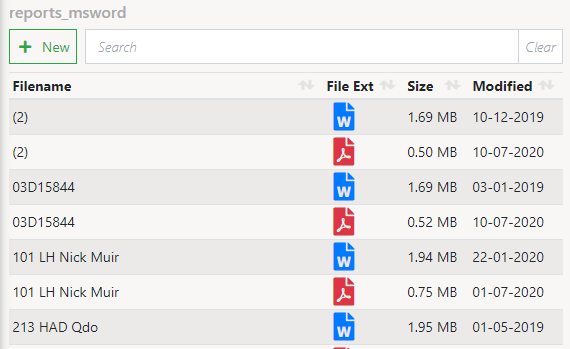
Hi guys, I am nearly there with this file directory thing. The list of files displays correctly (not looked at sub-folders yet) and the sorting and paging also works correctly.
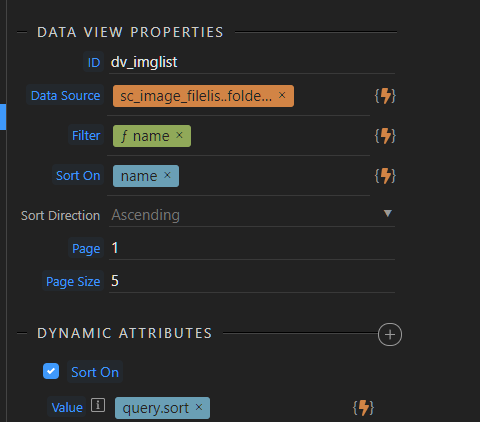
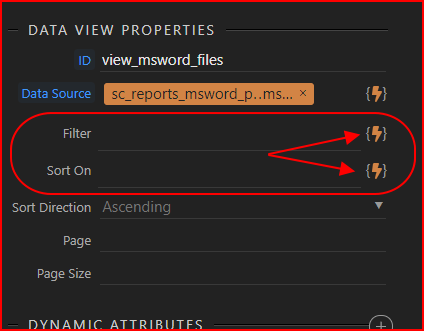
The one part I cannot seem to get to work is the search / filter. There are no conditions to filter by as you do with a query. Can you help?
Also, I am not sure if this is a bug or something I am doing wrong, but when I select
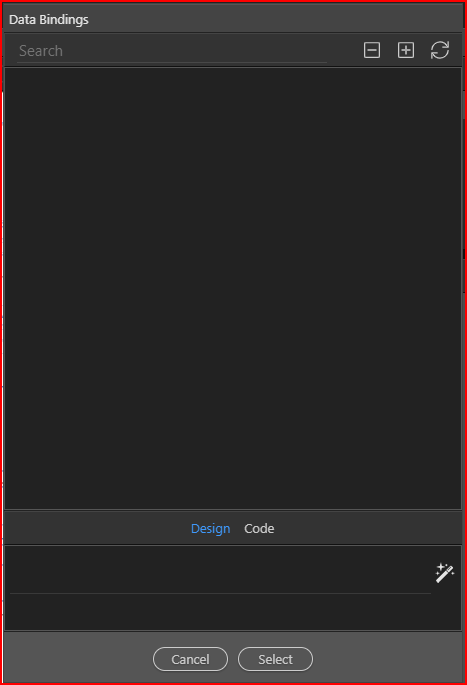
Dynamic Picker in the Data View > Data View Properties > Filter and Sort On
there is nothing available
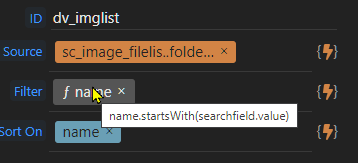
Simply brilliant and brilliantly simple! (when you know how )
That’s great BUT I needed to change things slightly for my own case.
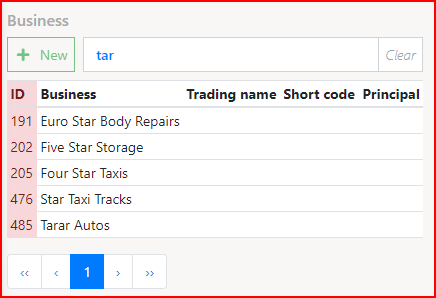
I wanted to search anywhere in the file name and so I substituted “startsWith” with “contains”. Then I found that it was case sensitive so I converted everything to lowercase, and here is my final filter…
EDIT
I’ve just taken it one stage further and removed spaces as well, this means that if a file has a registration number in it such as NR16 GBY with a single space then when the user searches, it won’t matter if they put NR16GBY NR 16 GBY N R16GBY
it will still find the file.
 )
)