What makes using Wappler constantly refreshing for me is forgetting how to do something I routinely did in a project in 2021.
So I show up with a newbie question –
In a form I’ve made a Select Menu which gets its options values in a list form from a query of a table of those values in an API.
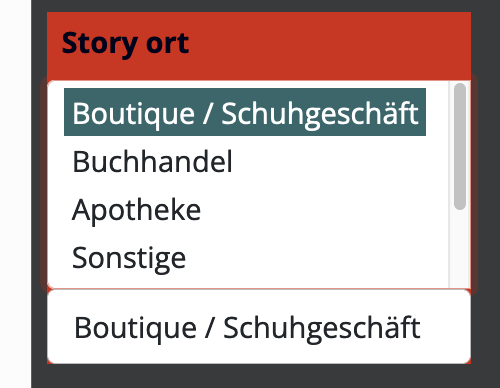
The list is available on page load and only allows the form user to click one of the displayed options above the field to fill in the “Story ort” input below the list of options.
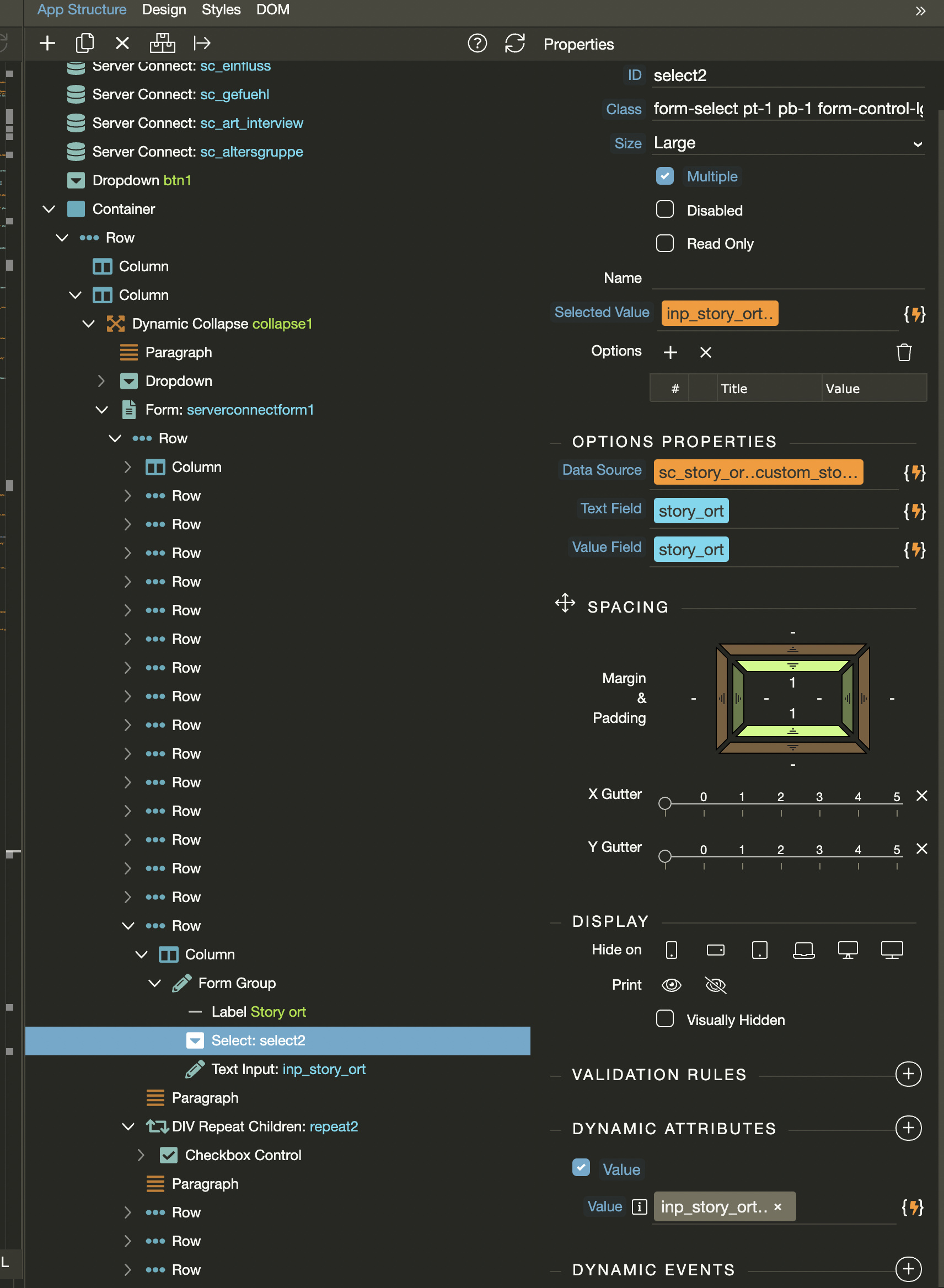
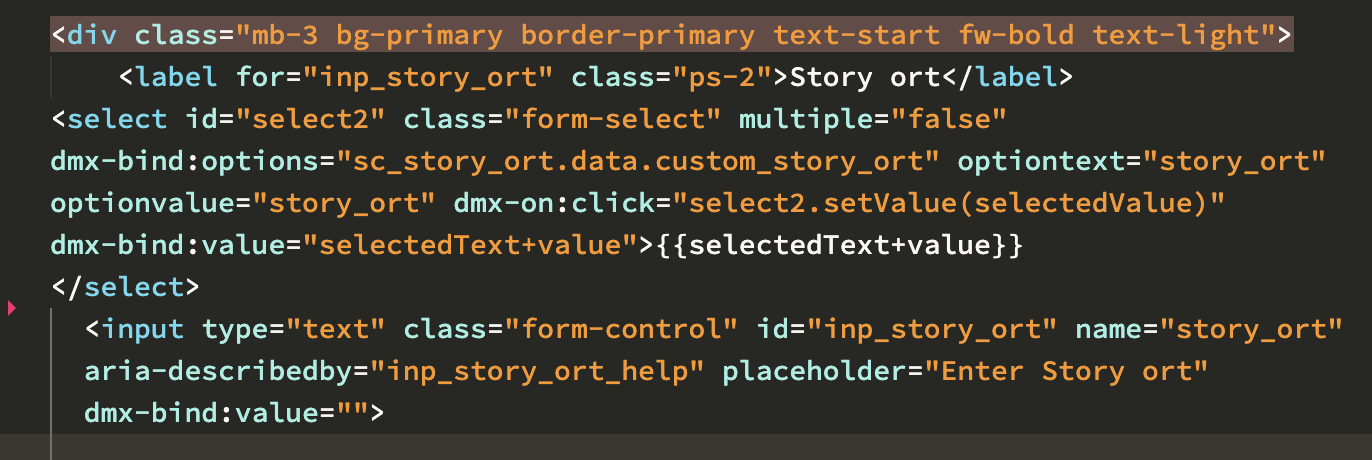
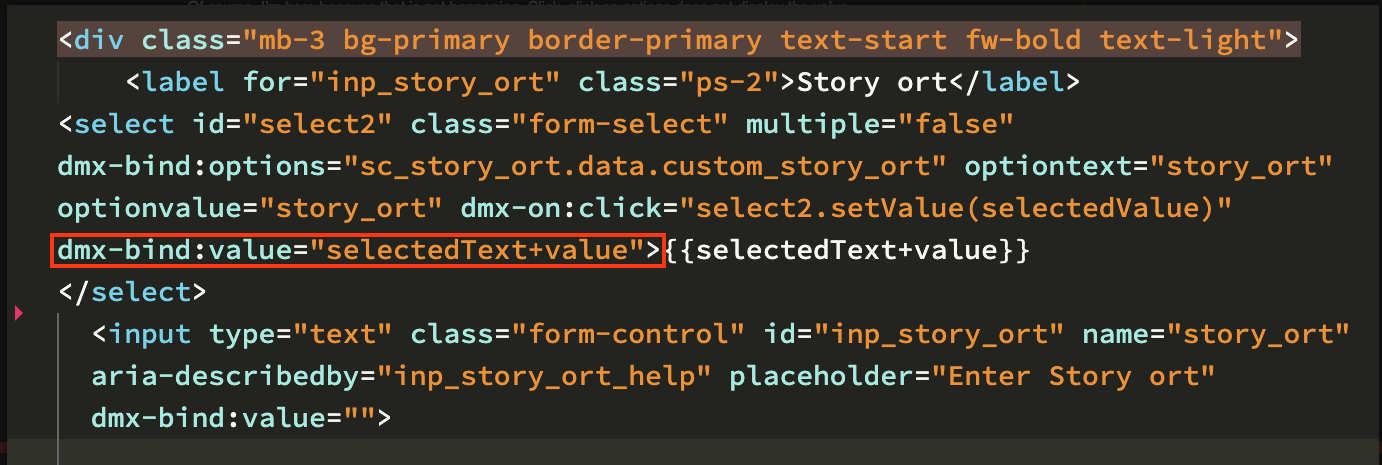
I notice your select input dynamic value is wrong. It can’t be selectedText+value - it must be a dynamic value coming from a database. This is not correct at all:
If you are not getting a dynamic value from the database, don’t use this option.
Also remove {{selectedText+value}} between <select> and </select> it’s wrongly added there and it cannot be there.
The page you reference is exactly where I started.
It is missing a couple of steps for me —
It makes a Dynamic Select Menu – just fine, I got that. However it stops short of what I needed. I needed to see the next steps – How to assign the Dynamic Select Menu selection On-Mouse-Click to the input value of a another input for an insert-into-table query.
I couldn’t find the tutorial that would have taken me further.
I assumed after going through this page that the selection action would be a ON CLICK of the mouse that would pass the selected value into the target input in my form.
That is why I stumbled around trying to pass the Menu selection into another Input on my form and see that value displayed in that input. The dynamic menu fetched from a table named “story_ort” needs to pass its selected value into a field in my form that has the same name – story_ort
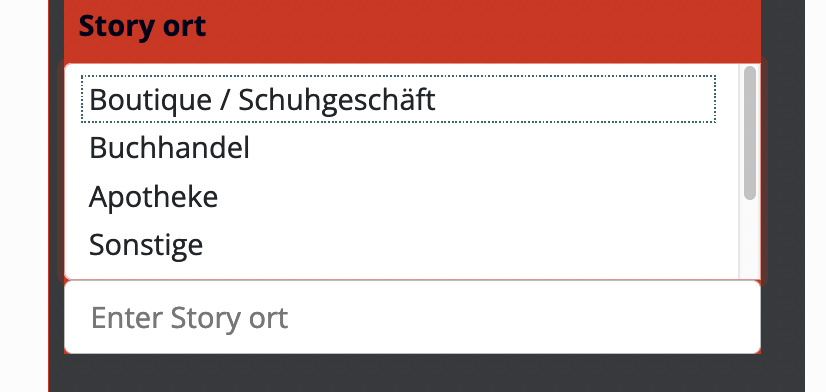
Aha ok - you don't assign it on click You can just select the text input > dynamic attributes > value > select the select input.value here.
This will show the selected value in the text input.

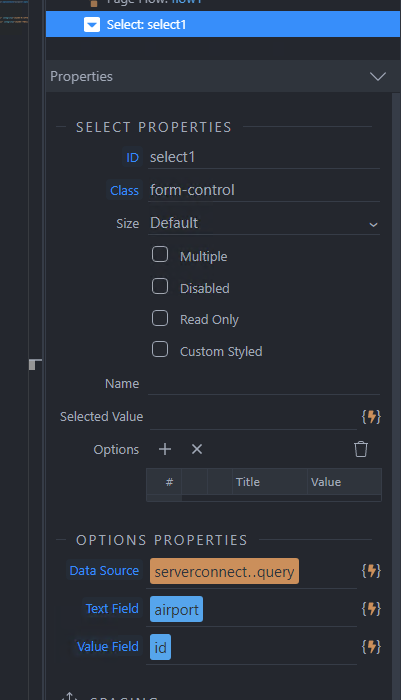
 You can just select the text input > dynamic attributes > value > select the select input.value here.