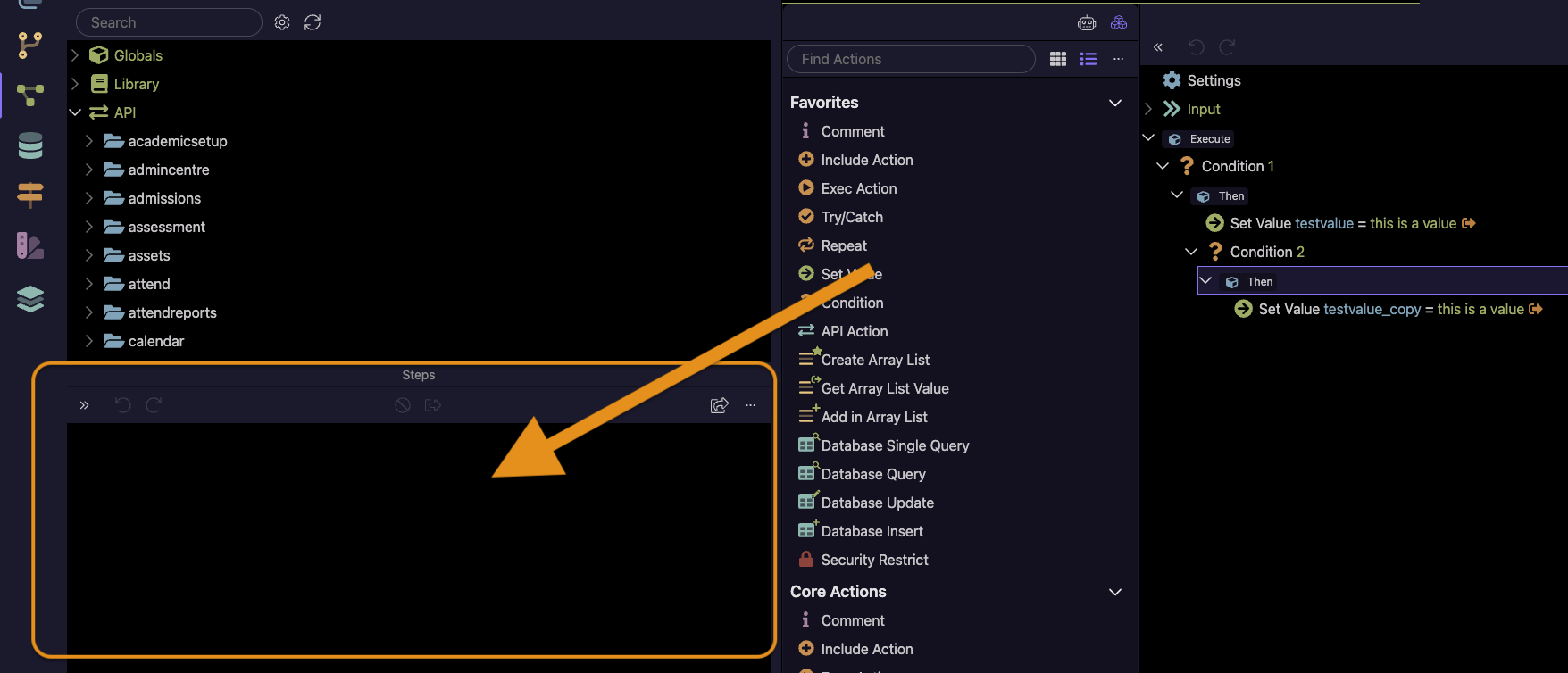
Just reset the panel sizes in the options and/or minimize the size of this steps panel - it is an old panel that isn't used any more as steps are now edited in the tab editor.
I tried resetting panel sizes but it didn't work on its own. Resetting panel sizes AND minimising the panel seem to have hidden it but I'll keep an eye on it across restarts, project change etc. over the next few days before marking this as solved.
Question - if it's not used any more, why have it at all?
Hi @George
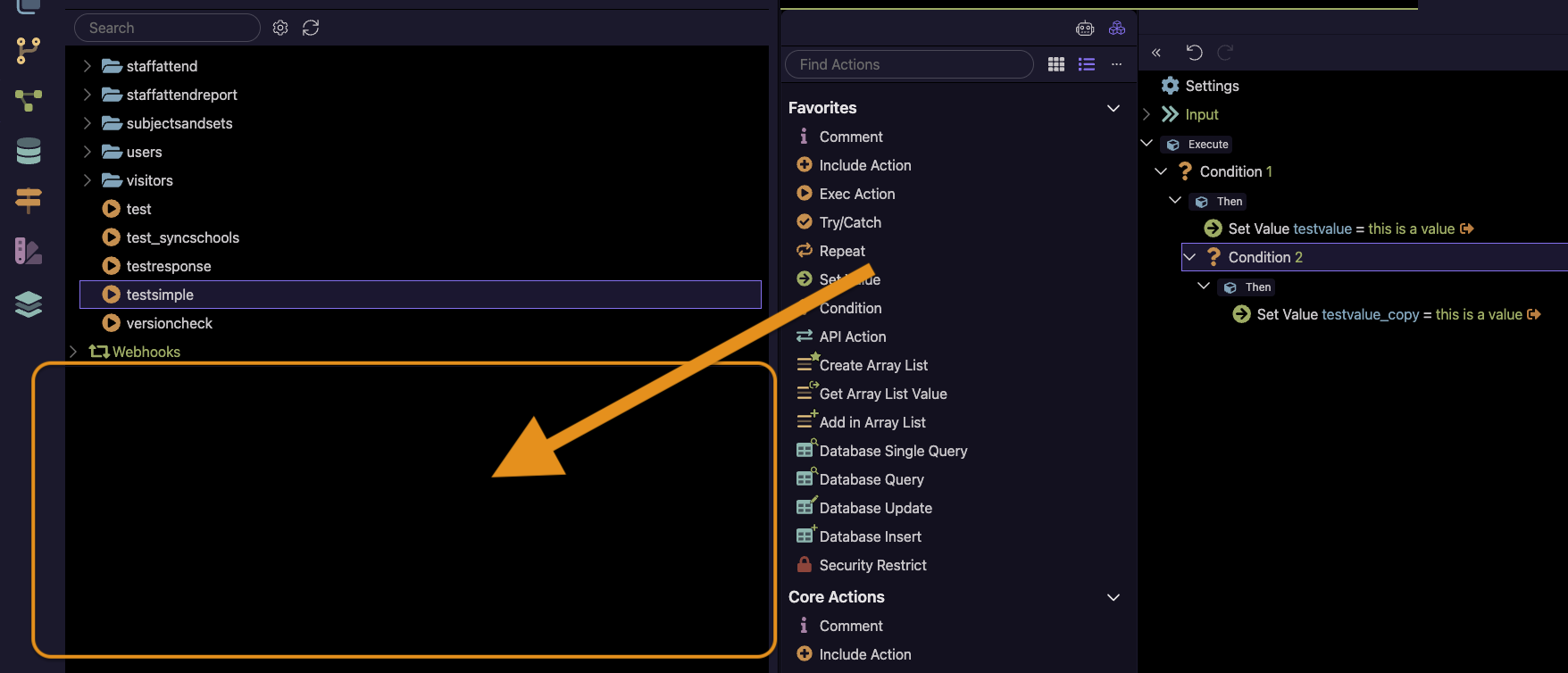
Unfortunately the panel has reappeared and is now blocking the UI again (despite the reset panel sizes and minimising of the panel). I'm not entirely sure what sequence of actions triggered the reappearance - if I work it out, I will let you know.
I'm not sure if it's possible but removal of the panel altogether (if it's not use anymore) would make the most sense, wouldn't it?