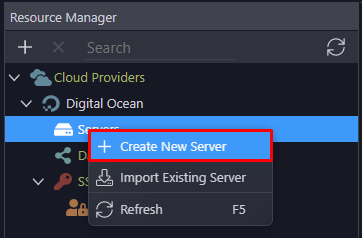
Wappler only offers creating new servers with 3 Cloud Providers - Linode, Digital Ocean and Hertzner.
Vultr used to be an option under Cloud Providers in the previous SSH Cloud method, but somehow it didn't make a cut in the Resources Manager.
To add a server outside the 3 included cloud providers - the steps will be:
Create a new instance on the Cloud Hosting platform such as Vultr.
SSH Key - Some platforms such as Vultr allow adding SSH public key on the platfrom and then assign it to any instance. Other platforms may need to add / upload SSH public key manually from the local PC.
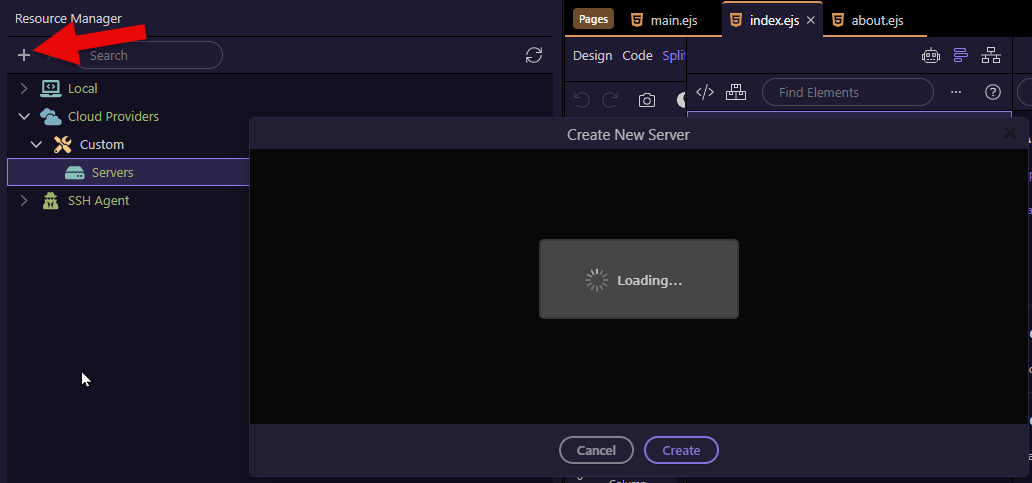
In Resources Manage - Right Click on Cloud Providers > Add New Provider > select Custom under Provider > click on Connect
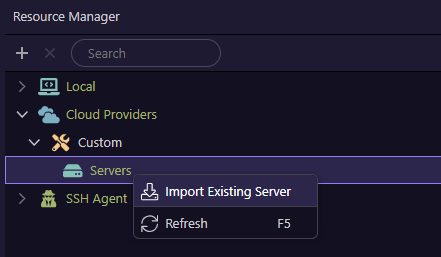
Then right click on the Servers > Import Existing Server > Give it a name, Leave user as root, add IP address of the newly created instance in Step 1 > click on Import
After the new remote server appears under Servers > right on the new server > click on System Check. after it finishes successfully, again right click on the new server > click on Open SSH Terminal to verify that the remote server is reachable from Wappler