Hello, I have encountered an interesting problem.
There is a working local resource server Ubuntu, Webmin, Coolify, and other software installed.
When connecting as root in Resource Manager - Custom Server, the connection to the Webmin service:10000 was lost.
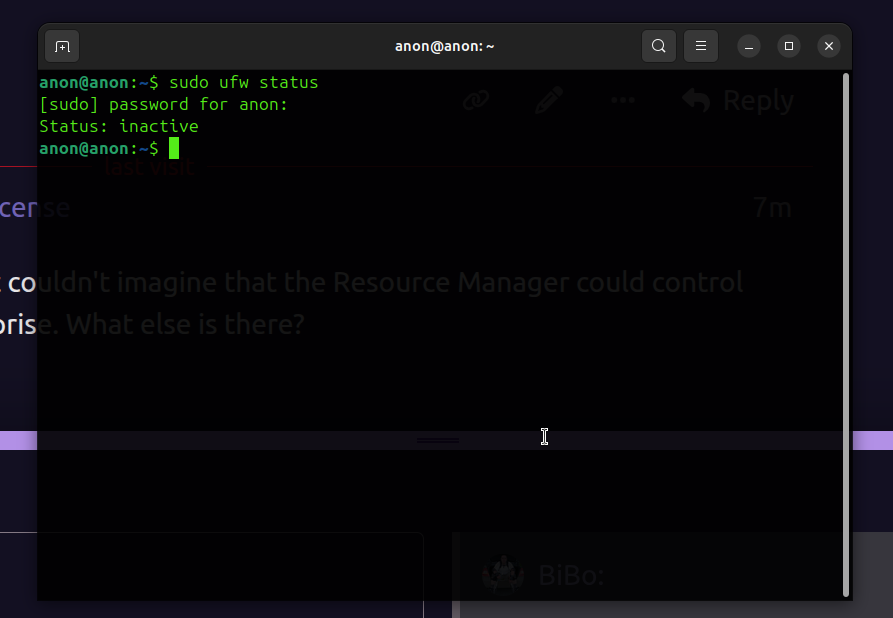
When the problem was analyzed, it became clear that UFW had been activated:
ufw was not used before the connection.
What does the Wappler Resource Manager do to the server when it connects, and if it does anything, how can it be managed?
Thanks, I've already fixed it. I just couldn't imagine that the Resource Manager could control the firewall, and it came as a surprise. What else is there?
If you setup the server using Resource Manager and its system check, all the needed software like docker is installed, says updates are enabled and the firewall is also enabled for those ports to enforce security.
Thank you @George
That is, if we connect to a new server, Resource Manager will install Docker itself, will raise the UFW firewall itself? In other words, connecting to a server with bare Ubuntu - Resource Manager will create a combat server with sufficient security settings, are you planning to configure the Timezone server from Resource Manager or any other scripts controlled by Wappler’s?
This is very important information.