Why this error?
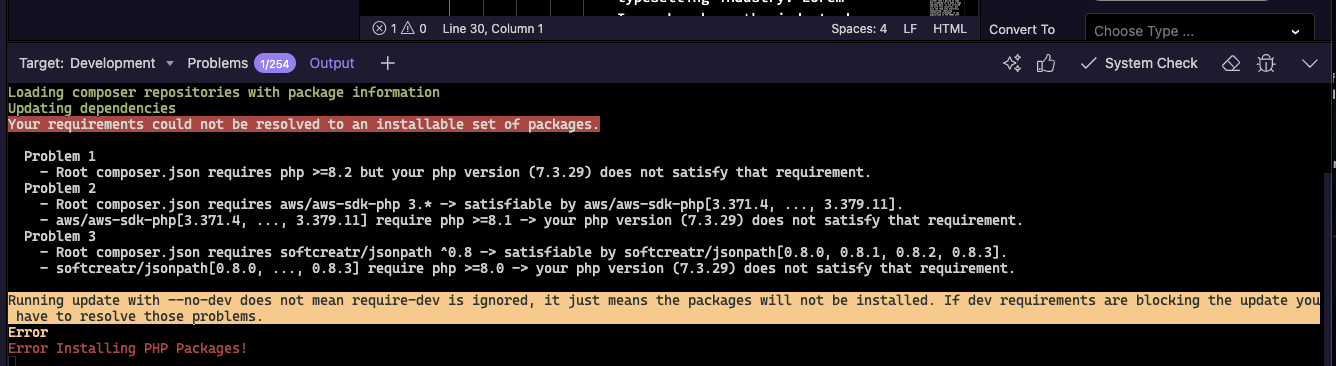
Seems you are running an old PHP version (7.3) and the components require PHP 8.2.
Simply update the PHP on your server to 8.2 or newer.
But on the server it has been updated to version 8.4.20
When I try to upgrade PHP I always get the same error
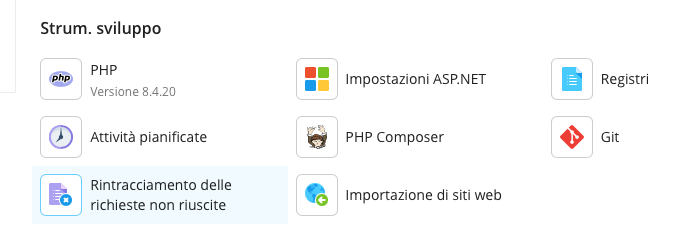
Is your dev target also running same php version then? The error comes from there.
The connection to the development server is OK, but I'm having hundreds of problems.
And if I update PHP, it gives me an error and doesn't recognize the PHP version that's correct on the development server.
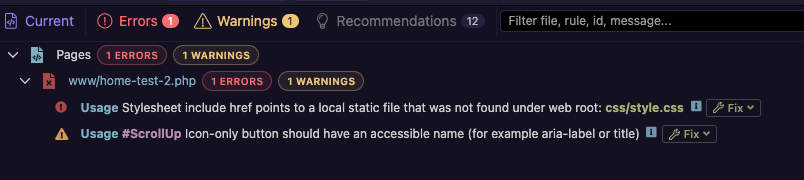
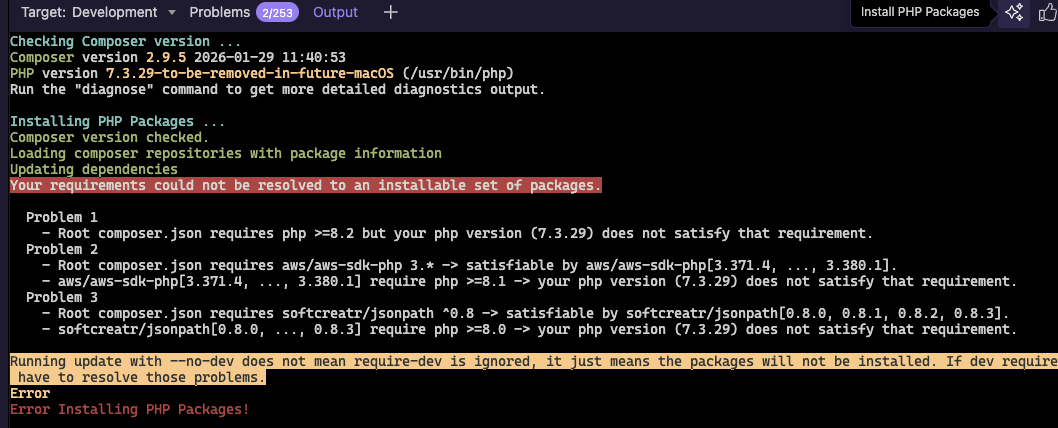
I've tried everything, but I can't seem to fix the problem of not updating to the new PHP version.
Maybe it's due to the new Wappler version?
I think I understand that the problem is the difficulty updating PHP with Big Sur.
But I haven't found the solution.
Sorry Teodor, but I'd like some help solving the PHP update problem with Mac Big Sur.
I've tried various solutions found online, but they haven't worked.
Just make sure you install the latest version of php with homebrew and update it as well.
So open a terminal on your Mac and execute a few commands.
First to update brew itself:
brew up
And then it’s packages:
brew upgrade
Thanks, George. That's what I've tried various ways, but it always fails.
I also tried the settings you suggested, but as you can see from the two-part screenshots, it reports an error.
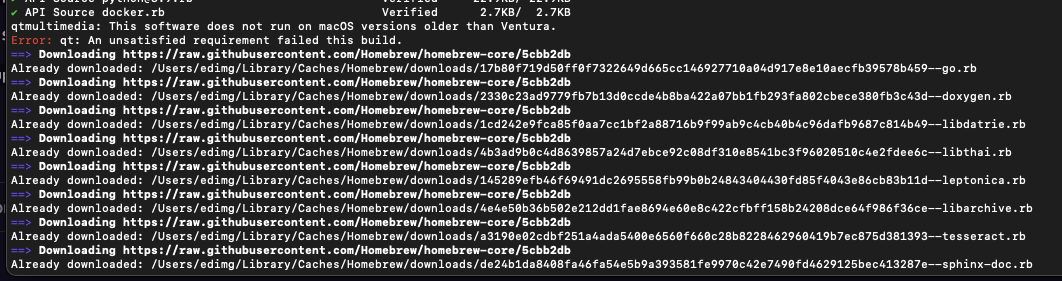
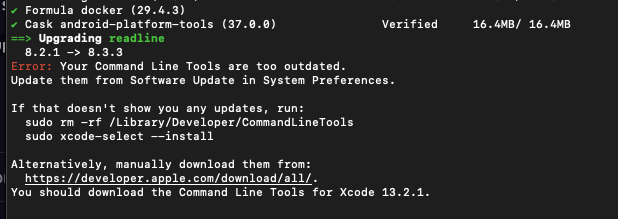
Well as stated in the output above your command line tools are outdated, so just execute the suggested Xcode command:
sudo xcode-select —install
And then try again the other commands after install is completed.
If I run
sudo xcode -select —install
from Terminal, I get this:

Try without sudo then and also no space between xcode-select
Without sudo, it starts, but then it doesn't install the new PHP version because it always generates errors.
I also don't understand why there are 45 errors and...
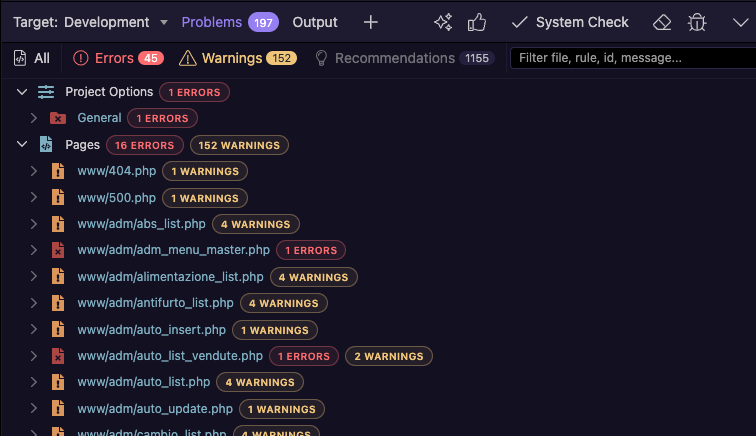
when start brew install php
But always the same error
I downloaded the libzip file (1.11.4), but where do I put it so it can be read by brew install php ?
If you have brew updated well now, just remove the currently installed php with it, restart Wappler and let it install the php.
So just execute in a terminal:
brew uninstall php
Then fully restart Wappler again and run system check from the bottom bar
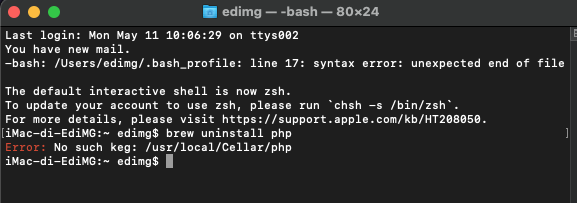
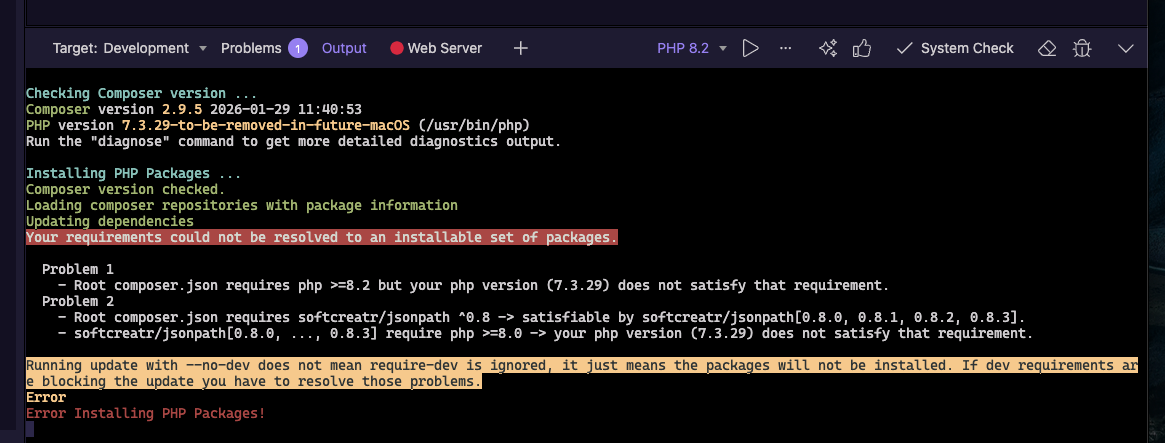
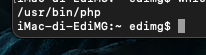
Perhaps you have PHP installed in a different way. Check with which -a php where PHP is located on your system.