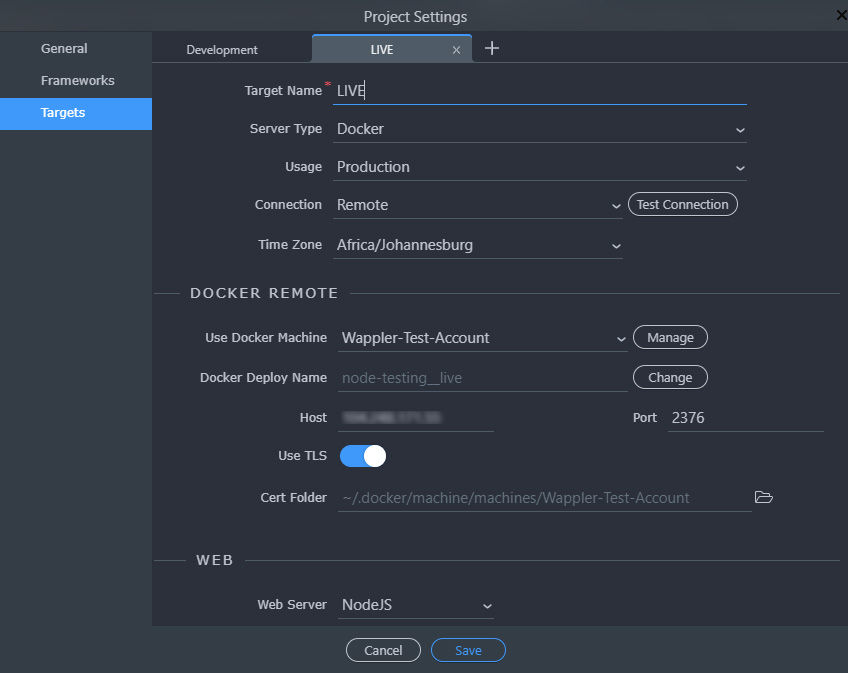
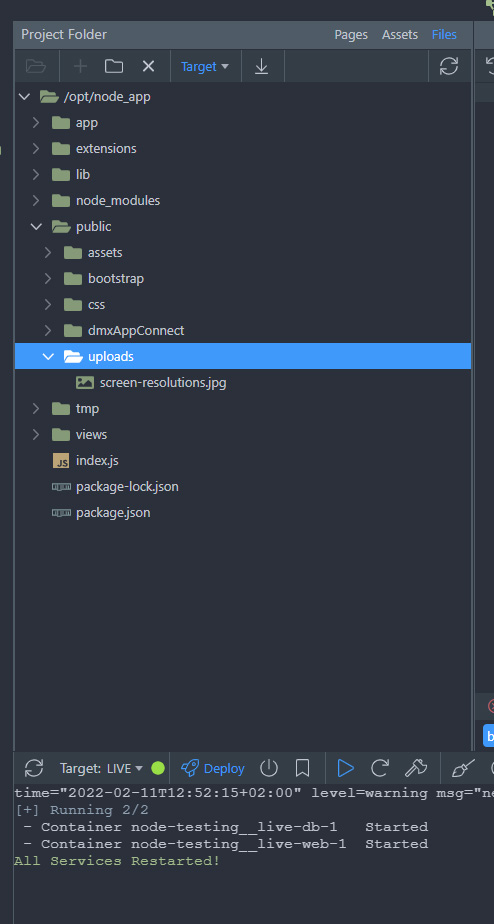
Remote File Manager for Docker - Nodejs Digital Ocean. (* Target Files)
Ok i have tested the upload from “local” to the “remote” target and this works well on Digital Ocean.
So i can upload files to the server and that is awesome.
But im having trouble getting the files from the “remote” / Digital Ocean target to download them.
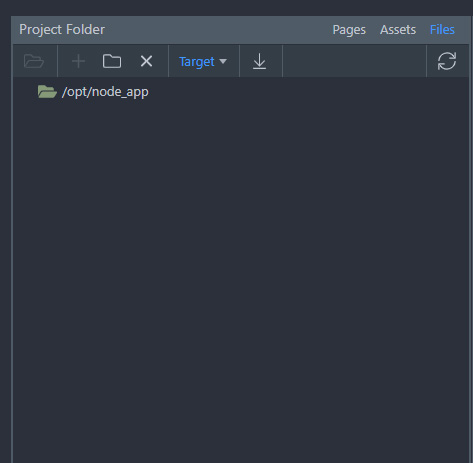
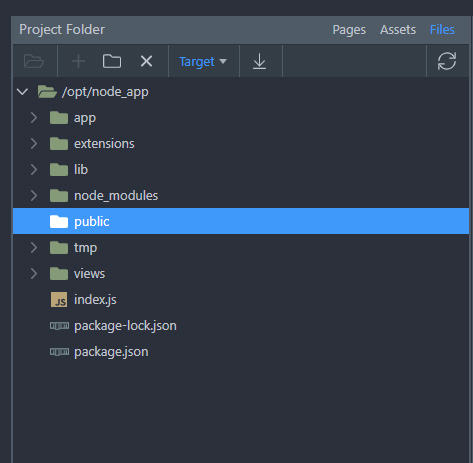
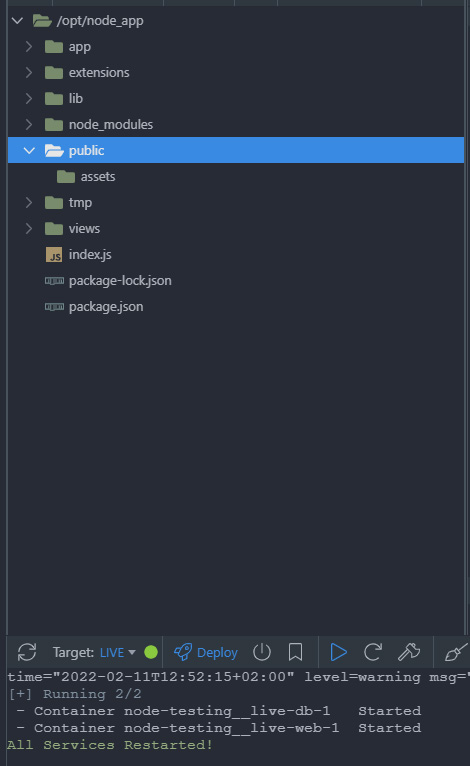
Everytime i open up the target “remote” it sometimes does not list anything… then i restart all services… then i might get something… then other times it comes up… and shows the file structure… and then when i click on say “uploads” it spins and then just stop… without showing files on the server.
Is there a setting i have to check on Digital Ocean… for this to work?
as said i have uploaded files from the local to the remote target … and i can access these files via a the direct url in the uploads folder… but i cannot retrieve the file structure to show when i link directly to the DO remove docker…
strange… just left it for 30min… connected to the “remote” target… and did some other work… nou its showing… strange…
Is there some sort of a “waiting” / “server respond” time from DO… ? lol… dont know what im talking about… but yes if i try to connect and refresh to does not show… left it to stand … and then only i could see it…
Or is there a certain way to “check” for files. Steps i have to follow… for it to retrieve the listing correctly. (… stupid questions… )
Hi George. Here is a video.
Im on a 200mb fiber line… i have also upgraded the droplet to 4GB of memory with DO.
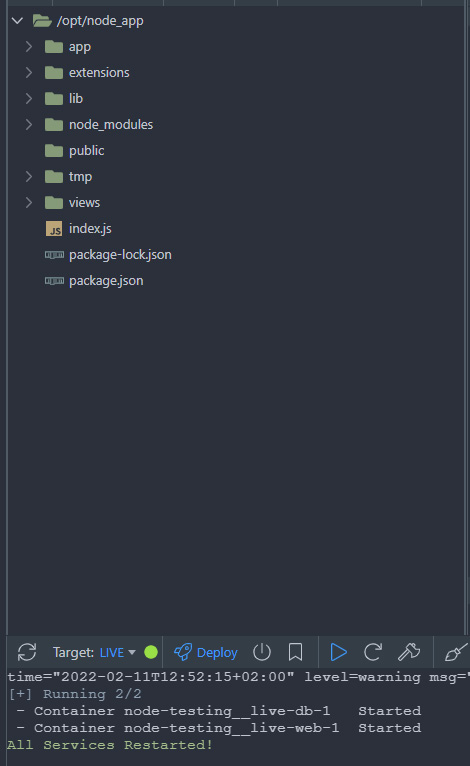
But the “target” files are still very intermitted … sometimes they show… sometimes they don’t… some list the directory others dont… refresh … and then some folders gone…
Is there a specific way to see the files via DO or a setting i have to tick.
Uploading files are easy and working… but its getting the “target” directory that changes all the time.
dddd
and i have uploaded a file… https://auctionsoft-1.co.za/uploads/screen-resolutions.jpg