Hi Wappler Team,
I’m unsure if it was like this before.
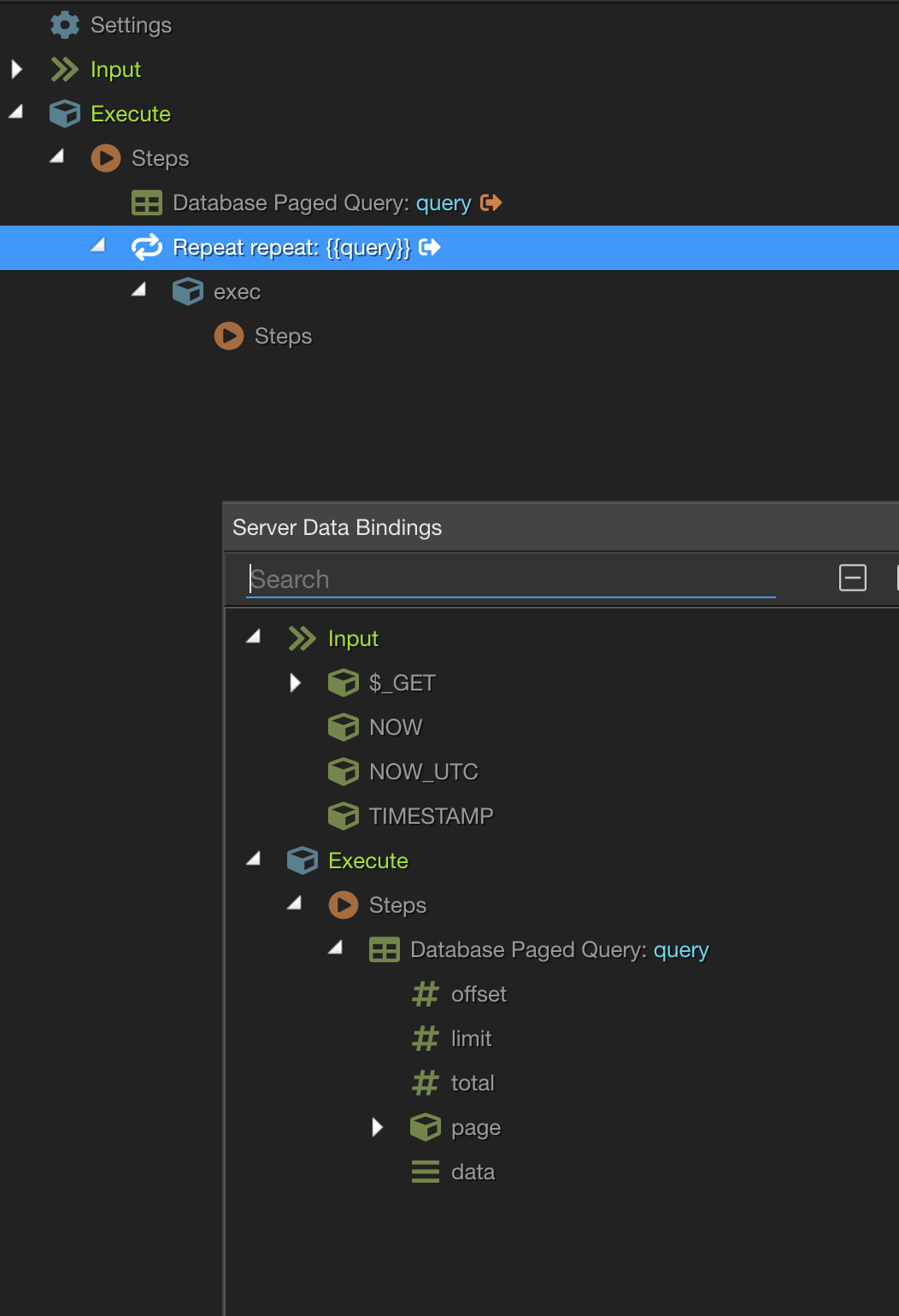
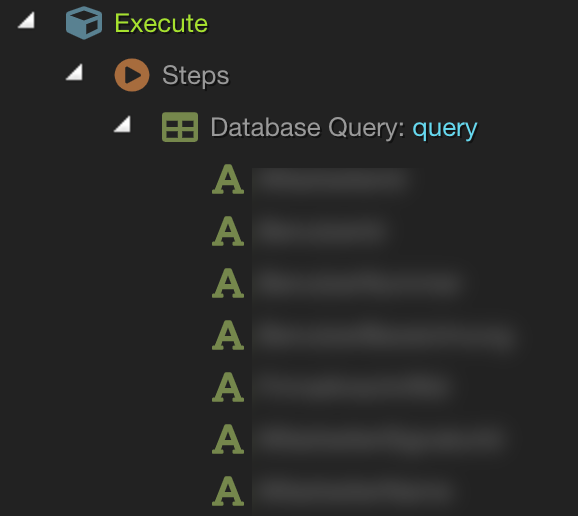
I can’t see any columns from a Paged Query in a Server Action. Is this a bug or should it be like this?
Query Type: Multiple Records
Query Type: Paged Records
Hi Wappler Team,
I’m unsure if it was like this before.
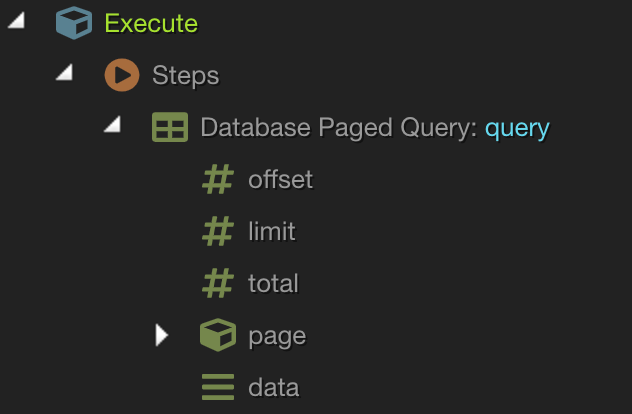
I can’t see any columns from a Paged Query in a Server Action. Is this a bug or should it be like this?
Query Type: Multiple Records
Query Type: Paged Records
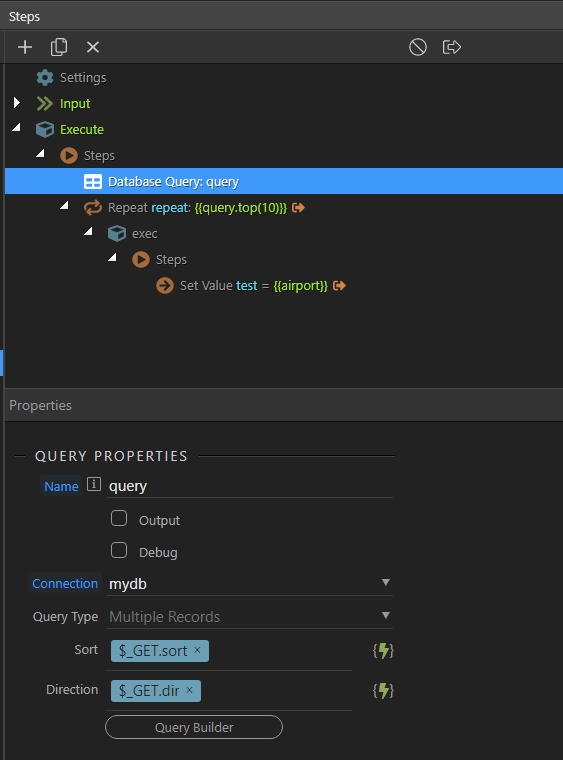
Can you show a screenshot of your server action steps?
The repeat expression is wrong if used with paged query - that’s why you don’t see any output on the front end. What are you trying to repeat exactly?
What should it be with a paged query? I have to admit that I misuse the paged query to get the last 10 records for further processing. Otherwise I would have to use a custom query. I need the repeat for an automatic upload Action.
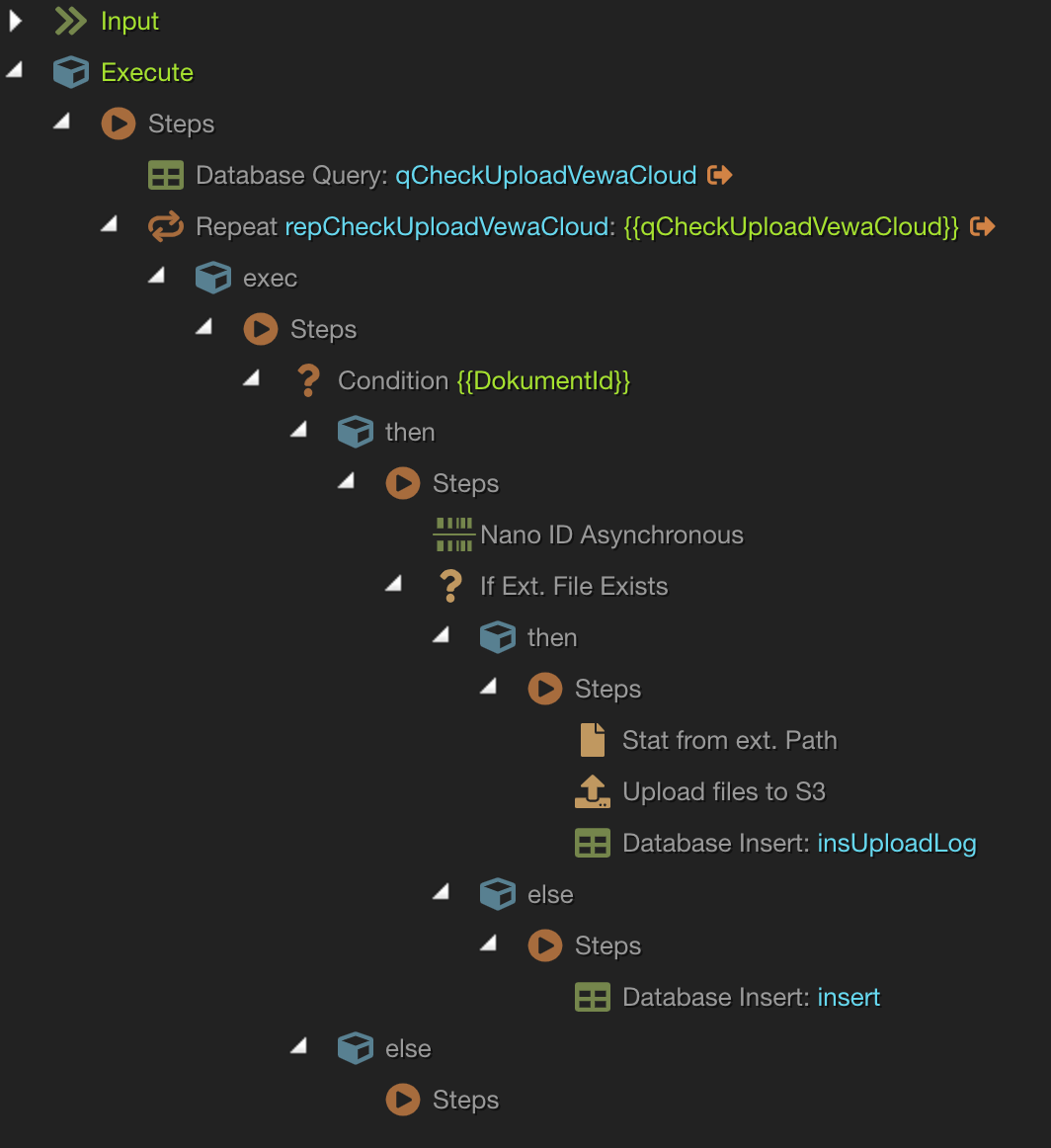
That is the working Server Action without paged query
All you need to do is to get the last 10 records from a database?
You don’t need a paged query for that. Just add regular query, sort it so that it shows the latest records on top and then add a repeat.
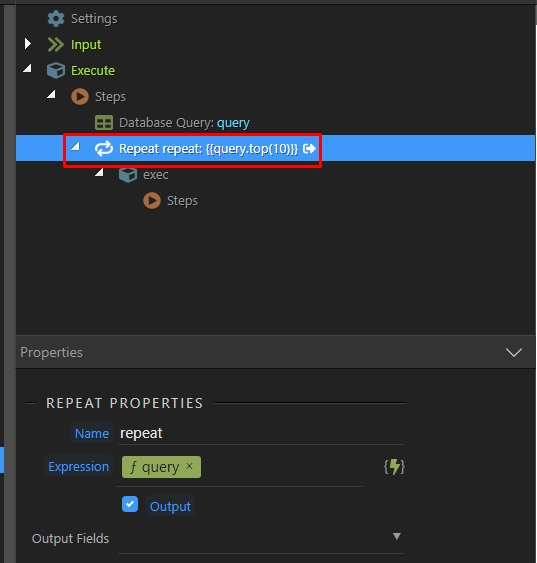
For the repeat use the query as an expression and use the formatter Top() and add 10 - for the newest 10 records (use Last() for oldes ones) and you are done … (don’t forget to turn the output off for the query).
Thank you for the suggestion.
I didn’t think about that  .
.
I will try this.
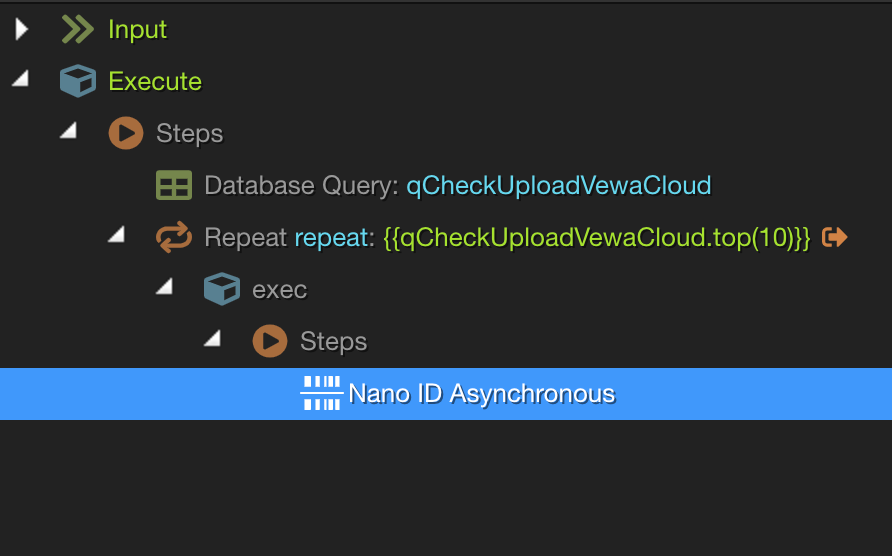
I tried your suggestion. Is there also a formatter for LIMIT? I need only 10 records. As it is a huge database sorting for TOP or LAST takes very long.
Are you sure you disabled the OUTPUT for the query step?
So what’s the issue then?
The query takes a lot longer than the limit option of a paged query
I just tested this with a database having 10k records and it takes like 2 milliseconds to execute:
probably some other step in your repeat is slowing down the server action;
I have 116k records and loading time of 28 seconds (repeat with top(10)).
Without the repeat and a paged query limit of 10 I have a loading time of 1.18 second
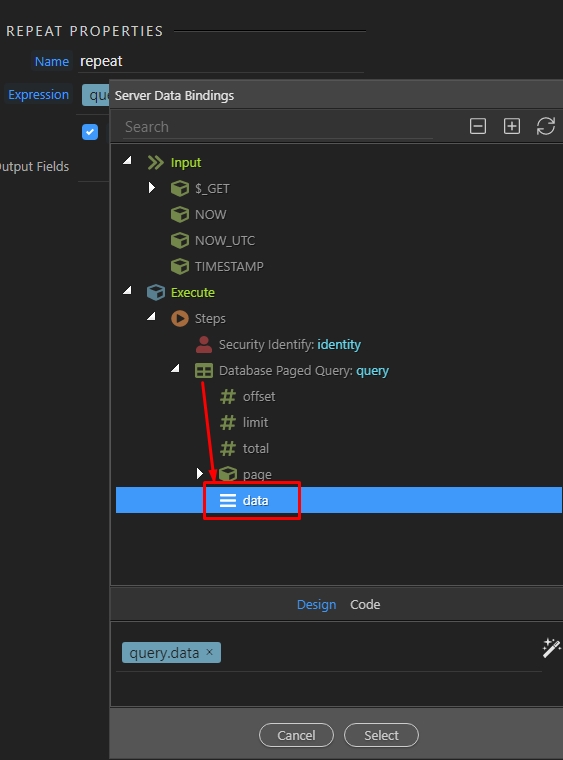
Ok then, if you like to use paged query with a limit set to 10, then make sure to repeat the data element of the paged query, not the query itself:
Thank you @Teodor! That was the solution. It really makes a huge difference on loading time.
Would it be an option to integrate a LIMIT Option in the Query Builder? This way it would not be necessary to “misuse” the paged query?