Hi,
Wappler noob here… i’m just trying a bunch of different things by trying to replicate what i’ve seen in the various demo videos, webinars, etc.
I’m having an issue trying to do a simple database query & display.
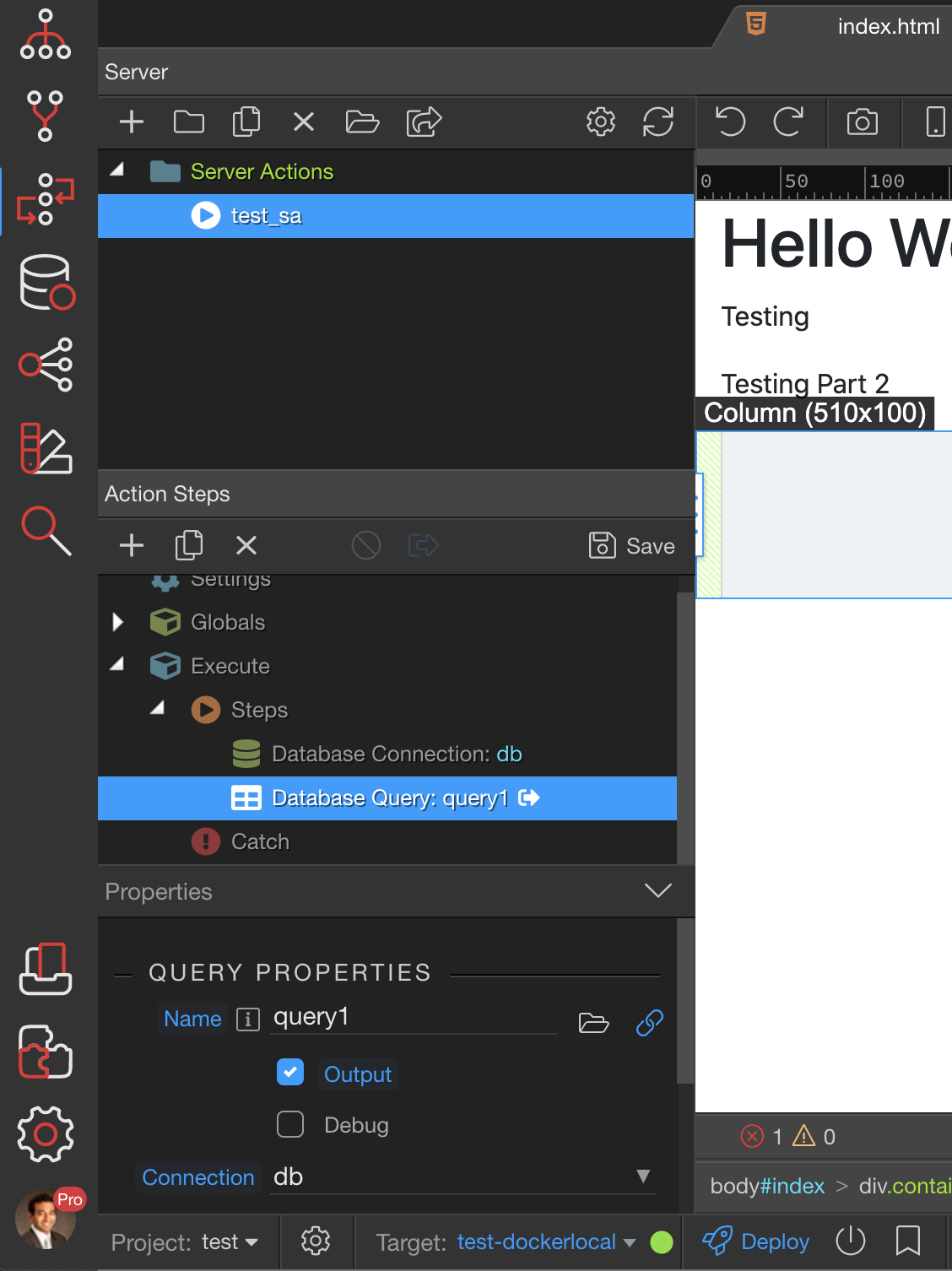
I setup a super simple test project using docker and digital ocean. I created a server action to connect to the default db database, and then created a query on the cars table.
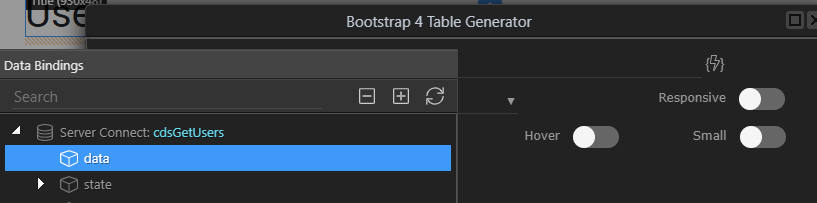
I then went through the steps outlined in this Wappler Training video to create the server connection, select the server action, etc. However, when I try to add a Bootstrap 4 Table Generator, and try to populate the data, I can see the server connection i previously created, but my query is not there…
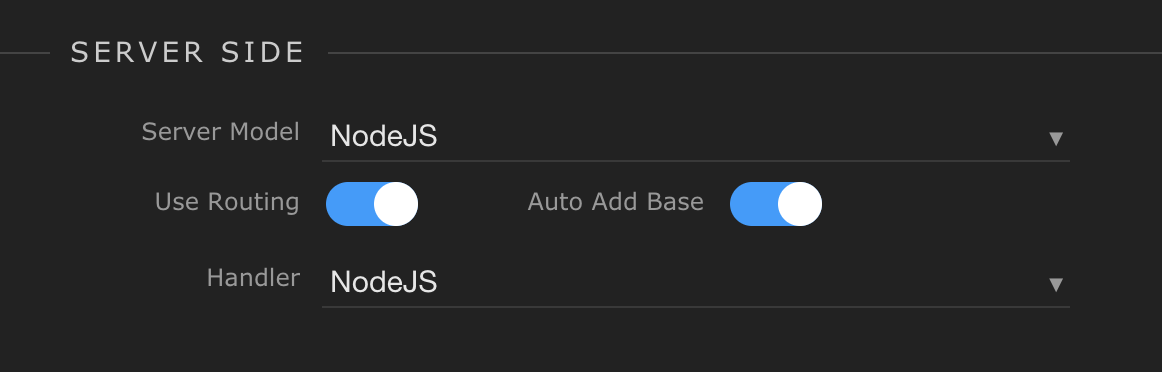
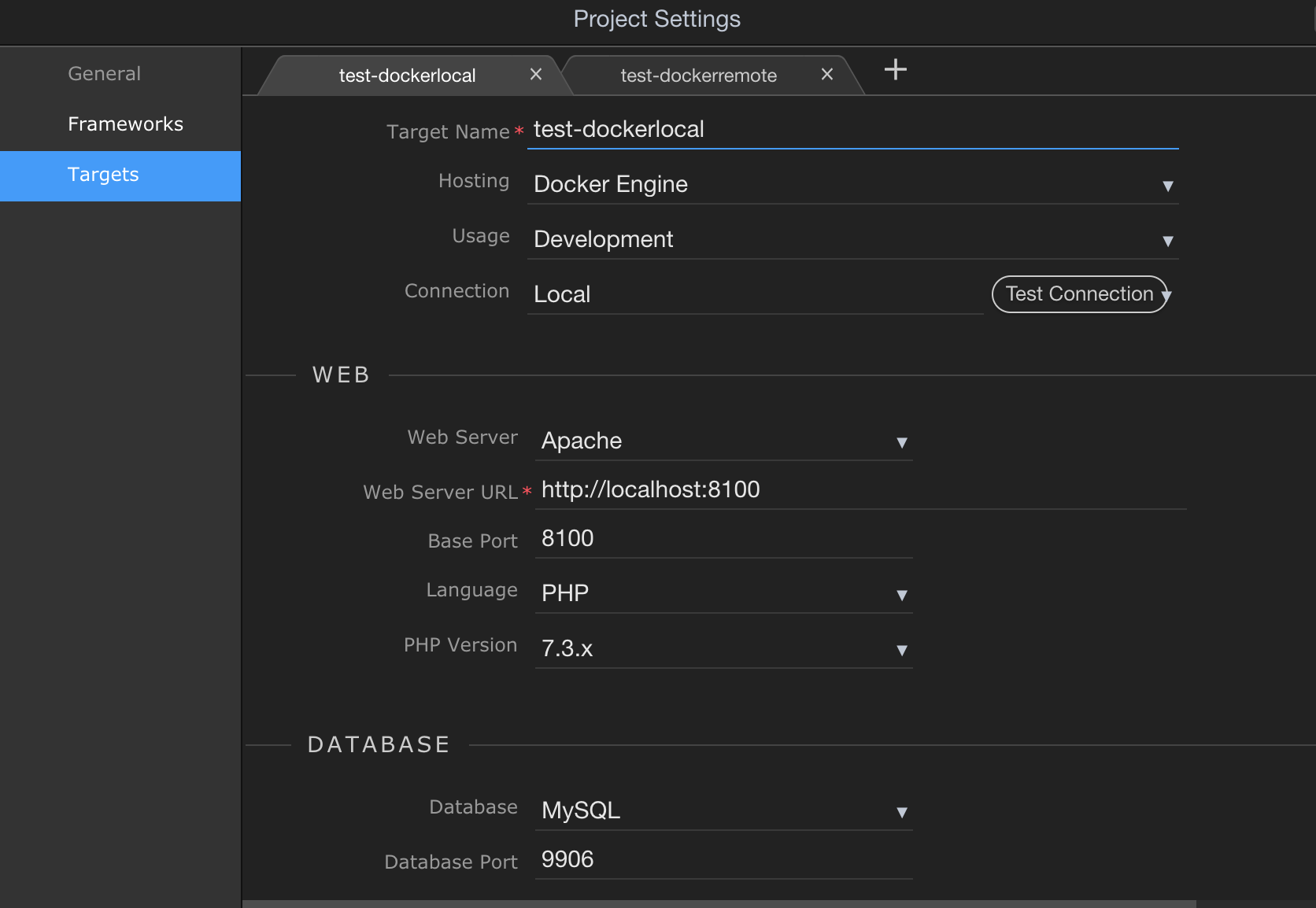
ok thanks, that worked! i did have to delete the project and start over as i don’t think you can change it after the fact properly.
that being said, @wappler team - this should have automatically selected (and enforced) the target webserver to be the same as the server model in the initial project setup.
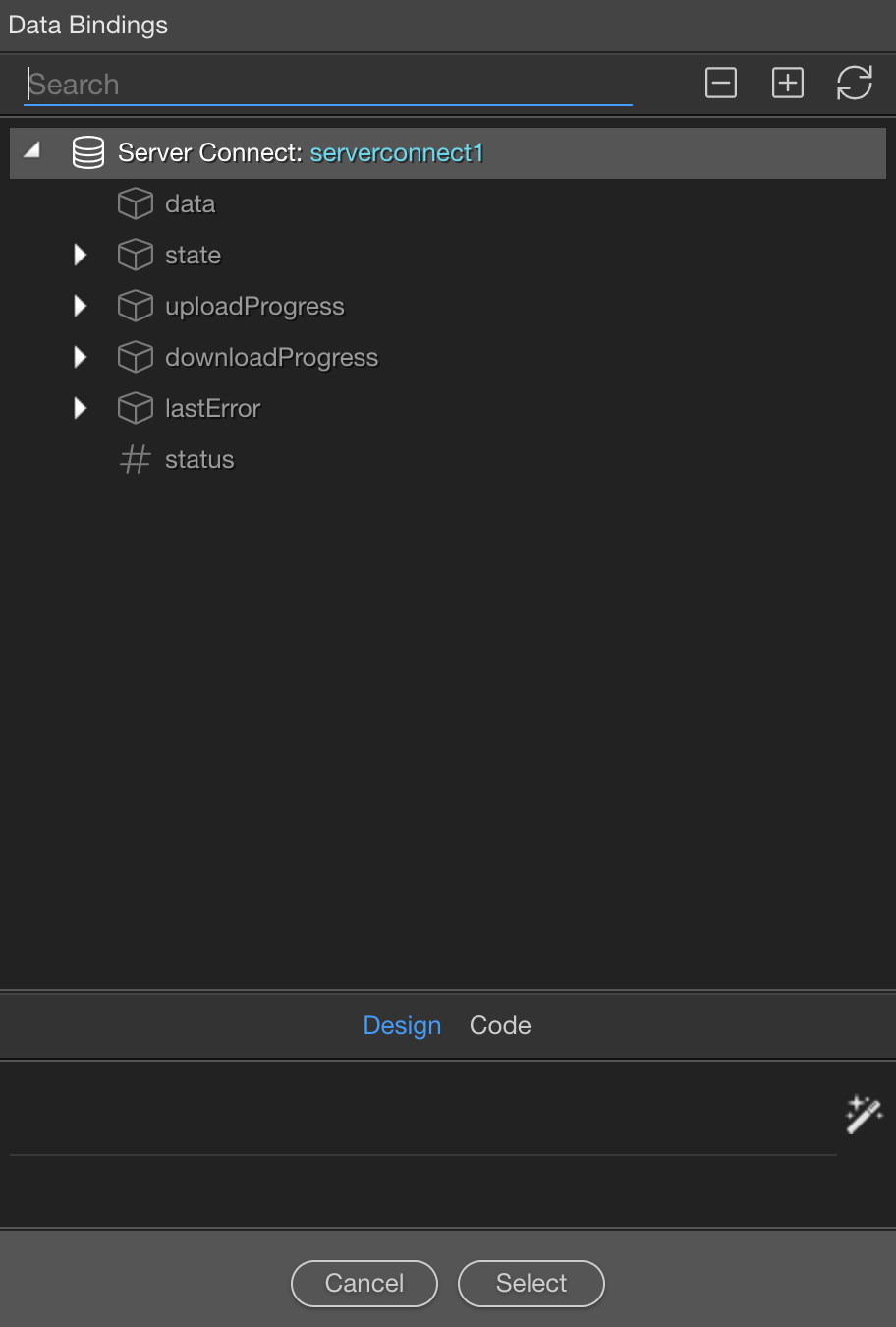
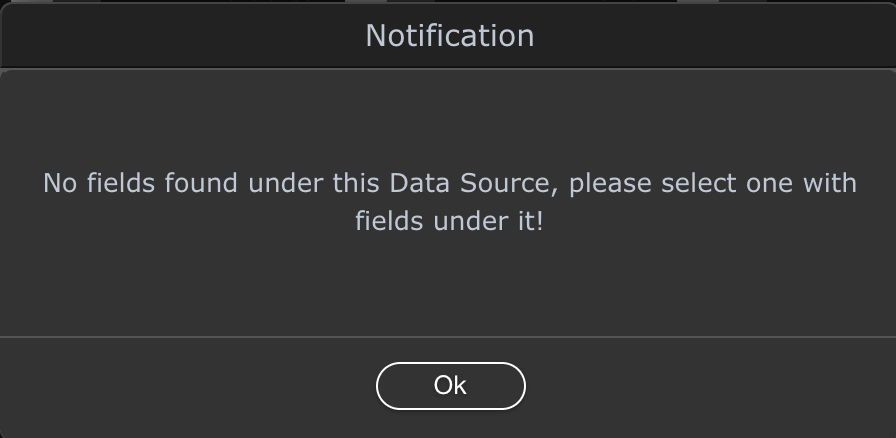
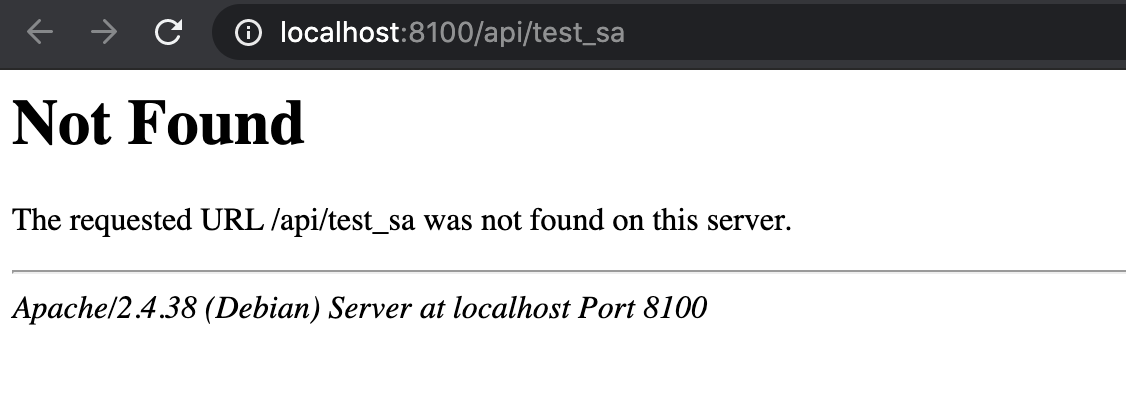
@George I have the exact problem. I’m following the PWA videos and created a NodeJS backend. When I select Bootstrap 4 table and select the server connect action on my partial page, I see data there, but it does not show anything after it. I also opened my action in a browser and it is working just fine. This is looking like a bug, since I can query the API find in the browser, but the action refuses to show any properties under data. Yes, App Connect Mode is also on. I also tried restarting Wappler.

 I also tried restarting Wappler.