Project Updater Keeps Showing Updated Files

Wappler Version : 4.7.3
Operating System : W10
Server Model: NodeJS

Expected behavior

Once project updater is run, it should not keep showing unchanged files every time the project is selected.

Actual behavior

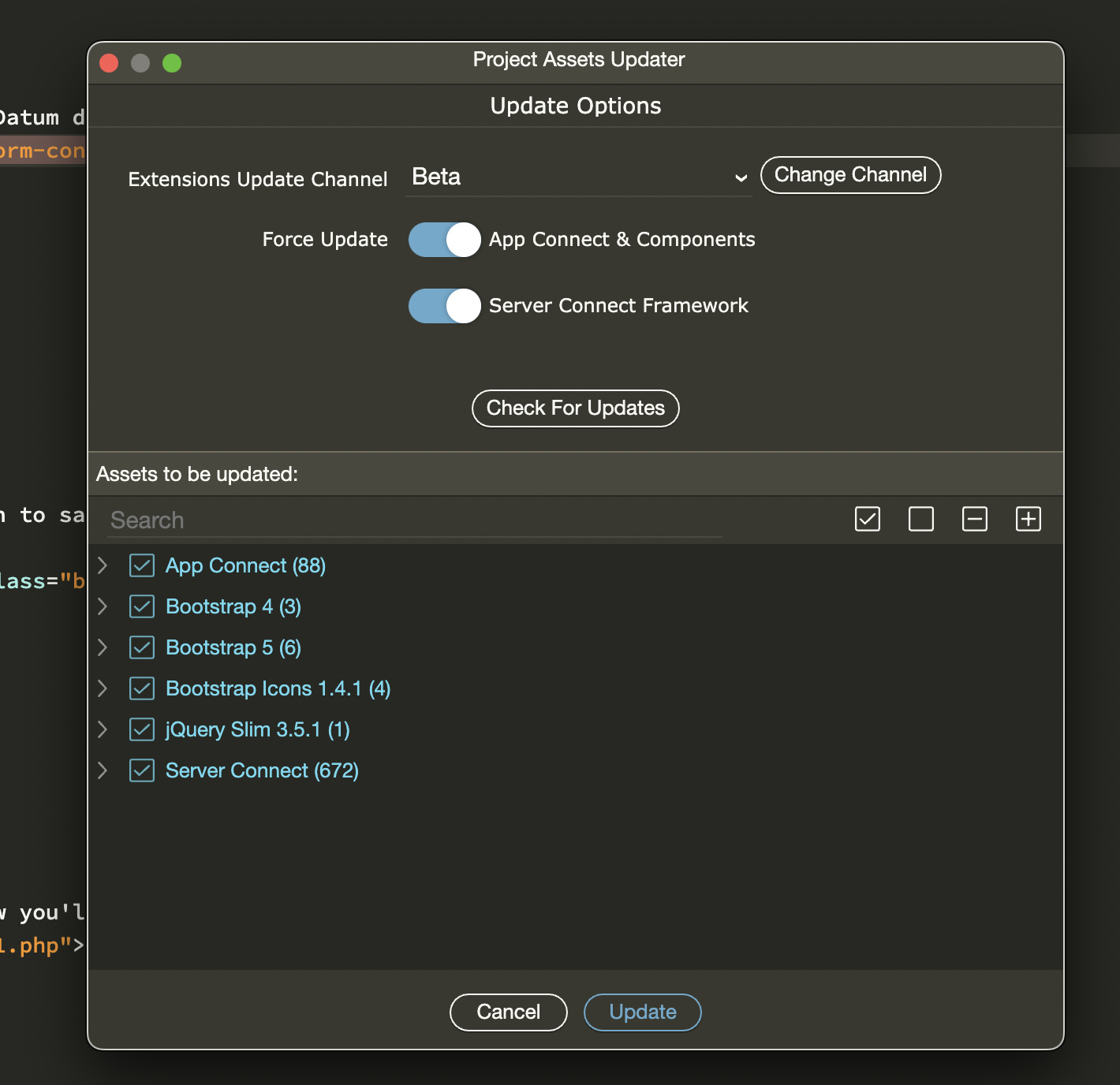
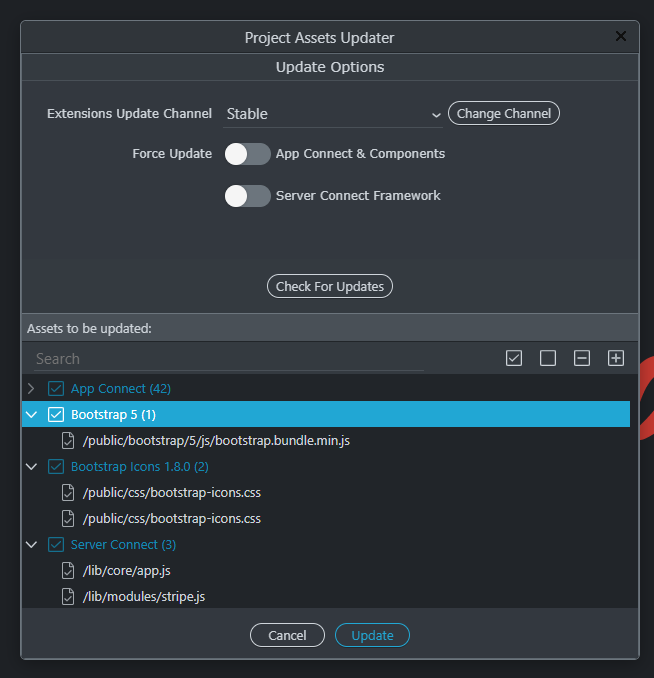
Even after a normal update & a forced update, project updater keeps showing 60+ files that need an update.

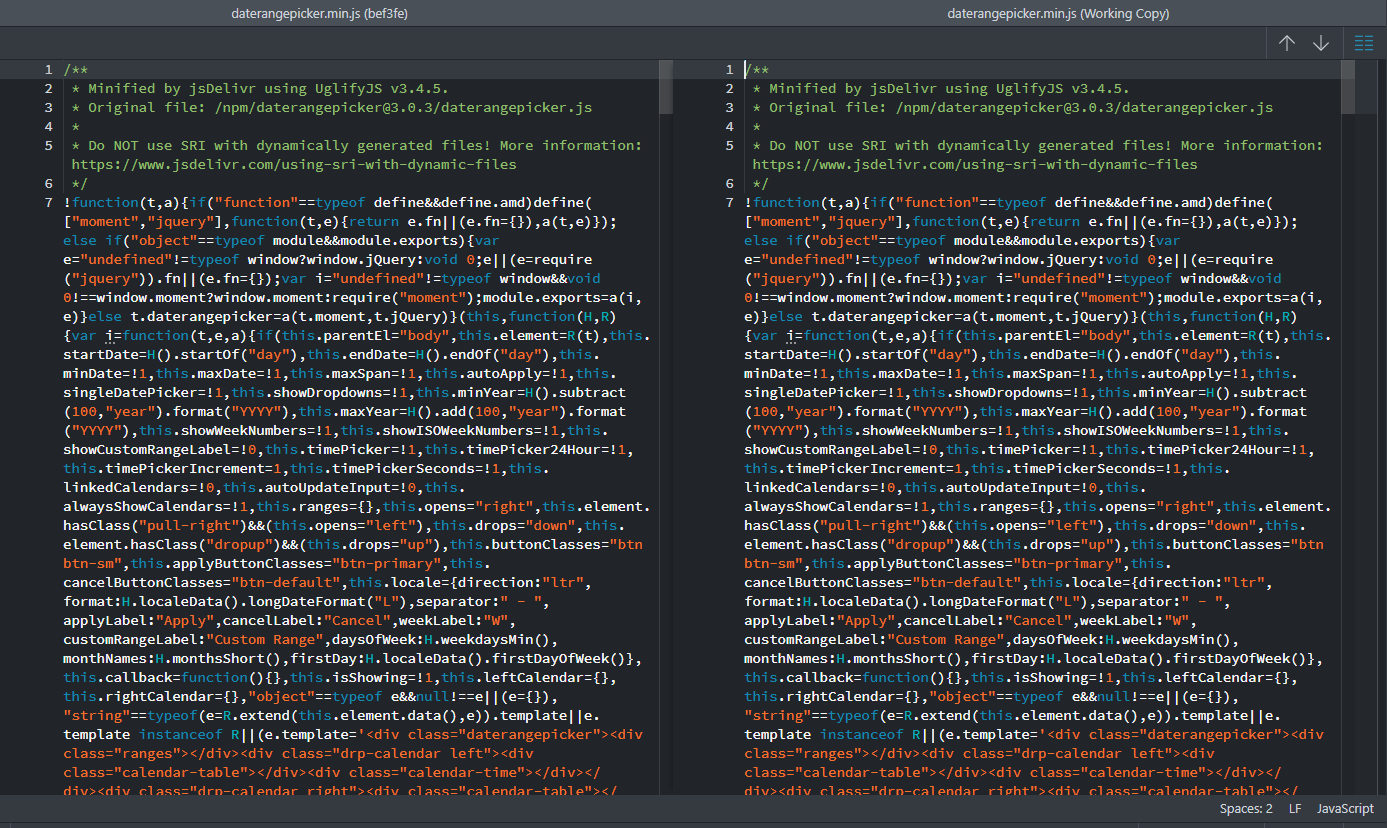
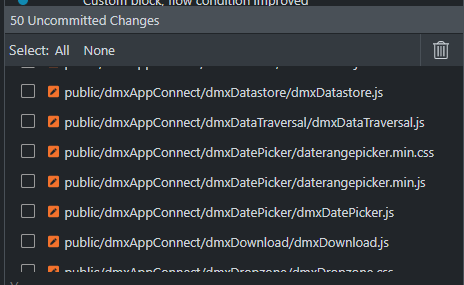
As you can see from the SourceTree screenshot, even if I select the update option every time, the changes shown in Git don’t really have any changes.

How to reproduce

Not sure.

I reported this last week with my php project in 4.7.2 with screeenshots but authorities informed me that it was not a bug.
I was just using it wrong.

Everytime you do this -- even though all reports are that you are completely updated with latest files --

We are supposed to accept this default view as more currently accurate --

:point_up:

The force option will always show updates, as described in your post. Which is expected.

But once I have done the forced update, regular update should not show anything at all.

Can you post screenshots with what kind of updates you get each time?

Also is it maybe after a git checkout or revert?

Thats what the screenshot above shows.
App connect, BS, server connect… All types of files.

All files I just discarded before commit because there was no change.
Do I have to commit these files to get rid of the pending notifications?

How did you discard them? And why if there were no changes?

I used SourceTree’s discard option to discard these.
Wappler’s discard changes does not work on such files. Its a reported issue.

Also, this quite common where Wappler create such uncommitted changes, where there is no change in file contents but they still show up as pending.
But this happenned usually when changing targets or branches.
With project updater, this is new.

Here’s a screenshot from this morning when I opened the project again:

If I select update, it will just result in files showing up as uncommitted, without any actual change in them.

So they were committed once? Are you sure about that there were no changes? In Wappler git commit list what happens if you select to show changes of a file?

It shows same code in both columns.. with no changes. See the first screenshot. On the right, it says that there are no changes.. for multiple selected files.

Actually, no. Since it showed no changes, we just discarded them.

Well if there were really no changes they shouldn’t be on the list for commits.

Check in Wappler to show the difference.

Commit them once, then they won’t come as updated any longer if there are no changes.

Maybe they have an older date stamp than the once we have?

Exactly. But it still does. I think it has something to do with the way Git creates hashes of files Maybe because of a datetime change, it starts showing up in the uncommitted section.

Like I said, it shows no difference.
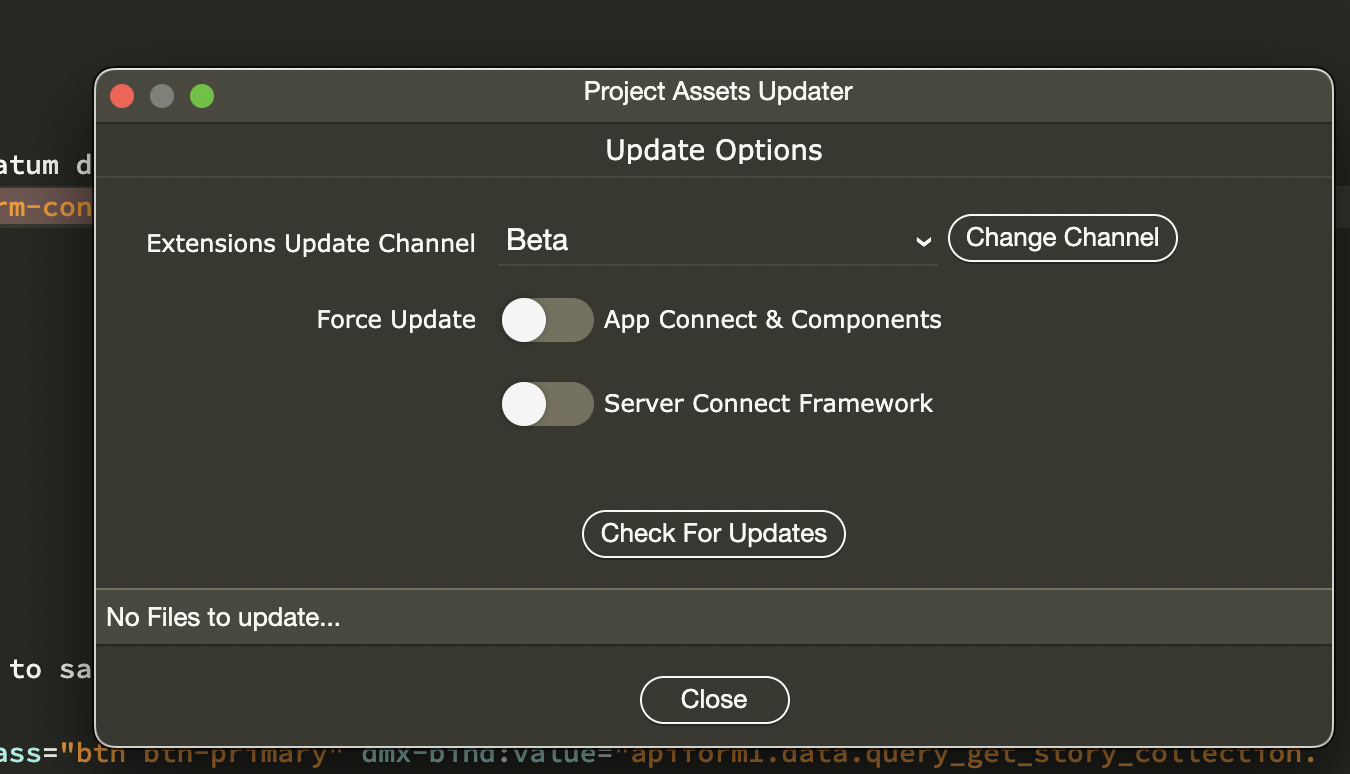
I re-did the update again right now, just to get this screenshot:

All files are the same.
image

Ok. Will try that.

Probably.

Also let me get this straight: after the Updater update those files, you see them as changed in Wappler’s git manager but instead of committing them you go to source tree git manager, see them there also as uncommitted and instead of also committing - you discard them?

Thats correct.
And to clarify further, these files do not show any change in Wappler or SourceTree, despite showing up in the uncommitted list.

I cannot discard them from Wappler, because Wappler has some bug with discarding such files.
Which is why I have to go to SourceTree to do that.

Ok… so committing those no-change files did the trick.

image

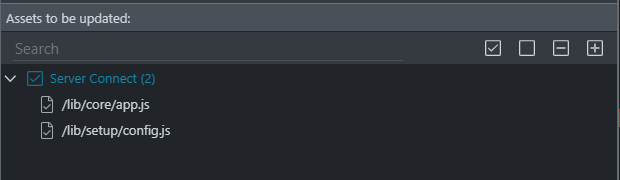
Now when I open the project, I just see two files as requiring change.
These are the core files which I modify for the project… so no problem here. :slight_smile:

Maybe you didn’t see the differences because there can be differences as white space and specially line endings like LF (Mac/Linux) or CR/LF on windows.

Those line endings can automatically change when you checkout with some git clients or download with ftp.

As git does full binary compare those endings change are still seen as changes - so hence that you needed to commit them.

Usually you shouldn’t allow the git clients to change the line endings for you depending on the OS you are on.

To close this off, the project updater still keeps showing files which have no update.
It could most likely be due to the CR/LF thing.

If I update and commit these files which do not show any changes, they disappear from the final push. Not sure if its Git doing that or SourceTree.
This help for sometime, but in a few days, the updater again starts showing updates - which when selected just show no-change files again.