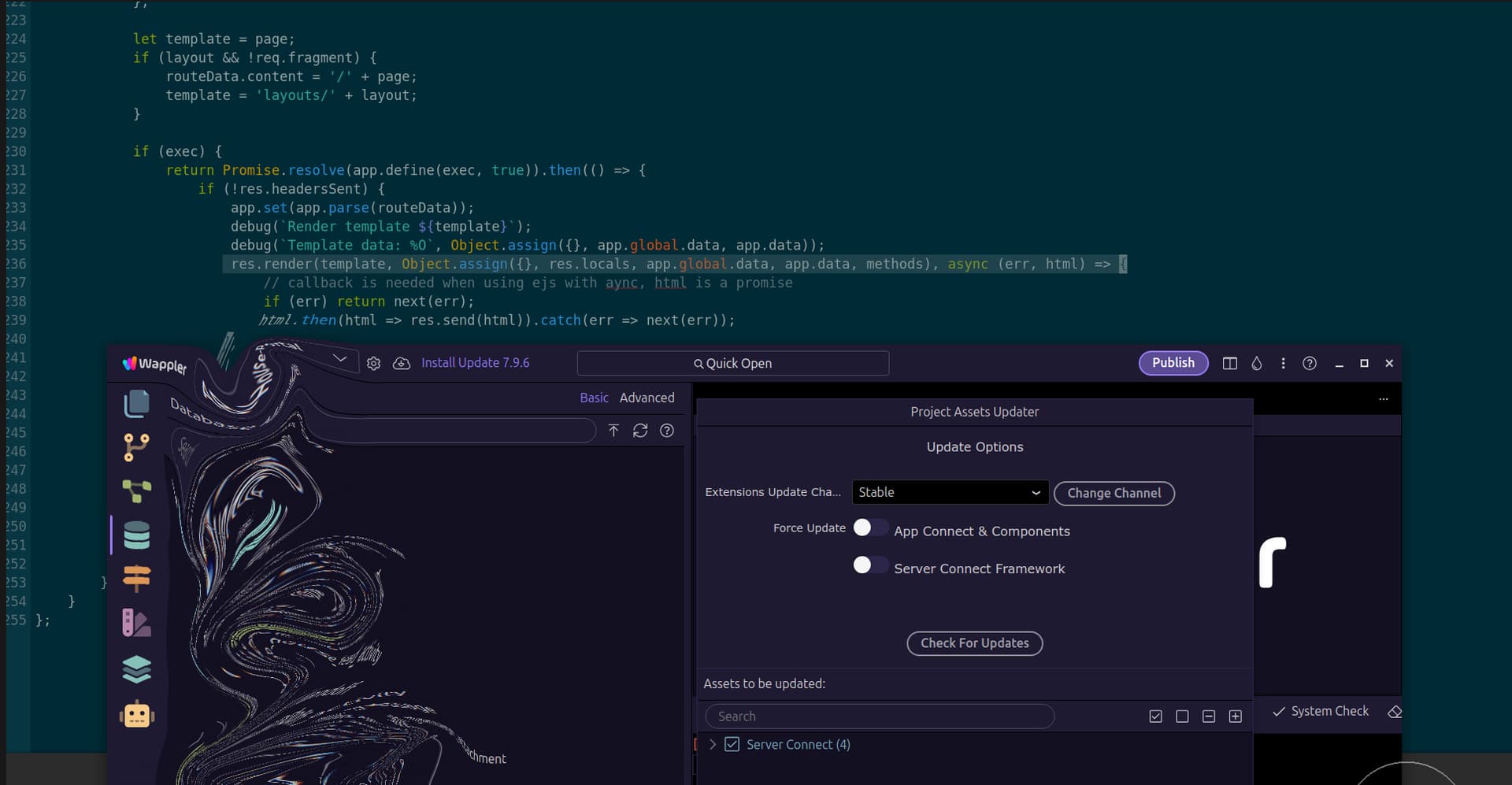
Project assets updater appears despite being disabled in settings

Despite:

I am beginning to really hate keep seeing this!

I close it, I deploy, I see it again, I have customisations to files like server.js and middleware.js and made a Feature Request relating to allowing customisations of these files by the User:

I've now destroyed 132 monitors by slapping them upside the head every time I see this annoying dialogue! PLEASE can something be done about it?

This is enough to drive a man insane. It is like some repetitive annoying Cialis popup of a decade ago! No i don't want or need your damn blue pills!!

:face_with_steam_from_nose:

Maybe a linux thing, never see it on windows (except when you should)

1 Like

All good on a Mac as well. Just a thought @Cheese, you may have it turned off in the global settings but under the project tab it may be turned on? Not sure if there is a per project level setting for that. I am not at my computer but worth having a look.

1 Like

Maybe but I can't find it. I think it is due to the customisation of the files and the MD5/timestamp differing to that of the standard files. Thus I get the update dialogue.

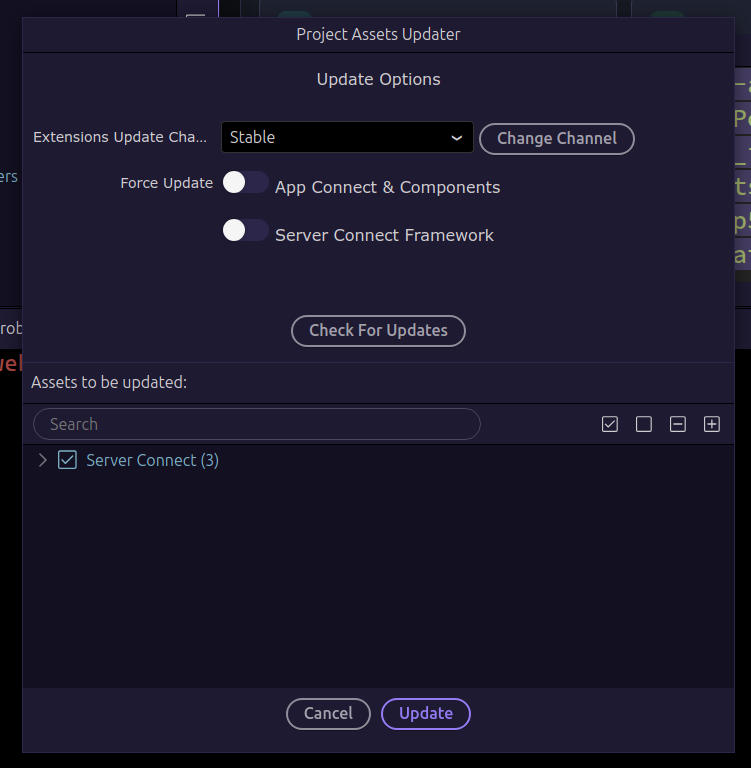
Have you made any changes to index.js, server.js, or middleware.js Brian?

Actually, this is a valid point and the fix is simple: In middleware.js add res.locals in line 236 to read

res.render(template, Object.assign({}, res.locals, app.global.data, app.data, methods), async (err, html) => {

instead of

res.render(template, Object.assign({}, app.global.data, app.data, methods), async (err, html) => {

That fixes the problem

Sorry, I should have added that this change needs to be made by the Wappler Team, otherwise it will not stick.

1 Like

Will give that a go thank you Ben.

Sorry Mr Cheese, us changing this will not stick

1 Like

You're correct Ben. Needs Team attention, worth the try though, appreciated for the advice however.