Not sure what your issue is exactly, but i was able to recreate the issue reported by @daves88 and it was caused by the order of the includes. It will be fixed also in the next update.
If you have a different issue, please report it in a different topic.
Well, this reported issue…
In my case, changing the order of the includes, works on AC1, but not on AC2
Sorry @Teodor, seems I forget about internal option using AC2.
Saying that, AC1 (or old dmxrouting.js) works fine without internal option.
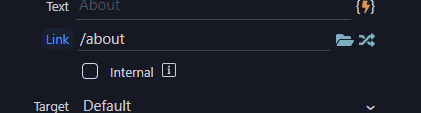
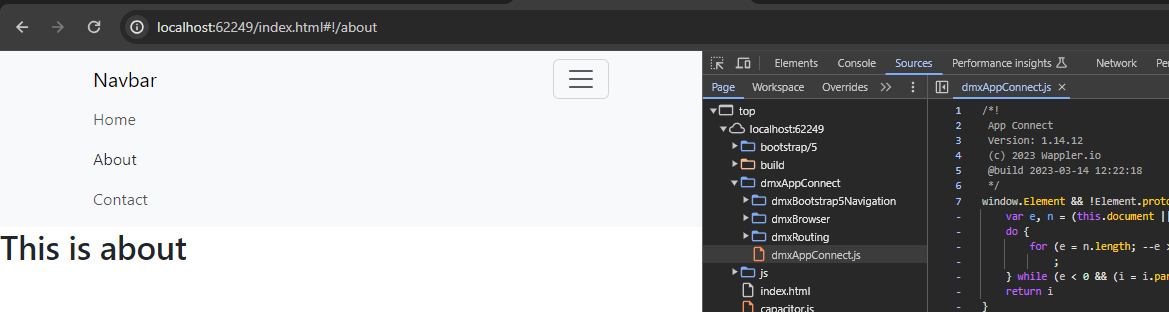
So that was the confusion.
Sorry again and thanks for the fix 
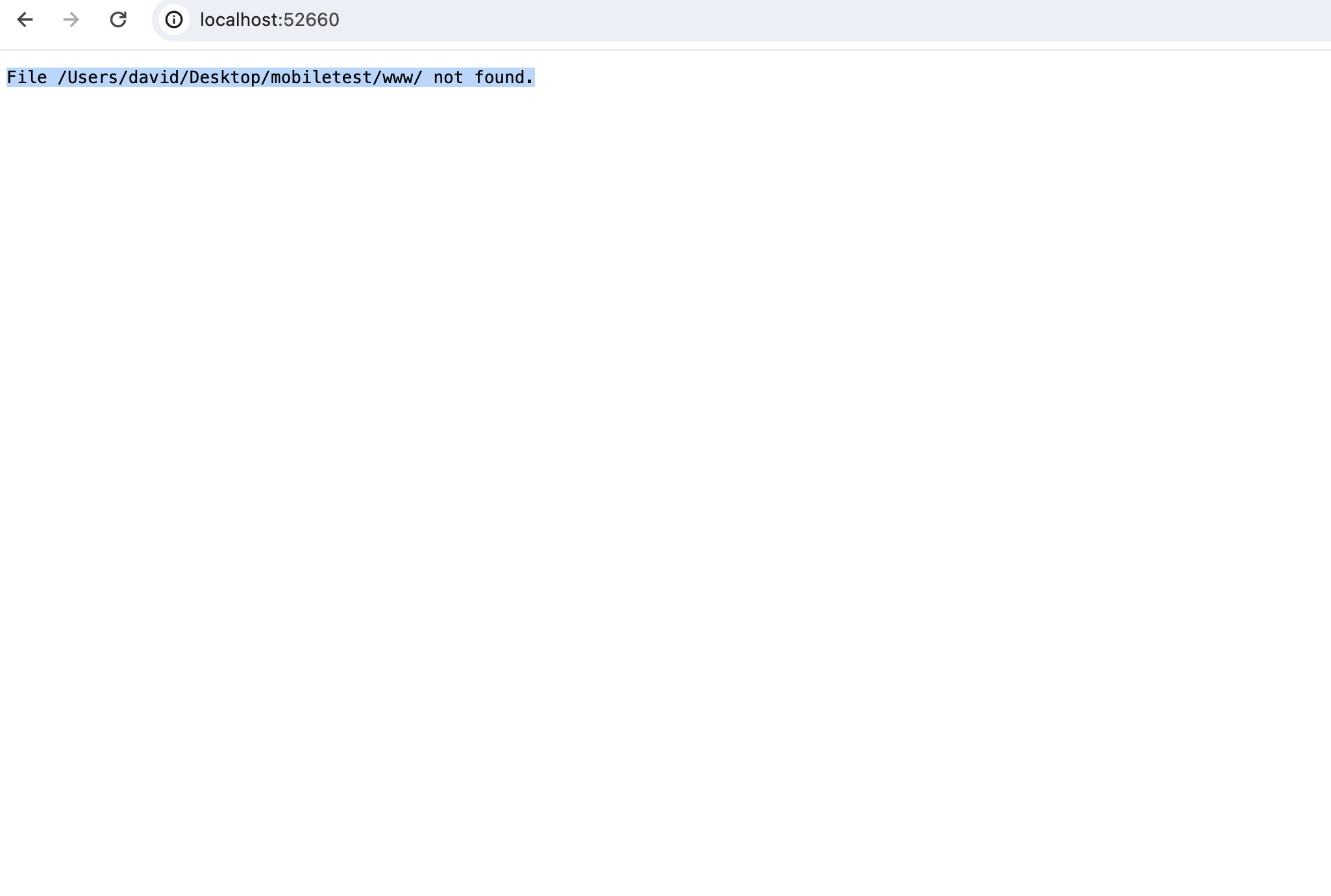
THANK YOU this did indeed solve the problem! Only issue left is when I type in url http://localhost:52660/ it says: File /Users/david/Desktop/mobiletest/www/ not found.
I have setup in routing my ‘home’ page to go to /
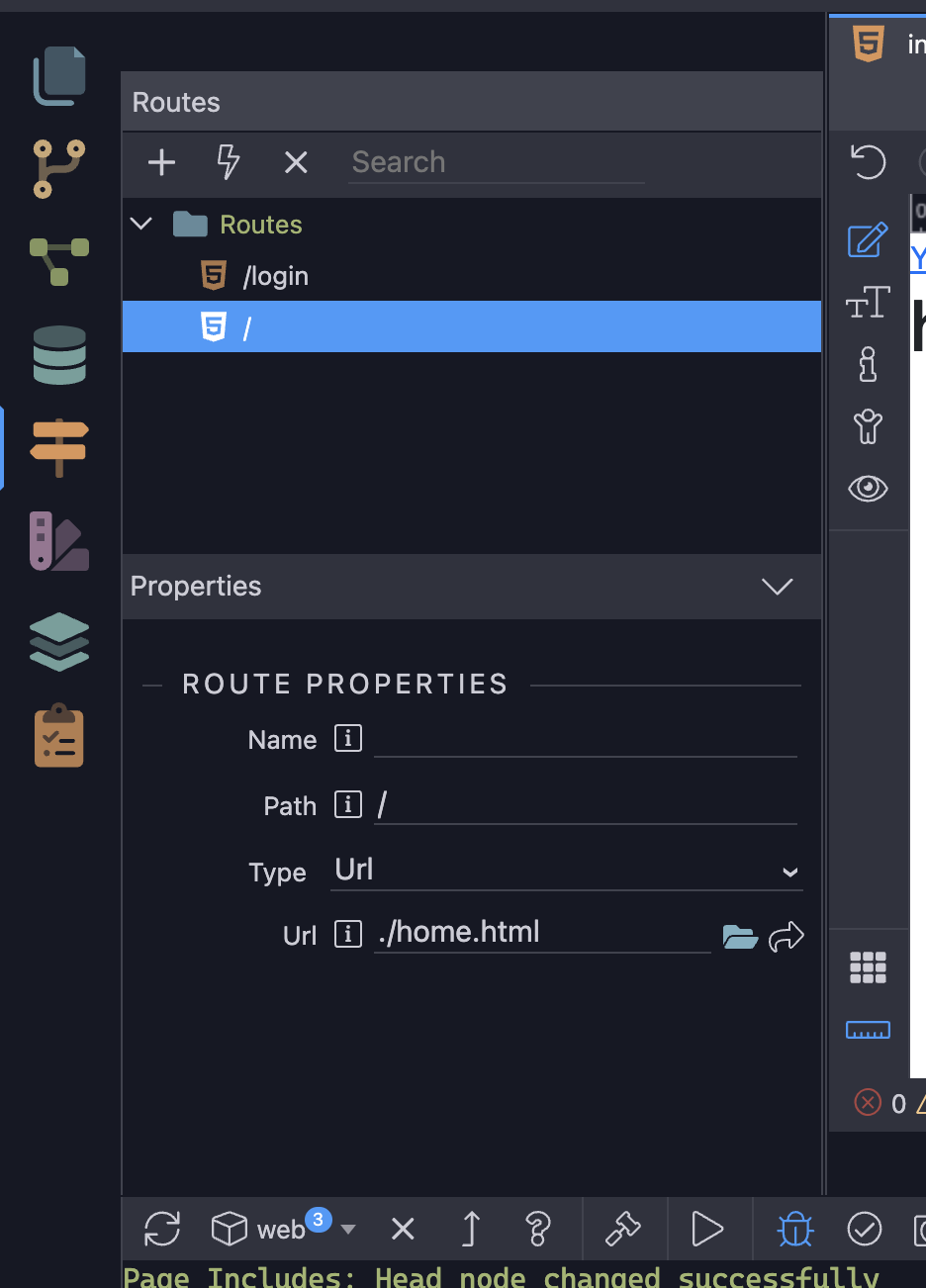
You could try making / the first route in the routing structure (drag it to the top) and see if that resolves the issue @daves88? Could also try changing URL to Page?
Like such:
Nop still not working
Was worth a shot!
Thanks, will have to post this as a new bug
Another idea… Maybe rename the page index.html rather than home.html? Don’t forget to check the route at the bottom of the page is updated to reflect the changes to the route.
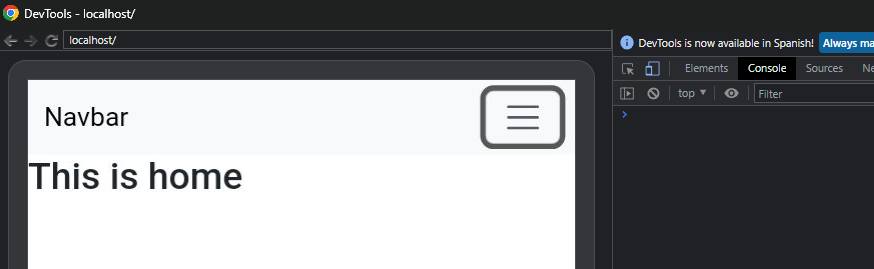
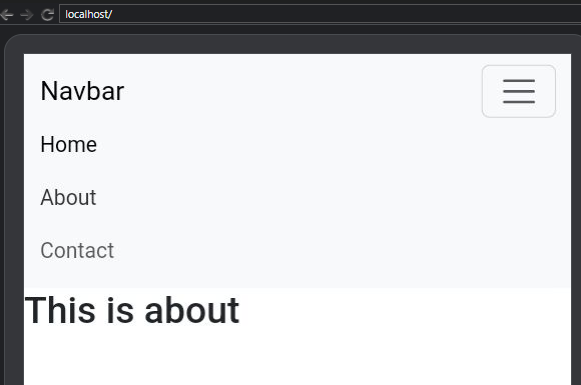
Also, this is from the capacitor team
the problem is that the default behavior of the “local server” is to append the index.html
And there’s an open feature request about this:
 so I guess the app always has to start with index.html. So what exactly happens when you set home page route to / ? What’s the purpose of doing that? Also, how do set the iOS or android app to load index.html first?
I don’t know how explain it in a technical way, but is like:
When you set / on home page, you are defining index.html as a main page and load home as content page on init, or something like that 
When you click the build button, all happens automatically.
Just a friendly advice, don’t try to run the emulator on the first try.
After created your app, click the build option, open android studio/xcode (there’s a button on the bottom) and install all dependencies there as it will start downloading them.
After doing all that and no errors on logs, then you can start using Wappler to preview, using the emulator…
Thank you 
Fixed in Wappler 6.5.2