Hi @patrick any update on timing for fixing this issue? I have to manage the project’s timeline but this is a pretty large bug that has stopped me in my tracks as I can’t really build the app out without routing working.
Hi Teodor,
Any progress with this bug? Was really hoping it would be solved as part of this update. I can’t build anything on mobile with routing not working
Don’t know if this helps but:
Before:
http://localhost:58695/index.html#!/
Now:
http://localhost:58695/index.html
So @daves88:
Just thinking you can set your assets as Old App Connect 1
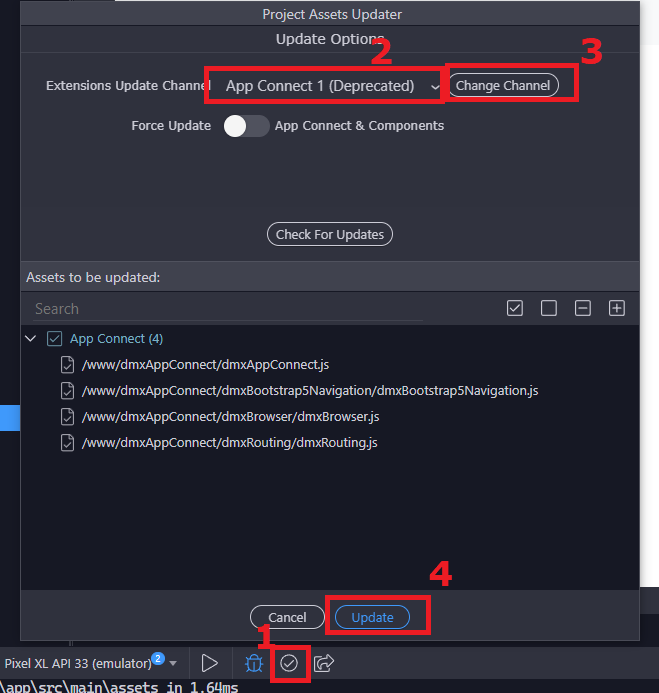
Seems working fine but, do some test before:
ScreenRecorderProject91
I guess you won’t have any issues if you start with this, and then update to AC2 when the team release a fix…
Thank you, I guess I have no choice but to use the older SC. Hopefully they fix this soon as using the deprecated version is not ideal.
Tested in my browser after downgrading to deprecated version and still not working…
Are you sure you’re following Teodor tutorial step by step?
Can you show the code and also the routes.js file?
Sure, please see video below. I started a fresh project from scratch - bootstrap and capacitor. Added two new content pages “login” and “home”. Changed route to / for home. Added a simple link to index that would load login page. When I click the link login page loads but no content. As you can see the login page has a heading called “Login”. I am using deprecated version of SC. Also when I go to: http://localhost:50131/ it says “File /Users/david/Desktop/mobiletest/www/ not found.”
Screen Recording 2024-04-24 at 12.30.51 PM
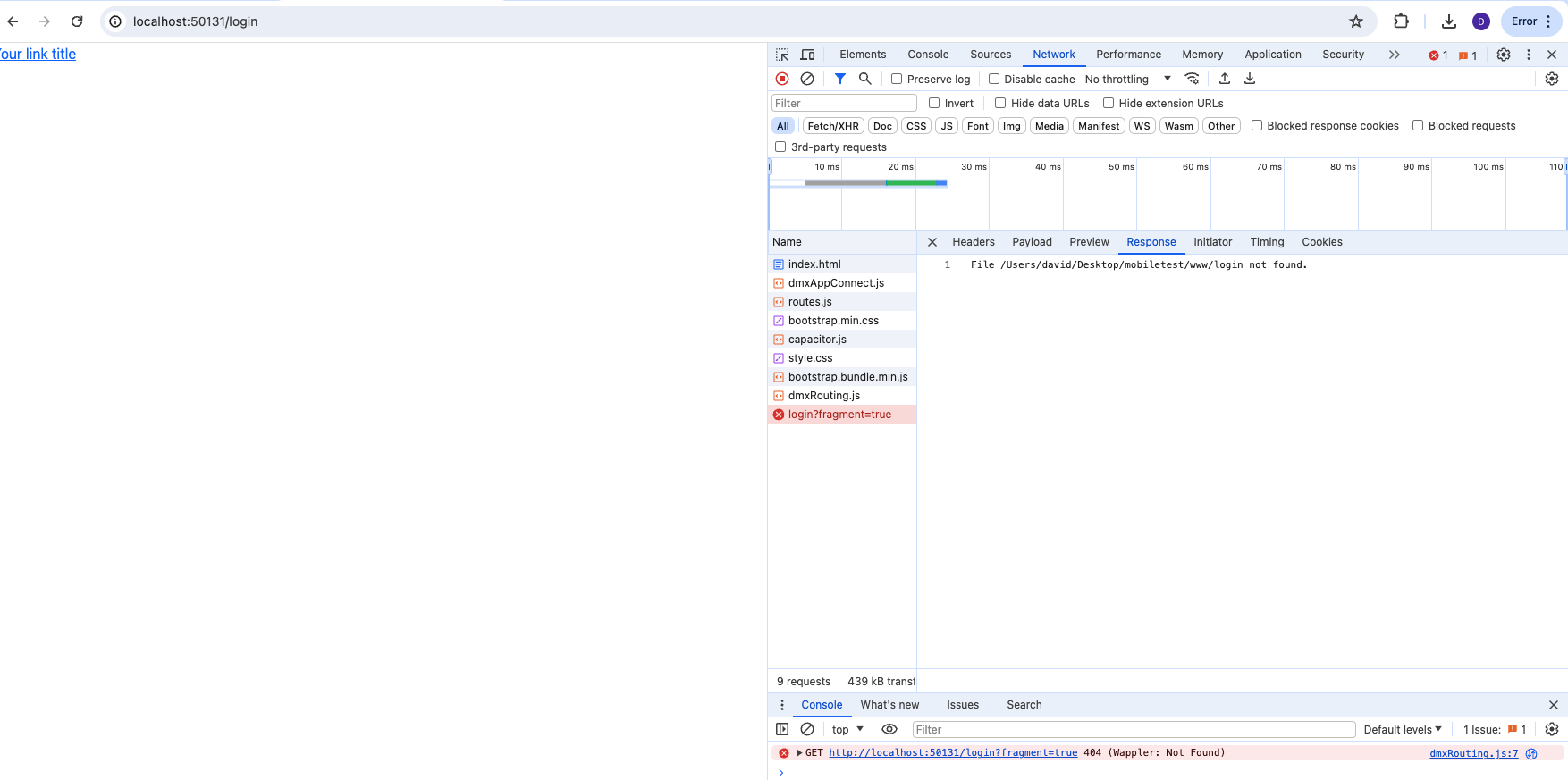
Strange, it should be
http://localhost:50131/index.html#!/ with #!
And login (I think) would be like
http://localhost:50131/index.html#!/login
(Don’t remember exactly, can you manually enter there?)
I can see on left bottom corner, the beta badge.
Are you sure you’re using the deprecated ac1 version?
Open the dmxappconnect.js and check if it’s the old version (1.14 I guess)
Sorry for being repetitive but the beta badge makes some noise…
Yes using ac1. Check video below. Very strange and frustrating. Thanks for taking the time to help, really appreciate it!
Screen Recording 2024-04-24 at 1.15.31 PM
urgent bump - if the tech team is aware of this issue and is fixing it please let me know! Thanks
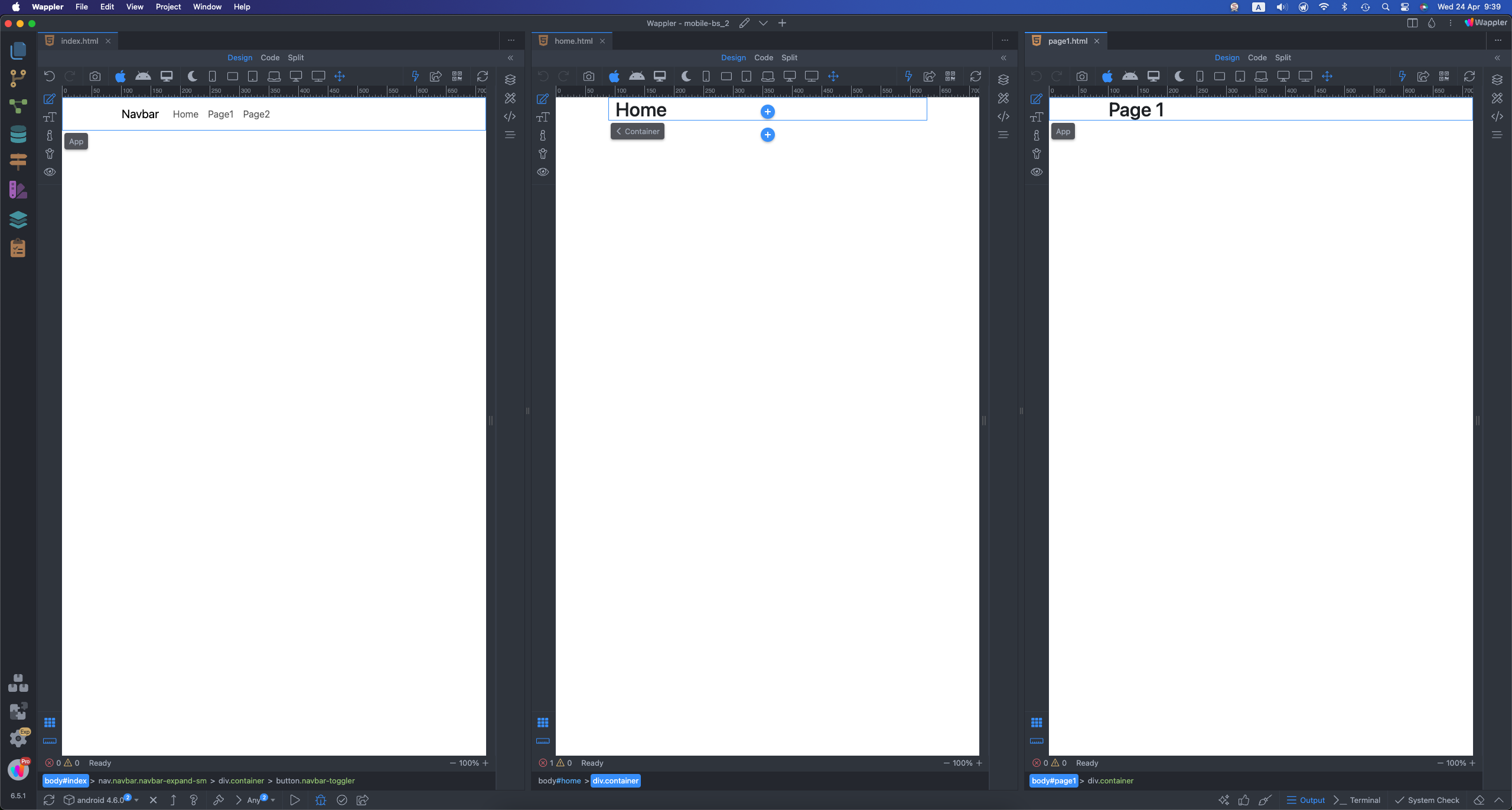
Unfortunately i can’t recreate the issue on a mobile app using Bootstrap and the latest App Connect 2 version of the extensions.
The routing is working exactly as expecting and the same way as explained in the docs.
I have a main page and 3 content pages - home, page1 and page2:
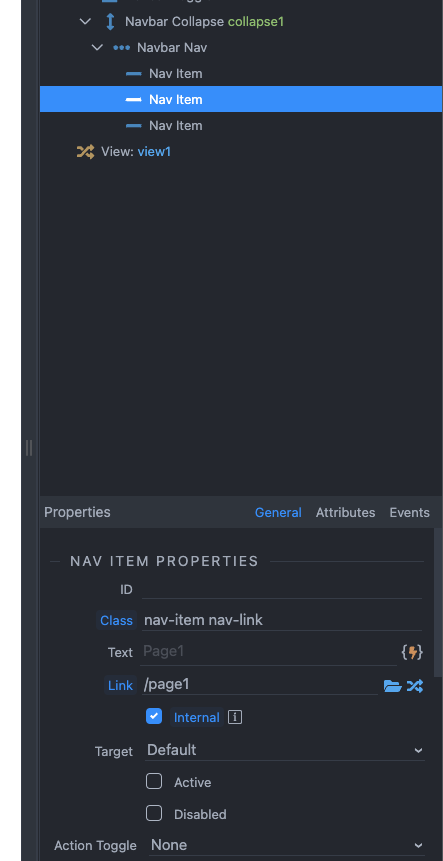
Links in the navigation are set up as explained in the docs:
Previewing the page in the browser shows no issues, the links work fine and pages are being properly loaded:
Screen Recording 2024-04-24 at 9.39.50
Thats very strange Teodor. Please see video below where I start from scratch with a new Wappler project (6.5.1 and SC2). Let me know if I have done anything incorrect but all seems in sync with your tutorial. I am running on a Mac if that helps as well.
Screen Recording 2024-04-24 at 5.15.37 PM
My dmxRouting.js version is: /*!
App Connect Routing
Version: 3.0.0
© 2024 Wappler.io
@build 2024-04-15 17:48:46
’
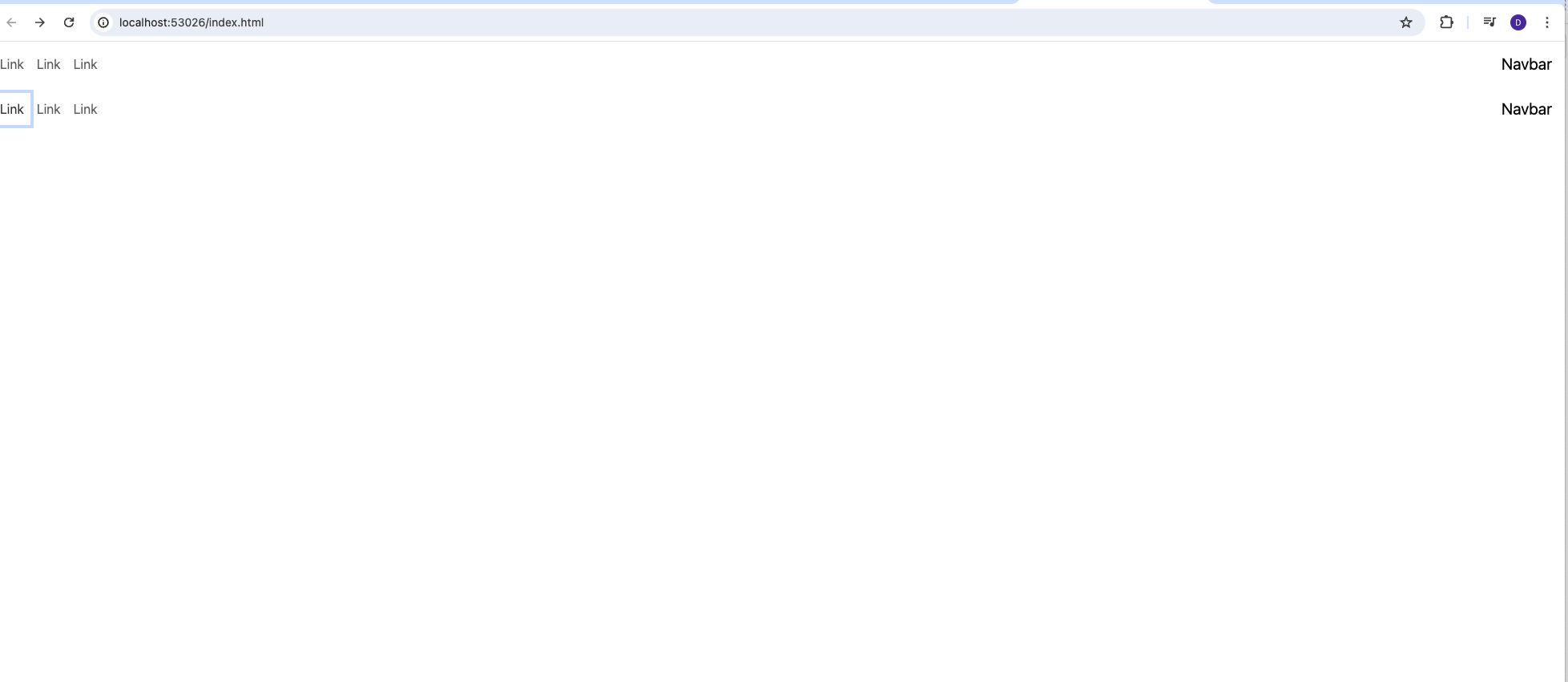
When I hit the back button this is what happens:
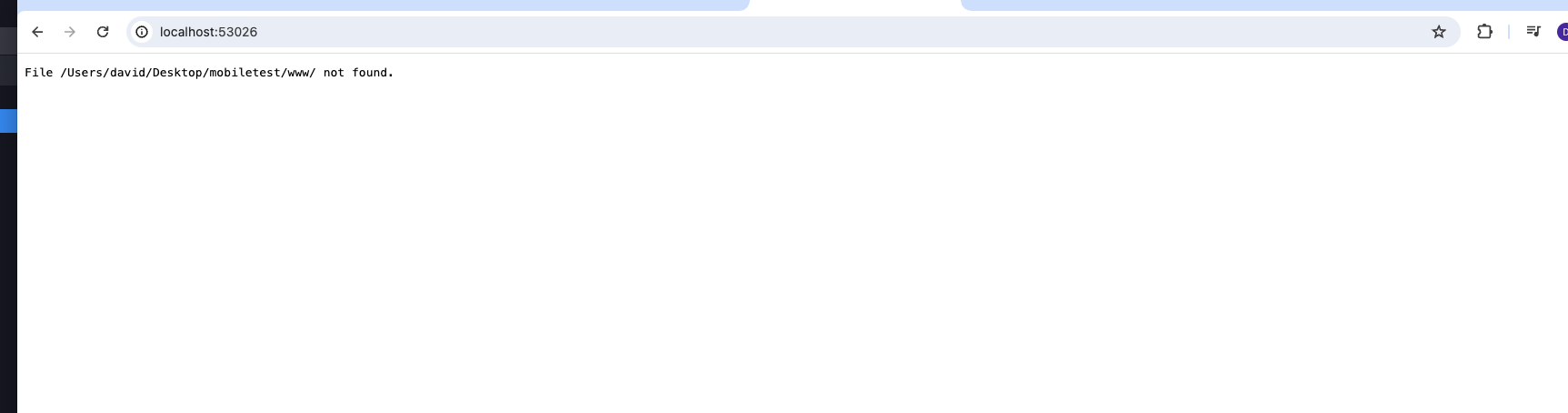
Also, making my home page / in routing to default as loading page does not work either:
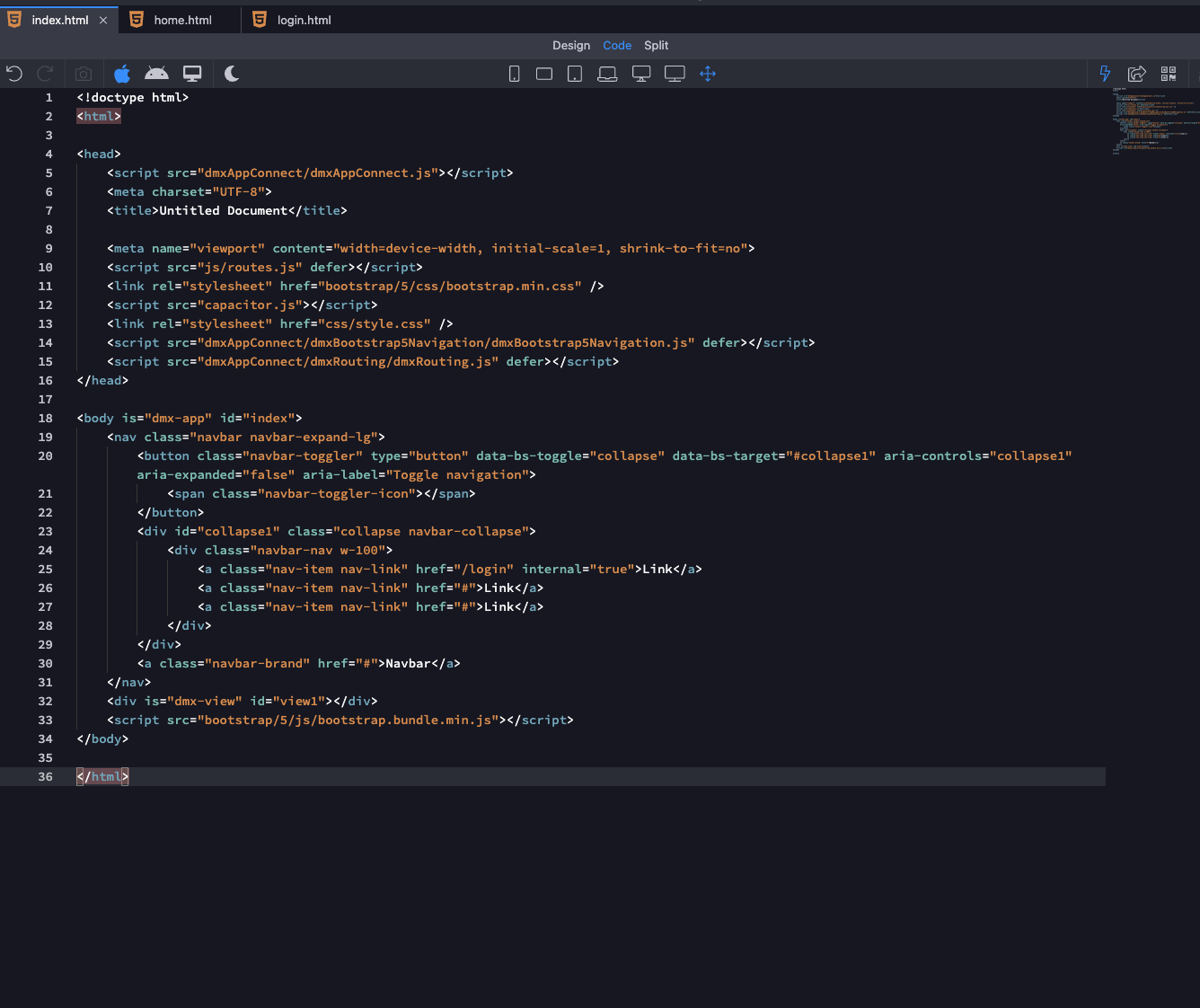
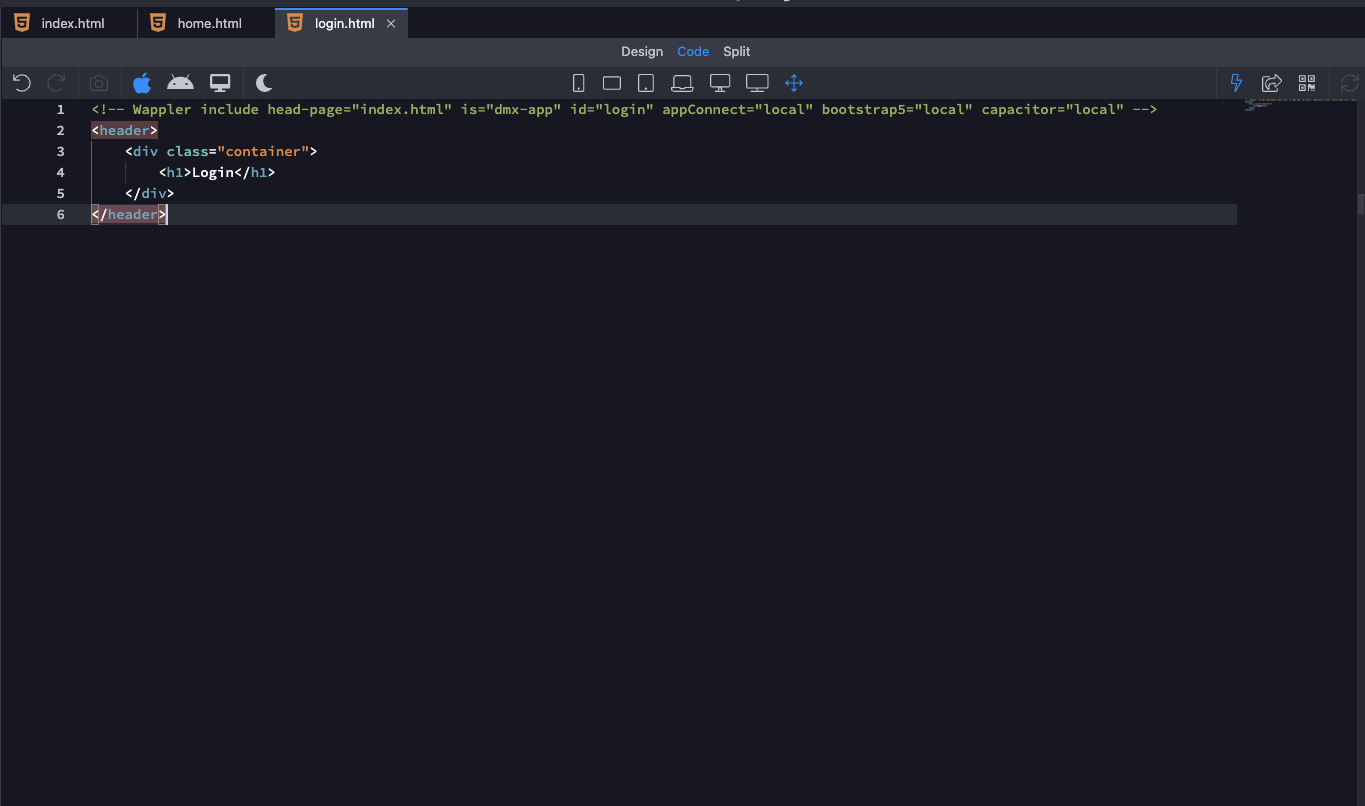
What’s the code of both the pages - index and login?
Just tried on a different macbook (upgraded to latest version of wappler)… created a new mobile project like before and same issue exists. Also this came up in my output if it helps:
Building your project for web …
[warn] The bundledWebRuntime configuration option has been deprecated. Please, use a bundler to bundle Capacitor and its
plugins.
 copy web in 3.95ms
update web in 587.20μs
[info] Sync finished in 0.008s
web build successfully!
exec: cap run web
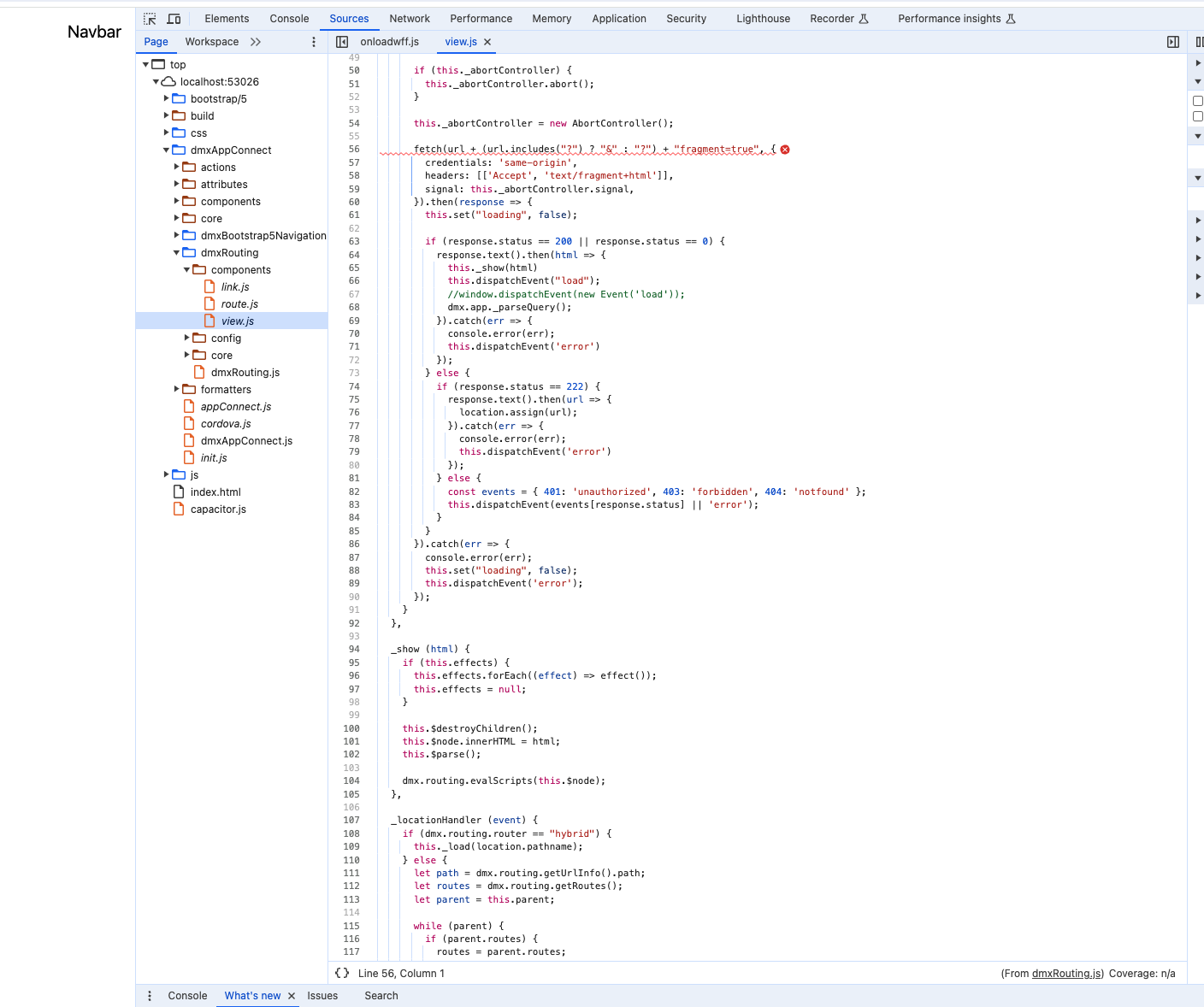
This is one of the weirdest bug that I’ve ever seen
The 3 of us are having different results,
Teodor working with ac2
Me working only with ac1
David not working with both
@Teodor what if you dissable experimental features?
@daves88 what if you set a home page as / on the routing panel?
There’s another reason on why we are getting index.html instead of index.html#!?
Agreed… It’s driving me nuts as I can’t even start my project.
I set a home page as / on routing panel and still nothing. I have literally tried everything. There has to be an issue in the code. I have followed Teodor’s instructions step by step multiple times now in case I missed something and I keep getting the same result.
I thought maybe it’s a caching issue so I tried it on a different macbook. Problem still exists.
I thought it could be out of date nodjs so I updated to the latest one. Problem still exists.
I have updated everything on Wappler still no luck. There has to be an issue in the code.
Please can you guys escalate this as it is a major issue… you simply cannot create a bootstrap mobile app using capacitor with this bug
I think we found the problem.
Please move the following include:
<script src="js/routes.js" defer></script>
AFTER:
<script src="dmxAppConnect/dmxRouting/dmxRouting.js" defer></script>
this should fix your issue.
Not solved in my case, another order I can try?
<head>
	<script src="dmxAppConnect/dmxAppConnect.js"></script>
	<meta charset="UTF-8">
	<title>Untitled Document</title>
	<meta name="viewport" content="width=device-width, initial-scale=1, shrink-to-fit=no">
	<link rel="stylesheet" href="bootstrap/5/css/bootstrap.min.css" />
	<script src="dmxAppConnect/dmxRouting/dmxRouting.js" defer></script>
	<script src="dmxAppConnect/dmxBootstrap5Navigation/dmxBootstrap5Navigation.js" defer></script>
	<script src="js/routes.js" defer></script>
</head>