NOW AVAILABLE IN THE NATIVE EXTENSION INSTALLER WITHIN WAPPLER!
Github repo:
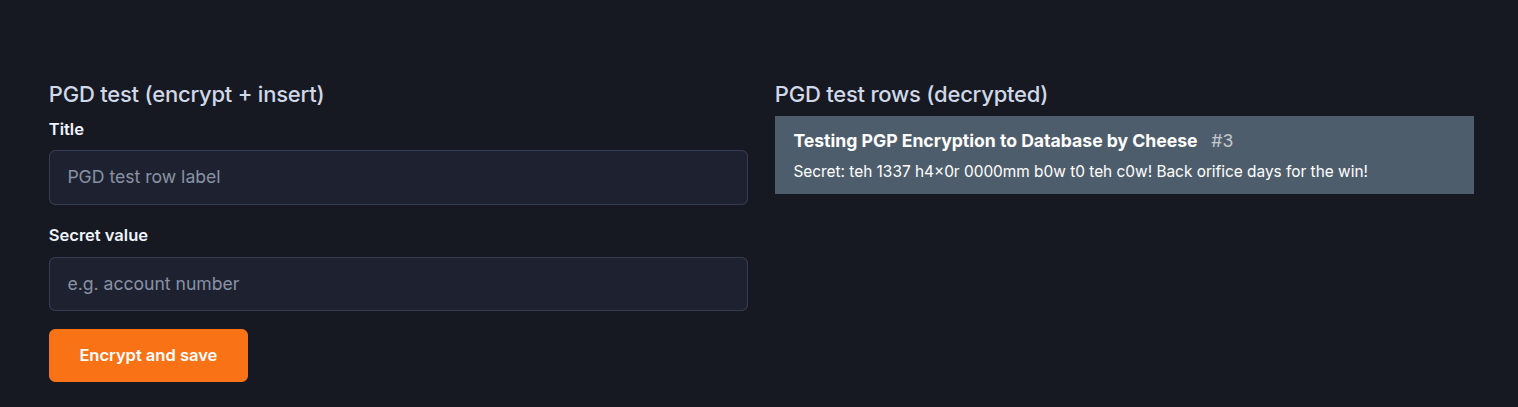
Phase 2 (which I'm working on and testing now):
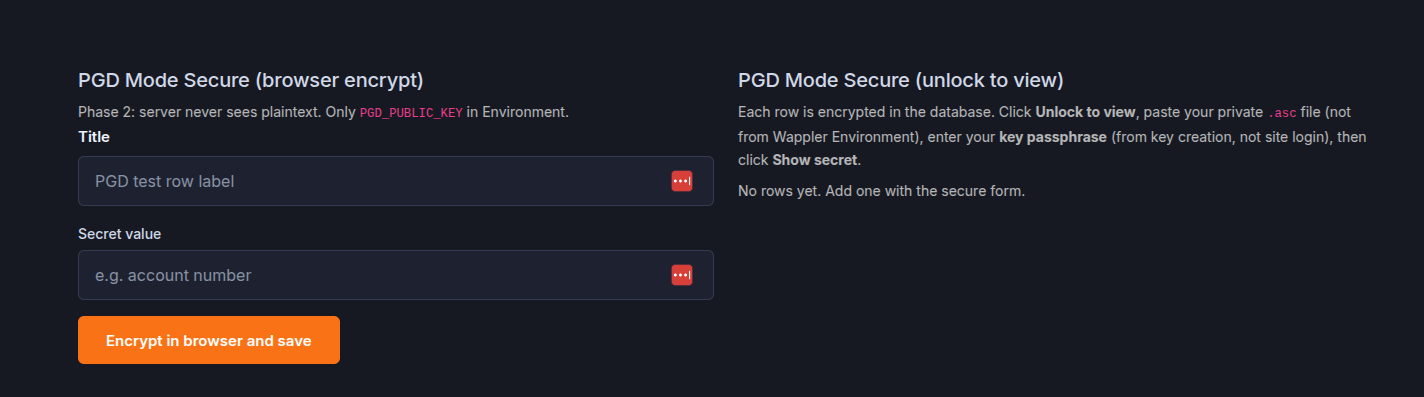
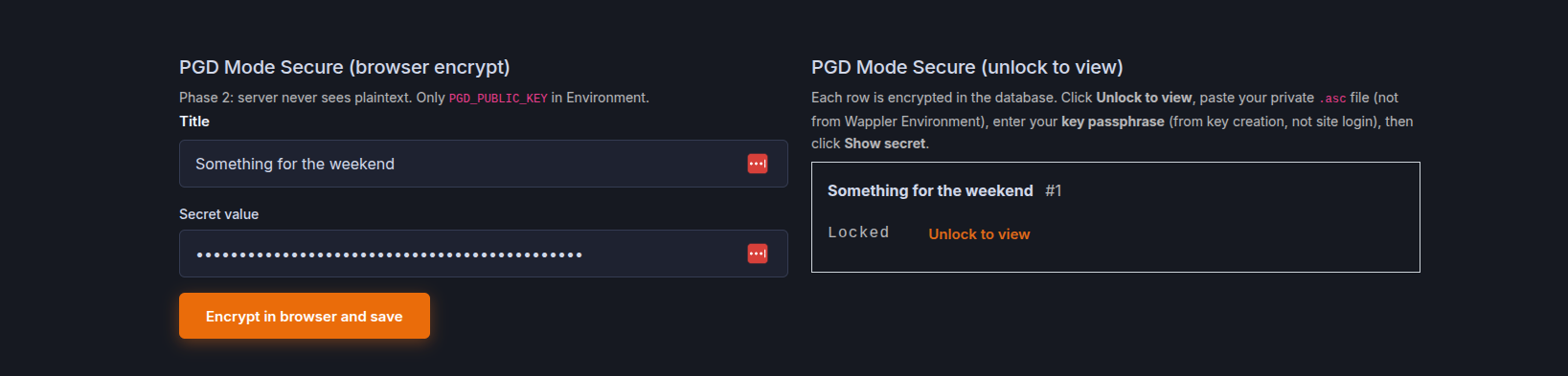
Phase 2 will add App Connect so you can run Mode Secure end-to-end. The server never sees plaintext.
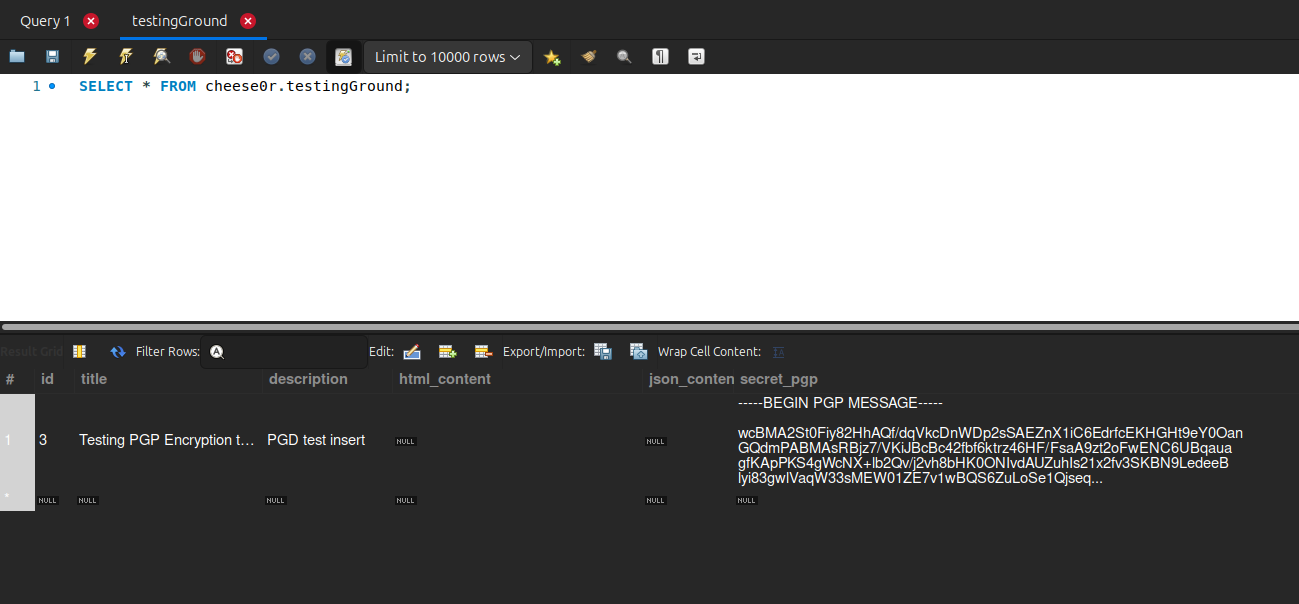
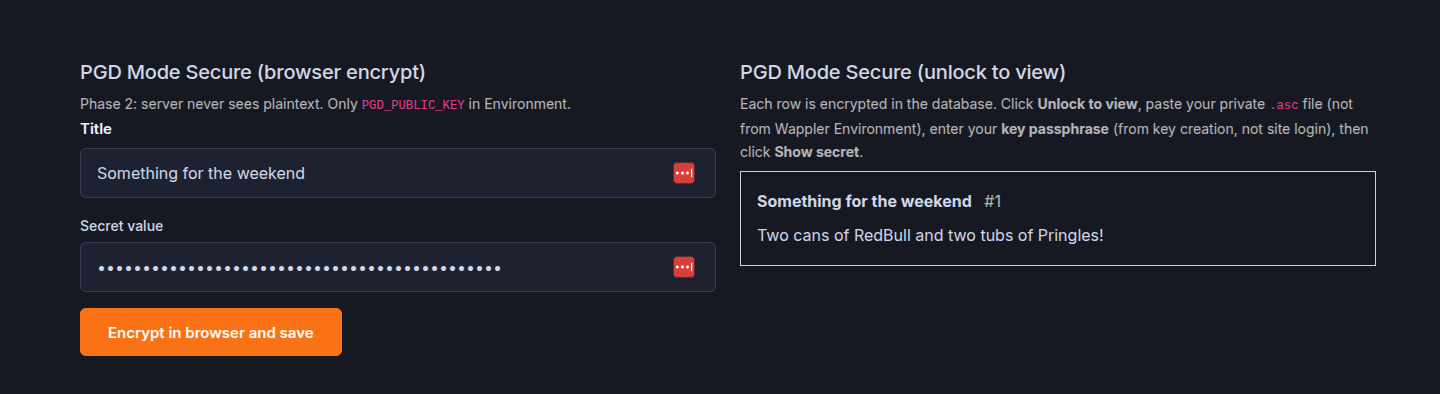
PGD Encrypt Field: users type a secret in the browser. It is encrypted with your public key before POST. Only armored ciphertext goes to the API and database.
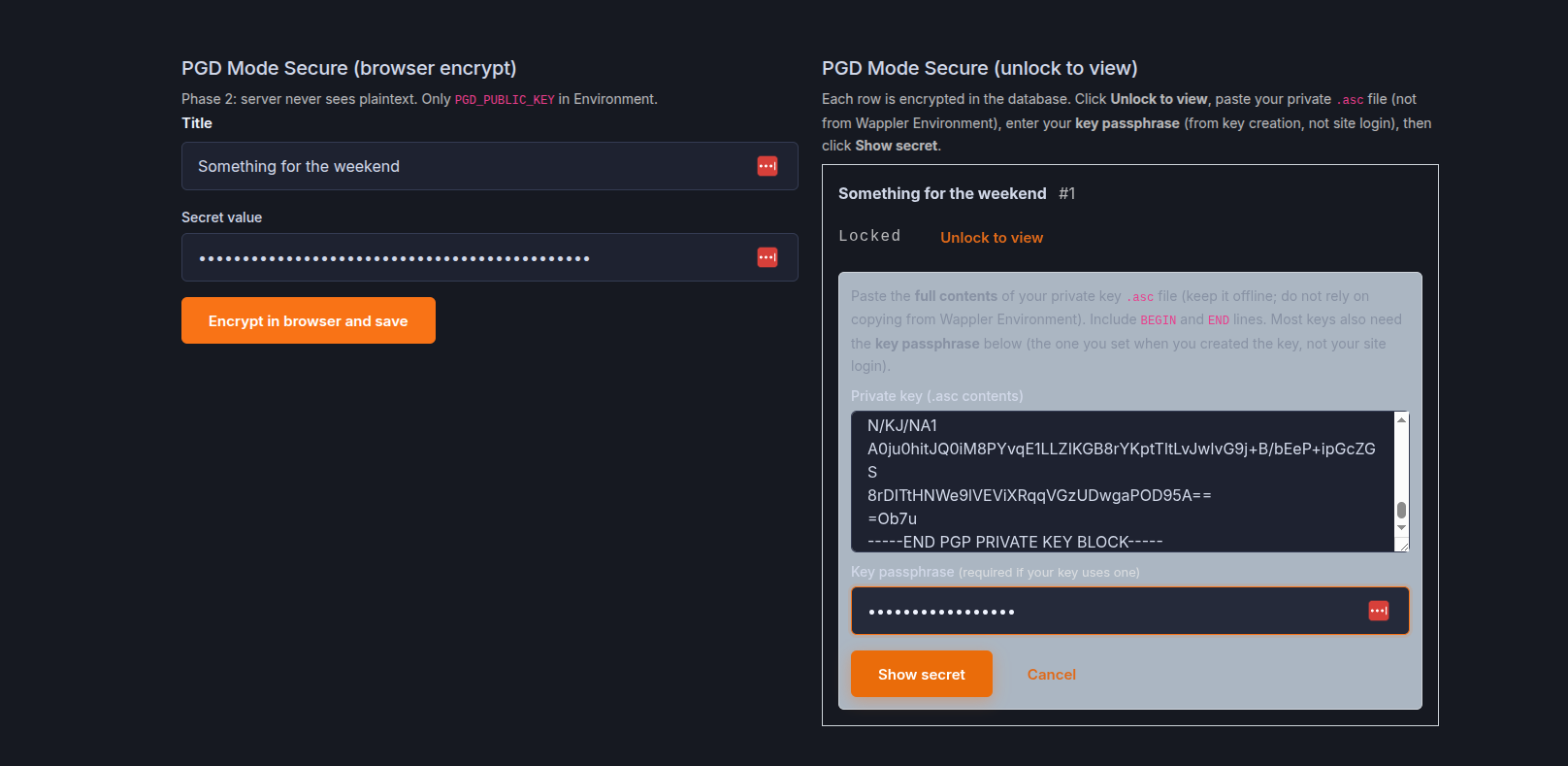
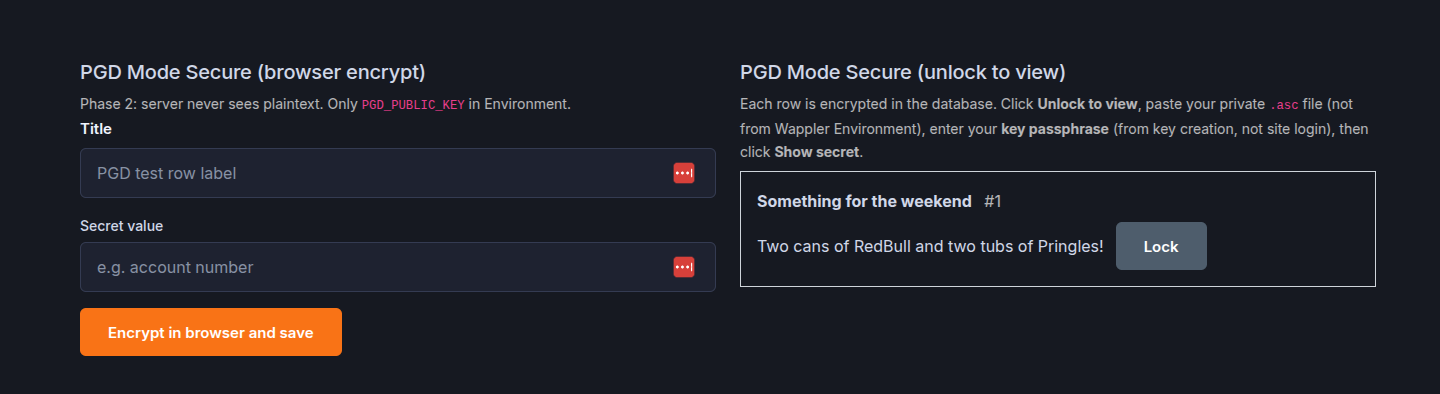
PGD Decrypt View: ciphertext from your API stays masked until the user unlocks with their private key (paste + passphrase). Decryption stays in the browser.
Lazy-loaded OpenPGP bundle.
Feedback is very welcome and if you find it useful you can Buy Me a Coffee. Muito Obrigado!
Appreciated Ben and nice to be on a chilled and happy vibe once more. This is another internal example. We have to store some really sensitive details well away from our other databases and this is how we store it. That flow is all tightly controlled though so I've taken from the principles and applied them to this Extension as thought others may like a little encryption they can control using their own keys. I met Phil Zimmerman (PGP creator) twenty or so years ago so PGP was my natural choice. Total hero of mine.
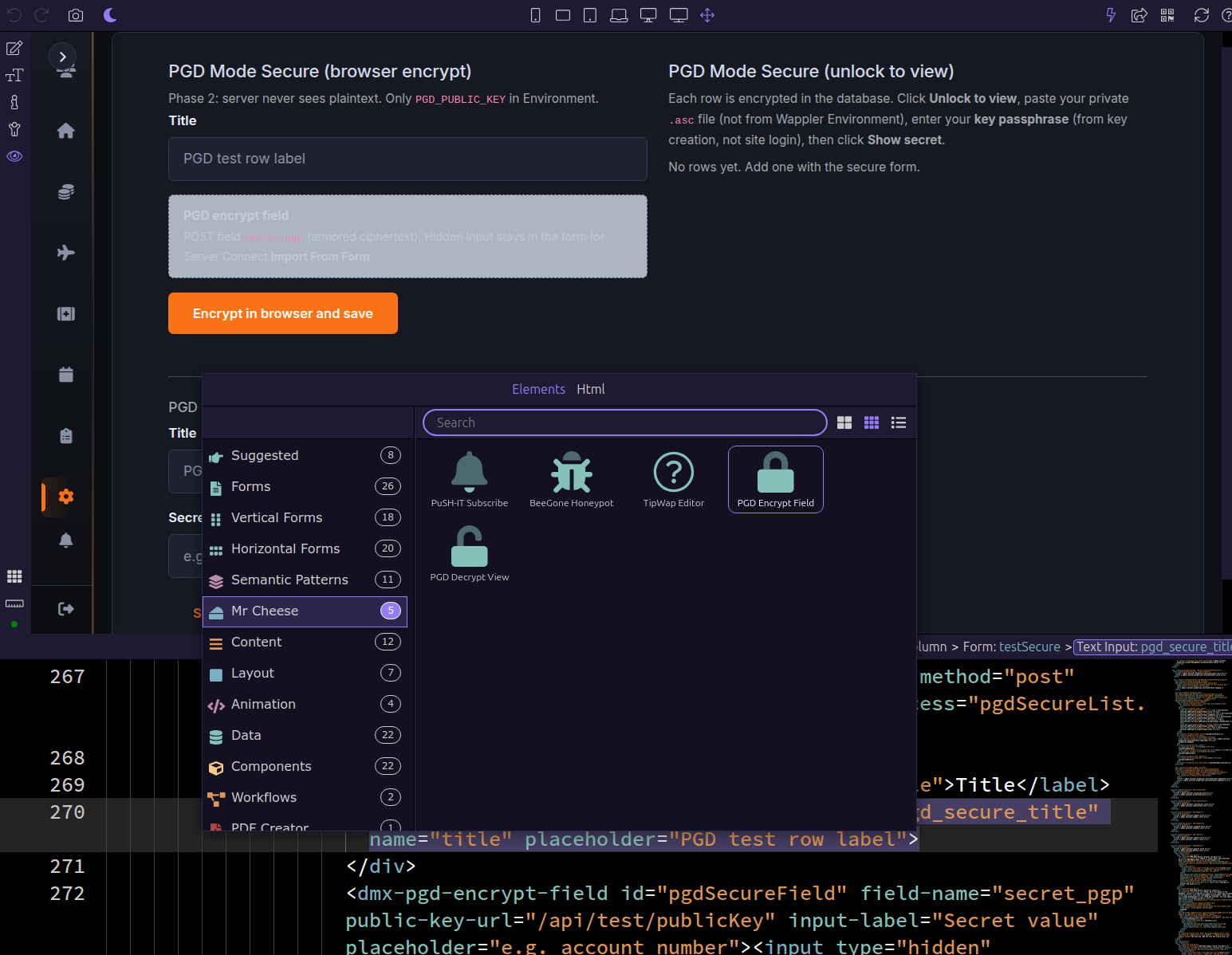
I have tested this extension by installing it using Wappler's Extension Manager. A one click installation that automatically includes all that is required to start using the extension.