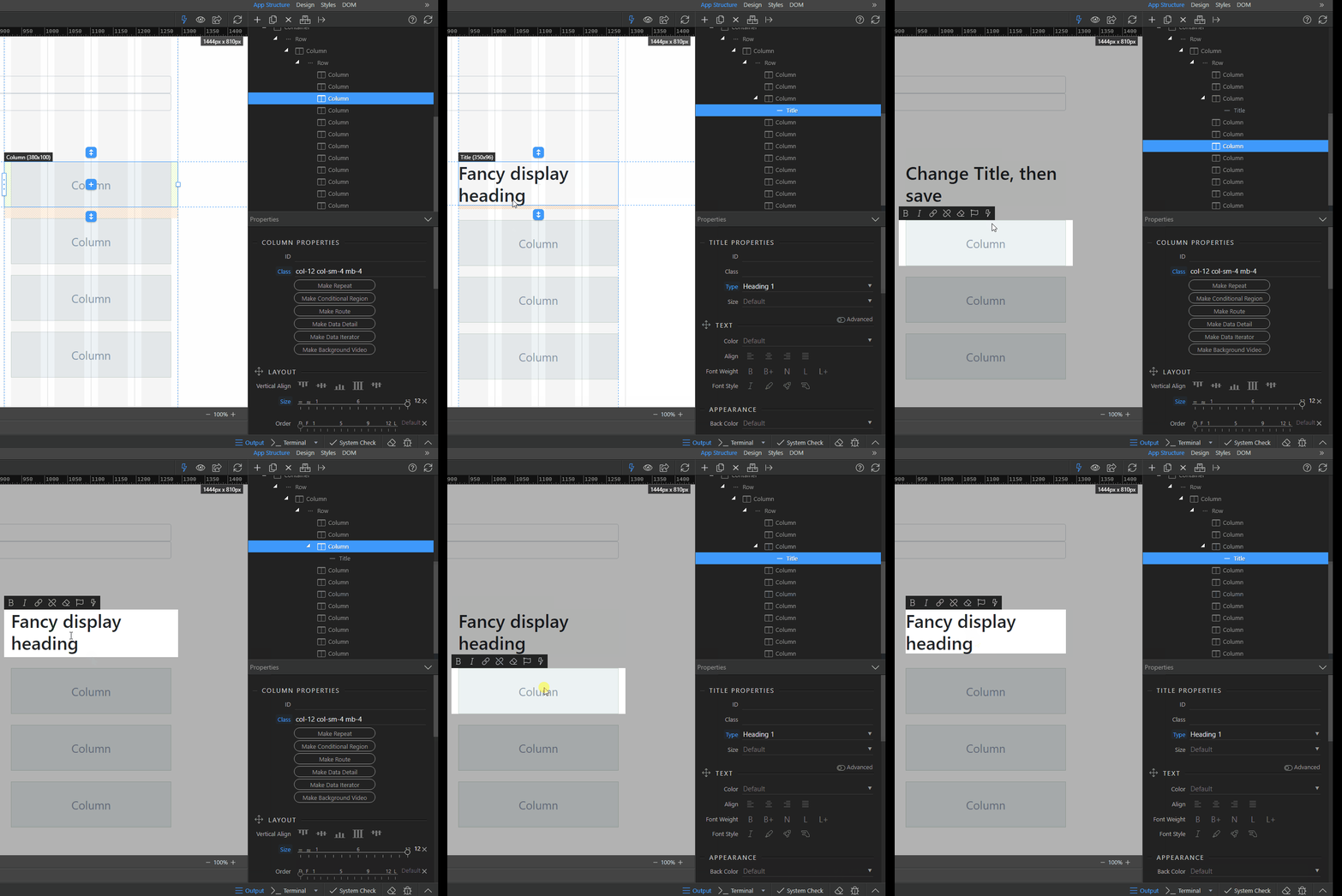
Please improve this behavior already: Not user friendly design view behavior

OS info

  • Operating System : Windows 10.0.19042
  • Wappler Version : 3.2.0

Problem description

Unable to directly rename default text after adding element using design view and then that also causes the view not responsive.

Steps to reproduce

  1. Add a Title
  2. Rename the default text
  3. Save
  4. The text auto revert to its default
  • This behaviour also occurs with other elements e.g. button.
2 Likes

This has been an issue for a long time but I’ve got into the habit of always having the split view and editing the text in the code editor instead of on the page.

3 Likes

I end up adding title or paragraph element to the page in design view and then click the reload design view button.

Annoying bug which has been around for a while, I think @George said before it was an issue with Monaco.

I also experienced in few occasions editing text in design view breaks the code, most of the time the closing tag was affected. Dragging element in App Structure or DOM panel too quickly might also break the code. I haven’t able to reproduce the issue for report because those not happen every time. There must be something wrong with the code editor or deign view engine that requires fix.