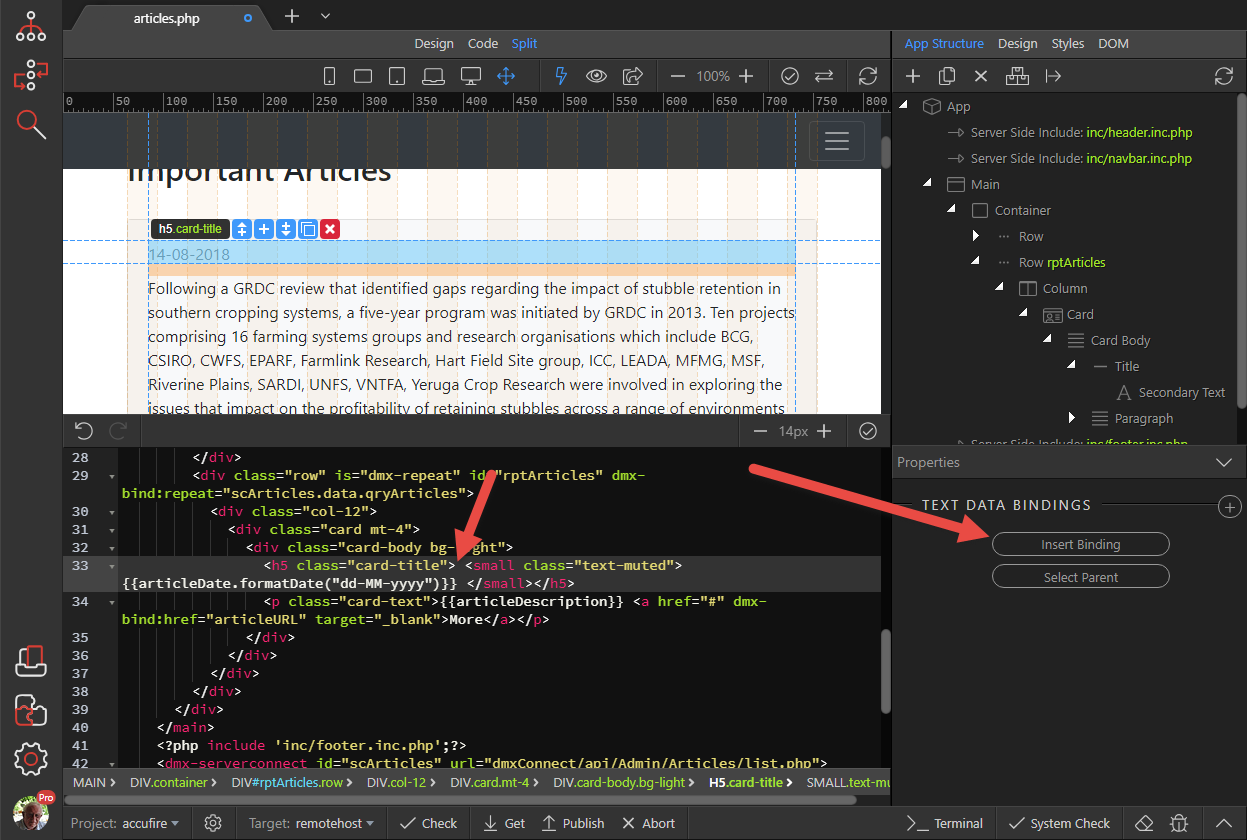
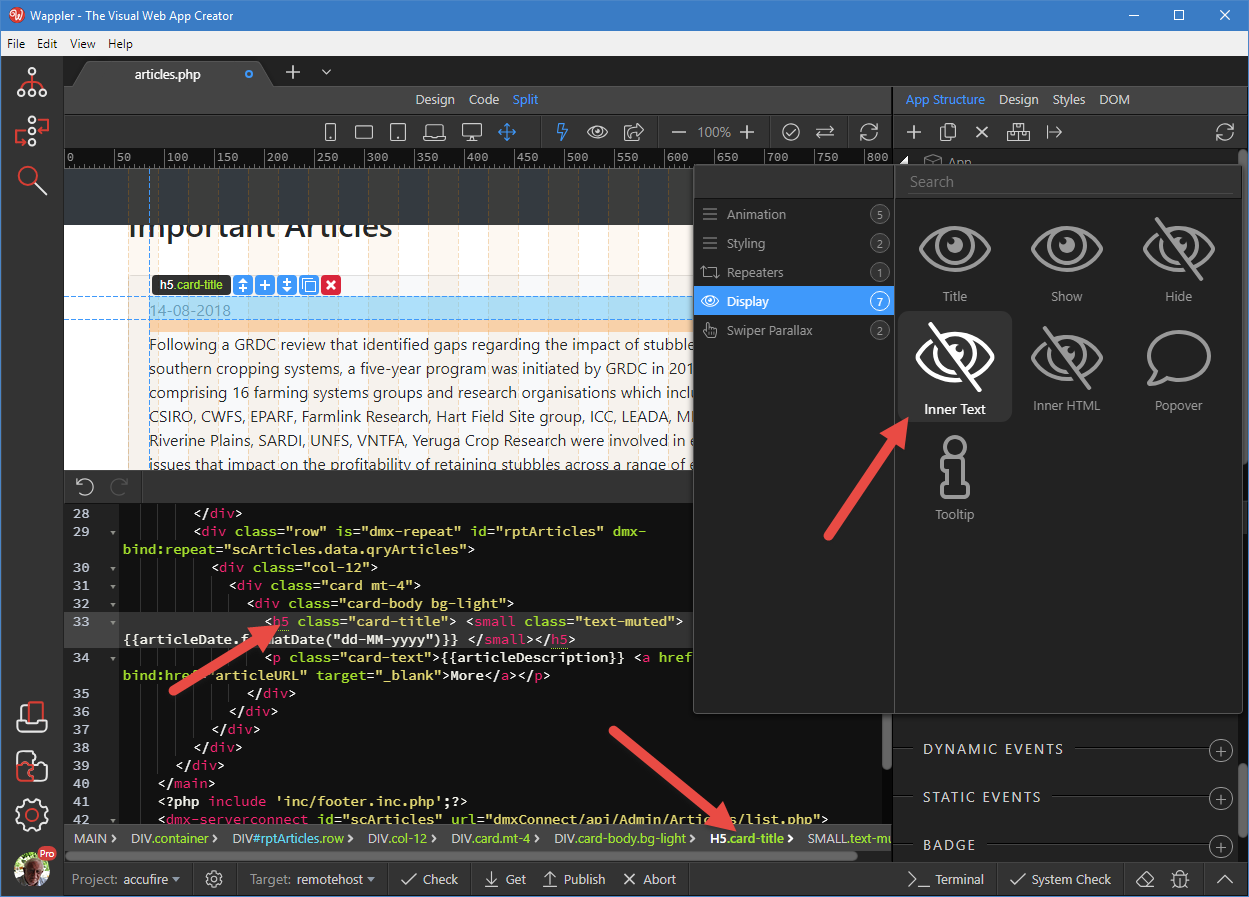
Is there a simple way of placing dynamic text on a webpage without using a table or form? I’d like to have dynamic title and also create some page areas which have dynamic field data in them . I tried to make input boxes transparent and read only but it seems like its a round-about way of doing something simple. What am i missing?
In addition to Ben’s reply - also, you can double click the title/text in design view and use the dynamic data button which appears in the inline toolbar to select dynamic data.