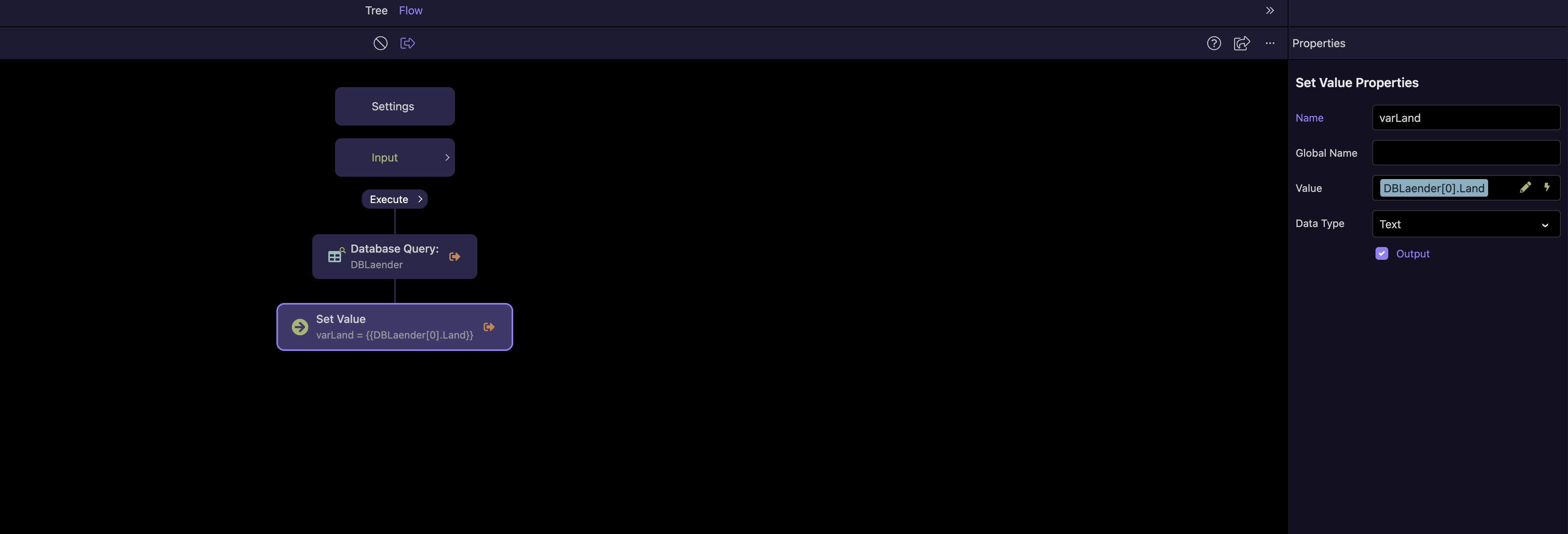
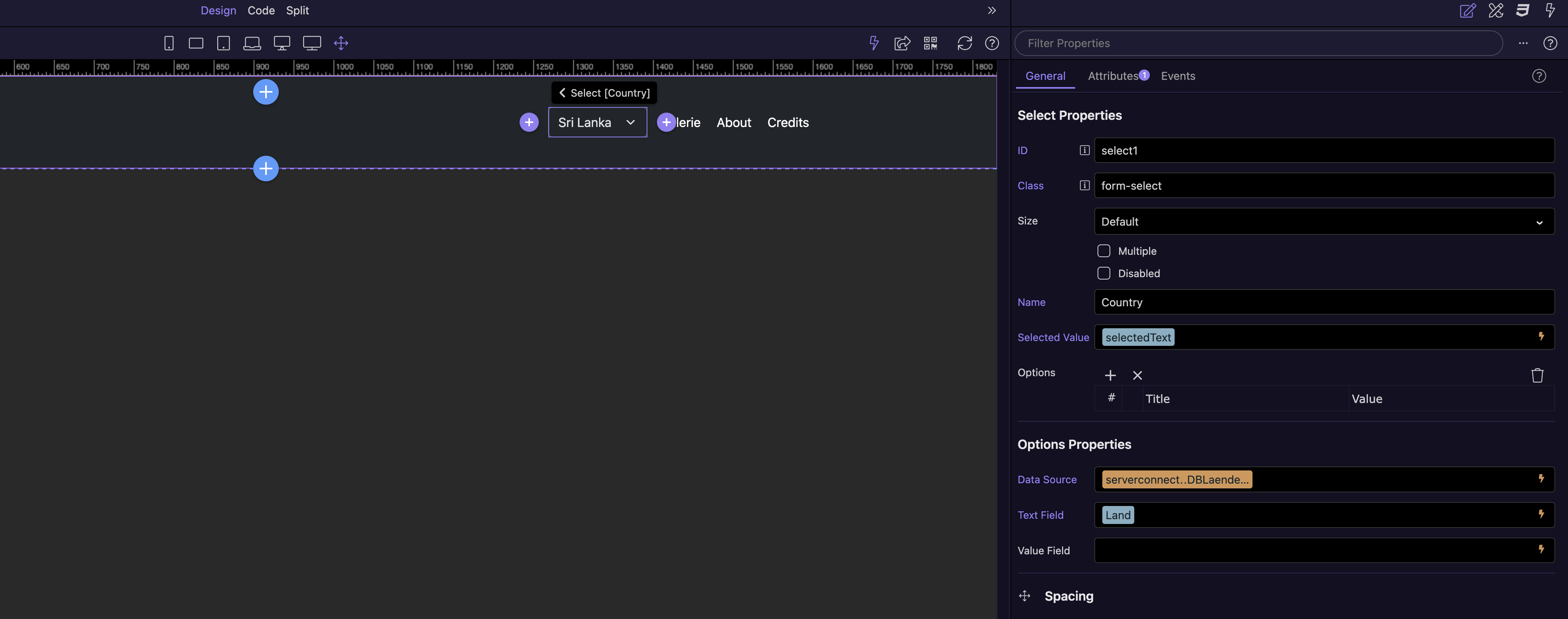
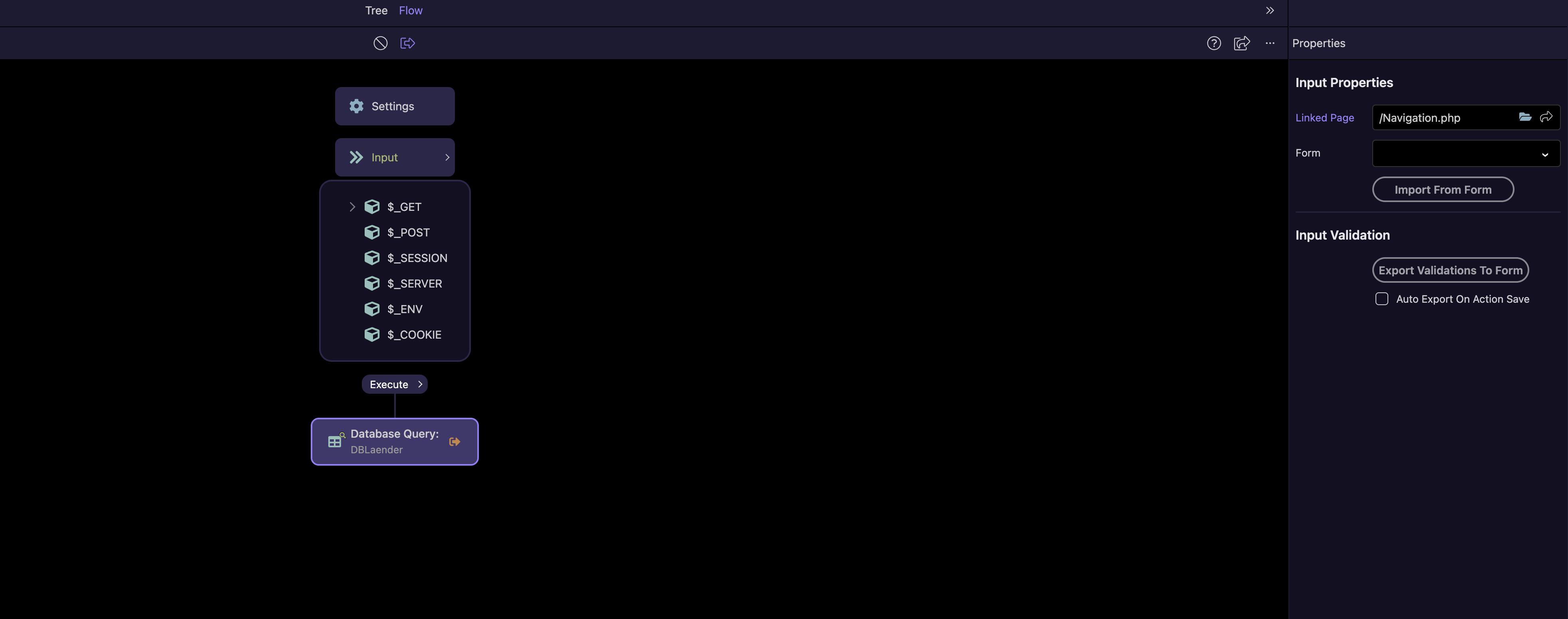
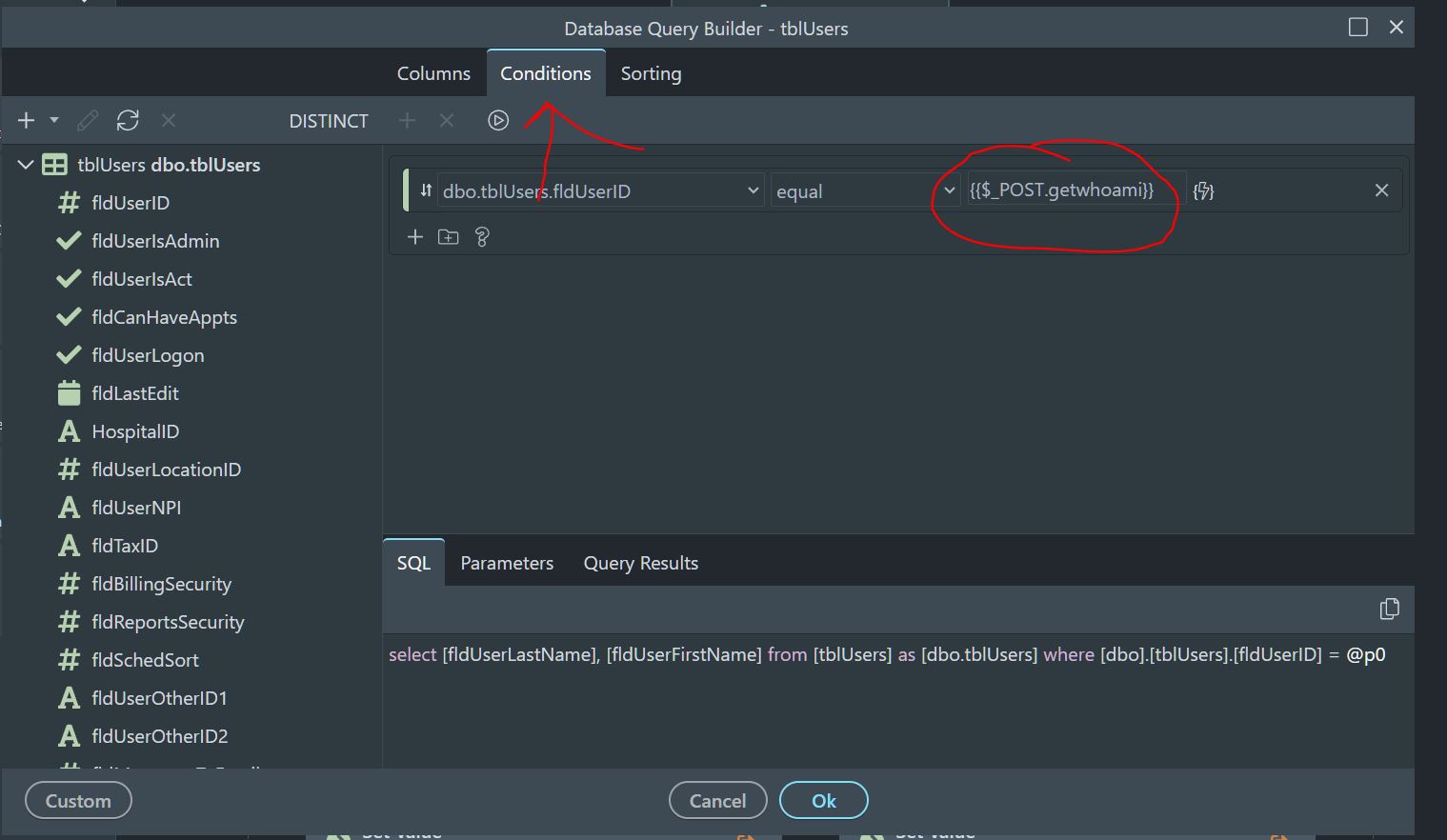
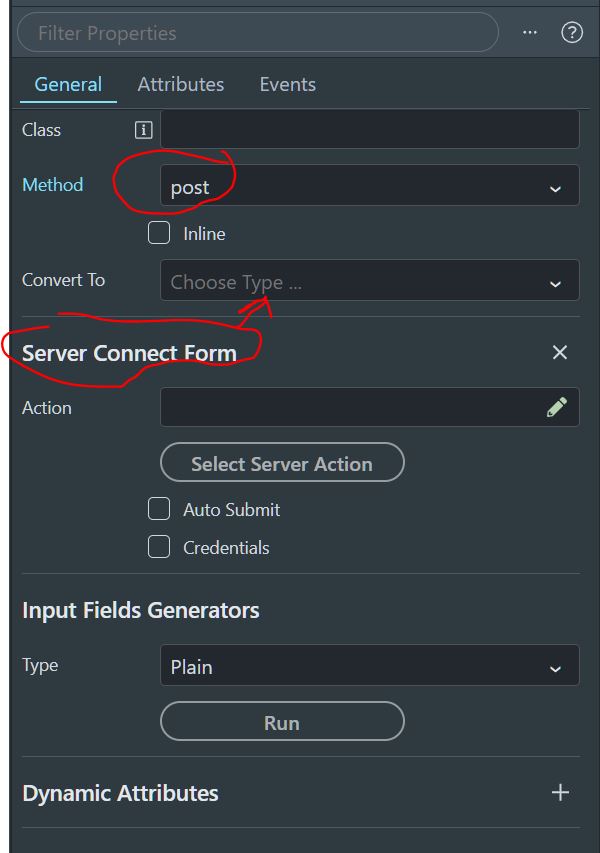
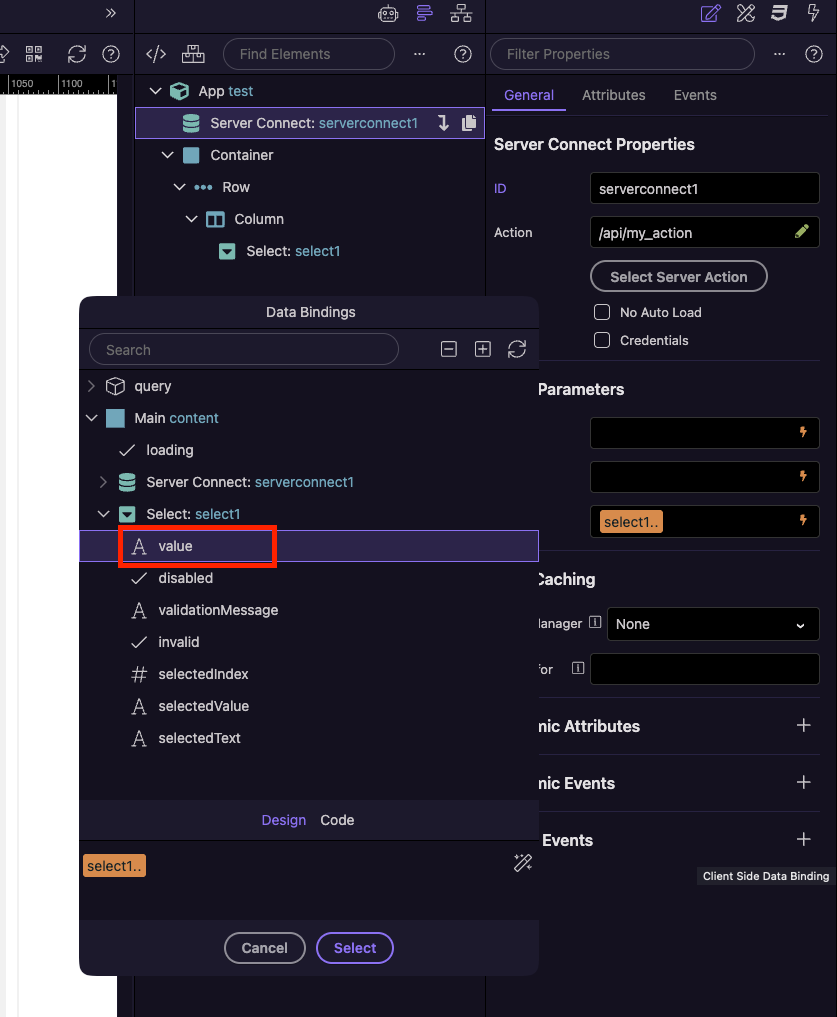
are you submitting your data through a form? You wouldn’t need a variable, your select drop down should have value for each drop down item. then you will send to your server connect through $_POST variables. Then in your query at the server connect you will just set a condition for that variable being passed. At the top of your server connect you can click on input, then you choose the page and the form name and it will auto import your form names. easy peazy. if you post a pic of your server connect I can fine tune it for you.
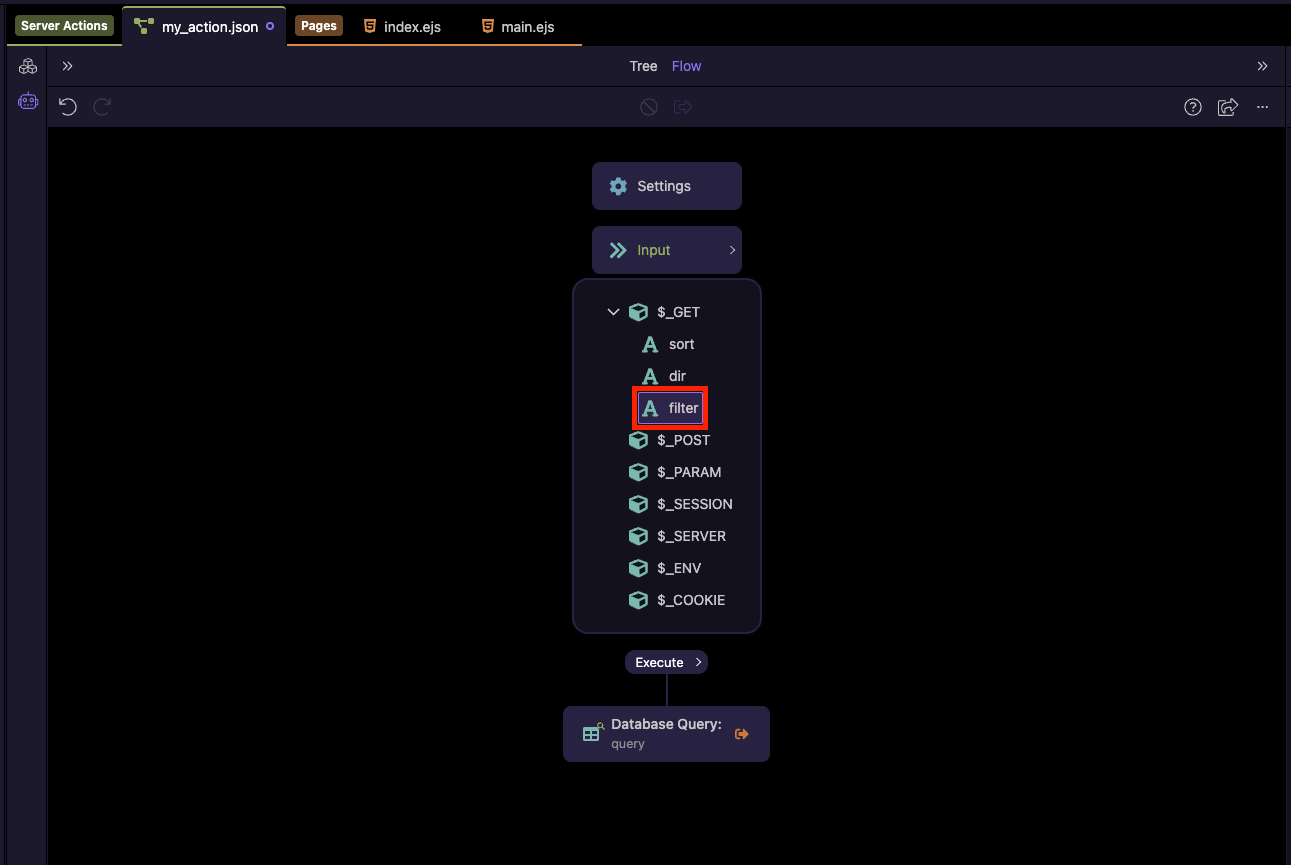
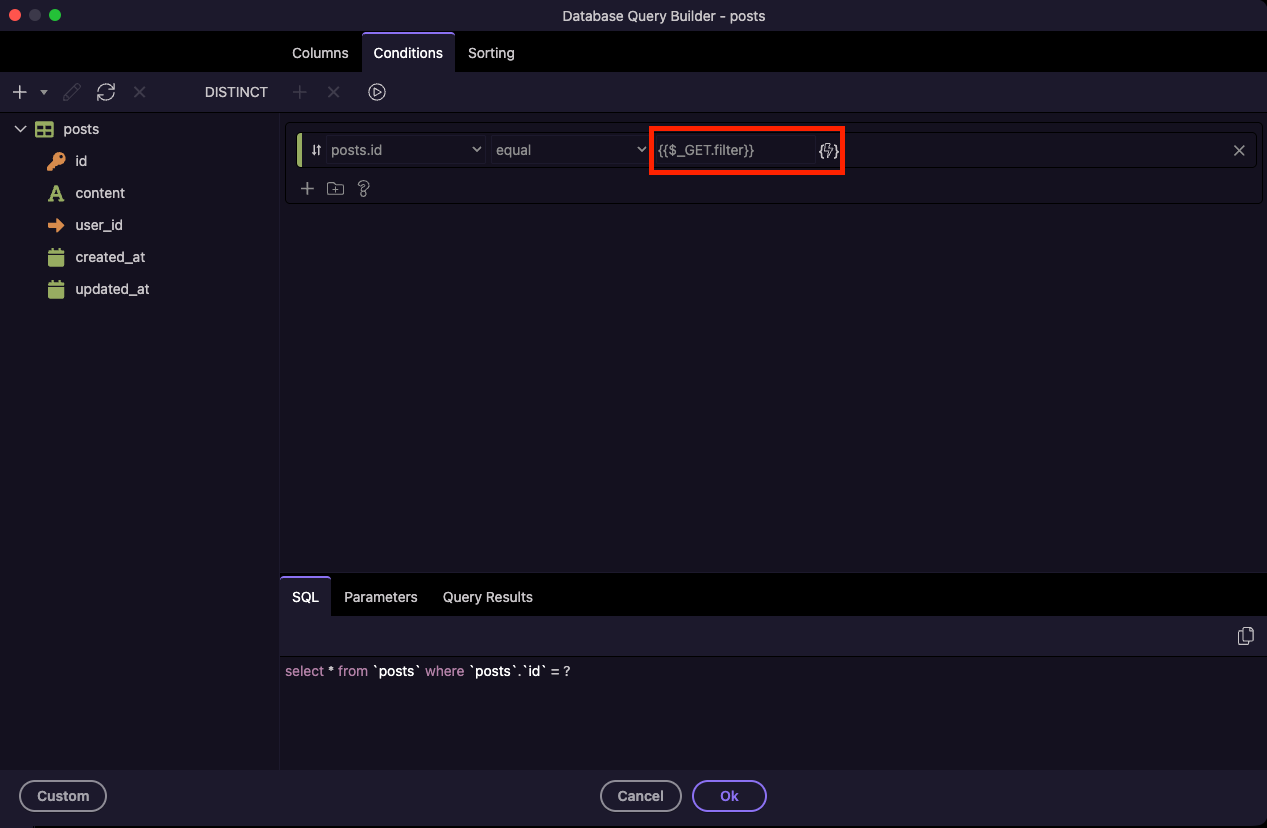
show one shot with your variables that you are importing, ie click on the inputs and show what is there. And then submit another picture with your actual database query and what the condition is on that
I’m really sorry for that circumstances. But I can’t follow your instructions. Is there any picture by picture tutorial? I don’t know where I have to put the $_Post in
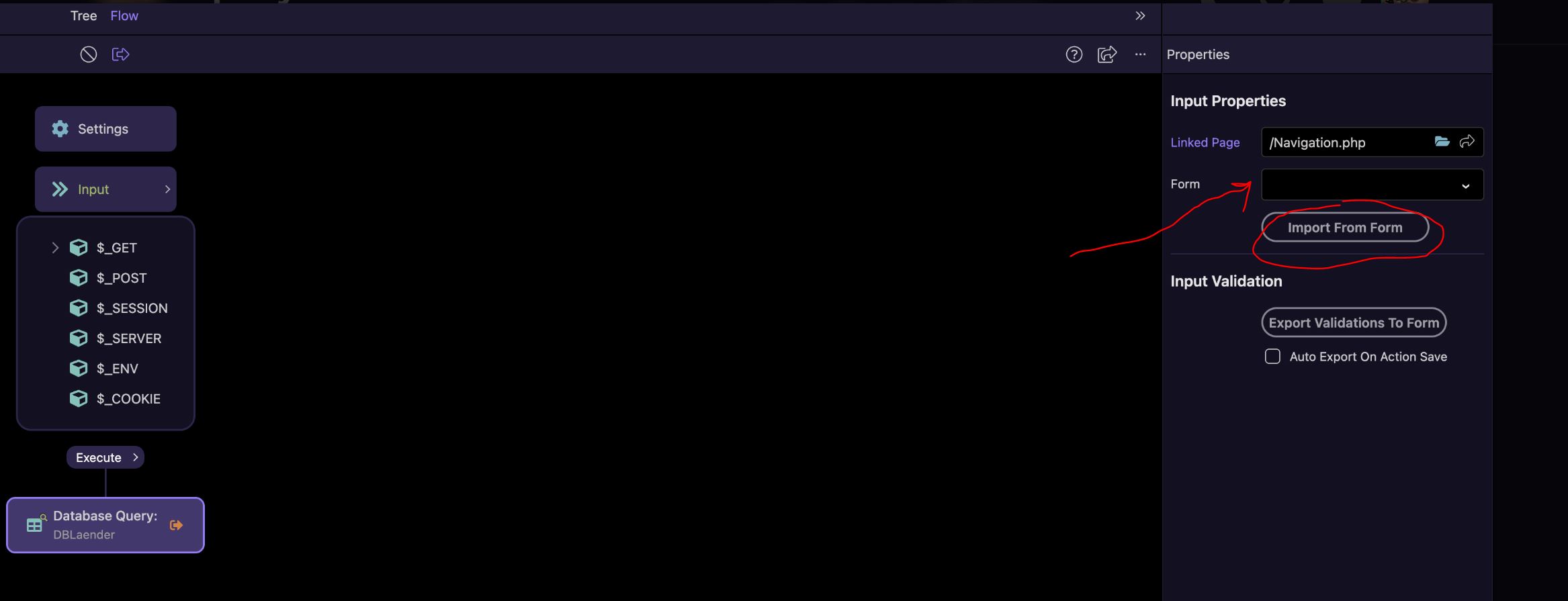
start by clicking on the drop down and pick your form and then click import from form. this will add your $_POST variables. Then in your database query set the condition to the variable you want to filter by
if no form fields are showing up, are you sure you added a form? the form needs to be set to server connect form too. there should be a drop down for that.
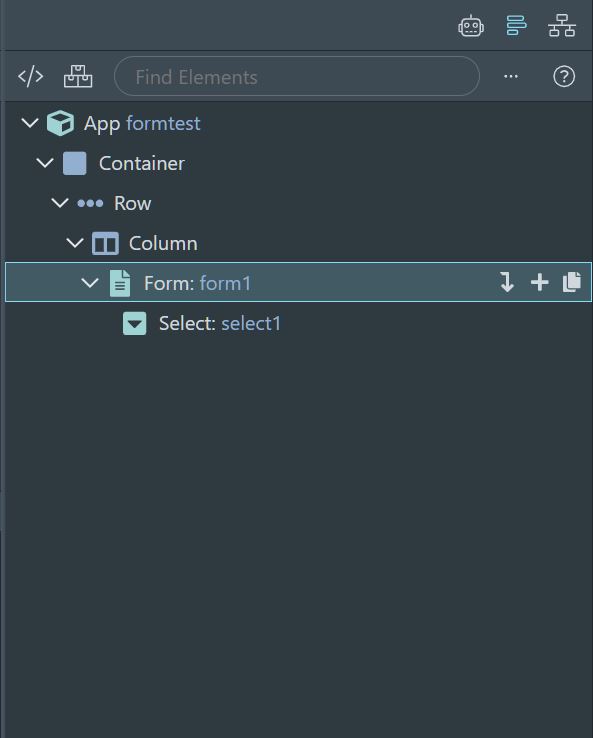
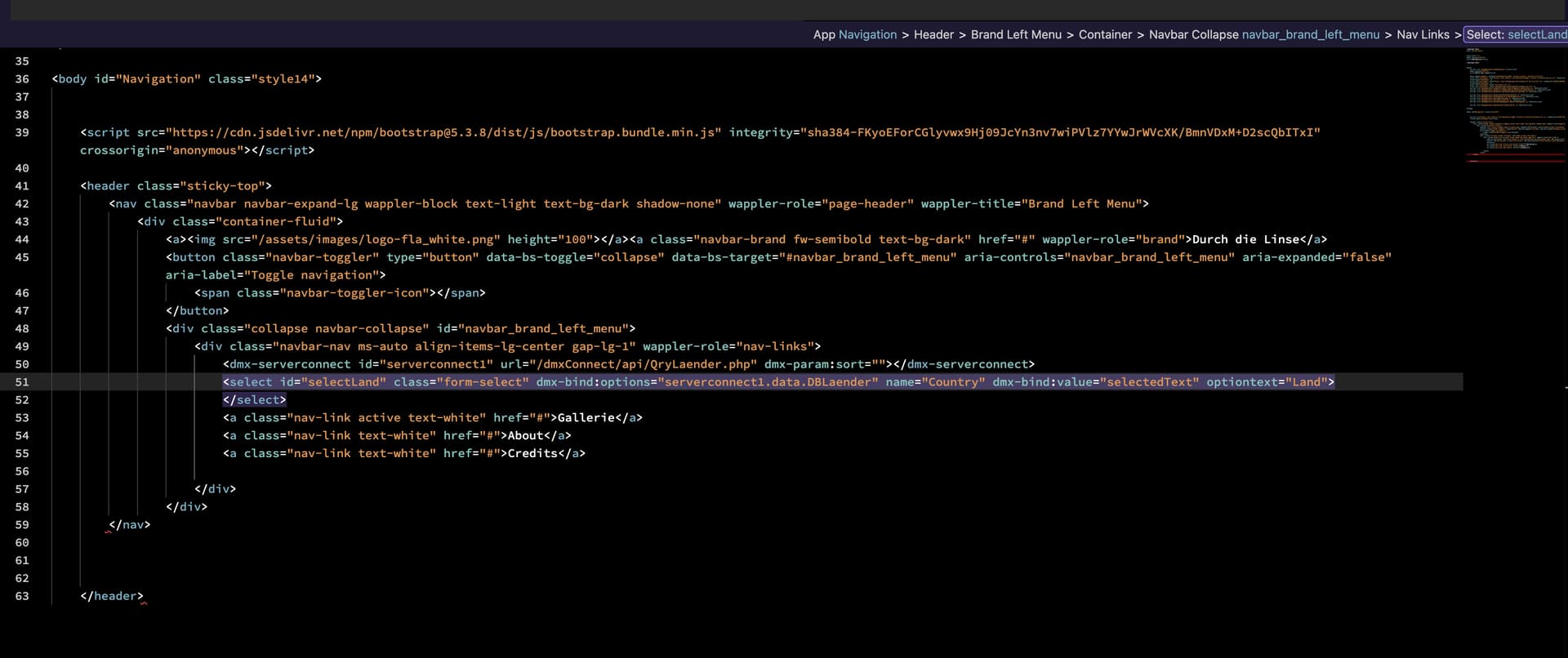
post your code of the form. There should be a form, and then a select should be under that form. Form should be set to server connect which should auto switch the type from GET to POST.
If I understand correctly, in the first query for countries, I need to set a $_Get variable to store the country. Then, in the second query, which, for example, sorts the images by country, I need to use that variable as a condition.
I am not sure i understand what you mean?
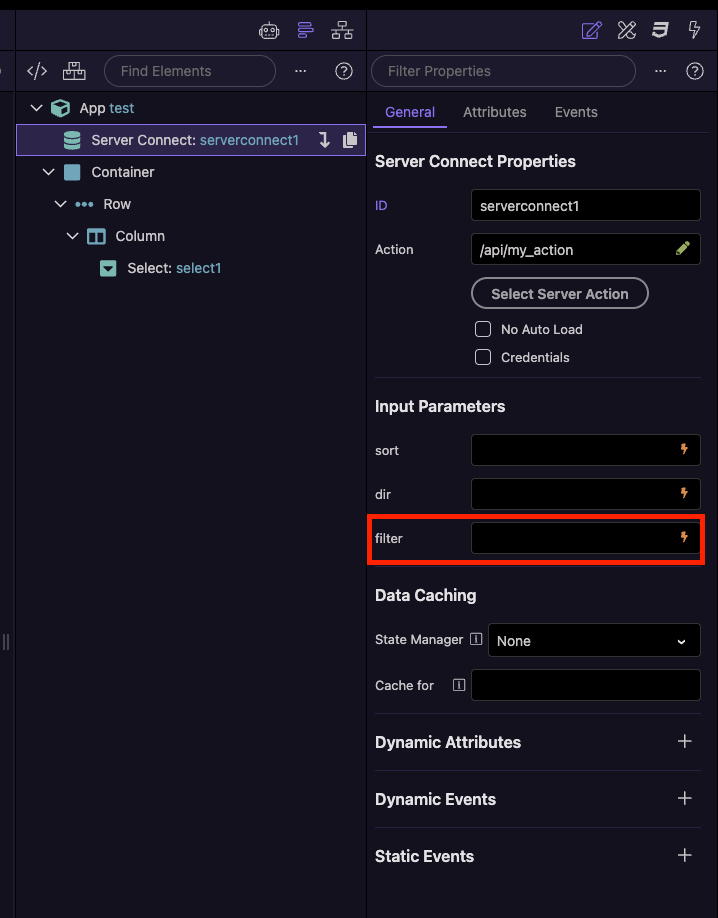
You need to use the get variable in the filters for the query which you want to filter, as shown on my screenshot.
List all countries from the table in the dropdown menu. After clicking on a specific country, store this information in a variable that I need in the second query.
The second query should load images of the country.