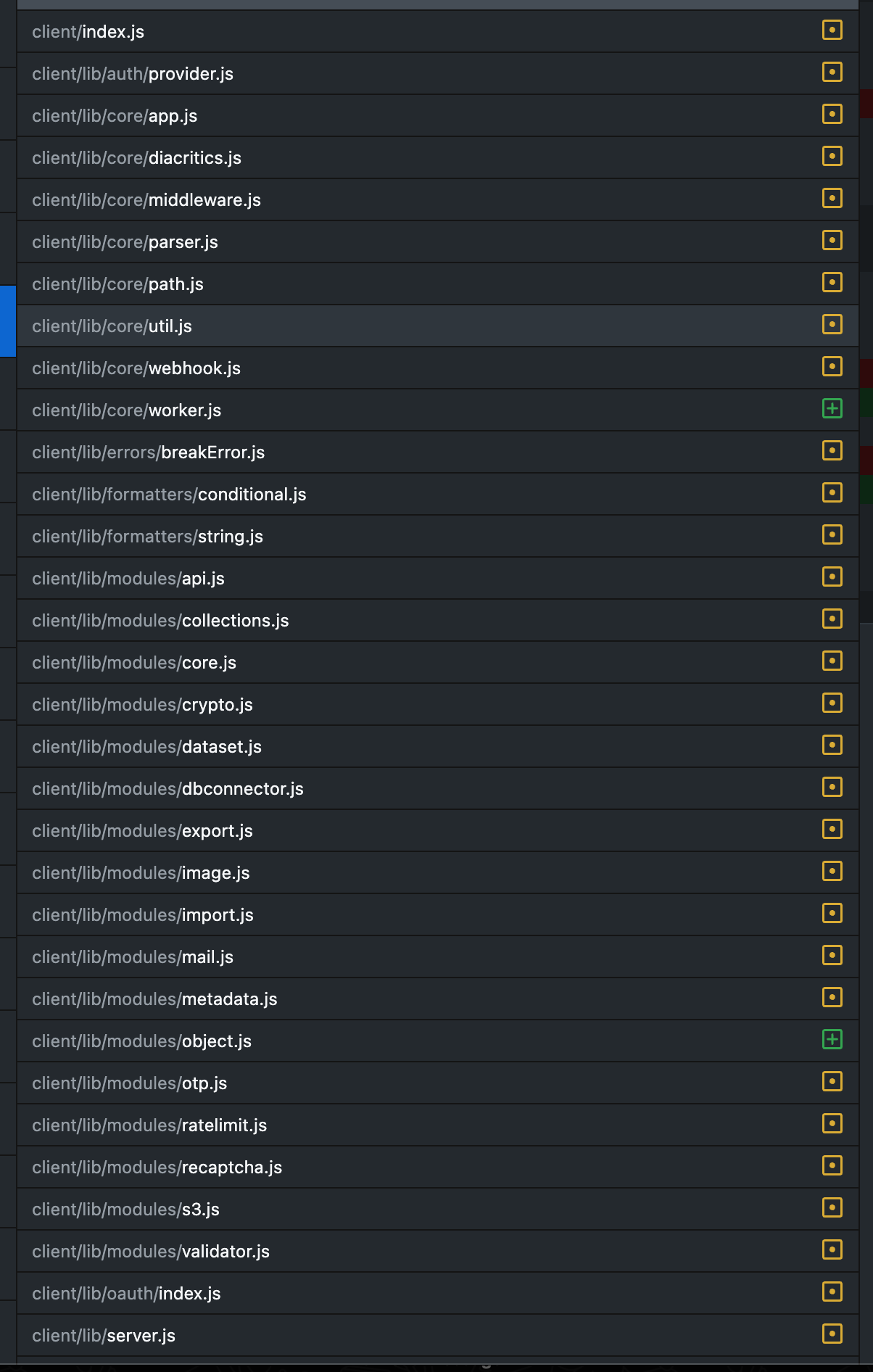
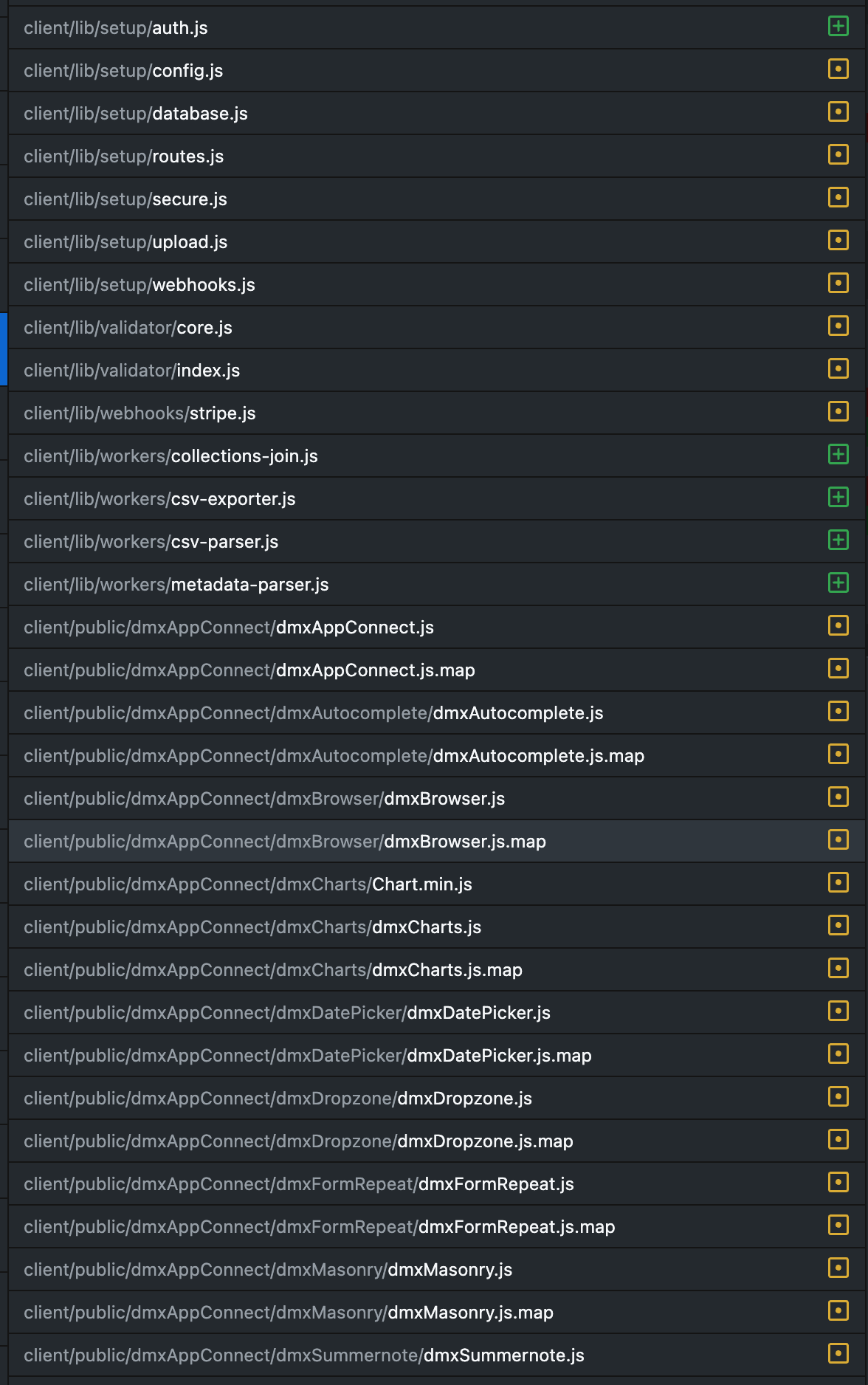
We updated our app with more or less the framework updates (front and back end) from the past year or so.
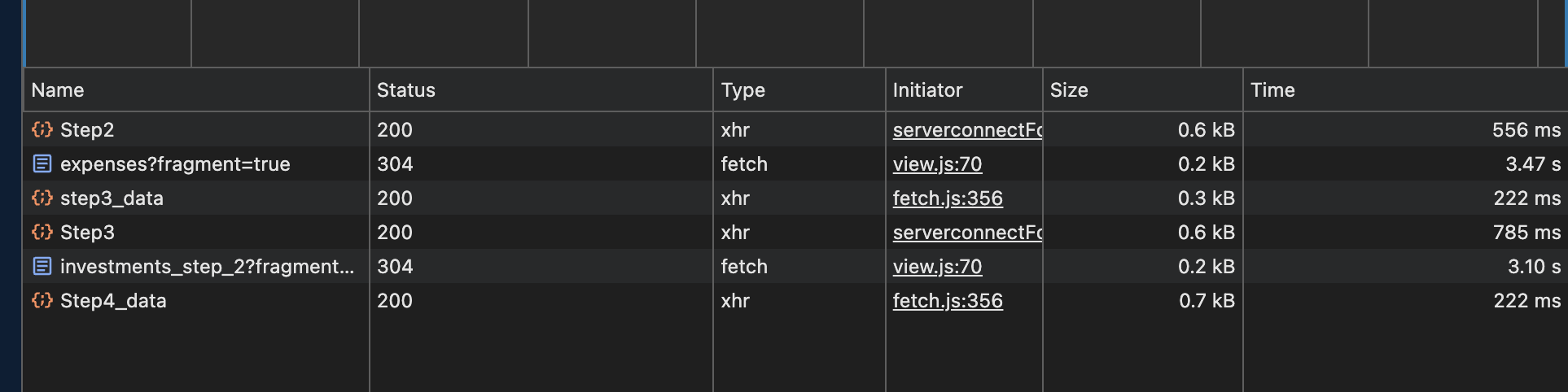
Something that is breaking our whole user experience is 3 - 4 second waits in between page loads which you will see in the little blue document loads in the screenshot.
Pages are super simple 1 form per page and a partial:
Silly thing but have you tried testing in Incognito Mode? Disregard this if its User reports of slow loading of course. Sometimes browser plugins are to blame and always worth checking if this is the case... We are running 7.4.0 on a wide range of applications and they are all buttery smooth from the most complex to the most simple. Our stack is Node/Docker/MySQL.
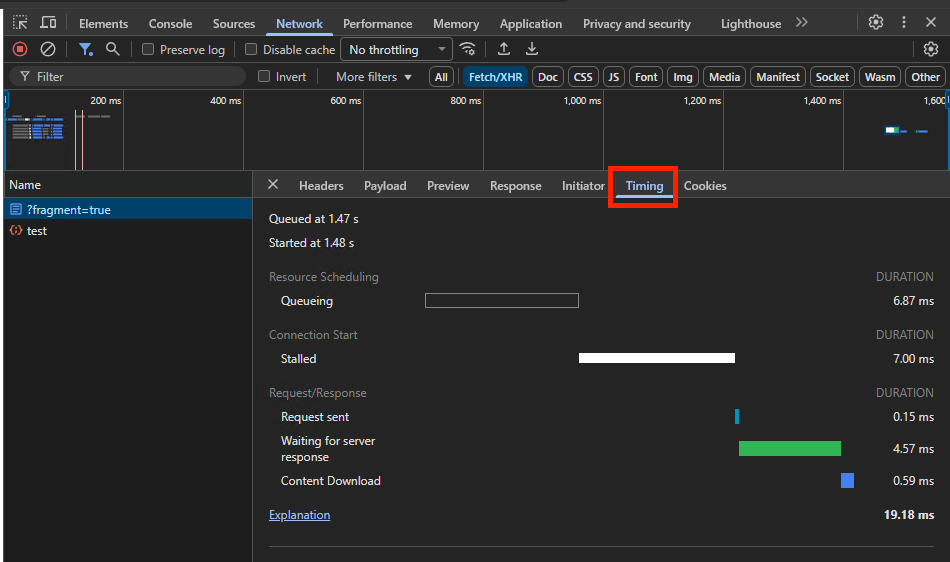
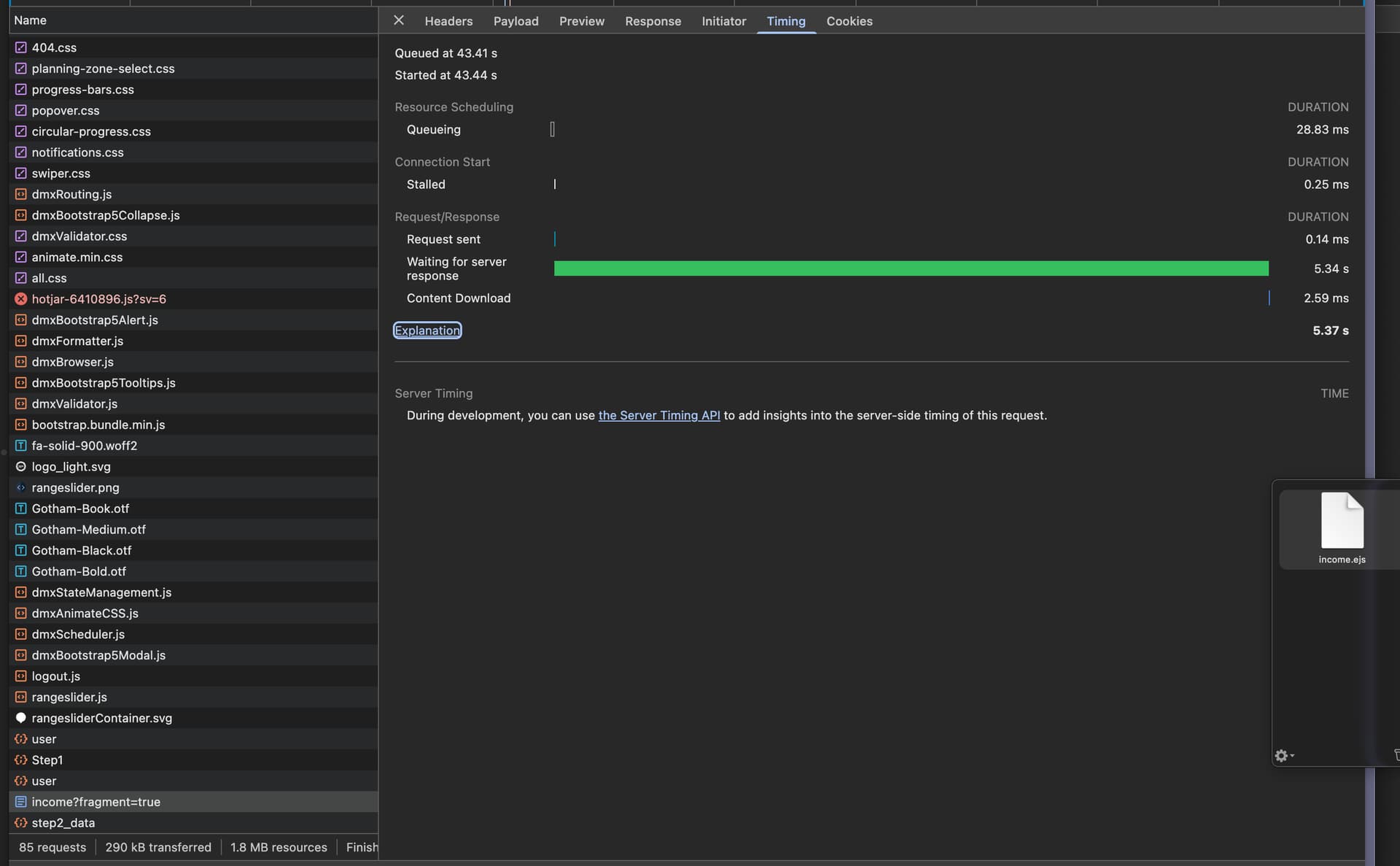
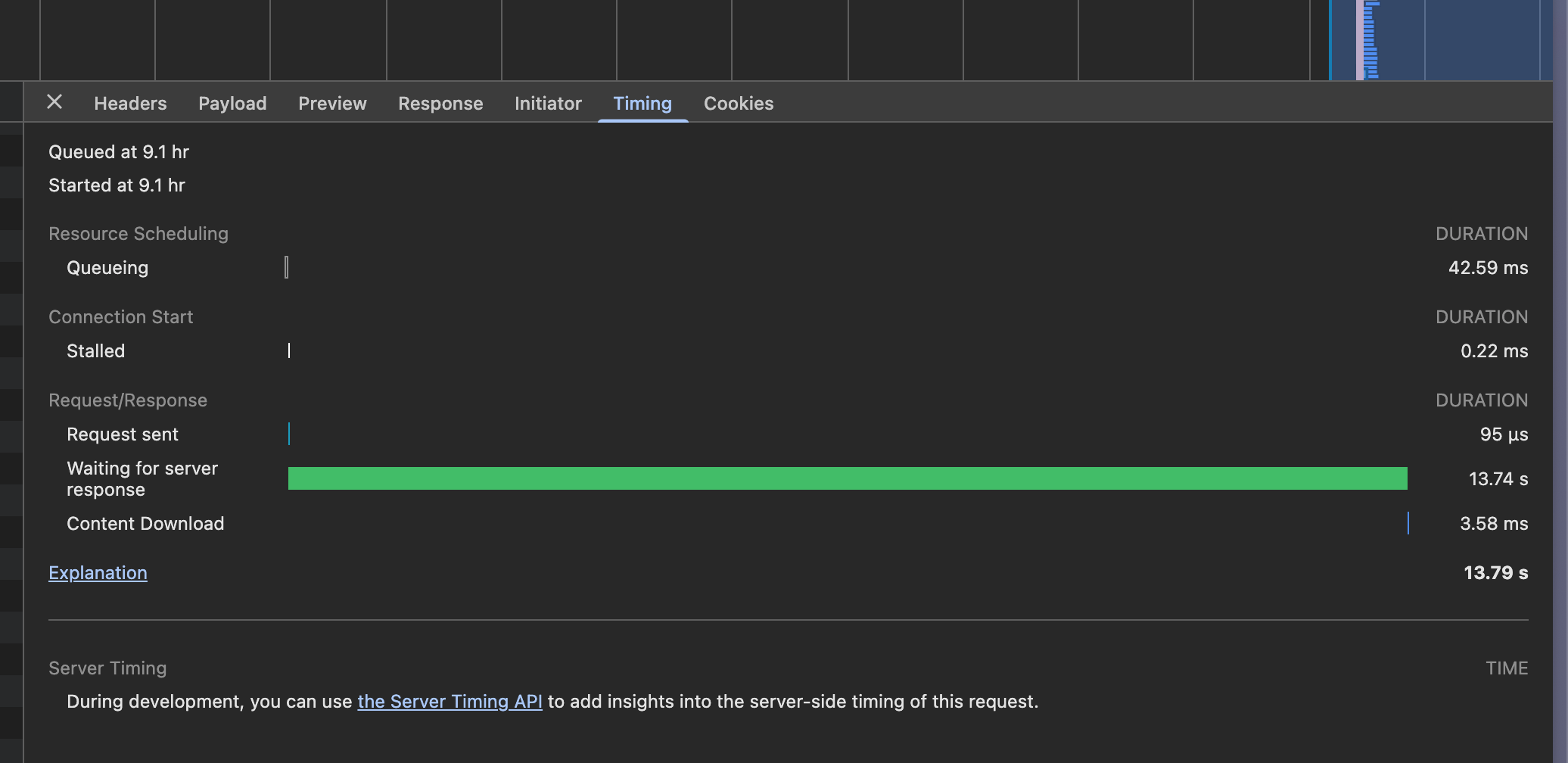
From the timings it looks like the delay is purely on the server-side. Is your server using much CPU and/or Memory? Is it only the template pages that are slow or also the API endpoints?
We reverted back to our older versions of Wappler Framework for now since we need to deploy new version to production by tomorrow and I was scared that we weren’t going to solve this.
Everything runs fine and fast on previous versions.
We did have slowdowns with newer server.js/app.js files in the past primarily because of db connections slowing down and that is why we postponed the update for months.
Our db and app front and backends aren’t hosted in same environments. Front end is hosted on GCR with the backend in K8s and the db on a VM.
We use Wappler API actions for the GETS, but because we had problems POSTING from the front-end, we kept our Wappler serveractions on the pages but just added the API calls in Wappler Backend to our real backend that communicates with the database and performs calculations.
I am saying this so you understand this is not a run of the mill monolith Wappler App and that many things affect our app performance. At some point we just decided that the slowdowns with app.js and server.js is too big a risk to take.
We would like to work with you in solving this and maybe fixing any issues on your and/or our side. Not sure if it will be affective doing it using the forum, but we can try and I appreciate you always willing to jump in and advise till we get it right.
To answer your question. Old files, server action works fast, new files, slows down.
API endpoints run fine. It looks like any content page that loads into a layout page. A endpoinrt reponse would come through fairly quickly and then the form success redirect starts where the page looks like it is frozen for seconds and then it advances.
Using older versions of files in list I shared above remedies the situation.
Would sending you versions of any of the files be of help to try track down the problem. We have added sentry and a healthcheck end point to the server.js file but it works fine on current versions of files we have.
Let me know how we can please continue to troubleshoot. Thanks.
Hi @patrick Any suggestions how we can troubleshoot this or is it just better to leave the app on the old files? It is working fine and stable that way.
For now just stay with the old files if you don't require any of the new features. With the many changed files it will be difficult to pinpoint the exact issue, but my guess is that it is something with the rendering of the ejs pages on the server since the api endpoints run fine.
Do you also have delays on the local development server or only on remote servers?