This is a very general question…
I seem to have disable the padding and margin identifiers when I hover over an element. Where is that toggle located in the system?
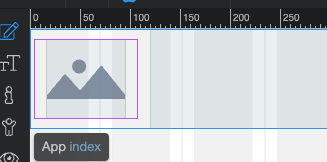
when I mouse over an element I just see the outline of the element and no margin or padding shadder
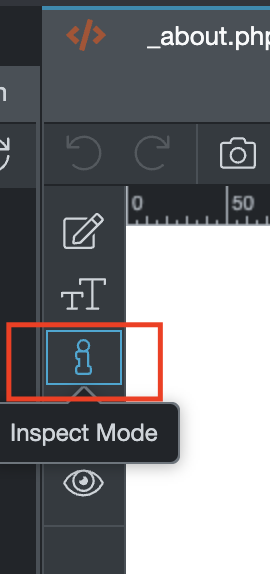
That would be the ‘Inspect’ Mode …
Yes I am aware of inspect mode but on live edit mode there was the ability of showing on mouse over a green transparent box to show margin and an orange transparent box on padding. At least I have seen that on the demo videos.
Thanks for the help