Nodejs SPA Route Configuration

Nodejs SPA Configuration @patrick

I'm trying to create routing with SPA, it turns out that, even with this configuration, when accessing for example: "/products" I receive the following error:

"message": "ENOENT: no such file or directory, stat 'C:\\MYCOMPUTER\\public\\inventory\\products\\_index.ejs'"

In other words, what am I doing incorrectly?

Error image:

My configuration in 'main' body.

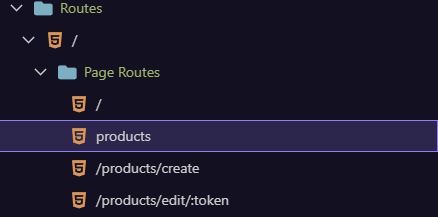
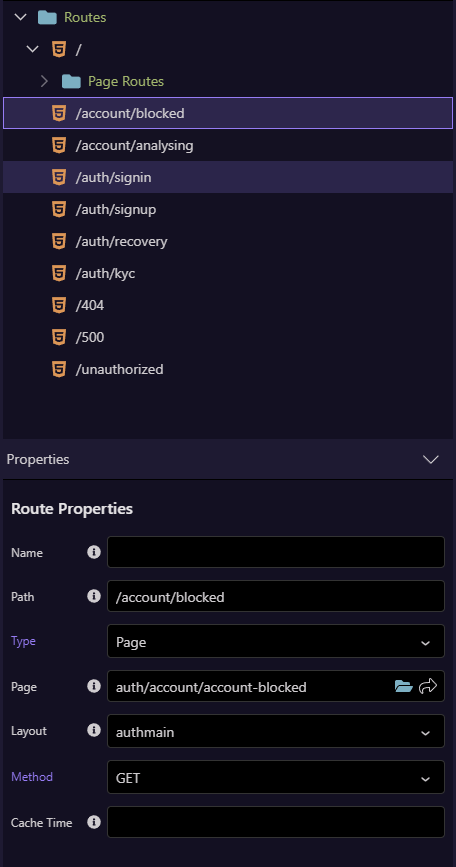
Routes in ui:

image

About this error
If I access any of the routes, it causes an error, I believe it is a bad configuration of them. The error was caused by the "/products" route.

One detail in the error is that the configuration is looking for the route file in "/public" and not in "/views". The project configuration looks like this:

  • Web root folder: /public
  • Asset folder: /assets
  • Server model: nodejs
  • Use routing and auto add base is enabled.

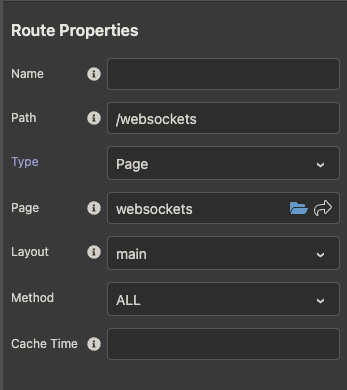
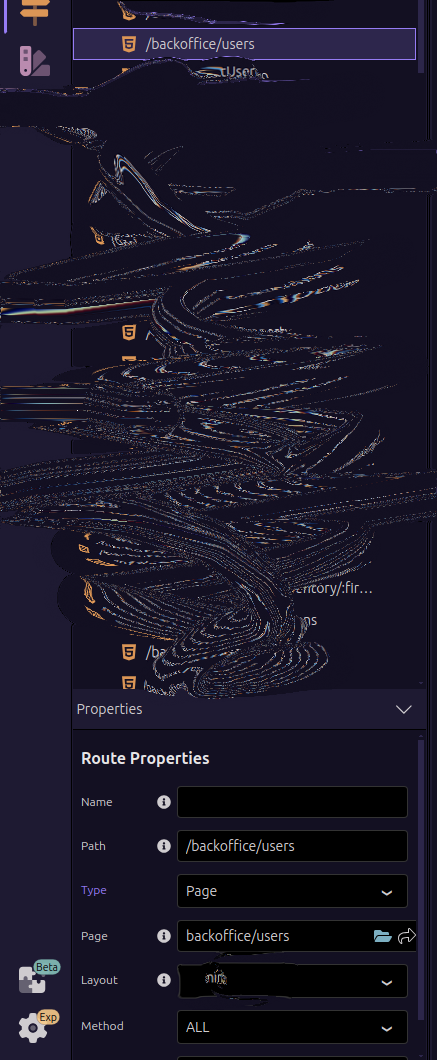
What are your Route Properties?

Screenshot 2024-12-18 at 10.36.21 AM

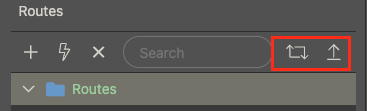
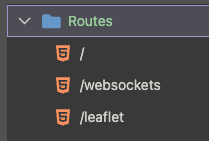
And have you generated and uploaded the routes?

Screenshot 2024-12-18 at 10.36.39 AM

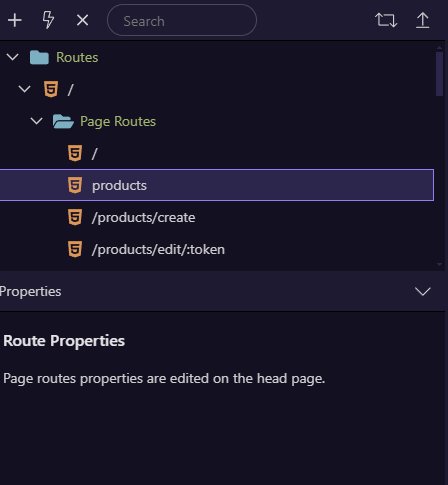
Dont have properties with this route configuration.
image

Without this config:

Your products route needs a / in front of it.

Why are they in a sub folder? I don't even know how you created the sub folder? DO the routes outside the folder work?

Send me example with and without subfolder .

Screenshot 2024-12-18 at 10.56.39 AM

I don't have one with a sub folder as I don't even know how you created it? I have never seen a sub folder in routes.

ahhhhh, the subfolder is created before set dmx-routes. Re-view the image of my routes configs.

I'm going to return to the configuration I was in, which is without "Page Routes". So it worked previously.

Subfolder routing is pretty simple....

Just make sure when you save the page that the ac:route is correct at the bottom of the page.

1 Like

Hey cheese, my old config is like this. I recovered old config and its usage.

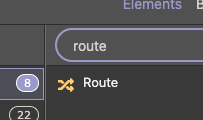
Ah! I see what is happening. You are using Node instead of PHP. That is the wrong way to add routes. I can recreate the issue here as well. Routes on a Node site should be set up using the routes panel, not the page/app routes.

Screenshot 2024-12-19 at 9.20.22 AM

App Routes should not be available in a Node project.

You probably used this tutorial .... it is for PHP and ASP only.

This tutorial is for PHP and ASP.NET server models. If you are using Nodejs, the. Please go to: Building SPA pages with NodeJS Setup

You needed to follow this one ...

1 Like