I’m struggling with a timezone synchronization issue in a Node.js project that is breaking my real-time countdown timer. I’ve spent hours trying to find a clean way to sync Server time, DB time, and Browser time, but I keep hitting a "Double-Shift" offset.
The Setup:
Server: Node.js (Wappler)
DB: MySQL 8 (Table uses DATETIME columns)
Frontend: App Connect dmx-datetime calculating secondsUntil() a DB timestamp.
The Problem:
When I save a timestamp from a Server Action using NOW or NOW_UTC, it looks correct in the database (e.g., 2026-04-23 22:15:00).
However, when I fetch this value via a Server Connect query, Node.js seems to "assume" the database time is local. It then applies a conversion, and the JSON output arrives at the browser as a UTC ISO string with a -2 hour offset (e.g., 2026-04-23T20:15:00.000Z).
Because the browser is actually at 22:15 local time, the App Connect timer immediately drops to 0 because it thinks the expiration time was 2 hours ago.
Current JSON Output: "question_expires_at": "2026-04-23T20:18:23.000Z" (even though the DB says 22:18)
What I've tried:
Using NOW_UTC in all server-side calculations.
Manually adding offsets like .dateAdd('hours', 2) (which feels like a "dirty fix" and will break during DST changes).
Using TIMESTAMP instead of DATETIME in MySQL.
My Question:
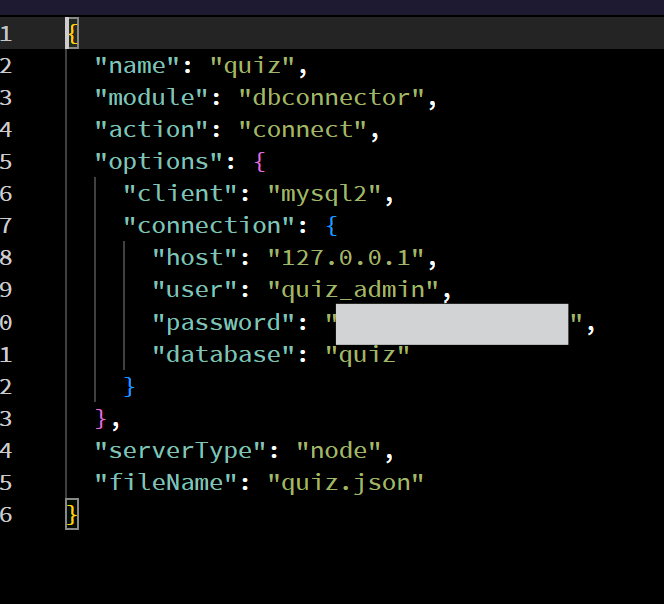
What is the "Wappler-way" to ensure that a DATETIME value from MySQL is delivered to the frontend 1:1 without Node.js shifting the hours based on perceived server/local timezones?
Is there a specific setting in the Database Connection or a Moment.js/Node environment variable (TZ) that I should be using to keep everything strictly in sync for a countdown timer?
Can you clarify what you want to do? Do you want to output the database stored date/time to the user exactly as it is stored in the db? Or do you want to convert it to users' local time?
I am not really sure i understand what you are doing. Your initial post explains something about displaying date from the database on the page without converting it to local time, then here you are referring to countdown timer.
Can you please start from the beginning and explain what the issue exactly is?
Ok, so what problems do you have with the implementation of this and how is this related to the intil post in this topic, about displaying dates from the database on the page?
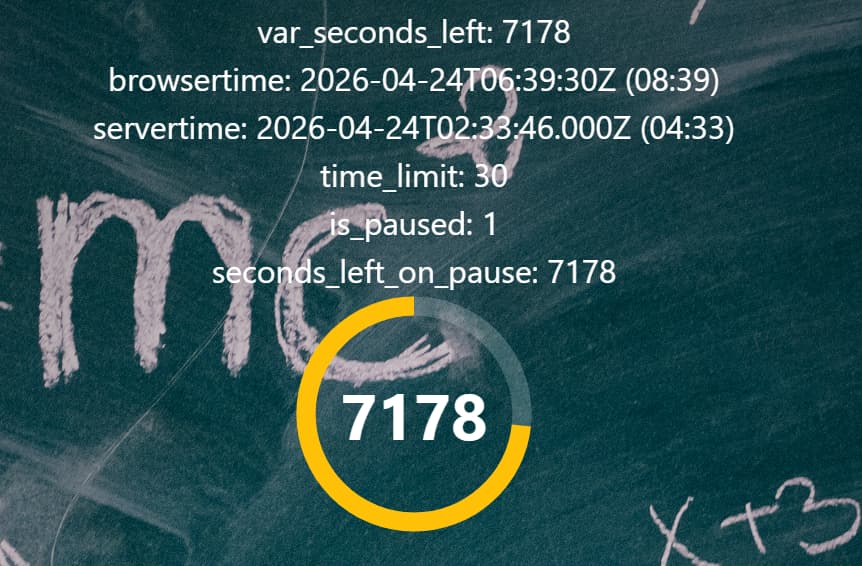
My problem was the different time zones on the online server, local server, and user browser, which prevented me from synchronizing the timer. I've already tried setting my local server to UTC, but honestly, that's too complicated for me.
Bypassing Timezone Issues for Live Timers (Integer-based Sync)
The Problem: Syncing real-time timers via UTC timestamps frequently leads to drifts, lag, and complex timezone offsets between server and client—unacceptable for live quiz events.
The Solution:
Ditch Datetime: We stopped comparing end-times (datetime) in the database.
Master Clock: The Moderator’s browser acts as the pulse. It calculates the remaining time locally using dmx-datetime.
Integer Sync: The "seconds remaining" are sent as a simple Integer to the database and broadcasted via Socket payload.
Passive Clients: Participant browsers receive the raw number and display it directly without any local time calculations.
Result: 100% synchronization across all devices with zero timezone logic. By shifting the calculation to the Moderator’s frontend and using a simple integer for the sync, we eliminated drift and significantly reduced server overhead.