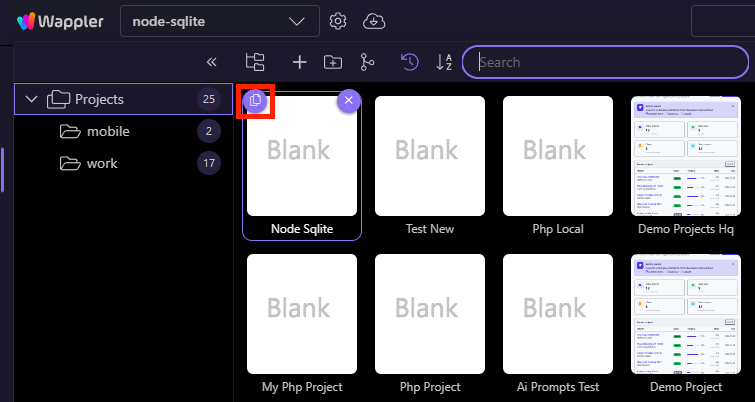
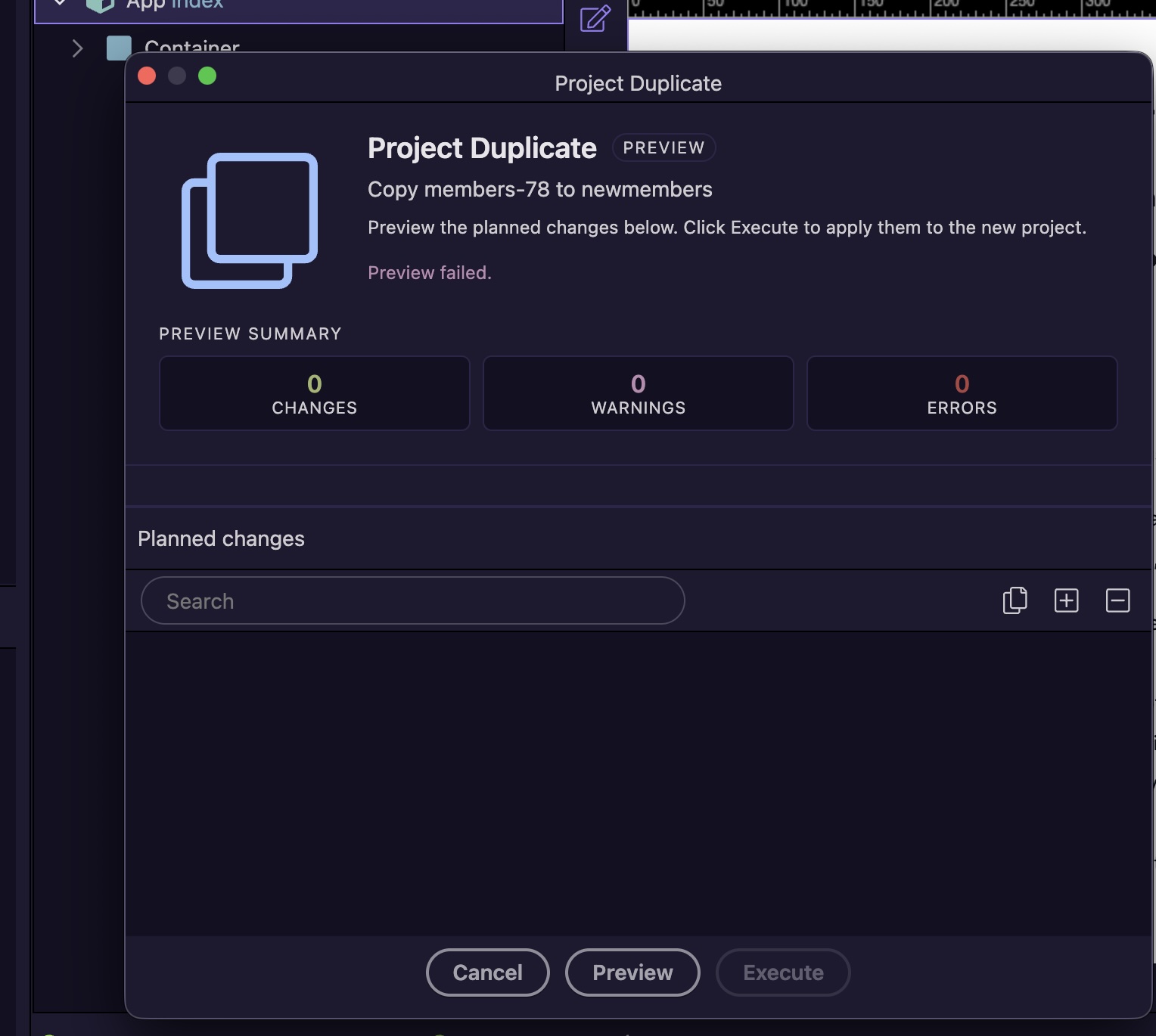
Having trouble converting node.js app to PHP in Wappler 7.7.3 is this basically correct?
Open your PHP project in Wappler.
Go to Project Settings > General tab (or check the experimental features section).
Toggle on the option labeled "Enable PHP Routing Layouts" or "Experimental PHP
Routing" (exact label may vary slightly as "Enable PHP Routing Layouts" in some
reports).
Save changes—Wappler auto-generates .htaccess routes, cleans up old configs, and
updates for Apache or the local PHP server.
if so I cannot find Enable PHP Routing Layouts" or "Experimental PHP
Routing” it doesn’t seem to be in Project Settings anywhere that I can find so how is the conversion done? Thanks for your help