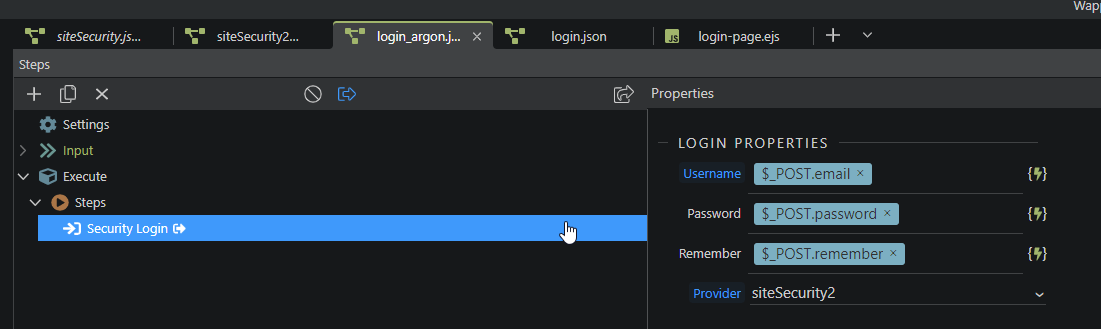
I’m moving from a SHA hash to Argon2 for our password encryption.
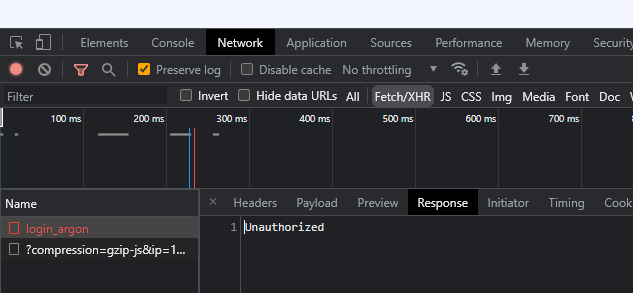
But I can’t seem to get the login to work.
I’ve followed the doc and made sure that ‘Use Password Hash Verify’ is checked (I also made a new one in case anything bugs out with changing the old one)
What do you mean? You enter your SHA hash and you are logged in?
That won't be possible if the passwords in the database start with $argon - are you sure you are using the correct database table and security provider?
Also how did you 'convert' the old SHA hashes to argon?
@Teodor what I meant is that I have tried to login with a SHA hash encrypted password.
For example:
Username: myusername
Password: mypassword
In the db: 9f338c1199c9e17824c8585162cdd000cefd80e3849f9f312bd65c3601fa96569c9c17c2d4a3e98b7b466a73de2270ba994daca9aa1a1d03b84e48c462e577a6
Then I also tried to login with a new information that I encrypted with argon, like:
Username: myusername
Password: newpassword
In the db: $argon2id$v=19...
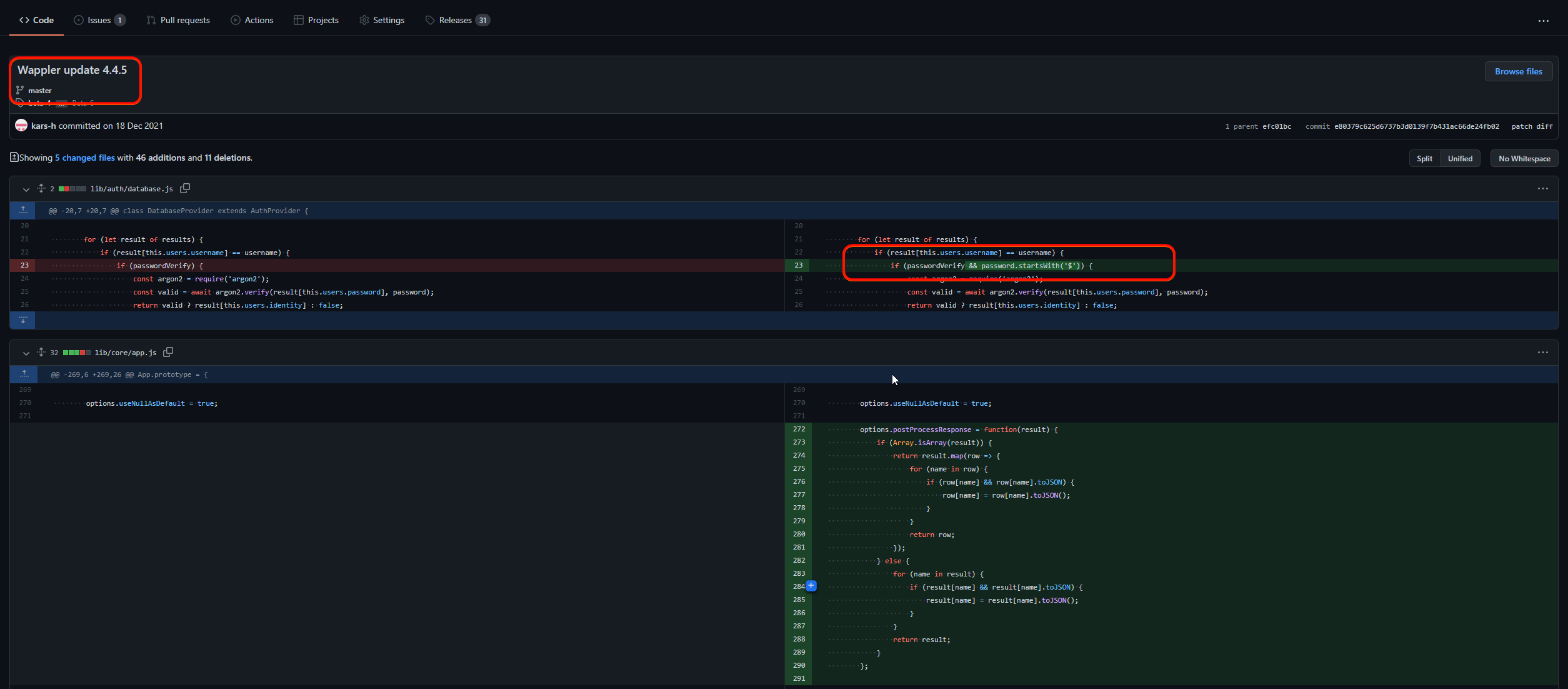
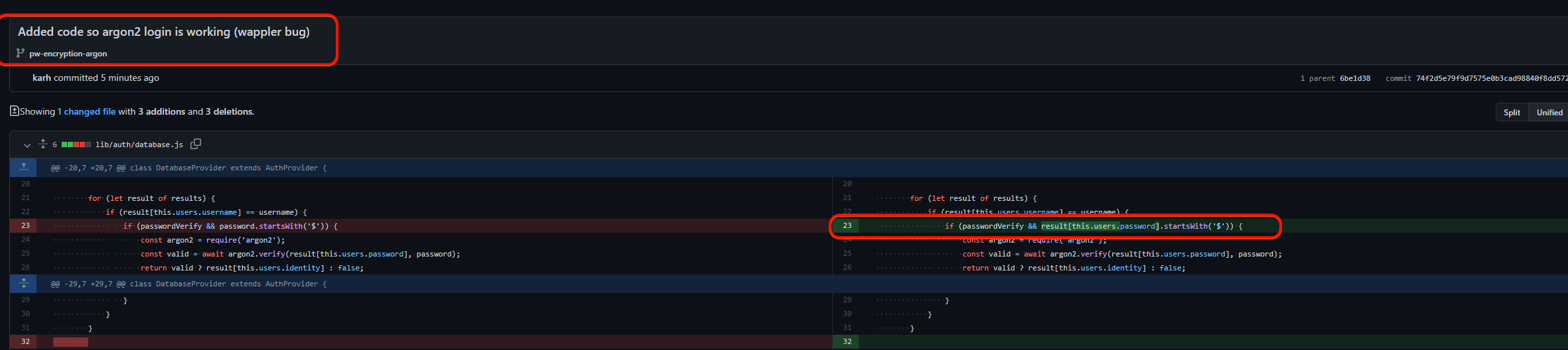
Either way, I don’t think we need to debug this further as the issue is fixed by applying Sid’s fix: Argon2 Failing Again
So for some reason my database.js was not the right version, I added some info in that thread.
I have a project where the Bootstrap file generated has incorrect sequencing of media queries.
Its just one project. All other projects with/without custom theme manager changes, work perfectly fine.
Its just one of those things I guess, which doesn’t have a clear reason why its happenning. It has definitely something to do with the way Wappler updates files or saves project information, but just unable to reproduce.
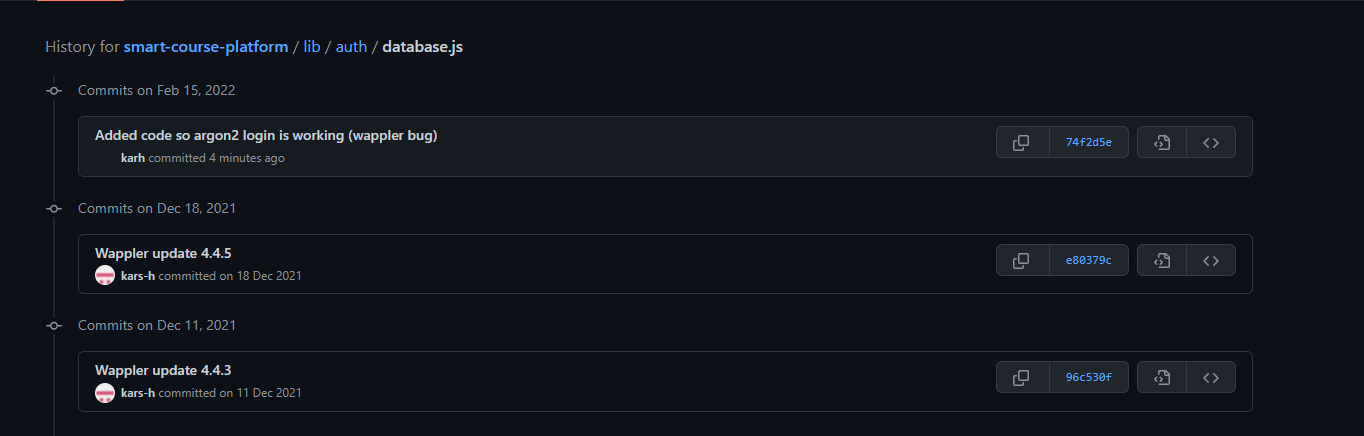
Apart from that commit, the only other commit that changed this file is the one I just did where I manually changed the code:
Here you see the change history of that file