Wappler 7.2.1
NodeJs (Own server)
Not running Docker
Taking this extension as example:
@hyperbytes/wappler-docx2html
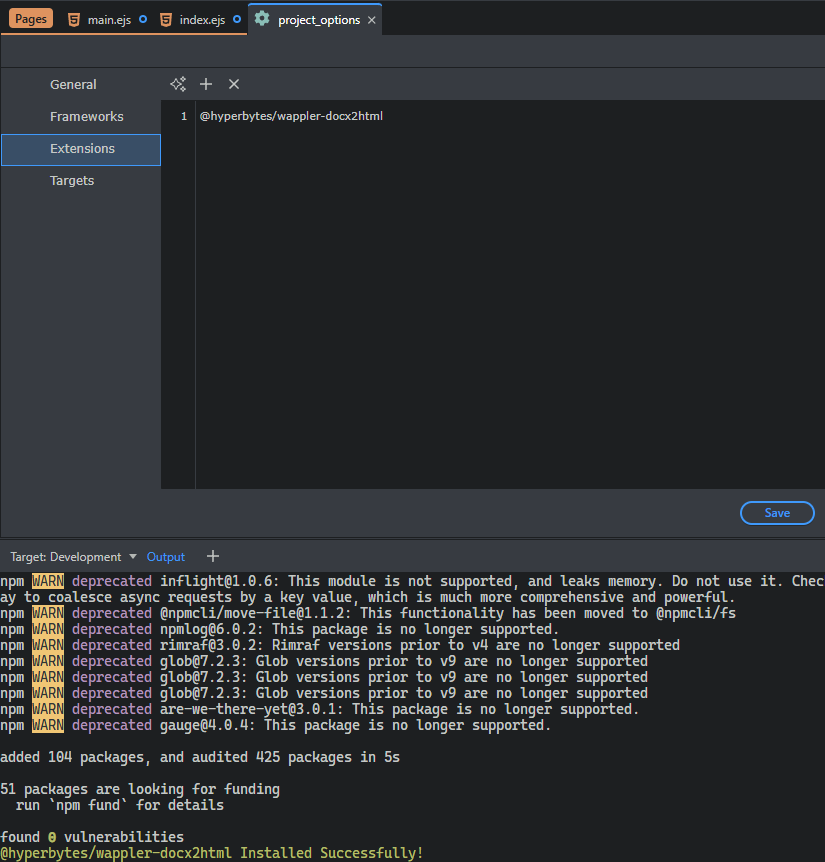
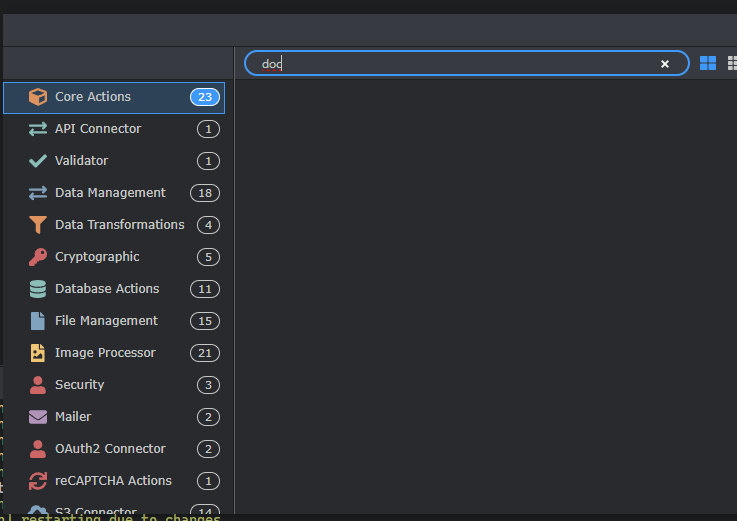
Made a restart:
Extension is not there:
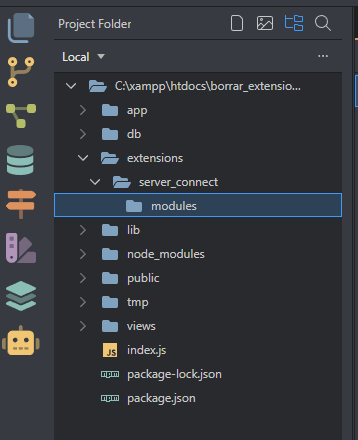
wappler-extension2.zip (4.1 KB)
Wappler 7.2.1
NodeJs (Own server)
Not running Docker
Taking this extension as example:
@hyperbytes/wappler-docx2html
Made a restart:
Extension is not there:
wappler-extension2.zip (4.1 KB)
@franse this docker related issue has aleady been reported and a fix identified. Bug report is unnecessary.
@Hyperbytes I'm not using Docker
How are you installing?
Give me a minute, will record a video
Do you install via project manager or via terminal npm install?
Just to confirm:
when you added the new extension in the options and clicked save - it was installed in the node_modules/@hyperbytes folder?
did the project assets updater ran? And if not if you run it manually from the top header right, the gear icon - did it copy the extension files then?
Let me get to a computer and check that out,give me 30 mins or so. That should work.
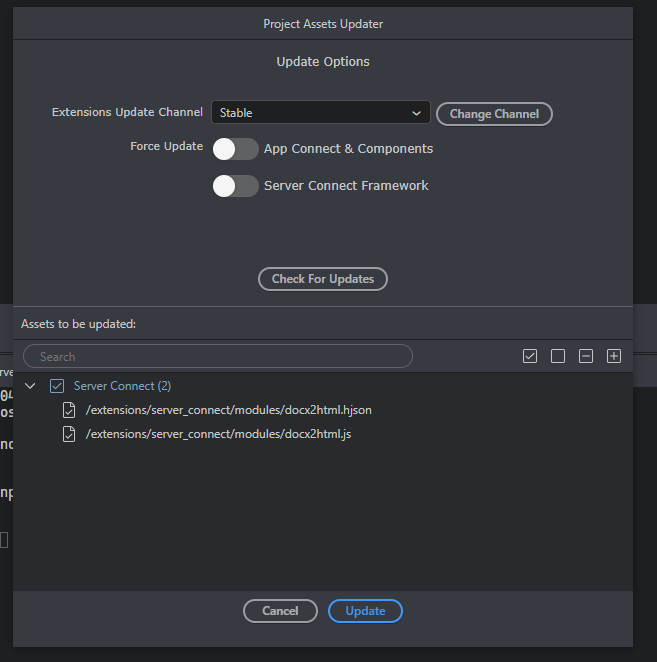
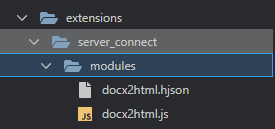
Well this maybe explain the issue:

So every time an extension is installed, we should run the project updater?
Guess i need to update instructions re project updater i always have updater on so didnt need to do that ( unless @George can suggest a way to force update?)
that will be it.
But I will make sure project updater always run after extension install as it is required.
Sorry @George and @Hyperbytes I thought that extensions files were forced to be there in another way.
Feel like an idiot
After install the extension, project updater appears with those files on restart (only if auto show project updater is active)
Sorry again
Please dont say sorry, you highlighted an important issue which may have remained unaddresses. Thank you for bringing it to our attention. 
Fixed in Wappler 7.2.2
This topic was automatically closed 2 days after the last reply. New replies are no longer allowed.