Since I had the new update with Wappler any new query try to display on the page does not work.
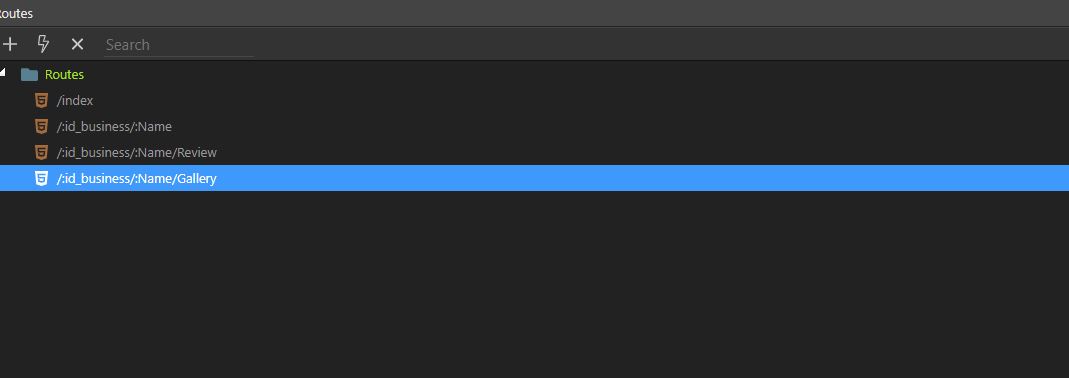
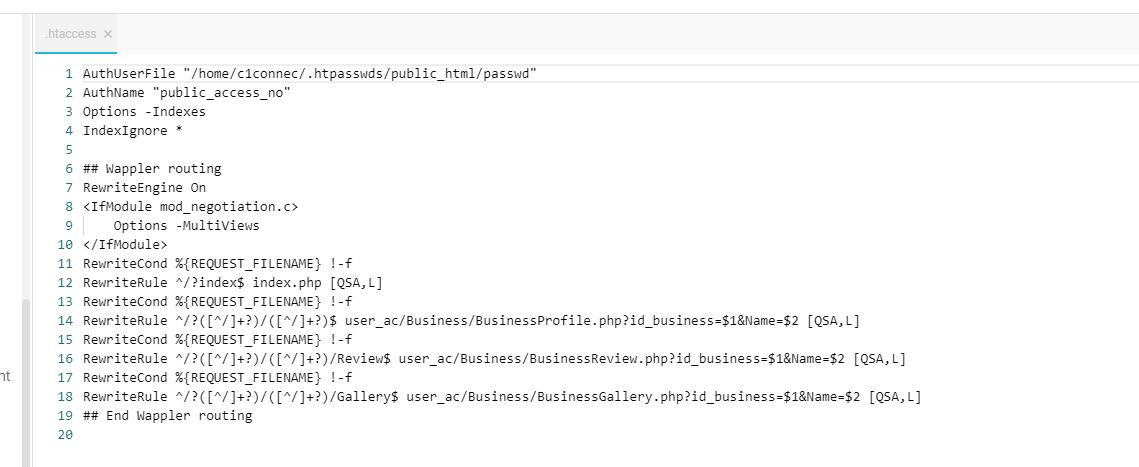
I was working on Routing since yesterday with few people helping on community. Well, the routing did not pass the query ID to the next page.
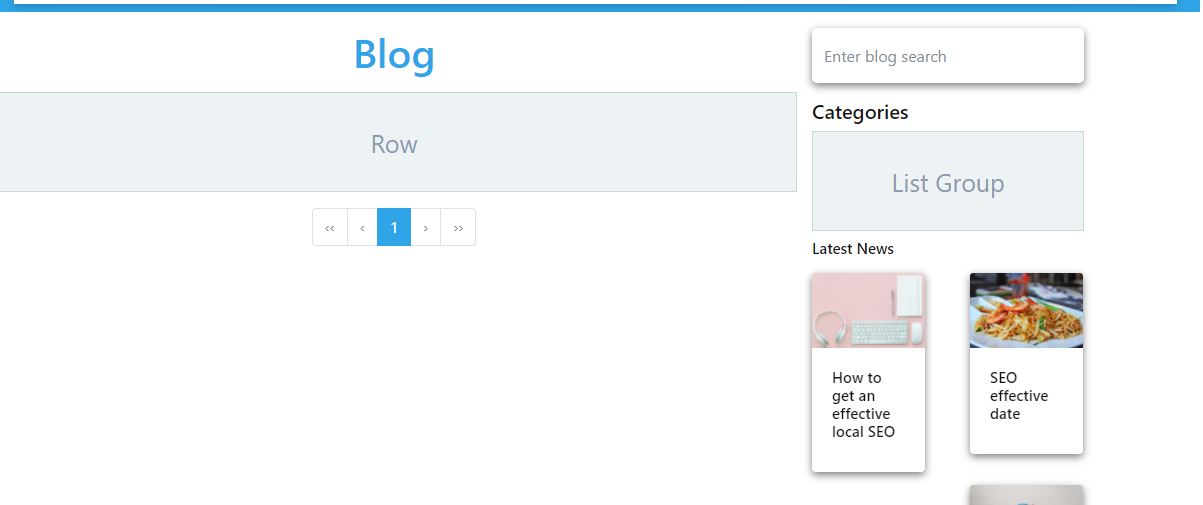
I redownloaded the app and then try the process again. The page does not displaying the primary query it was displaying before. Anywhere you see empty row has an output that is supposed to be there. It was there and now, it is not.
The database did not change and server connect was not changed.
I tried no multiple pages, I have the same issue with no display at all.
Yesterday your page had a Postquery action this is gone today 2 of the actions on that page detail_users and autocompletestate have 404 errors where does this rows data come from?
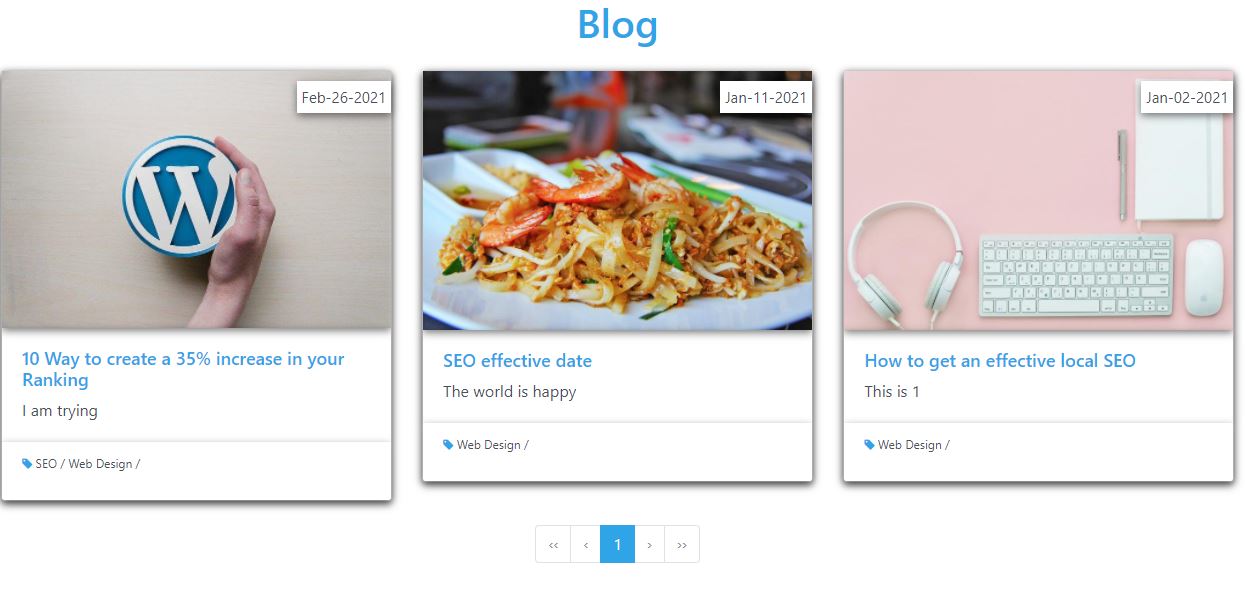
The row data is coming from the blog query card you saw this morning. They were working fine. I was more working on the routing of the blog. Now, I can’t display the 3 cards list.
I stopped messing with the blog route because I was tired of it.
Now, many part of the site are routing to another page they are not supposed to go to.
https://www.1connect1.com/110/scart is this the correct page if it is then where you link the services you need to hit the 2 arrows crossing and choose the correct route
I am using route to get to the details page. I am using the normal url.
It is product overview page is working. But I had to backup the page to get the old page back.
This does not fix the problem.
@Sorry_Duh it is not the correct link for that page. it should have the name of the business behind the 110/xxx.
that’s because I typed it trying to find the correct page you can actually currently enter anything there and it loads the keg page long as it has the id 110/xxx xxx can be anything
I had to back up all the old page even the server action page from few days ago to get the query back on this page.
Which tell me something is wrong with the new update.