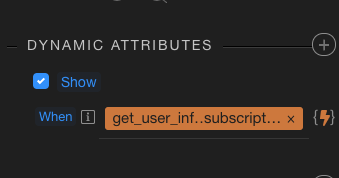
I’m trying to show a modal based on data from a SC in the layout page. The condition is essentially != “active” - so it should display when the specific field in the DB returned by the layout SC does not equal active.
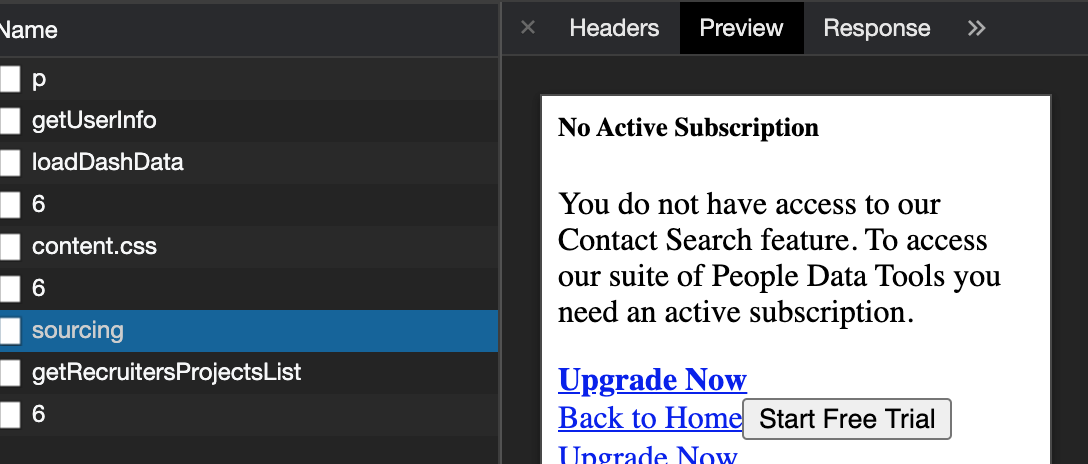
I’ve made sure that the field is in fact loading by simplying binding the data to the page, but when I try to set the modal to display on this - nothing happens on the page itself, however if I go to dev tools - it appears as HTML within the ‘preview’ tab - which is a little odd.
I’ve tested the ‘auto-show’ to make sure that the modal can indeed show in the page, and that works fine. I’ve also tried changing the conditions around to make sure it’s not just the condition i’ve set failing, still no luck.
Any ideas here? Or likely a bug that needs to be reported?
I did some testing and couldn’t get a modal to show using a variety of conditions in dmx-show, including the basic dmx-show="1"
I have to say I’ve never used conditions to display a modal as I’d usually have a button open it through a dynamic event or similar so not sure if this is supposed to work that way
I’m using the modal as a way of restricting access to certain pages unless the user has a certain subscription - you can remove the ability for the user to click off the modal so it works really well, as long as we can get it to display on that condition!
my guess is that they aren’t supposed to work that way because the show/hide just changes the visibility of the element… and as its a bootstrap modal, I think they have a bootstrap-show/hide specific option instead… could be wrong though
Thanks @Philip_J - just tried this, and still no luck.
I get a slightly different outcome however.
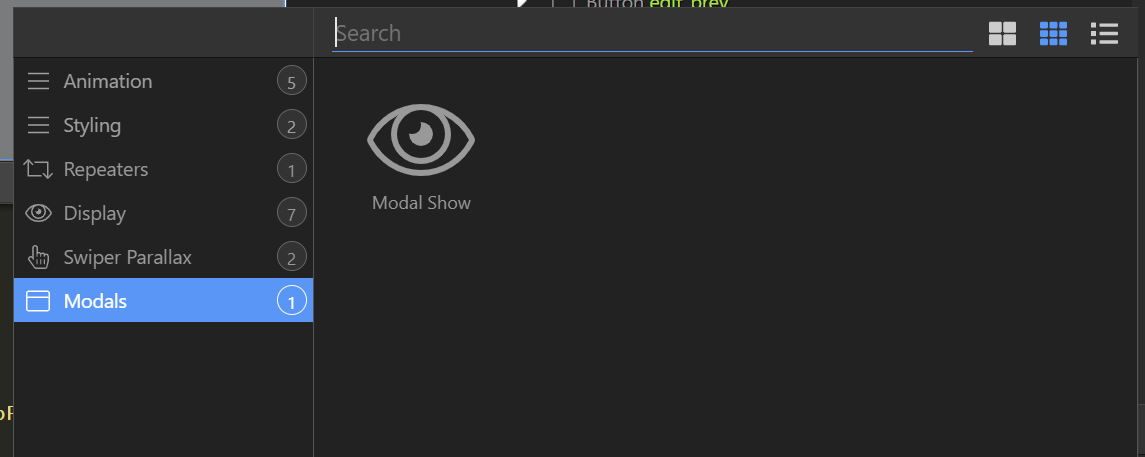
If I use the ‘Modal Show’ with the same condition and then visit the page, the modal is still rendered in dev tools, and no show on the page.
However, if I then ‘refresh’ the page - the modal appears. However, it’s appearing when it shouldn’t as the condition is essentially false for the modal to display in that case.
Thanks @sid - I was hoping to use the layout SC which isn’t loaded each time - but let me have a bit more of a play around. Maybe I’ll just create a basic SC on the content page for this and follow your advice, see if I can get it working before considering it a bug.
Update: Looks like I may have it working, but it did mean moving the modal to within the ‘main’ section off the page. Previously the modal was under the ‘App’ in App Connect and just wouldn’t show with the show modal / dynamic show event.
When I say ‘Main’ - I mean within the ‘main’ element on the page, which is where I hold all my content within (container/row/column etc.)
Ah. Missed the point about it being in the layout page.
I did post a requirement for “loaded” even of content pages in NodeJS. Route Show/Hide etc Options for NodeJS SPA
If this works for you, you can set the condition here instead of on-success.
With @Philip_J’s help - I started using ‘Modal Show’ - this didn’t work until I put the modal within the ‘Main’ element on the page. I’ve tested pretty thoroughly now and it appears to be working well! This is what I’ve used:
No worries, something to consider, and possibly better to use @sid 's approach, is that if the server action fails for whatever reason, then the modal might show…unless that’s ok.
Because if get_user_info.data.getCredits.subscription_status doesn’t load, then will it be considered true becasue it wont equal active?
Just thoughts…not sure how it would go but I have some conditions that are DOES NOT EQUAL that I use to return when there is no data at all.