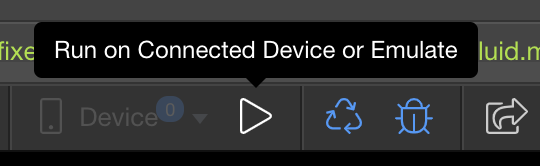
In the mobile app toolbar there is a button for running on a connected device.
How do you connect a device?
In the mobile app toolbar there is a button for running on a connected device.
How do you connect a device?
Hi @brad,
try USB 
I have my iPhone connected to my Laptop through USB, but Wappler doesn’t recognize it. Is there somewhere I have to tell Wappler it’s there?
Ah, looks like you need a code signing certificate to run on a device. 
Oh, well. I’ll figure that out once I get my log in issues fixed.
You should be able to enable developer options on your device Brad (this needs to be enabled on the device in settings). This will allow you to run your app. I have covered certificates here on the forum previously so a quick search should help you find details on what you need to do.
Wow, it’s a few hoops to turn it on on an iPhone X. I think for now I’ll just stick the QR code generator.