Wappler Version : 7.7.3
Operating System : Windows 10 Pro
Server Model: Node.JS
Database Type: Postgres
Hosting Type: local
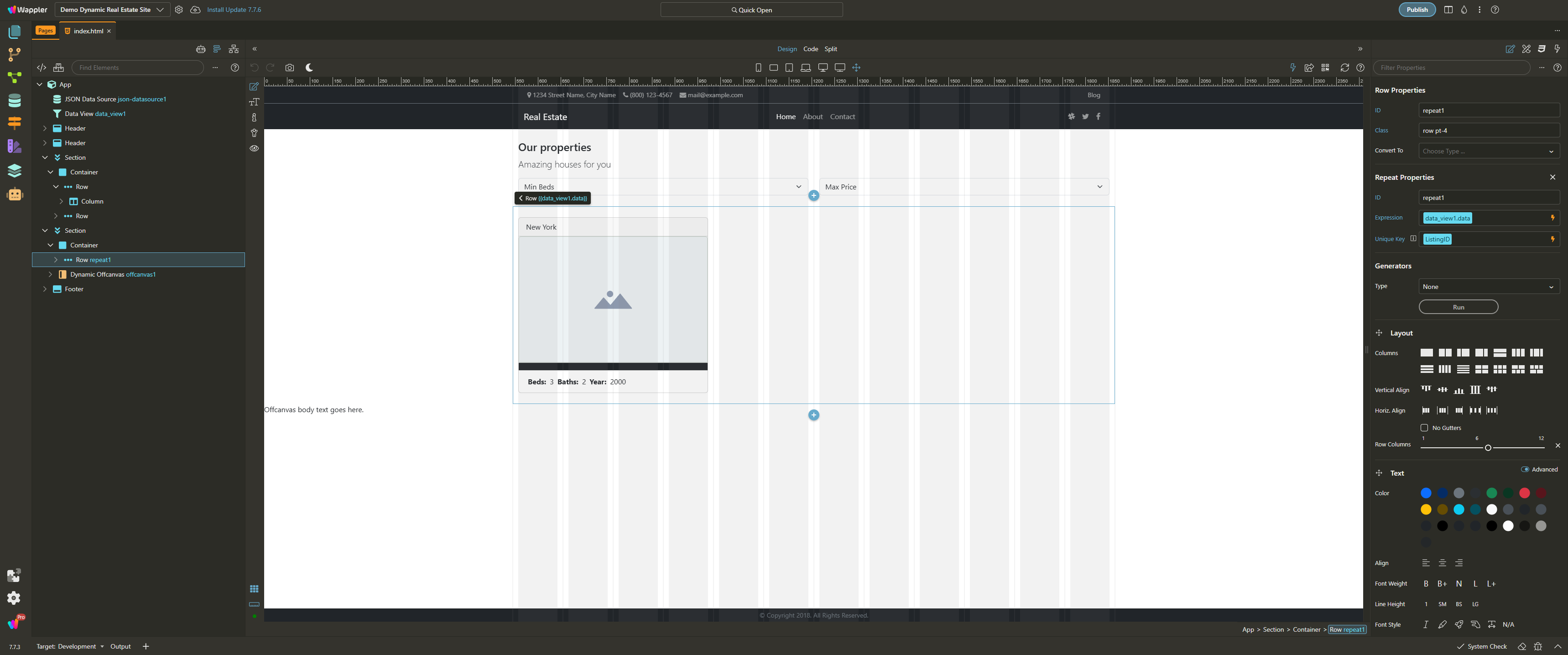
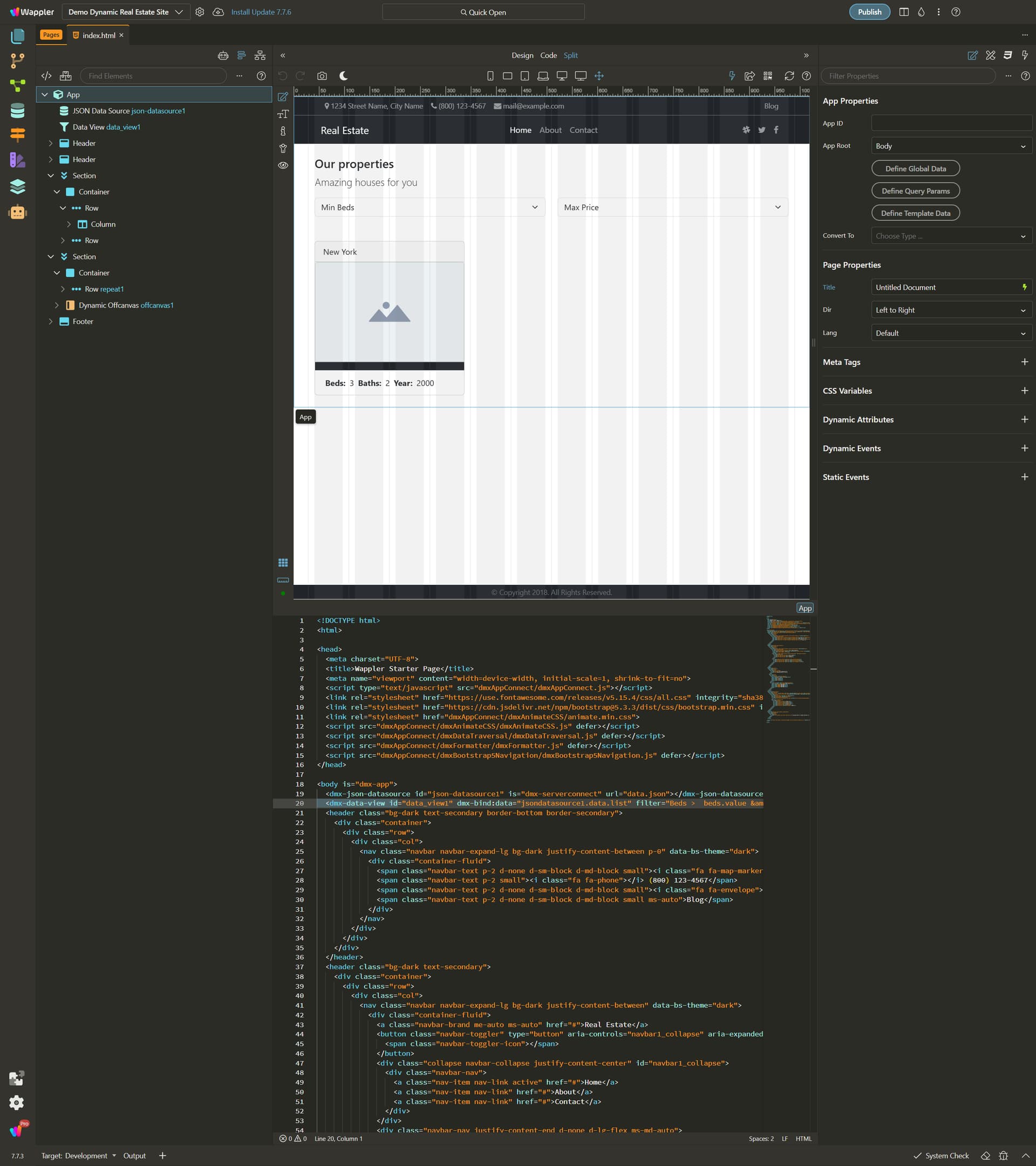
The minimize, restore/maximize, and close buttons have disappeared. I also cannot restore the window by double-clicking the title bar, nor can I drag the window. Pressing ALT+SPACEBAR only displays the 'Minimize' and 'Close' options (the latter also available via ALT+F4).
This isn't the first time this has happened here. Much like some other bugs in Wappler, I have no idea how to provide steps to replicate the issue.
In the meantime, to move the editor window to my main work monitor, I have to toggle my primary/secondary display settings, open Wappler, and then revert the change. I have to repeat this process every time the editor is closed.
Furthermore, the editor's window settings are a disaster. Windows open way too small (they don't 'remember' their previous size) and are stuck in the same corners of the screen (they don't 'remember' their previous position), requiring constant clicking and resizing all day long. It's insane. And none of this is new: the same thing happens in Wappler 6, 5... and likely in even earlier versions.
If you need any more information, I am at your disposal.
This is definitely not the first time this has happened. I actually used Wappler 6.8.0 for some months with this same issue until I updated to version 7 (which I did earlier this year). I didn't post about it last year because I couldn't find a way to replicate the problem, which is still the case now.
I use a dual-monitor setup: the primary is a 34" Ultrawide with a 3440x1440 resolution (@144Hz). The secondary is a 28" monitor with a 2880x2560 resolution (@60Hz). Both are connected to a Radeon RX 580 via HDMI and DisplayPort, respectively.
I typically use Wappler on the secondary monitor, as its vertical orientation is more comfortable for accommodating all the panels (see screenshot bellow). I use the primary Ultrawide monitor for the browser and devtools. Occasionally, I undock an editor window and move it over to the Ultrawide monitor.
Ok so you have some windows on one monitor and others on the other one? When do the issues happen - is it when you undock a editor and move it on the other monitor?
It’s not common for me to undock windows and separate the view. I’m certain I haven't done that in at least two months. This 'vertical' monitor (which is equivalent to two QHD monitors stacked) handles the Wappler IDE quite well for me. I only separate windows when I need to compare workflows... which hasn't happened recently.
It’s worth mentioning that the buttons disappeared without any apparent trigger (which also happened last year). My computer stays on all the time with Wappler open. I rarely shut it down. So, I woke up today and the buttons were simply gone.
What does happen frequently is the Wappler window being 'pushed' to the primary monitor. When I’m not working, I turn off the secondary monitor, and doing so causes the windows to move to the monitor that remains on. Then, when I turn it back on, I have to move the Wappler window back to the secondary monitor. This can happen more than once a day...
The only atypical action today was on my laptop, where I keep a version of Wappler 6.8.0—a backup environment I use to reference certain workflows throughout the day. Today, the session had expired, and I had to log in again. I have no idea if this could somehow affect the UI of the instance that was already open on my desktop...
Sounds to me like you are just stuck in full screen view. I don't know about Windows but on a Mac when in Full Screen you can move your cursor to the very top of the screen and the menu will drop down allowing you to get out of full screen.
As it turns out, I checked the menu and clicked 'Toggle Full Screen'. Since the shortcut is F11 (and I use F12 frequently for DevTools), I must have misclicked it at some point.
So it’s official: it's not a bug... it was just a misclick on my part! Resolved.
That said... in Full Screen mode, it only hides the three buttons without any practical gain in screen space. Usually, it’s intuitive to realize a software is in Full Screen because 'something' is missing at the top, but in Wappler, ONLY the three buttons disappear, with no actual space saved. It doesn't make much sense...