After I create a Database Query, a ‘Sort’ and a ‘Direction’ properties display. Not sure what to do with these as they are not displayed nor discussed in the ‘Binding Data on the Page’ tutorial. See screen cap:
Also very strange… when I try to use ‘Make Repeat Children’ table body property, the sample table rows disappear and I cannot get them to return unless I Undo. This worked the first time I tried to make a dynamic table but on future attempts to do this, the function fails. Please see my attached vid: dynamic table disappears.mp4 (5.1 MB)
Anyone have an idea what is happening or what I’m doing wrong building this table?
Well this is because when you make a repeat region an expression to repeat is assigned. Initially there is no expression so nothing is repeated.
Later on when you assign the expression as you did, it should be repeated as many times as records you have. So make sure you do have records in the query.
You can also actually experiment with static expressions like just number 5 - to see if it repeats 5 times.
Btw if the design view don’t refresh automatically after you assign the expression you might hit the refresh icon on its toolbar.
So after seeing the repeat shows so many times as your data has records, you can then bind this data to the deatil that you are now repeating, instead of the static text you now have as table cells.
Tried it several more times but the repeating data rows do not display. I made a vid of my last attempt. Perhaps it’ll give you a clue as to what I’m doing wrong. Please review and let me know so I can move on to the next part of this project? Data Binding Bug.mp4 (57.9 MB)
Randy, the whole story has confused me somewhat, which is not difficult as my wife will tell you. If you merely want to create a populated table, have a look at my video.
I have the same exact issue and I was thinking that maybe there is something wrong with my query. I created a very simple one and it did not work. The problem is that things (rows, etc.) disappeared the moment I made repeat.
From the video sent by @ben (and thanks by the way), I realized that in the app properties, if the app root is set to page instead of body, I cannot see my live data but they are visible from the browser.
Is this the normal behavior or something that needs to be fixed (bug)?
Thank you @ben – your video showed me the way! I’ve gotten my dB-driven tables successfully populated now.
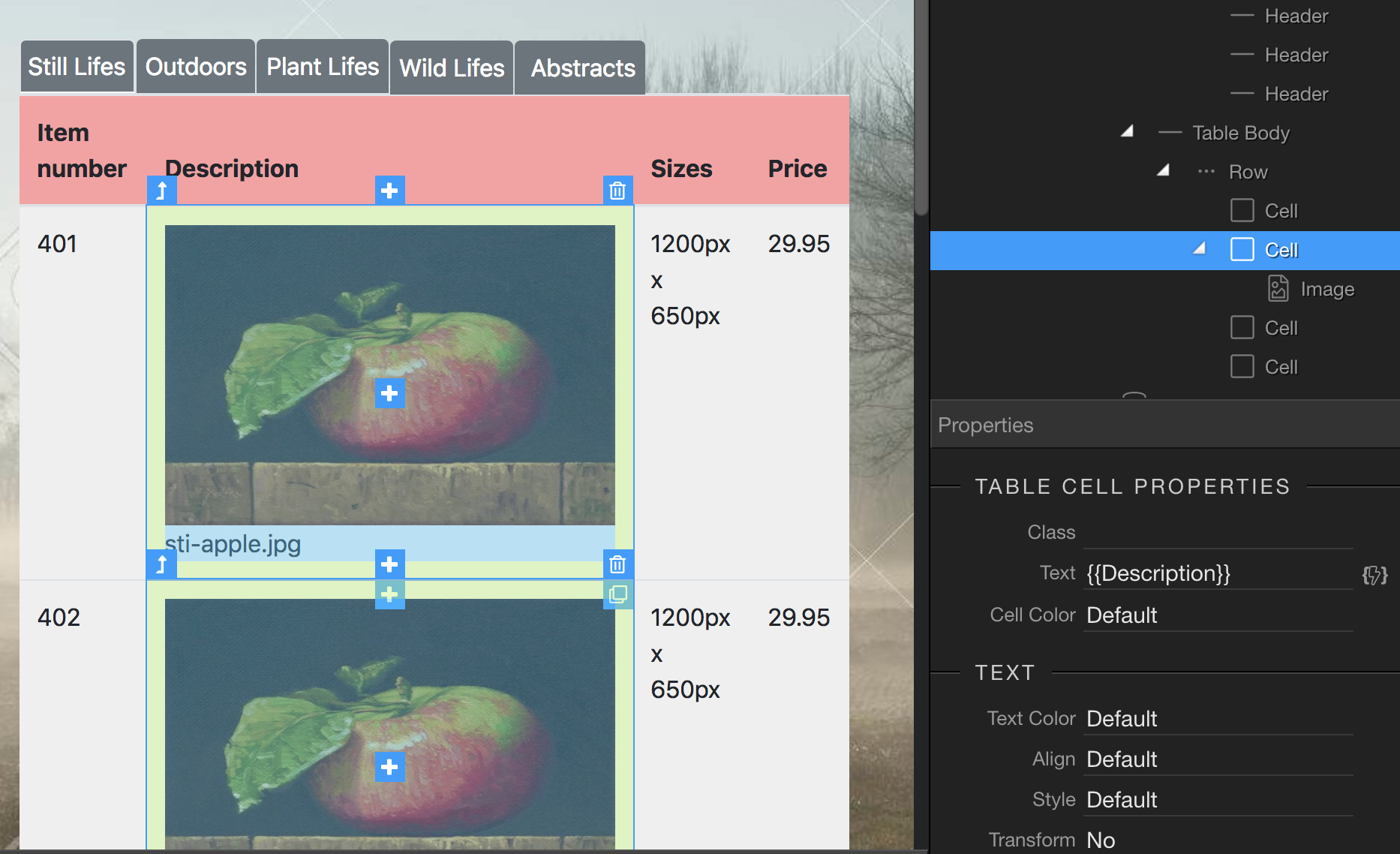
The tables I’ve created are to display images and text - but the image from record #1 repeats down the table column. How do I get each record to display only its image and not repeat? See my screen cap: