Good afternoon, I have a project in node js in docker, which was made in version 6.3 with the sessions saved in redis.
I tried to update to the latest version, before updating I set it to save the sessions in the database, I did the update and I can no longer log in, inspecting the page I see that the security login is returning when there is an error, or if the login is correct, but neither the notification nor the browser works, is there a procedure that can be done.
You could try flushing Redis via the Redis CLI in Wappler (under Terminal while the Remote Target is selected) and see if that helps..? Maybe there is some conflict with the session?
flushall
And restart your container for extra measure...
I'll test it but I've already deleted the entire container and disabled Redis, and the problem still persists.
OK discount that suggestion. How about setting the session to store in memory and retry the login?
I also tested it, but unfortunately without success. When I changed to Server Connect 2, something similar had happened, but the problem was with the session saved in memory. However, putting the session in the database solved it. However, in this case, since it was saved in Redis, it doesn't work at all.
Maybe try with Debug enabled on the Remote Target and see if any errors are thrown?
the debug is already active, it does not show any error, it is simply as if the front end was not receiving the security login parameters, it brings the responses when it is not authorized or when the login is correct, but it does not perform any action after receiving the information.
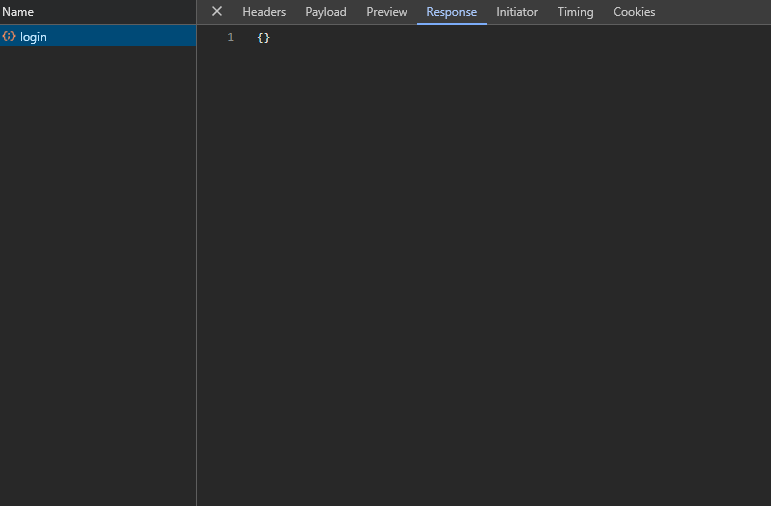
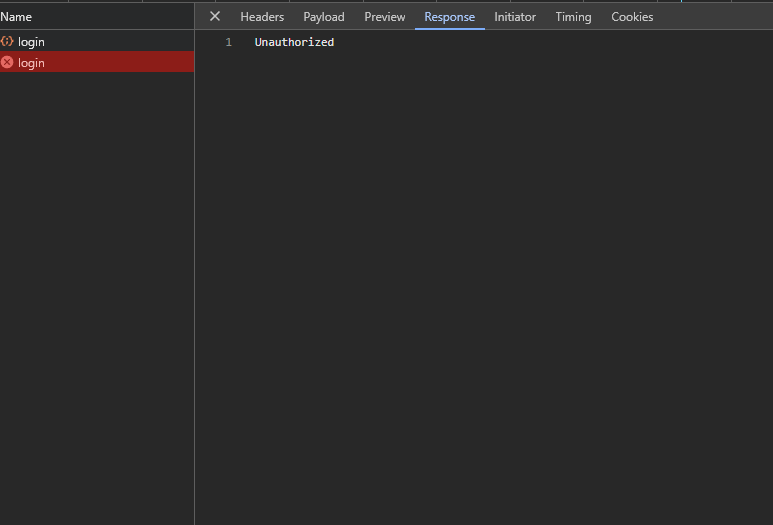
Is giving me a flashback of a scenario we experienced...
Out of interest can you login locally?
The application is only running locally, as I was migrating versions I did not update the production version.
Hi Vamberto,
Have you redeployed the docker project locally after the upgrade?
If it is still an issue, then try login after clearing the site data in the dev tools.
Application -> Storage -> Clear site data
Hello, good evening, man, I deleted the containers, images and volumes from Docker, I deleted Wappler completely from my machine and reinstalled it and still the problem persists, checking the container logs, I noticed that after updating the security login it always returns the user ID in the output even though it is disabled.

In the image above is the login log before updating the app to the newest version of Wappler
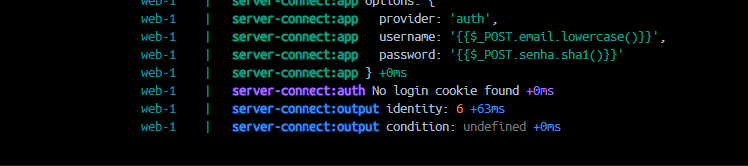
here is the log after the update