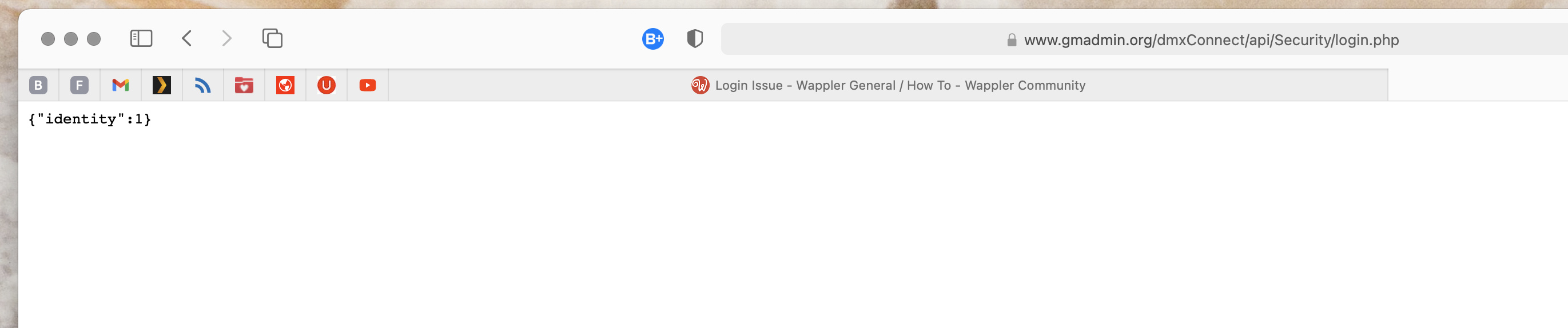
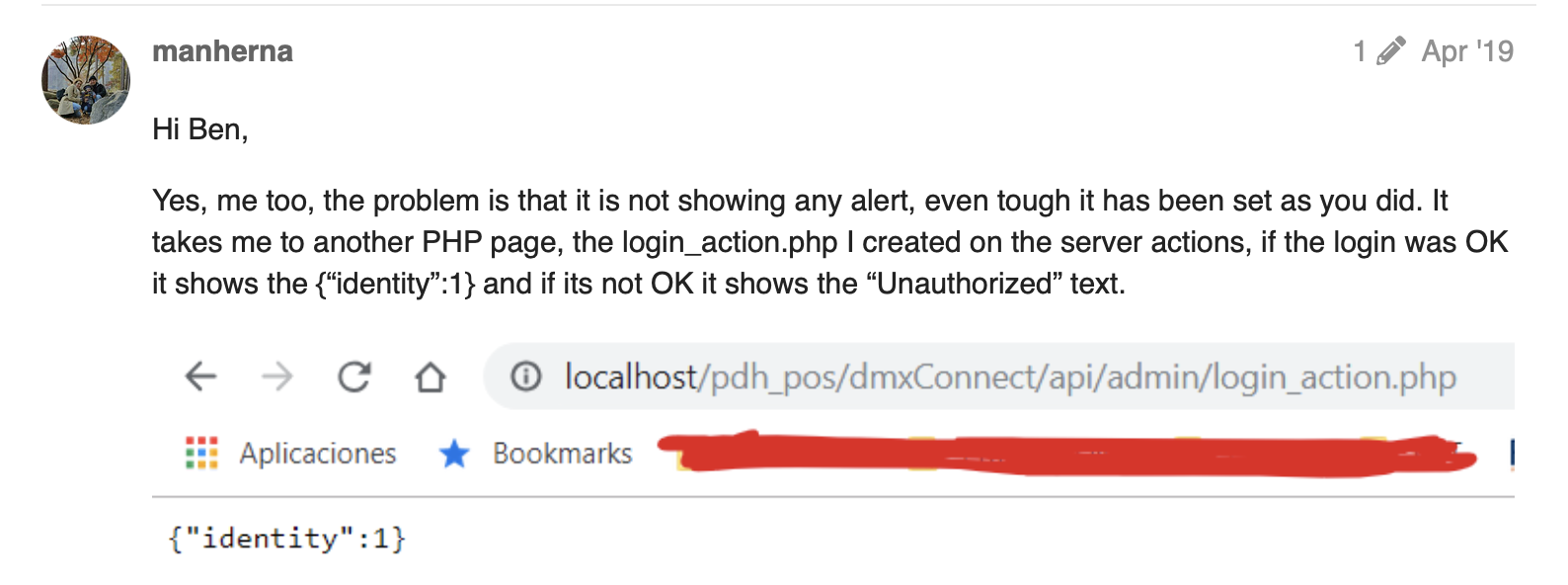
When this is opened it renders this on the page: {“identity”:1}
Anyone have any idea how I can return to a functioning login? I believe there is a breakdown on the globals security, but I cannot figure out how to fix it.
I really need help… there’s a meeting tomorrow morning and they will need to be able to login. Ha!
This is what shows immediately after pressing the submit button on the login form. It sends you to the dmxConnect/api/Security/ folder and opens the login.php file. Ha!
Apologies for the late reply, I was in a meeting with a client. Good to see that the problem is solved. The good part with Wappler, it is faster to rebuild than to go hunting for errors.
You may be interested in this site that was built using Wappler; not by me but by a local guy.
I finally found out what was causing the problem. It was the alert component. After looking for every login topic in the helps, I found one that mention using the Bootstrap Alert. When I removed it (.js and .css), it works without the identity issues, i.e., {“identity”:1}, as mentioned by manherna below.