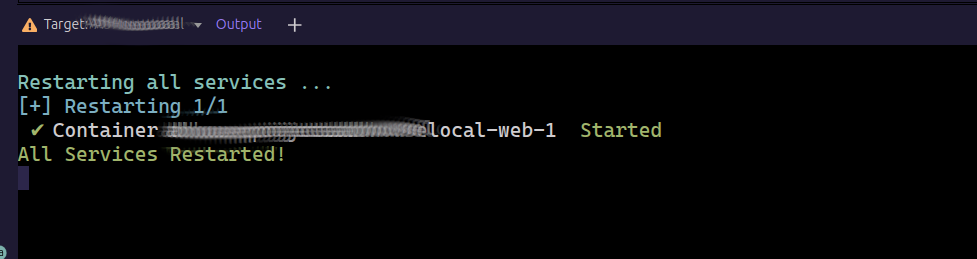
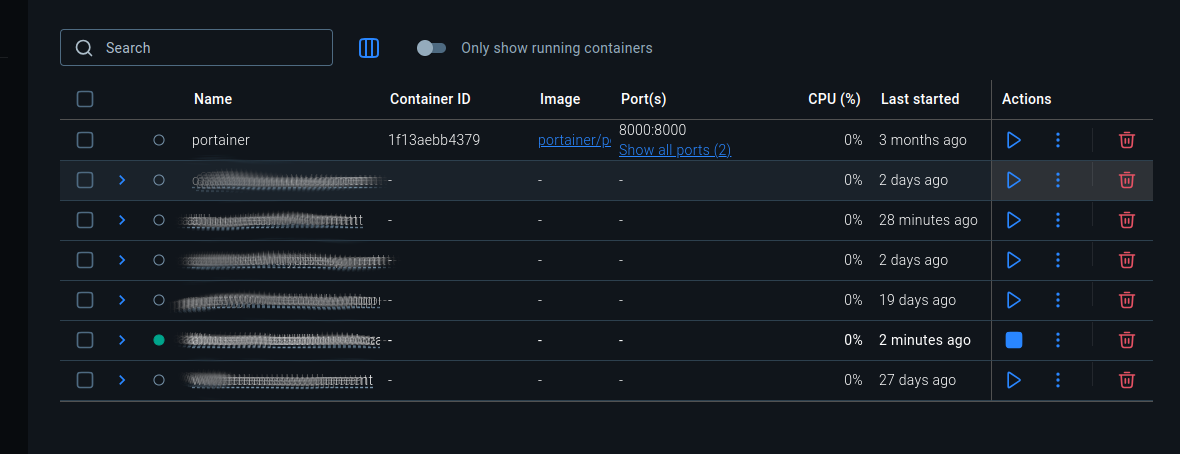
So maybe there is a different issue with identifying the status of the local deployment on Ubuntu? And this in turn causes the issue outlined in the above Bug..?
This is not urgent nor does it stop me working, installing, updating, or cleaning Node packages. Just noticed it on the new version so thought to report it.
weird that it is not detected. Maybe you can hover above the exclamation mark icon to see if an error tooltip shows.
Is it something special about the project config? Just node docker web instance and no database? Maybe you can send me the .wappler/targets/Development/docker-compose.yml to see if there is something strange in it.
No as all Docker Projects are showing the same issue (even much older Projects) so is not specific to a single Project. Nothing special in any configurations all standard deployments but am still happy to provide the files should you still wish to review them with this in mind?
Restarted Wappler and Docker Desktop several times and no difference unfortunately.
Bit stumped but will see if I can narrow it down and will report back.
to see where docker listens to. And both are no found on your linux installation. So is how is docker running or is it running under other user and you don't have access to docker.sock
I'm going to blame this on a recent Docker Desktop update. Oddly enough there was 4.46.0 update recently which may well have coincided with the latest Wappler release give or take (and this may have been the root issue).
I ended up adding the User back to the docker group (sudo usermod -aG docker ${USER}
), restarted Wappler, logged out and back in, and now have the features available to me that were grayed out previously, although I still have a red status icon for the actual container (which is running fine).