Wappler Version : 7.9.7
Operating System : Win 11
Server Model: node
Database Type:
Hosting Type:
Expected behavior
Markers should display
Actual behavior
They do not display
Sorry @patrick but more leaflet maps issues.
Moved on since previous fix, now using dynamic markers rather than a single Leaflet Marker
My API action returns data (currently only one record in table) like this:
"query": {
"surgery_id": 1,
"heading": "Event name",
"body": "<p>Event Description</p>",
"online": "1",
"date": "2026-08-13 19:30:00",
"location": "Event Location",
"postcode": "",
"ward_code": "E14001567",
"lat": 54.954914,
"lng": -1.729253,
"map": 1
}
}
I use dynamic markers:
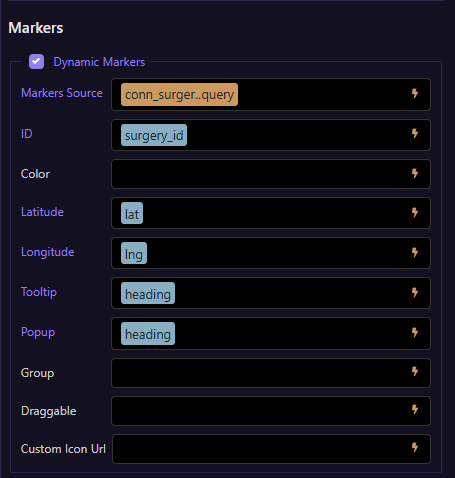
No markers are shown, no console errors
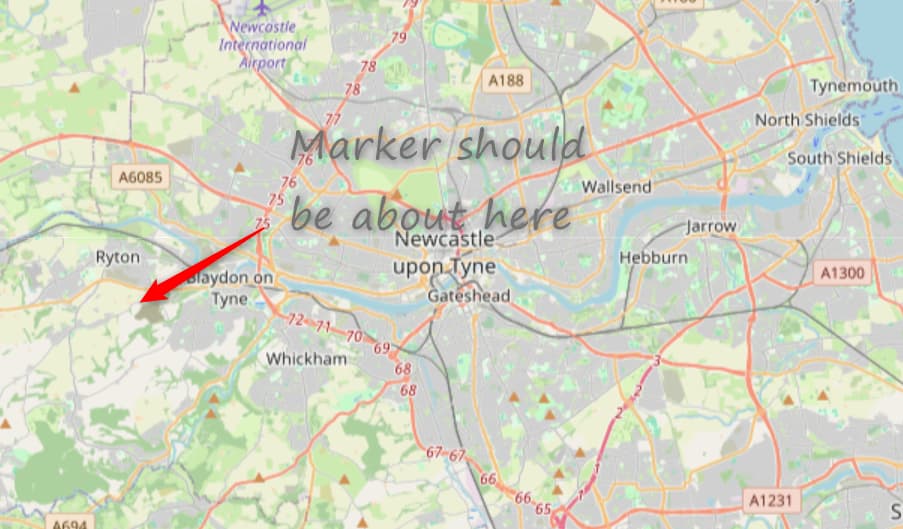
Can you post the generated html for the map
<div is="dmx-leaflet-map" id="leafletmap1" latitude="54.9339219" longitude="-1.6189969" address="team valley, Gateshead" zoom="11" style="width: 100%; height: 400px;" marker-id="surgery_id" marker-latitude="lat" marker-longitude="lng" scale-control="true" marker-tooltip="heading" marker-popup="heading" attribution-control="false" dmx-bind:markers="conn_surgery.data.query" tile-provider="Stadia Alidade Smooth">
I don't seem to be able to reproduce the problem, the dynamic markers work for me.
In your post the query is a single object, the Markers Source data require an array. You mention it only returned one record, but is it an array or an object that it returns?
Please just put me in the stupid corner, its a singe record query.
Apologies for wasting your valuable time.
This topic was automatically closed 2 days after the last reply. New replies are no longer allowed.