HeikoK
January 27, 2023, 4:17pm
1
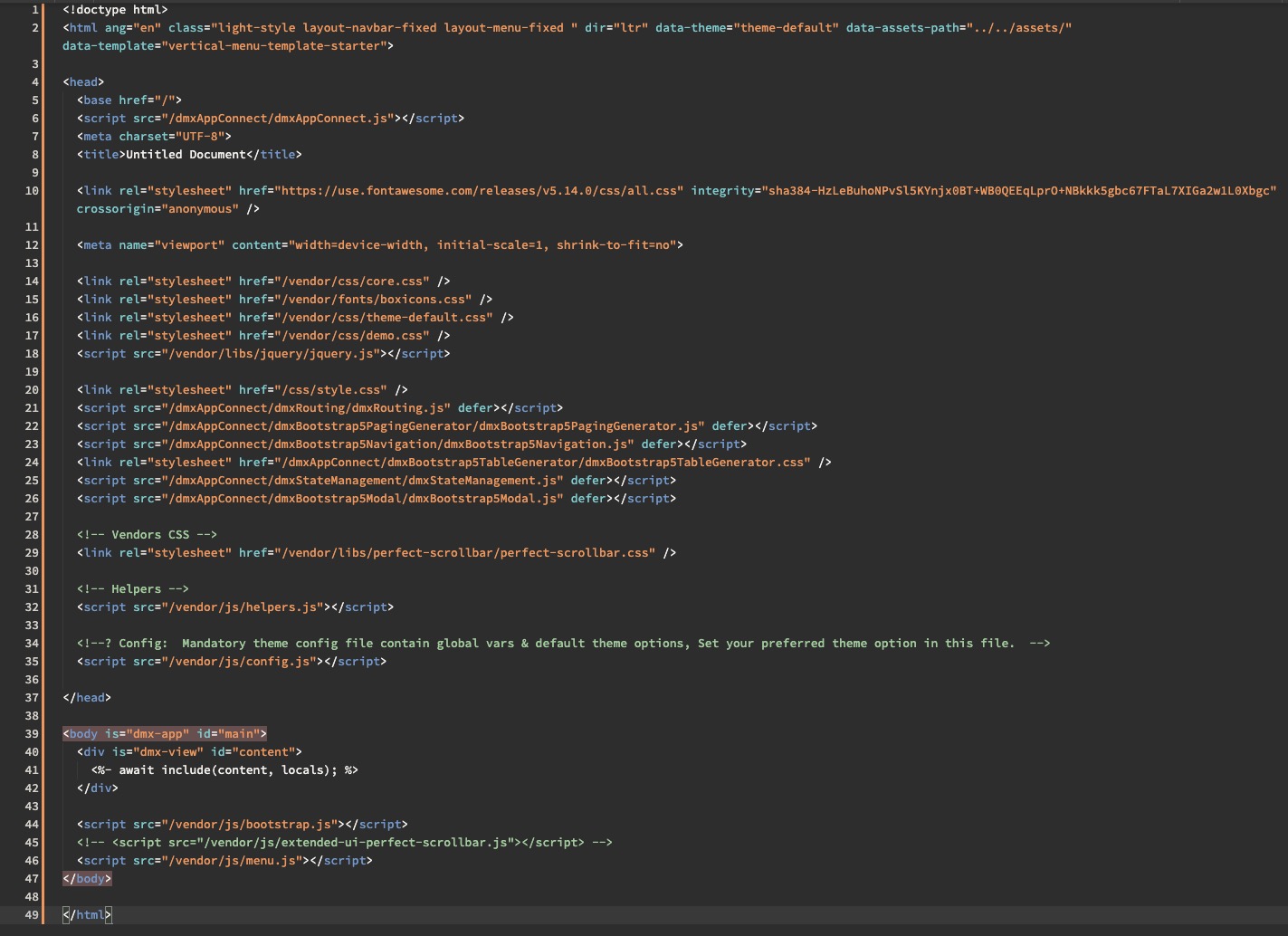
Yesterday I played around with a custom theme. I added it to Wappler according to the docs and so far, it worked. Very simple playground project: just a couple of thousand entries in SQlite DB and a paged query with sorting and a simple modal to edit the data.
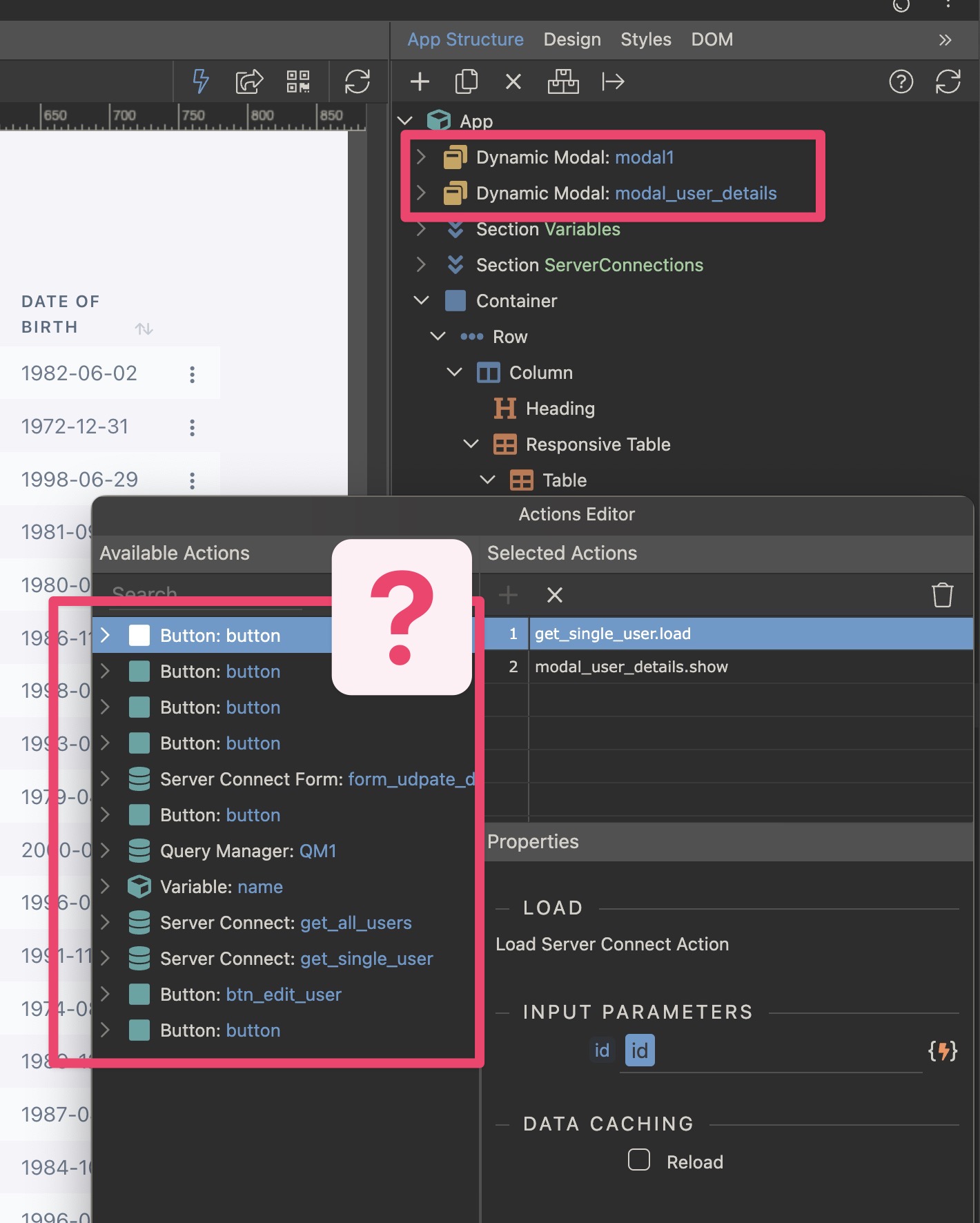
After adding the theme, the page still worked, however, I wanted change the edit and delete buttons into a dropdown… but here we go: my modals are no longer available in the Actions Editor. But now I have some random buttons in the actions editor out of nowhere (there’s only one button in the project).
So could the theme and it’s associated javascript mess up Wrappler?
bpj
January 27, 2023, 4:39pm
2
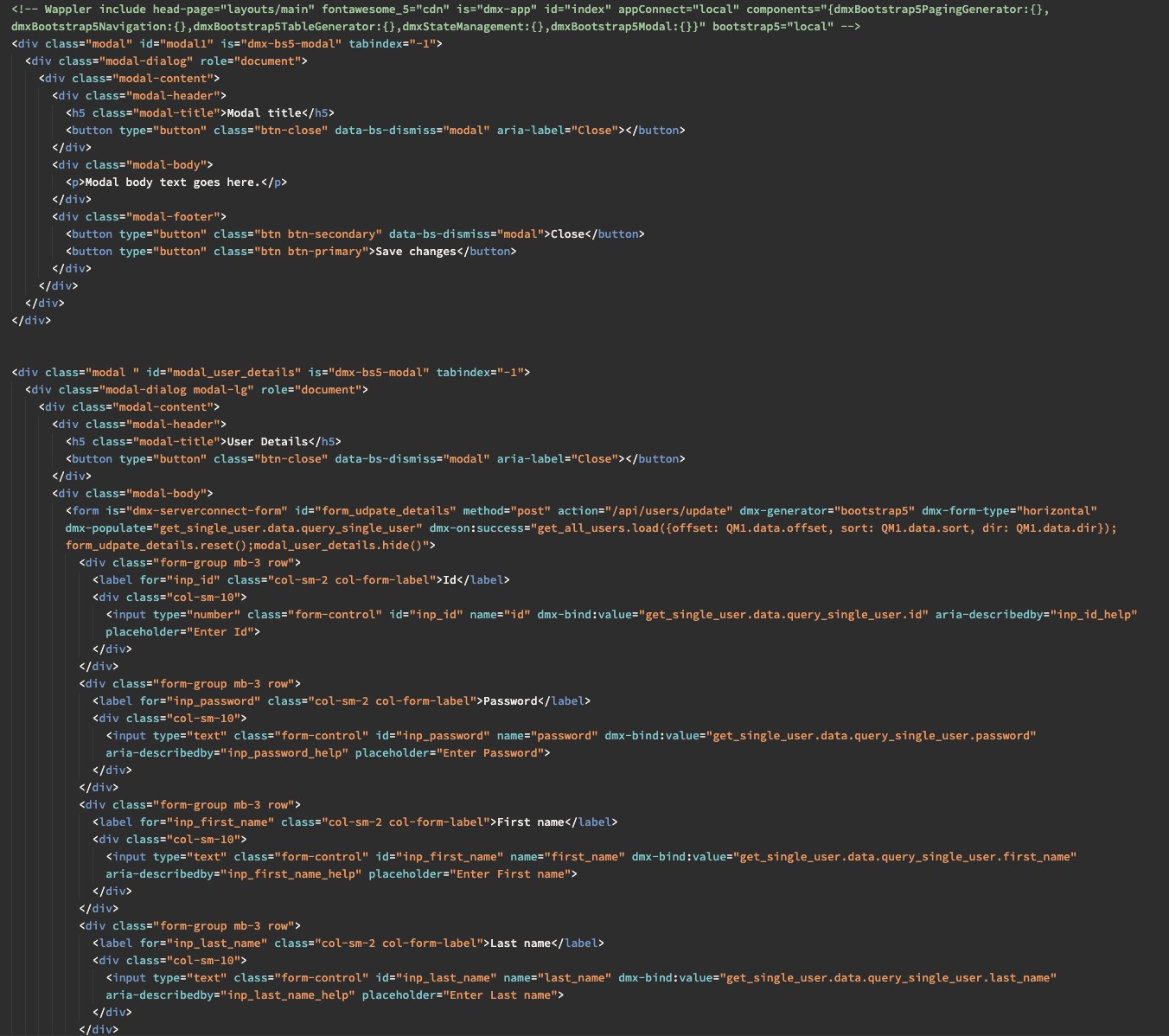
Can you show the HTML code from the page for the modals? I believe the app structure looks at tags and classes; I would imagine the same is said for the picker but seeing the code may show if/where the inconsistency lies
Do the modals have the is tag?
is="dmx-bs5-modal"
Sample modal for reference to the is tag:
<div class="modal" id="modal1" is="dmx-bs5-modal" tabindex="-1">
        <div class="modal-dialog" role="document">
            <div class="modal-content">
                <div class="modal-header">
                    <h5 class="modal-title">Modal title</h5>
                    <button type="button" class="btn-close" data-bs-dismiss="modal" aria-label="Close"></button>
                </div>
                <div class="modal-body">
                    <p>Modal body text goes here.</p>
                </div>
                <div class="modal-footer">
                    <button type="button" class="btn btn-secondary" data-bs-dismiss="modal">Close</button>
                    <button type="button" class="btn btn-primary">Save changes</button>
                </div>
            </div>
        </div>
    </div>
Cheese
January 27, 2023, 6:07pm
4
Have you set the Framework to Custom Bootstrap and pointed it to the themes respective css and js?
ben
January 28, 2023, 12:07am
5
Theoretically, themes should not interfere with Wappler. They usually only affect colours.
I have tried to replicate the problem as you have described, without success. This brings me to think that the messup has ocurred elsewhere.
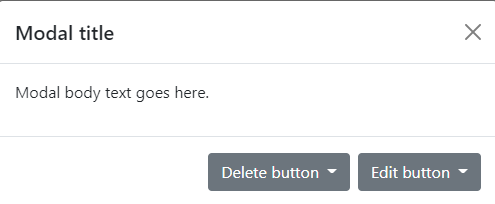
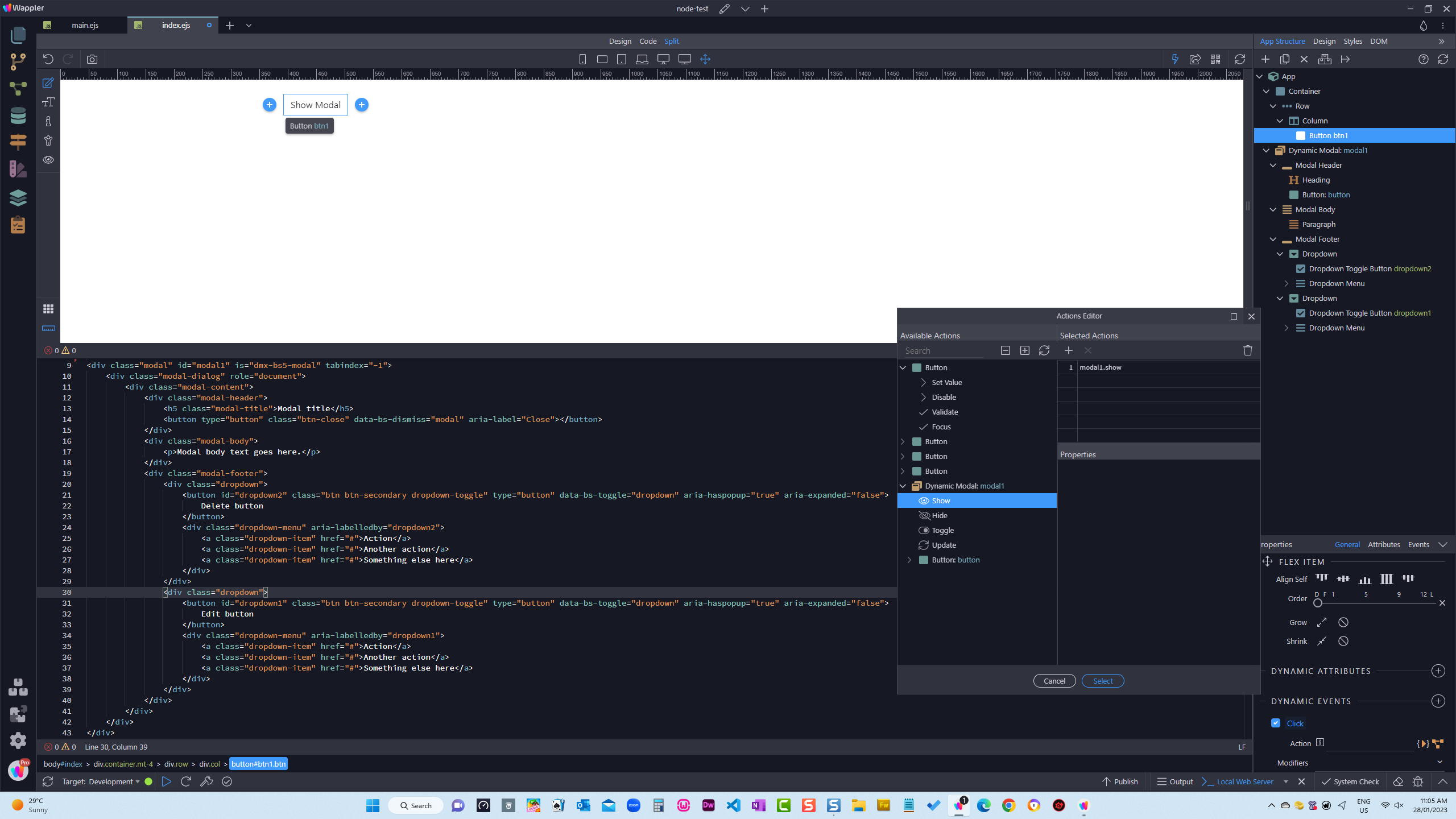
Please compare your code with the following
HeikoK
January 28, 2023, 9:16am
6
Sure. But as I said, nothing has changed on the pages except me adding the scripts and css for the new theme.
HeikoK
January 28, 2023, 9:17am
7
Yes, and I added some addtional scripts.
The page itself runs as expected, its just that the Action Editor is showing garbage. The Structure in the panel is also correct.
bpj
January 28, 2023, 9:18am
8
Just trying to work through possibilities…
If you remove or comment out the theme css/scripts do they show again?
HeikoK
January 28, 2023, 9:20am
9
Thats’ what I would expect, unless the chrome view inside Wappler is not fully sandboxed.
Not all, many of them come with additional extensions, and that’s where I think Wappler get’s confused.
I am not bound to this theme, I just wanted to try it out and check if it works within an Environment like Wappler, but now I got courious.
HeikoK
January 28, 2023, 9:22am
10
Edited, because I haven’t had enough coffee yet and misunderstood the question
bpj
January 28, 2023, 9:24am
11
Here, here
Don’t forget to click the refresh button on App Structure to make sure it reflects the latest changes to your code
HeikoK
January 28, 2023, 9:24am
12
bpj:
refresh button
Thats my best friend atm
As I said, It’s not a biggy for me, just courious.
HeikoK
January 28, 2023, 9:46am
13
wapplerBSThemeTestWithPagination.zip (3.3 MB)
I thinks it’s easer to have a look at the sources than looking at screenshots. And also to see if this is the same problem for others.
/heiko