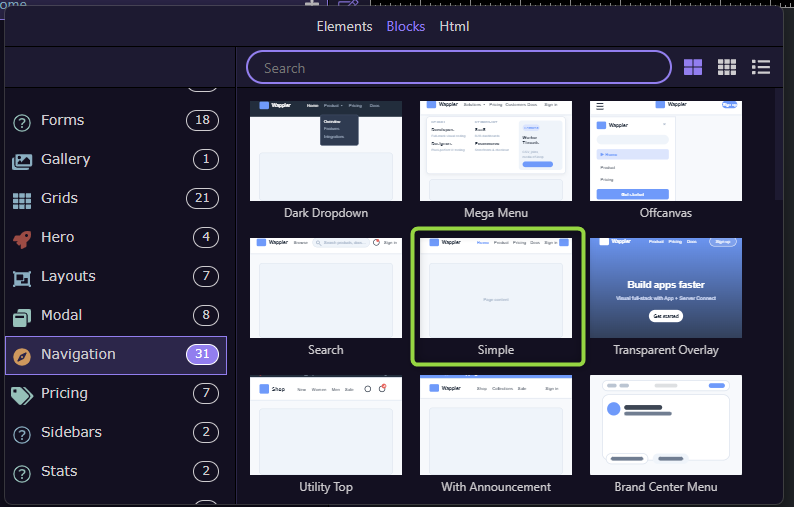
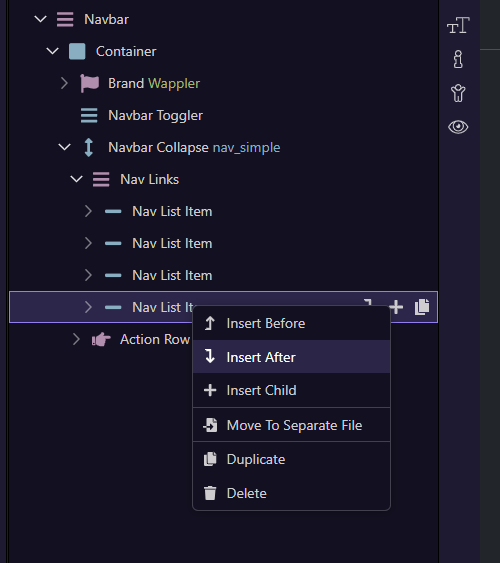
I decided to try using some of the new blocks recently integrated into Wappler.
I certainly noticed that structurally they appeared very different to anything previously integrated into Wappler. I am making a guess they are licenced in with maybe a few tweaks?
I tried using the simple menu block, Blocks -> Navigation -> Simple
Where the old blocks would generate something like
<nav class="navbar navbar-expand-lg  justify-content-between">
  <a class="navbar-brand me-auto ms-auto" href="#">Dashboard</a>
  <button class="navbar-toggler" type="button" data-bs-toggle="collapse" data-bs-target="#navbar1_collapse" aria-controls="navbar1_collapse" aria-expanded="false" aria-label="Toggle navigation">
    <span class="navbar-toggler-icon"></span>
  </button>
  <div class="collapse navbar-collapse justify-content-center" id="navbar1_collapse">
    <div class="navbar-nav">
      <a class="nav-item nav-link active" href="#">Home</a>
      <a class="nav-item nav-link" href="#">About</a>
      <a class="nav-item nav-link" href="#">Contact</a>
    </div>
  </div>
</nav>
the new blocks use list tags.
  <div class="container">
    <a wappler-role="brand" class="navbar-brand d-inline-flex align-items-center gap-2" href="/">
      <span class="rounded-3 bg-primary text-white d-inline-flex align-items-center justify-content-center fw-bold" style="width:2rem;height:2rem;" data-role="logo">W</span>
      <span class="fw-semibold" data-role="name">Wappler</span>
    </a>
    <button class="navbar-toggler" type="button" data-bs-toggle="collapse" data-bs-target="#nav_simple" aria-controls="nav_simple" aria-expanded="false" aria-label="Toggle navigation">
      <span class="navbar-toggler-icon"></span>
    </button>
    <div wappler-role="navbar-collapse" id="nav_simple" class="collapse navbar-collapse">
      <ul class="navbar-nav me-auto mb-2 mb-lg-0" wappler-role="nav-links">
        <li class="nav-item"><a class="nav-link active" href="#">Home</a></li>
        <li class="nav-item"><a class="nav-link" href="#">Product</a></li>
        <li class="nav-item"><a class="nav-link" href="#">Pricing</a></li>
        <li class="nav-item"><a class="nav-link" href="#">Docs</a></li>
      </ul>
      <div class="d-flex align-items-center gap-2" wappler-role="action-row">
        <a class="btn btn-link link-body-emphasis text-decoration-none" href="/login">Sign in</a>
        <a class="btn btn-primary" href="/signup">Get started</a>
      </div>
    </div>
  </div>
</nav>
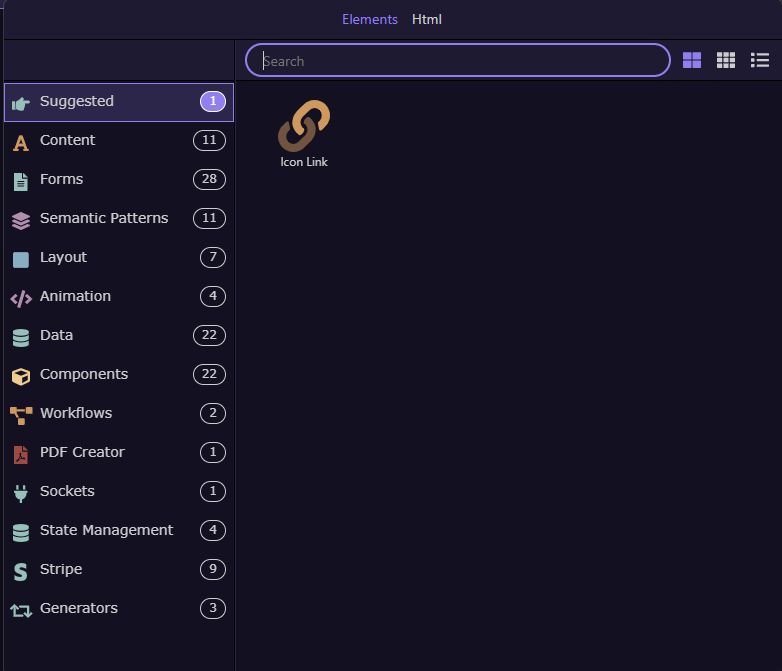
However if i want to add a nav dropdown into the structure which previously would add
<div class="nav-item dropdown">
I have no option to do that.
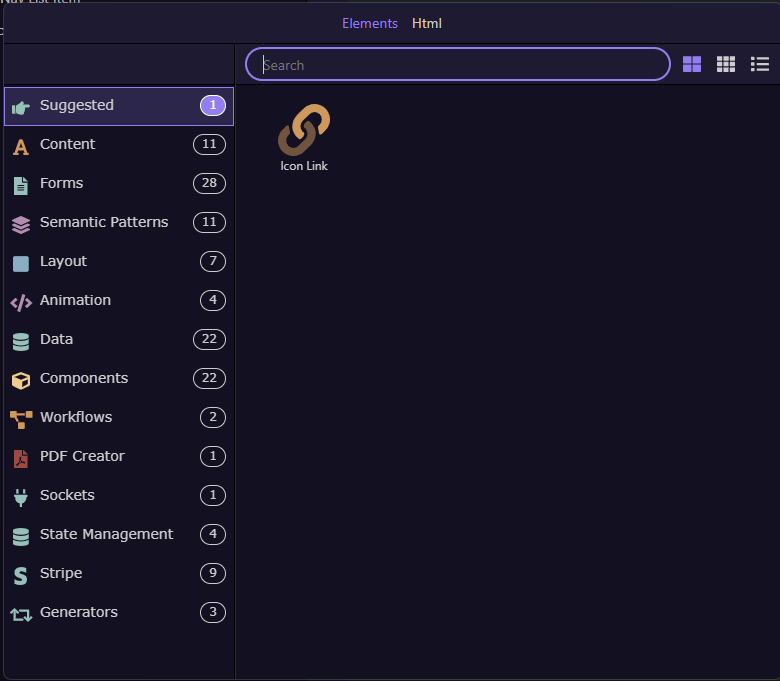
Am i misunderstanding how the new blocks work or is there an issue with the integration into wappler?