Hi Everyone,
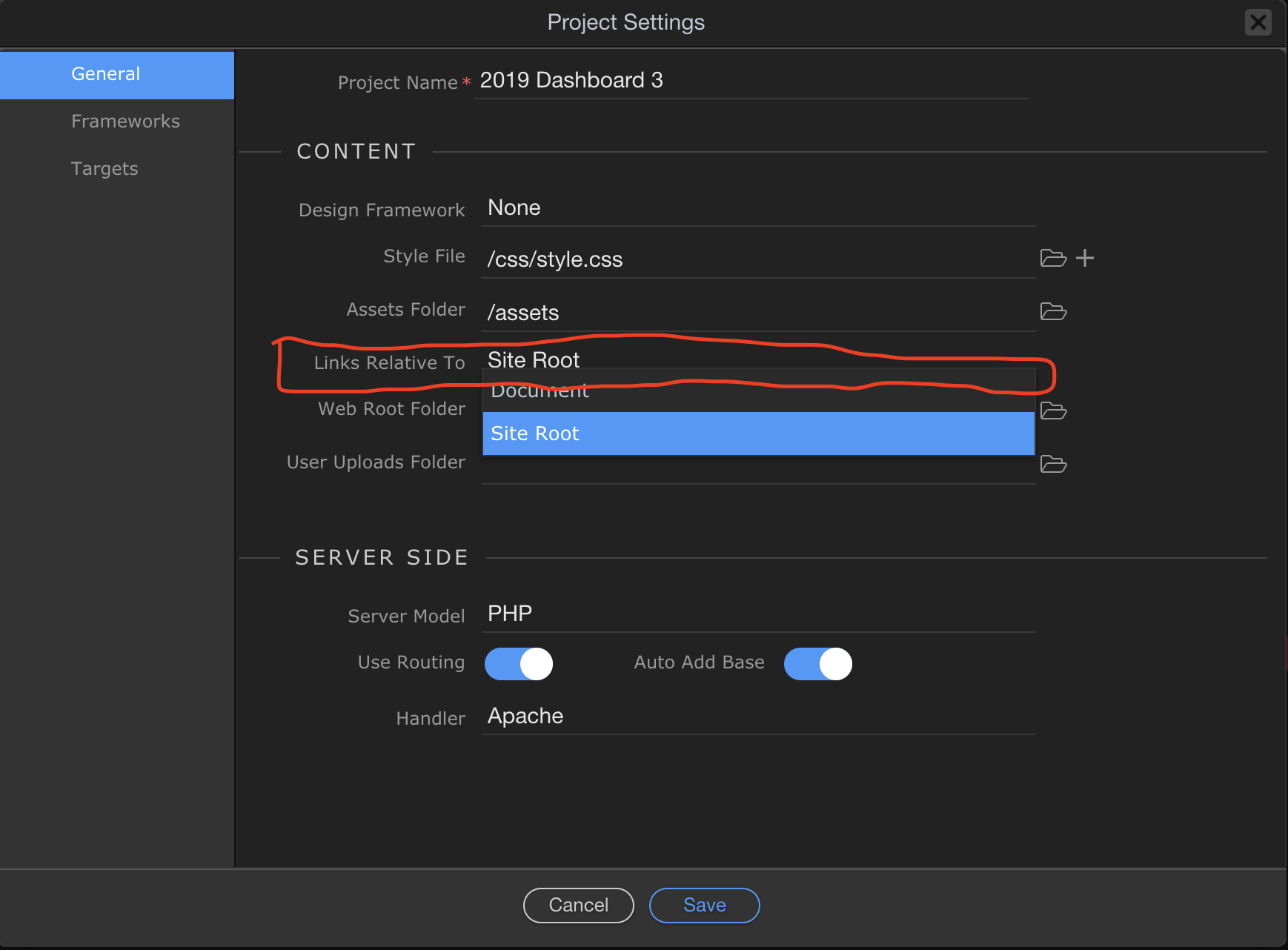
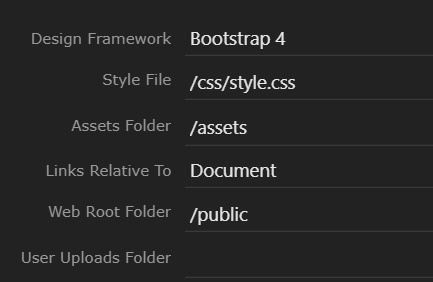
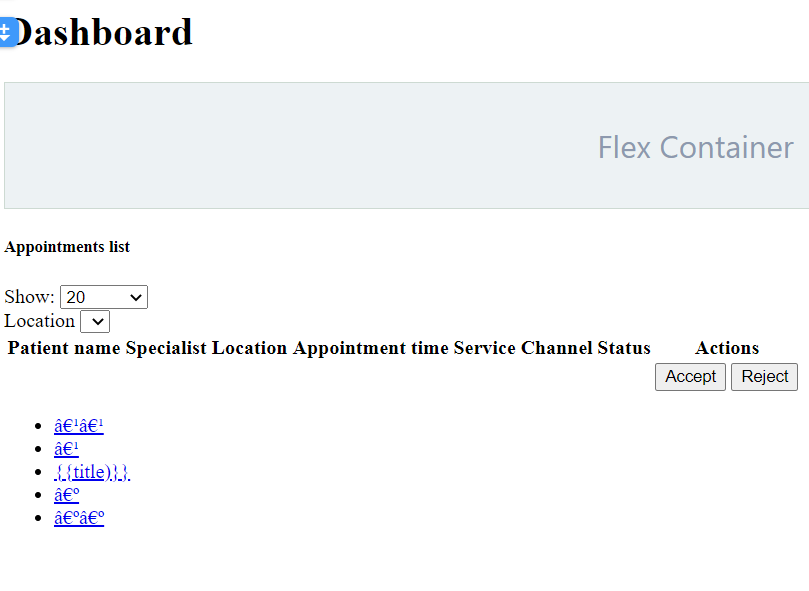
I have imported a wappler project from a Git Clone, and everything worked fine except for the design view in wappler for the newly cloned project. The design view for all the pages I have is not showing all the objects like it usually does, it is showing other things (check the pic below).
This is what it is showing
This is what it is supposed to be showing:

Bear in mind that this is happening for wappler version 3.3.1 and the previous project which I cloned was running on 3.2.0.
I know that some improvements have been made for the design view for the new release, and when I tested the design view on a demo projects it was working fine.
Any idea on where the problem could be here?