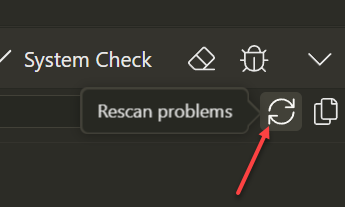
The Problems Panel is great, but I have one project, my biggest dashboard with about 50 pages, that seems to scan very quickly and brings up no errors or recommendations at all. Based on what the Problems panel finds in all my other projects, there should literally be 100 or more errors and warnings.
It's just this one project that does not seem to scan.
Yeah, the rescan just scans for less than a second and finds nothing compared to much smaller projects that scan for longer. It barely even flashes for this one project when scanning.
So is there a reason this one large project won't scan properly? It's a large project that should have lots of missing labels in forms at the very minimum.
Hard to believe this project doesn't even have any recommendations.
Correct, it doesn't scan at all. Based on all my other project findings, this project should have a lot of warnings, errors and recommendations.
Is there a way to tell if logging is actually enabled? I restarted with Logging a couple times and the chrome_debug.log file is not being created.
for Mac it is under:
/Users/username/Library/Application Support/Wappler/chrome_debug.log
or shorter: ~/Library/Application Support/Wappler/chrome_debug.log
(You can choose in Finder / Go To Folder ~/Library/Application Support/Wappler first)