Is it possible to sort my Data View on more than 1 field?
e.g. I want to sort my data
- Sort by xx_db_field … then
- Sort by yy_db_field
If so how?
Thanks anyone who can help.
Is it possible to sort my Data View on more than 1 field?
e.g. I want to sort my data
If so how?
Thanks anyone who can help.
Hi, can you explain the logic of what are you trying to achieve?
I have a list of items that need to be ordered in a filtered DataView component
I can acheieve this in an SQL query as such, (but in this case I am using a DataView so cannot)
SELECT column1, column2,…
FROM tbl
ORDER BY column1 [ASC|DESC], column2 [ASC|DESC],…
So do you want to have sorting buttons, which allow you to sort on different columns? I am still not sure i understand what do you want to achieve.
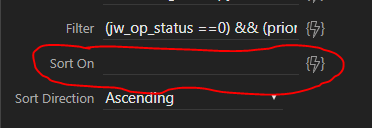
This data view lists exactly what I need except in the wrong order. I want to list 1st of all by “jw_sched_start” then followed by “priority” but it appears I can only add one field to the “sorton”
dmx-data-view id=“data_view_urgent” dmx-bind:data=“sc_w.data.qrySeiki” pagesize=“20” filter="(urgent !=1 && priority ==1) && (jw_op_status ==0)" sorton=“jw_sched_start” sortdir=“asc”></dmx-data-view
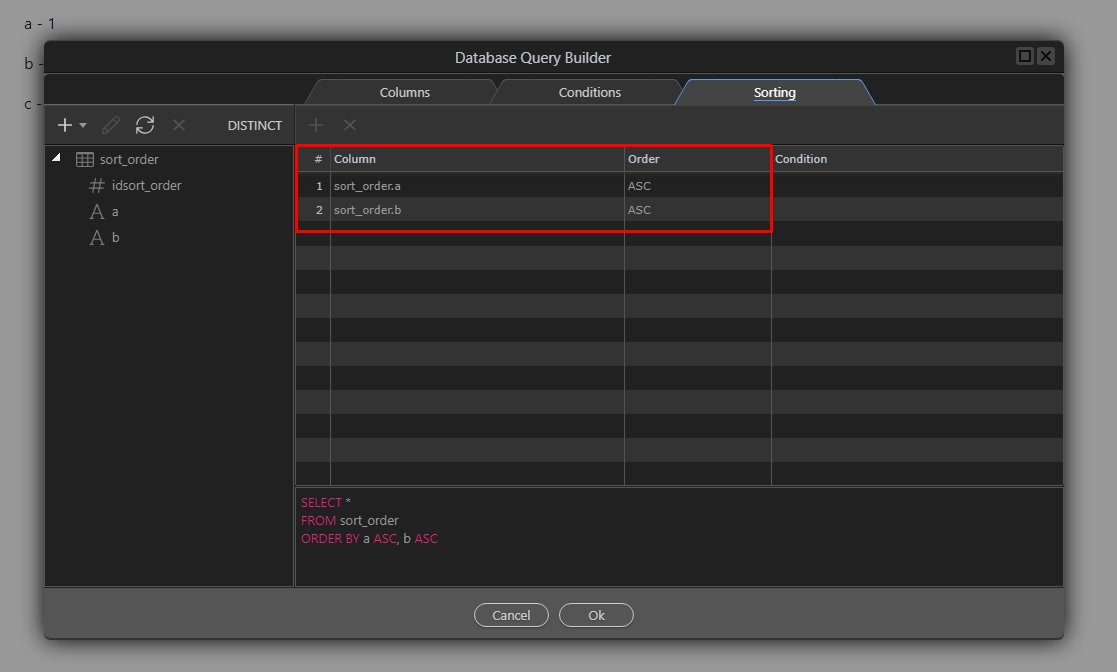
Why don’t you just sort this in the query builder then?
Data view will show the data as sorted in the query builder.
Yes this would work normally but this is a very complex page. So it’s not possible to order the data view by more than 1 column?
No, that’s why im suggesting to do this on the server side.
What happens if you do the first sort on the current DataView and do the second sort a second DataView with the first DataView as the source.
This is only a theory, have not tried it and is only meant as a work-around.
Thanks @ben … I will try…I didn’t think of using the original data view as the source of another data view… The limits are really endless with wappler!