Hi,
I am running Wappler 7.4.2 and ASP.NET projects.
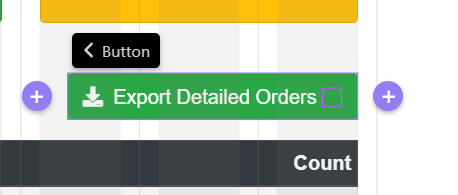
I have added a inline growing spinner to a button, however, it is not displaying on the page.
I have also noticed some text in the button properties which I haven't seen before d152”>
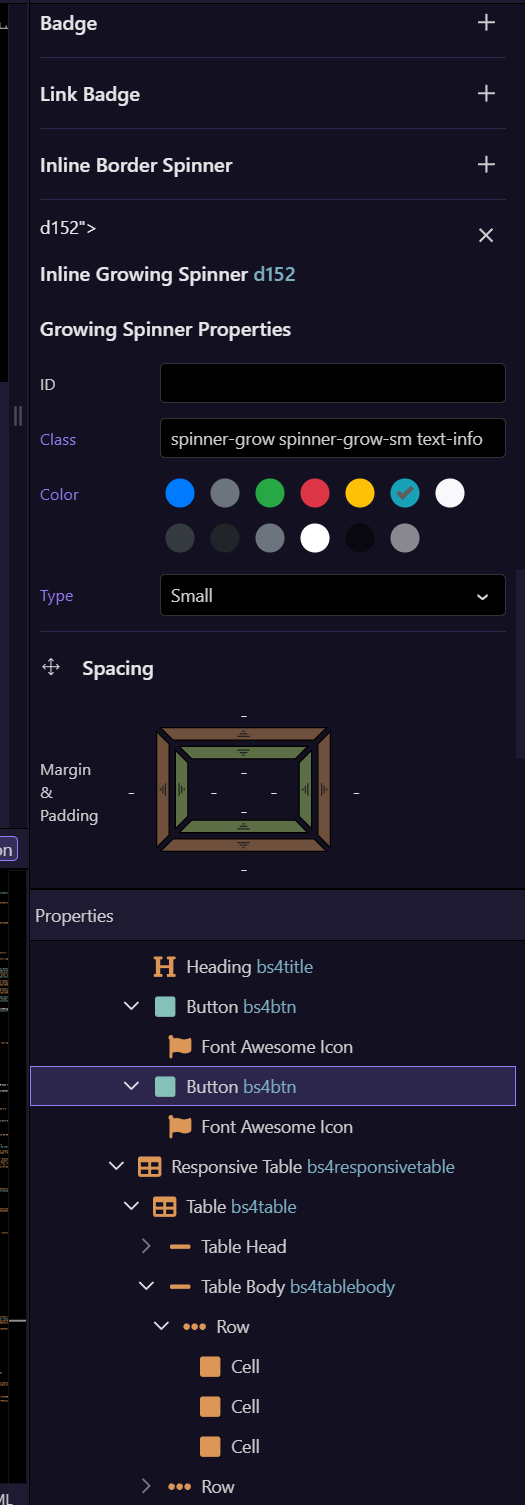
I am not sure if this is related to the problem, but strange to see that text in the properties panel. Any suggestions on what to check?
<button type="button" class="btn btn-success ml-2 d-print-none" dmx-on:click="scExportDetailedOrdersCSV.load({})" dmx-show="scFulfilledReport.data.q_product_summary.hasItems()" dmx-bind:disabled="scExportDetailedOrdersCSV.state.executing"><i class="fas fa-download mr-1"></i> Export Detailed Orders <span class="spinner-grow spinner-grow-sm text-info" role="status" dmx-show="scExportDetailedOrdersCSV.state.executing"></span></button>
Thanks
Ray