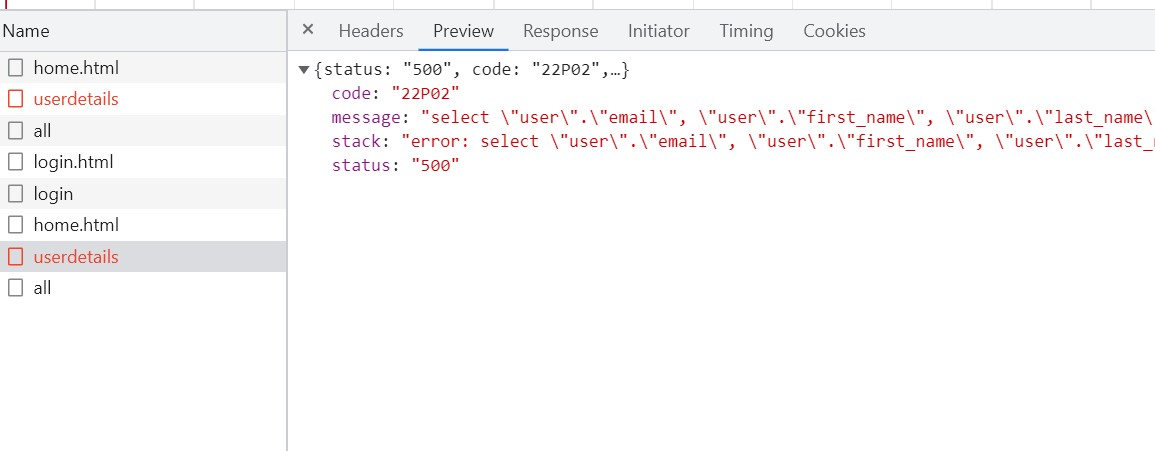
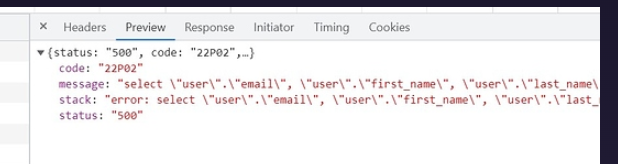
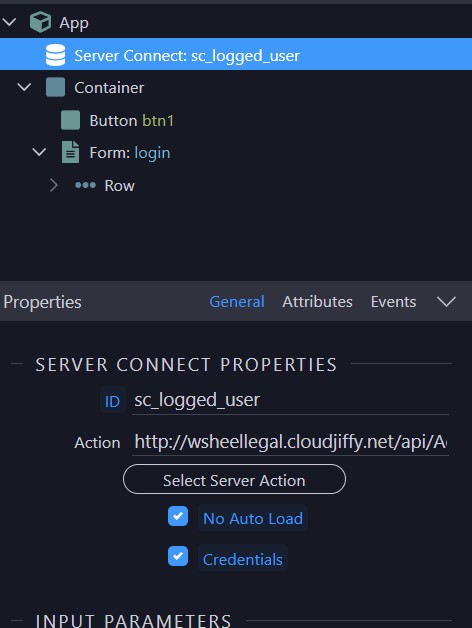
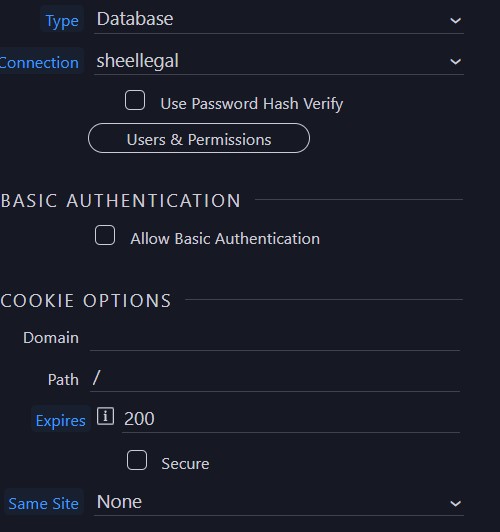
I have created backend and mobile app. In mobile app the login is successful but i am getting error when getting user data from backend server connect with security identity. It gives error for user_id.
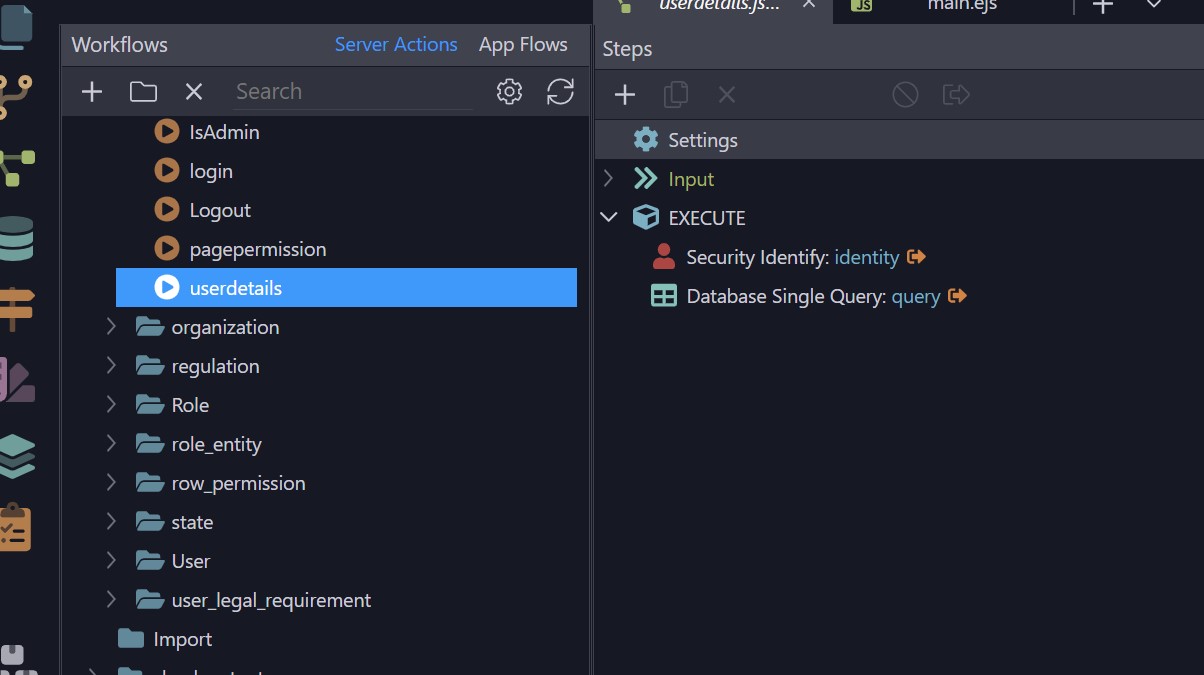
This is the userdetails server action in back end -
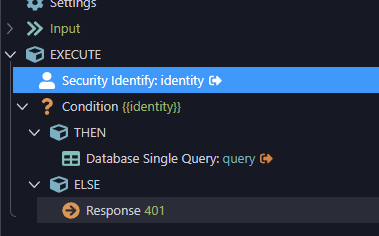
Also, you could improve your UserDetails api by adding a condition “if identity is true”, then run query. Else return 401 code (unauthorized) like below.
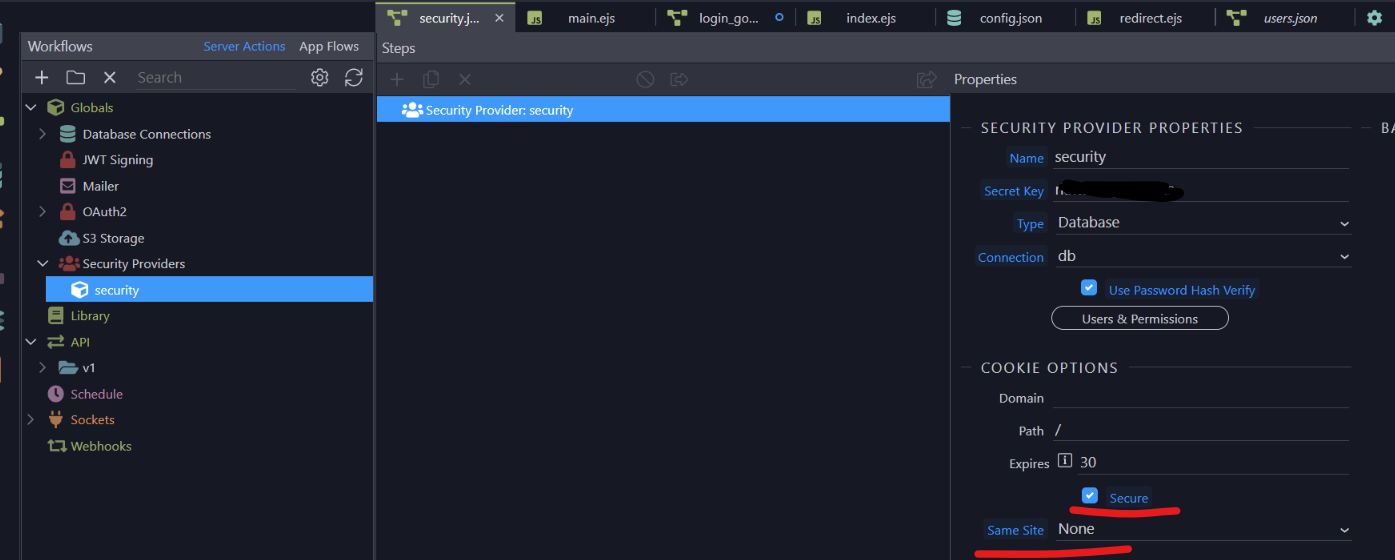
Is the issue relates to cookies as one of cookies says
1. Because a cookie’s  `SameSite`  attribute was not set or is invalid, it defaults to  `SameSite=Lax` , which prevents the cookie from being set in a cross-site context. This behavior protects user data from accidentally leaking to third parties and cross-site request forgery.

Resolve this issue by updating the attributes of the cookie:

  * Specify  `SameSite=None`  and  `Secure`  if the cookie is intended to be set in cross-site contexts. Note that only cookies sent over HTTPS may use the  `Secure`  attribute.
  * Specify  `SameSite=Strict`  or  `SameSite=Lax`  if the cookie should not be set by cross-site requests.

2. AFFECTED RESOURCES

  1. 1 cookie

    1. |Name|Domain & Path|
| --- | --- |
|sheellegal.sid|wsheellegal.cloudjiffy.net/|
and another says -
Cookies marked with SameSite=None must also be marked with Secure to allow setting them in a cross-site context. This behavior protects user data from being sent over an insecure connection.
Resolve this issue by updating the attributes of the cookie:
Specify SameSite=None and Secure if the cookie is intended to be set in cross-site contexts. Note that only cookies sent over HTTPS may use the Secure attribute.
Specify SameSite=Strict or SameSite=Lax if the cookie should not be set by cross-site requests.
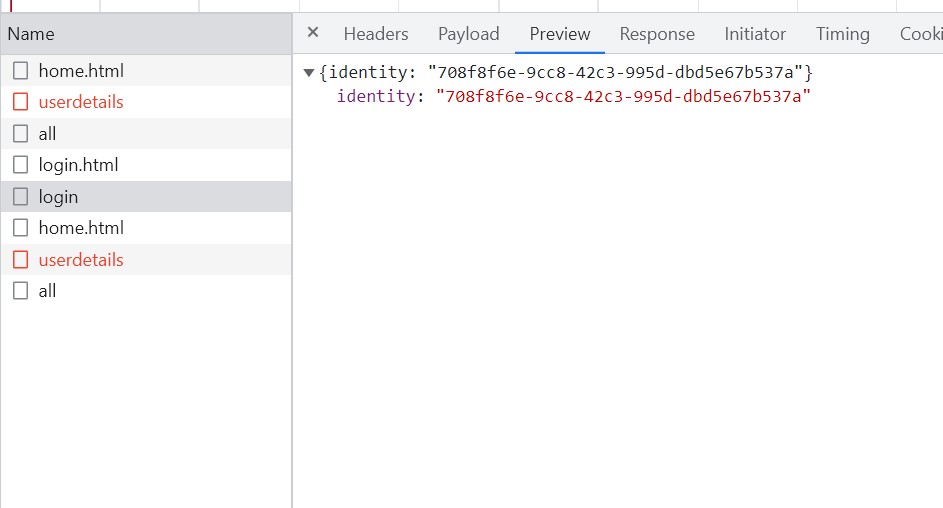
It looks like you’re request is not sending the UUID value. I’m guessing this might be an issue with the identity you’re sending. It’s saying “false” as if you’re not logged in.
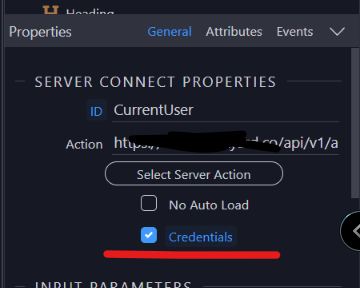
Can you confirm you have the “Credentails” checkbox set like my image below?
1. A cross-origin resource sharing (CORS) request was blocked because of invalid or missing response headers of the request or the associated preflight request .

To fix this issue, ensure the response to the CORS request and/or the associated preflight request are not missing headers and use valid header values.

Note that if an opaque response is sufficient, the request's mode can be set to  `no-cors`  to fetch the resource with CORS disabled; that way CORS headers are not required but the response content is inaccessible (opaque).

  2. AFFECTED RESOURCES

    1. 1 request

      1. |Request|Status|Preflight Request (if problematic)|Header|Problem|Invalid Value (if available)|
| --- | --- | --- | --- | --- | --- |
|all?|blocked||Access-Control-Allow-Origin|Missing Header||

  3. * Learn more: Cross-Origin Resource Sharing (CORS)

1. 1

Indicate whether a cookie is intended to be set in a cross-site context by specifying its SameSite attribute

  1. Because a cookie’s  `SameSite`  attribute was not set or is invalid, it defaults to  `SameSite=Lax` , which prevents the cookie from being set in a cross-site context. This behavior protects user data from accidentally leaking to third parties and cross-site request forgery.

Resolve this issue by updating the attributes of the cookie:

    * Specify  `SameSite=None`  and  `Secure`  if the cookie is intended to be set in cross-site contexts. Note that only cookies sent over HTTPS may use the  `Secure`  attribute.
    * Specify  `SameSite=Strict`  or  `SameSite=Lax`  if the cookie should not be set by cross-site requests.

  2. AFFECTED RESOURCES

    1. 1 cookie

      1. |Name|Domain & Path|
| --- | --- |
|sheellegal.sid|wsheellegal.cloudjiffy.net/|
There’s a bug for logout. Patrick provided a hotfix. You could copy the file into your server project, just ensure you don’t let Wappler update it if you reload the project. Hopefully this fix will make it into the next Wappler version release on Thursday.