Import Word (docx) document into Summernote Plugin

Just happened across this summernote plugin searching for a way to paste from a Word document. I’ve only done minimum testing but seems to work fairly well so far and easy to implement. For sure better than pasting into summernote from a Word doc. One bug I did find that is if you don’t click inside the summernote input before importing, it will import the text somewhere random in the DOM haha.

Here’s a quick video of me importing a simple word doc.

Also, if you want to change the button icon, just edit this line of code in the summernote-docximport.js file:

contents: options.icons.docximport ? ui.icon(options.icons.docximport): '<svg xmlns="http://www.w3.org/2000/svg" width="120" height="120" viewBox="0 0 120 120"><rect x="10" y="10" width="100" height="100" rx="8" ry="8" /><text x="60" y="75" font-size="60" font-family="Arial, sans-serif" fill="black" text-anchor="middle">W</text><rect x="25" y="30" width="70" height="2" fill="black" /><rect x="25" y="40" width="70" height="2" fill="black" />  <rect x="25" y="50" width="70" height="2" fill="black" /></svg>'

I changed it to:

          contents: options.icons.docximport ? ui.icon(options.icons.docximport) : '<i class="fas fa-file-word"></i>',

I also translated some of the German in the file to English. I got a warning and was like….what does that say? :thinking:

1 Like

I assume that only caters for importing a full document rather than a section of text copied and pasted from a word document?

Yes it imports the whole document which is kind of what I needed anyway. I wrote a little training builder for a communcations company and I didn’t anticipate them pasting a word document in, instead of attaching it as reading material, so I needed a quick fix. Would love a full blown copy and paste feature to Summernote but haven’t found one yet and this import plugin (while minimal) was quick and easy to get going.

Yes, i fully inderstand. Good alternative to the option i went with when designing my docx to html extension

Is that extension available?

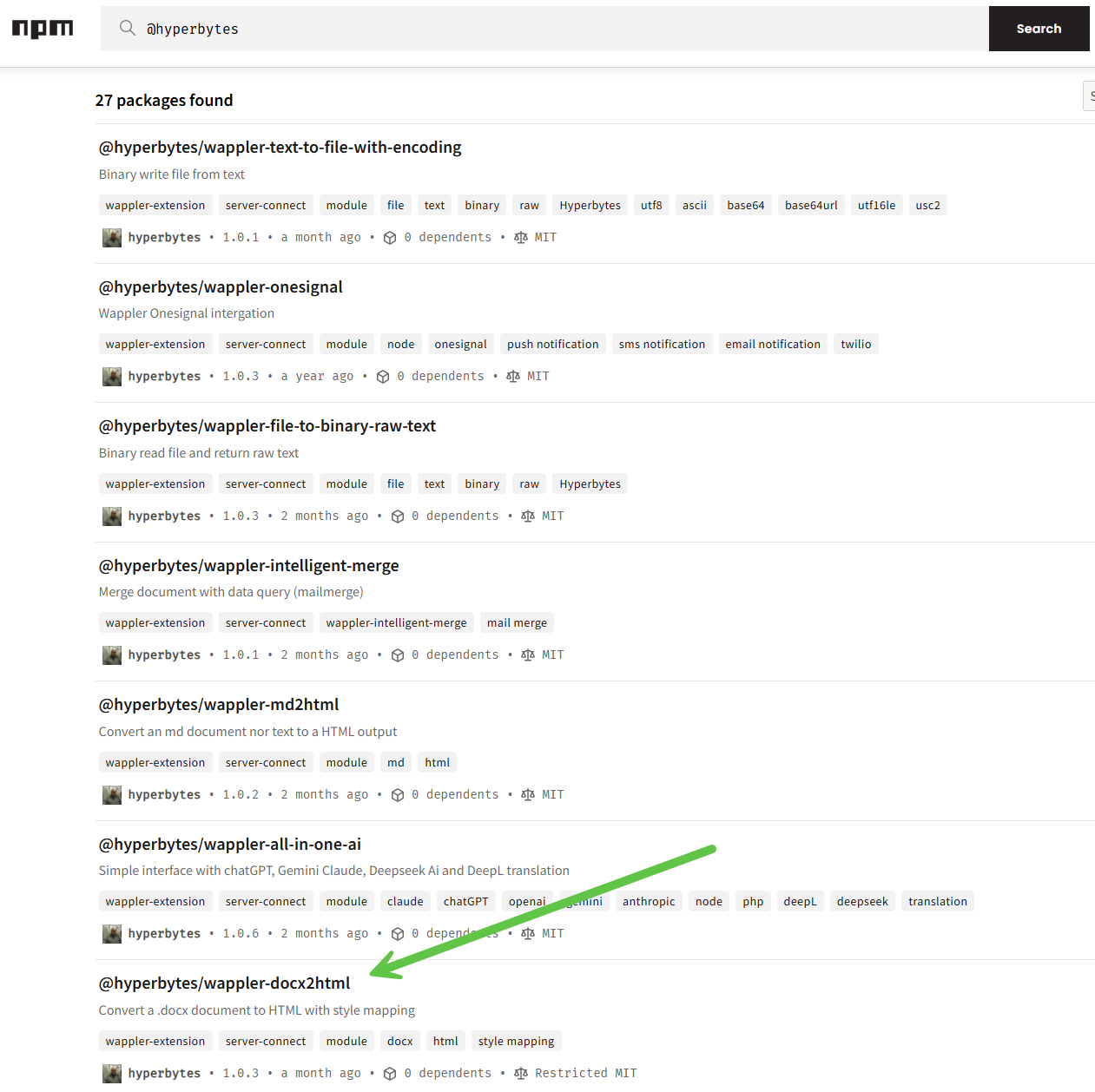
Go to the @hyperbytes NPM packages

1 Like

Cool, will check out tomorrow. Thank you.

Not sure what I did wrong, but it shows it’s installed, but doesn’t appear in the extensions module folder therefore doesn’t show up as a server connect action option.

even tried manually running below, which said it was successful.

npm i @hyperbytes/wappler-docx2html

I was going to download the files but doesn’t seem to be a way to download manually from npm. Or get the raw file without the numbers on the side.

You need to restart Wappler

Forgot to mention I did that too. However, the files never downloaded to the extensions/server_connect/modules folder. I even did a search through the whole project for the files to see if it accidently installed them somewhere else.

Are you using docker?

True, sorry, same here..

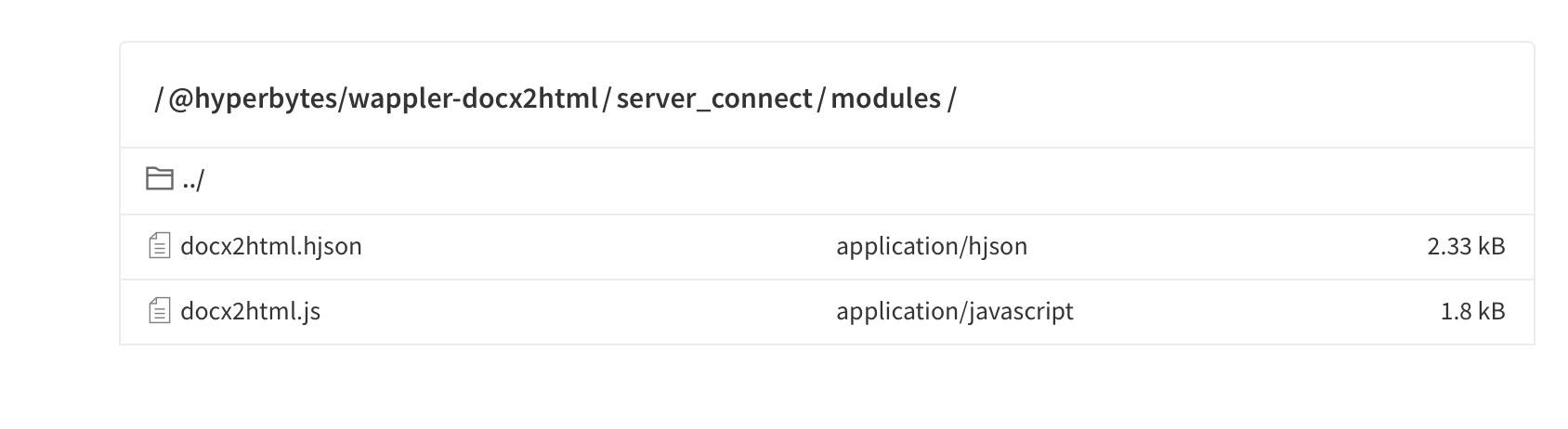
But did this npm i @hyperbytes/wappler-docx2html and then copy both files from: node_modules/@hyperbytes/wappler-docx2html/server_connect/modules
to:
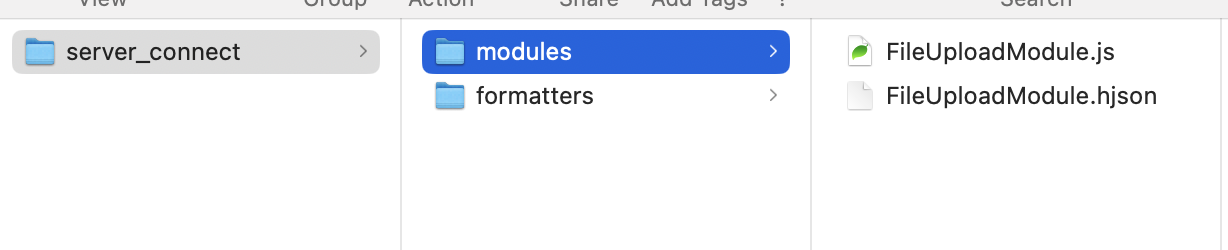
extensions/server_connect/modules

And now appears:

That should not be necesary. Wappler should pick up the files from the node modules folder. Again are you using docker

I ran it again and I don’t get @hyperbytes folder in the node_modules folder either.

Please answer the question as it is key to a diagnosis. Without an answer i cannot progress a solution.
Are you using docker?

Sorry, yes, I’m using Docker

That is the issue.

I do not use docker so hadnt picked this up.

Today, George can back with this info which has previoulsy been undocumented.

Apparently, in a docker environment it is necessary to run additional installation scripts within the npm install.

So currently you will need to copy the files into the exensions folder manually until i can build a new script and update all my extensions

1 Like

wappler-docx2html.zip (4.6 KB)

2 Likes

Thank you @franse I couldn’t see a way to download, nor copy the raw file without the list numbers.