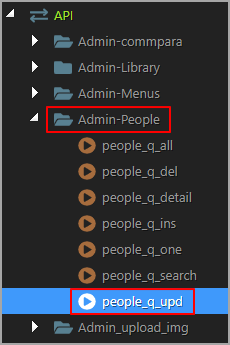
A quick idea. Having the ability to import Server Connect Actions in to other Projects within Wappler. Feasible (as a Feature Request) or a silly idea? Not connecting to them from within one Project to another Project, actually importing them in to SC API area of another Project.
It’s been requested before. I think there is a FR for this. And yes. Makes sense at least for me where I try to design them in a way I can reuse in other projects.
One issue I could see, unless there’s a simple way around it, would be globals. I can see users importing server actions that are linked to globals outside of the project, could cause a few hiccups.
For us in the majority of circumstances Globals remain the same. As with DB’s (could easily be selected from the Connection drop down). We just find ourselves, like Jon, recreating a lot of the same Actions across Projects. Its not mega important as in the majority of circumstances (same site architectures of course, PHP in most cases, currently) we’ll just copy across Actions from other Projects (no biggy or hardship there). Was simply a brain fart (this quarantine thing has spawned a spate of boredom leading to all sorts of hair-brained ideas unfortunately).
There are a couple of related suggestions which have cropped up in the past, in particular, copy/pasting or dragging files from the OS File Manager into Wappler. An import process where the imported file may or may not work is problematic. A more convenient way to copy files between projects, while leaving the responsibility more to the developer, might be a good solution. I would find this very useful anyway - not just for SA API files.
Another related idea is a snippets facility. If such a feature could be made either global or project-specific, it would particularly useful. This has been a feature request for a long time, with a good number of votes.
In the query builders, we have a great UI for managing tables & columns which are not found.
Maybe Wappler can make use of the same logic and when a server action is being imported, a similar popup could be shown for all types of applicable Globals which do no match in the current project. The user can then have the option to:
ignore the warning
change it to something the current project has via drop down
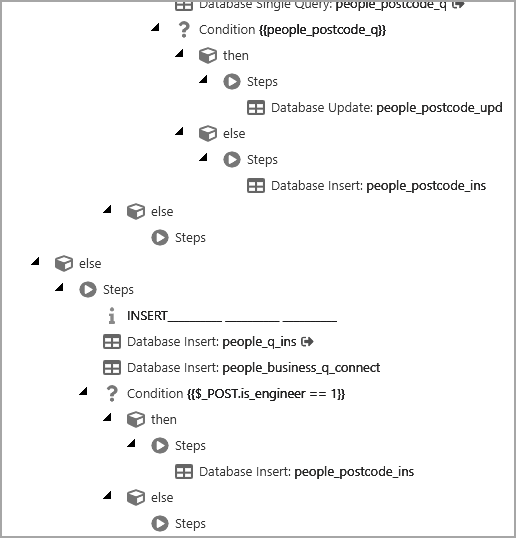
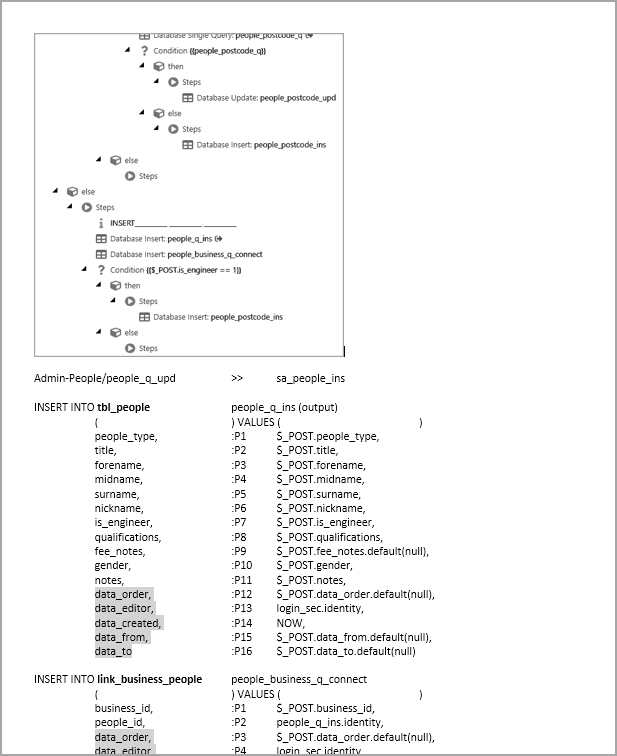
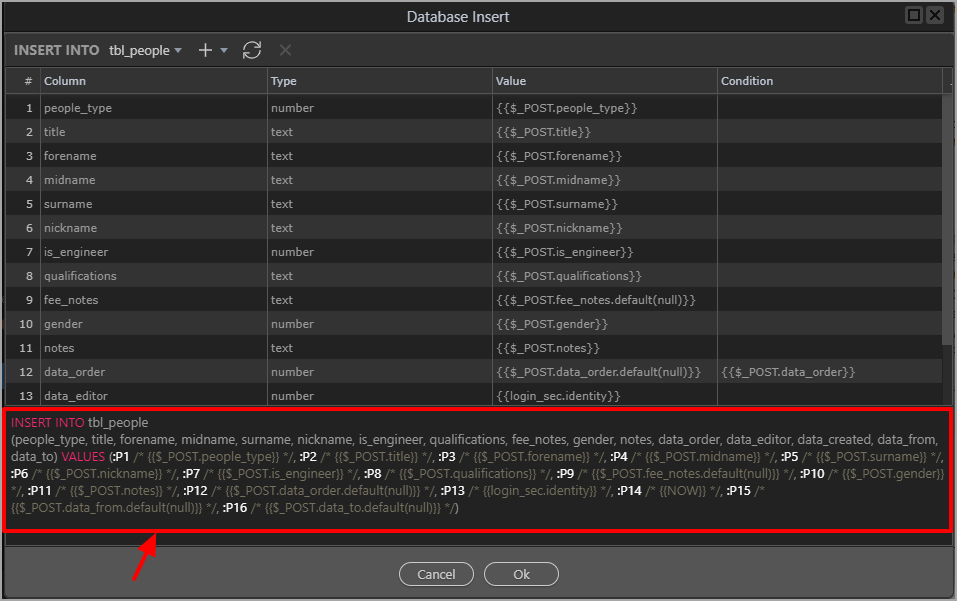
I quite often keep a record of a Server Action in a visual form (Word document) so that I can refer to it later, to help with debugging or use it to help create a new (similar) Server Action. But the process can be quite long-winded for a complex Server Action.
I note the Server Action location and name and put that in the Word doc.
I screenshot the whole Server Action, this can end up being many screenshots.
Do you mean copying the code directly or via the steps as they appear in the UI? I wouldn’t have thought either was simple, at least from the point of view of getting something which would be useable at the other end. I always copy whole files and tweak them in the destination project. I would have thought this would be simpler - but I don’t think there can be a simple solution.
I too usually just copy paste.
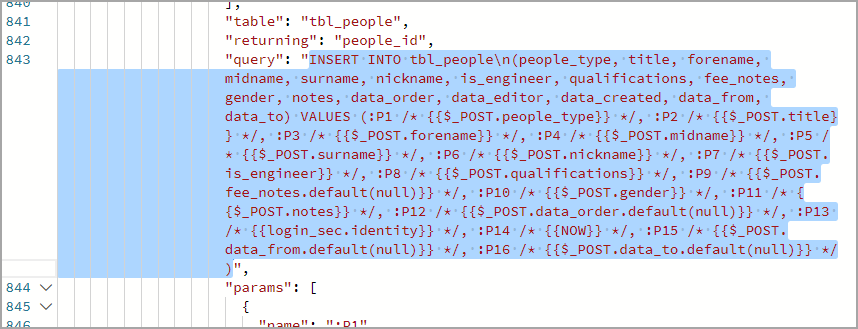
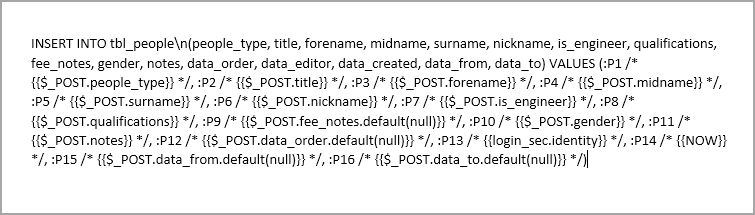
The beauty of Wappler is that no matter the server model, the server action is just a big JSON.
And its not that hard to read either.
So, I just either copy the whole JSON over.. or copy just the JSON object of steps that are required.
Haven't encountered any issue with it so far.
But, like I mentioned above, a UI similar to query builder issue resolution would be a great addition with an import option.