hi guys.. thanks for the update…
PHP
Wappler 7.7.8
the error handeling is great.. and it stops now.. when it cant import the file….
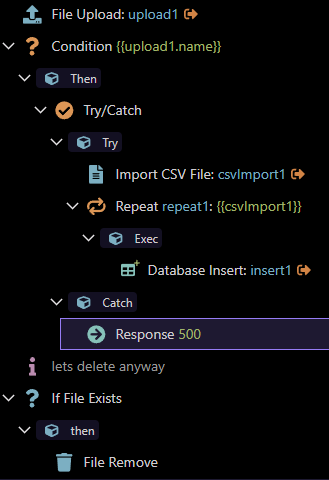
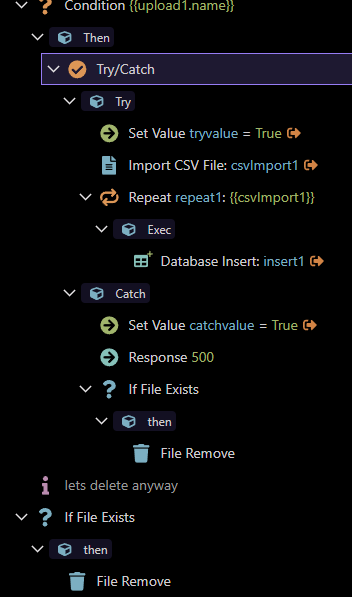
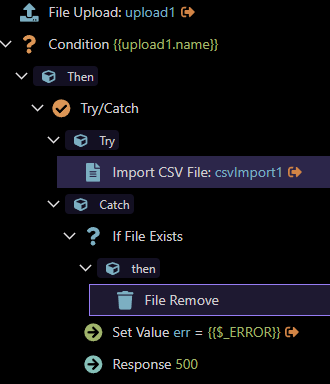
But the problem is… is stops… at the error…. how do i get it to continue.. with a “CATCH” so that i can produce a response…. and then DELETE the file…
As this point of time if I upload the "wrong” csv it tells me the issue.. and I have a dmx-on:invalid on my sc form that is great and shows that something went wrong… but how do I then delete the file from the server.. as the SC is now stuck on the error and the file remains on the sever…
The idea was that i import the file… check if the elements are correct.. if its elements match the CSV data then “success” and continue to import the data. IF the data in the CSV does not match then it must use the “CATCH” to give me the 500 response or whatever.. but continue to “finish” with the SC so that is “deletes” the file from the server… so that i dont end up with 100s of files in the folder because the CSV files I uploaded contained errors.
Can you guide me in the “correct” way of doing this..???
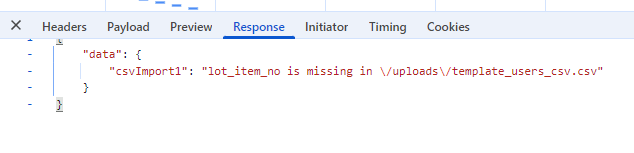
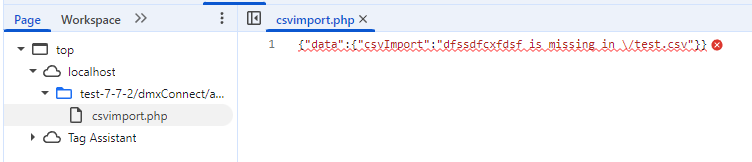
So it detects that the there is a “field” missing from the the CSV..
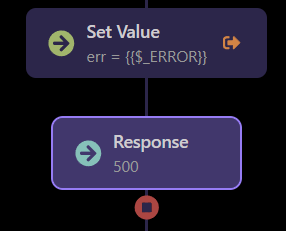
The response step stops the server action from executing the rest of the steps after it.
So if you want to delete anything do it before the response step.
The problem for me it does not even get to the Response 500 in the Catch.. the error happens on the Import part.. so the Catch never gets triggered….
The “error” pickup of what the problem is, is correct.. because that is the error.. but the idea is then not to stop and halt the SC action in a try/catch.. as i want to give the client an error on my dmx-on:error the response form the catch and then also add the “remove file “ in the catch then
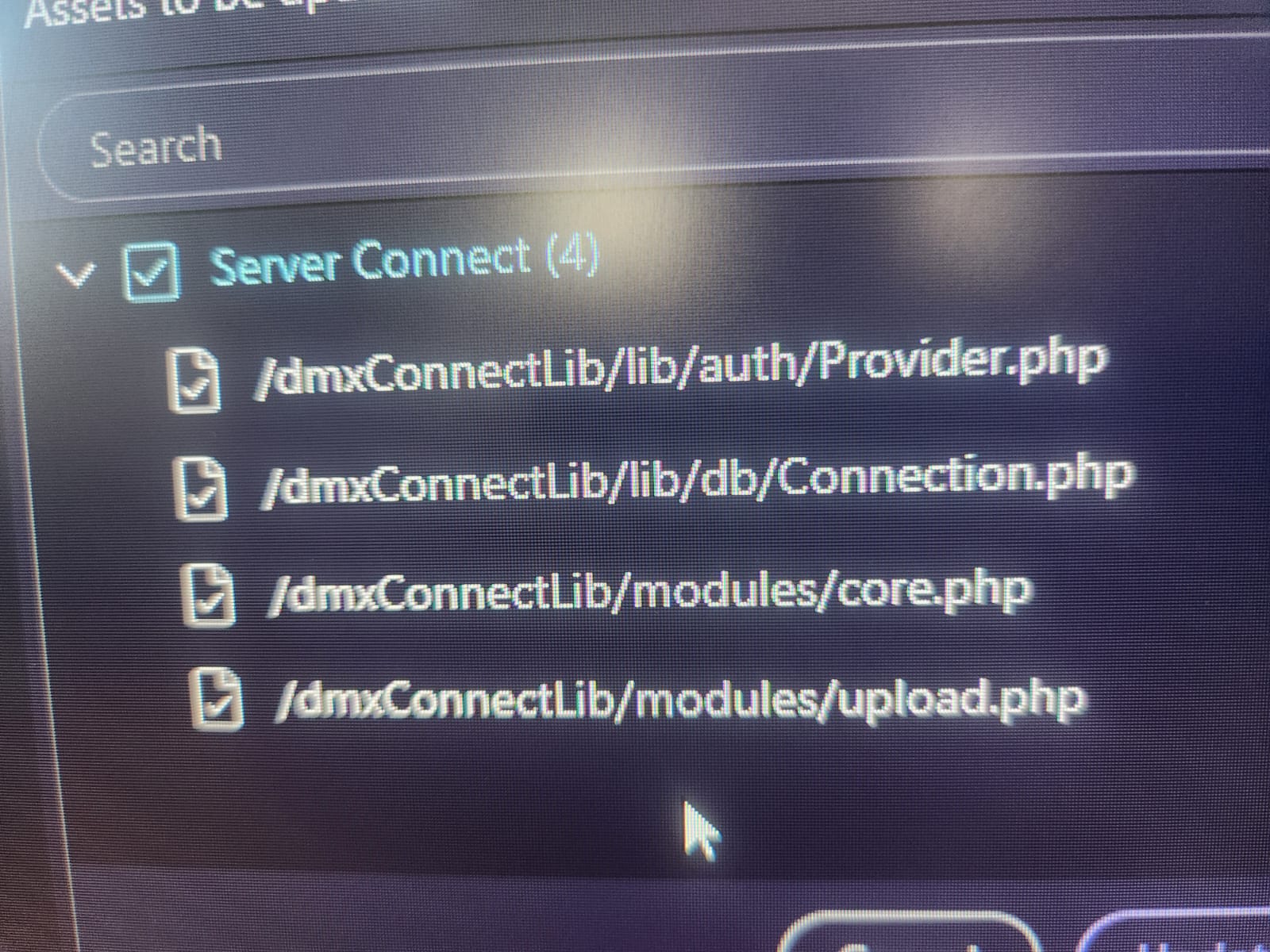
I did.. they are all localhost / wamp.. all updated…
Best is to re-create it your side.. (php)
Upload. csv.. make sure the csv does not match the “elements” required so that it produce the error. And see if it then defaults to the “catch” response..
The file remove should be before the Response step, the steps after it are not executed. It should probably shown more visible in the tree UI that it does so, it shows it better in the flow view.
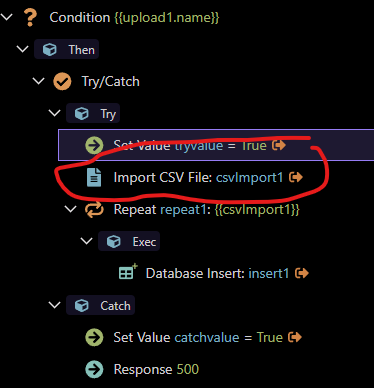
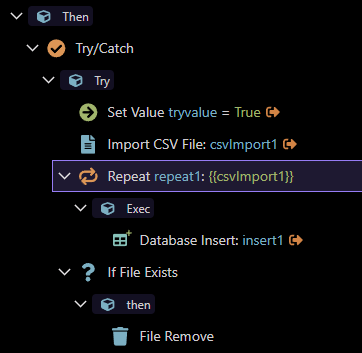
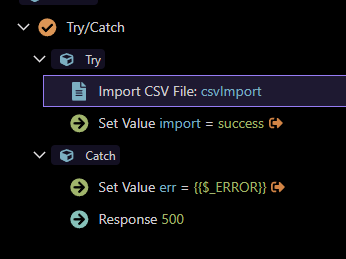
Ok i have simplied this … without the insert step…
Just to clarify.. my .csv file that im uploading is “wrong” intentionaly.
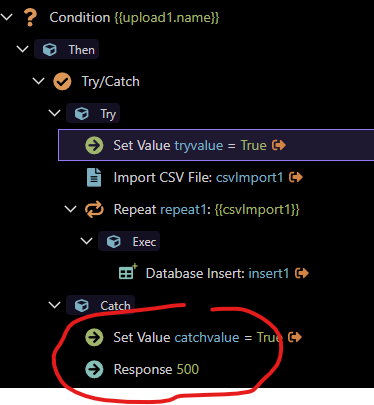
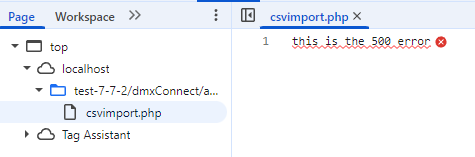
So the importcsv picks this up as an error, but it does then not go to the catch response.. so the catch response and file delete never happens… as the "server” connect got “stuck” at the importcsv.. it produced the error.. but never moved over to produce the “catch” response.
Sorry I dont know if its designed like this for a reason.. but if there is a “error” on the import CSV and its in a Try / Catch container.. then if there is an error on the import, then produce a error in the “catch” that is how I understand this.. thanks for the help so far.
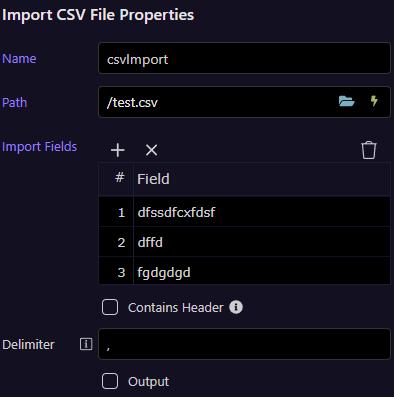
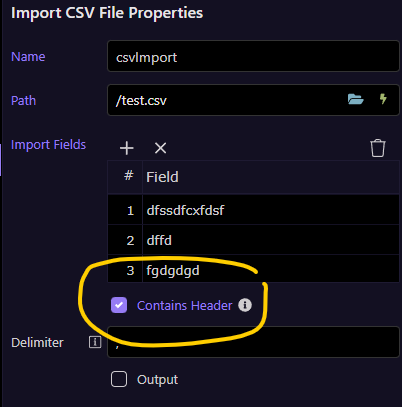
When i import the CSV…(error data intentionally) and the “Contains Header” is not ticked.
It will go to the “catch” with the 500 response and i will effectively be able to delete my file…. awesome and bob’s your uncle….
I have now ticked the “Contains Header”
But now it gets “stuck” in this step.. and does not go to the “catch” so i can’t “run” the “file remove” and “response 500” … if it gets this error it shoud do the same as above and move into the “catch”