I am using the IMAP extension made by @Hyperbytes which is amazing.
I am just trying to make it so the user can use there own details to send a email rather than one I have hardcoded in the mailer. Is this doable?
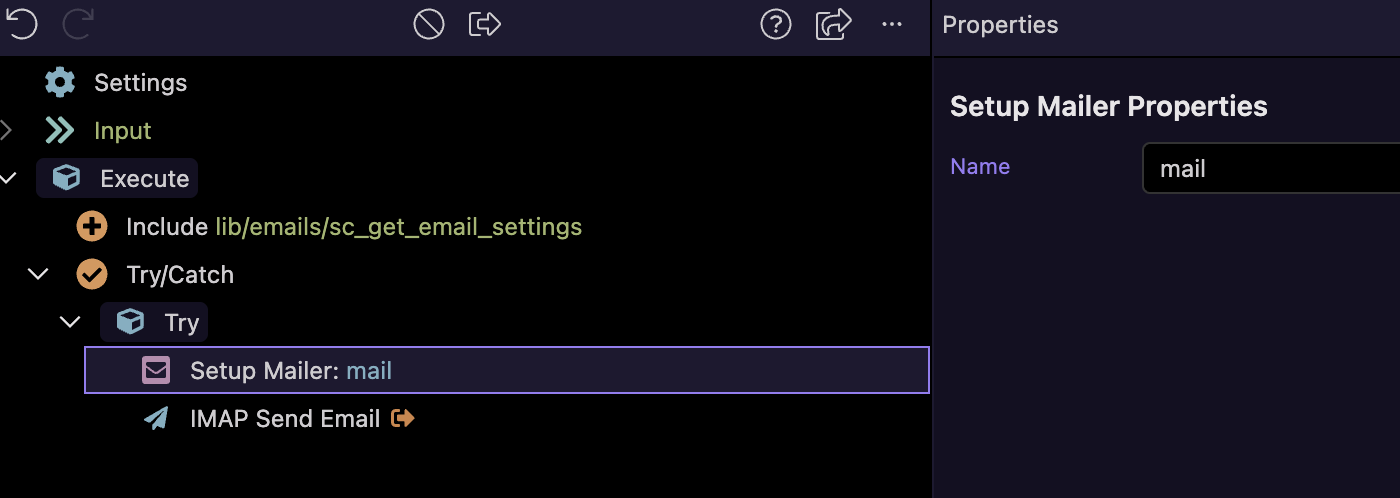
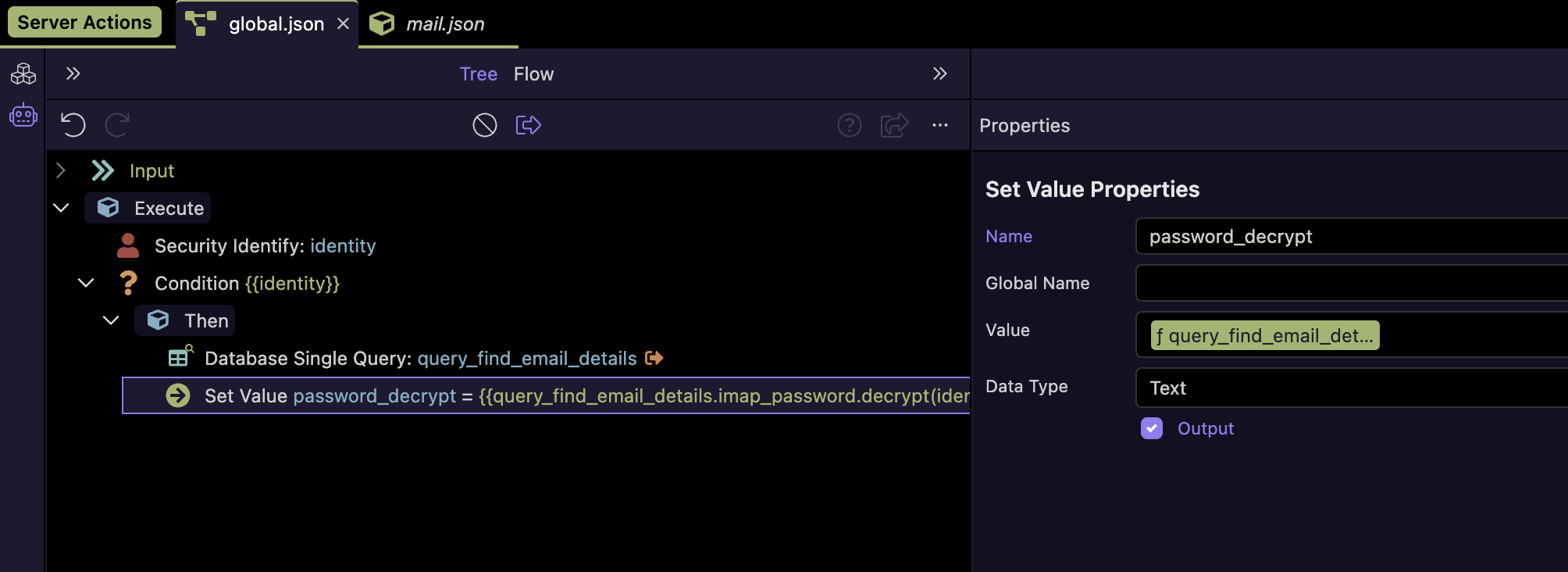
Problem I am having is I cannot load the users settings to add them to the global mailer or am I missing something. I also can’t load the mailer within the server action it looks like I can only do it on the globals tab
I am on holiday currently in Cambodia, back early April.
Can this wait until then? Dont have npm update credentials with me and a very poor connection.
To summmerise , you want each user to use different sender credentials,presumably drawn from a database table?
Yeah that’s it I am trying to pull the details from the database so the user can send emails from there own email account. I have it setup so the users can view their own emails using your extension which works perfect.
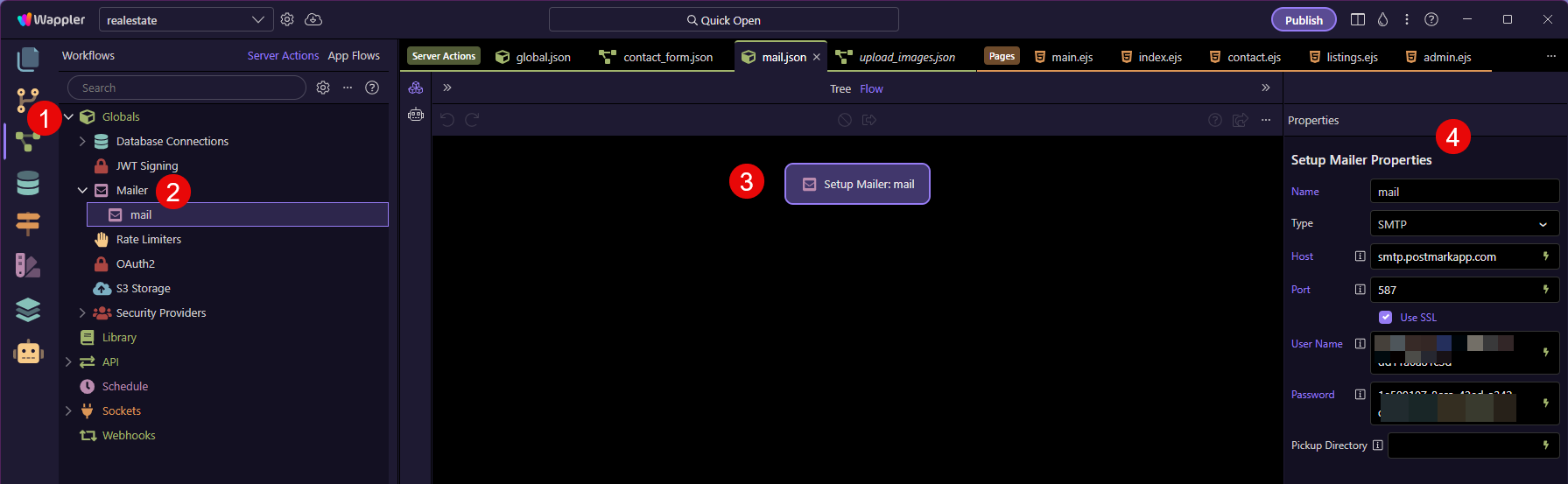
I thought with the sending of emails it would be easy part and I could use the Wappler mailer component. However, since this is in the global I cannot make changes (or figure out how to) and it will no longer let you setup a mailer in a single server action.
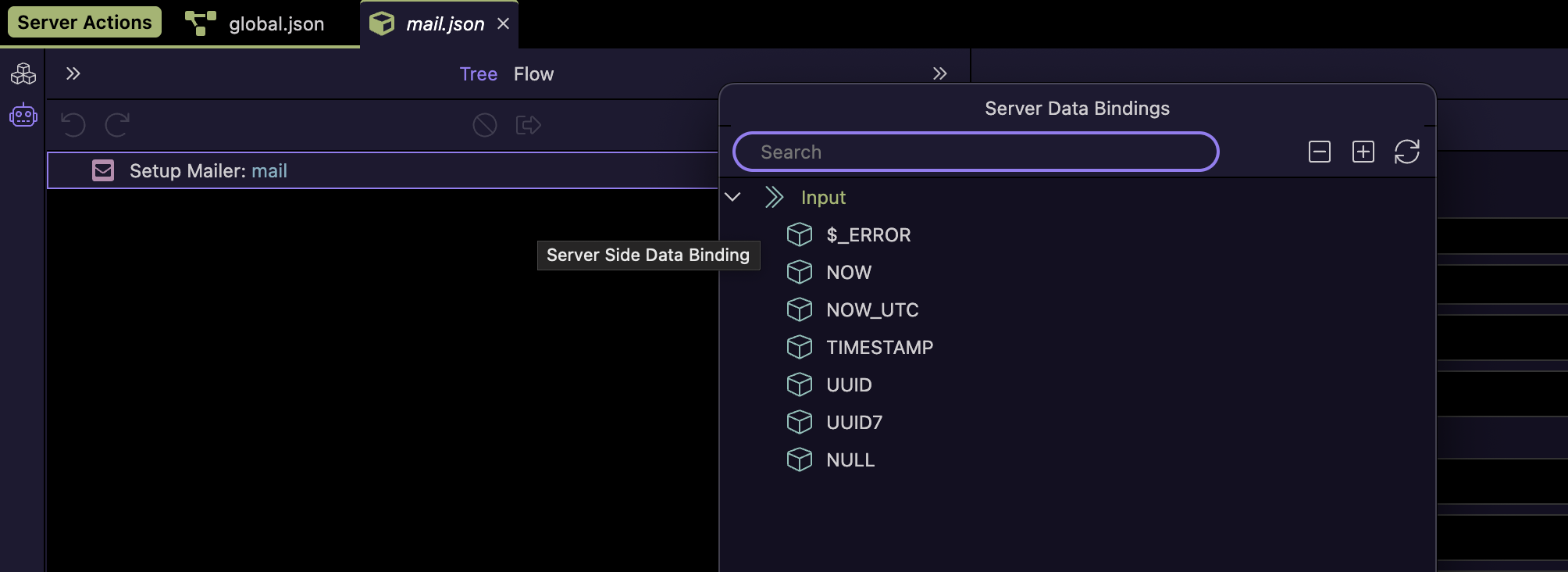
Can I just check is this a bug with Wappler? The standard setup mailer (not in the extension) has no properties when not in a global. Should the properties also be displayed here so I can create a mailer there?
Thanks @Teodor . Guessing I should not be able to select this option from the menu anymore. Is there any Wappler way of dynamically assigning the mailer details from a database query?
Is there a reason why I shouldn’t be using the mailer component dynamically in this way ie. security? If not is it technically possible if I make a feature request?
Have you tried the bundled IMAP Send mail component bundled with the extension rather than the Wappler component?
Select "Enable Manual Overrides" and you can add dynamic settings
Thanks Brian. Yeah this is exactly what I need I did try mess with this but I couldn’t get it to work. I think I confused myself. Will try with this again.
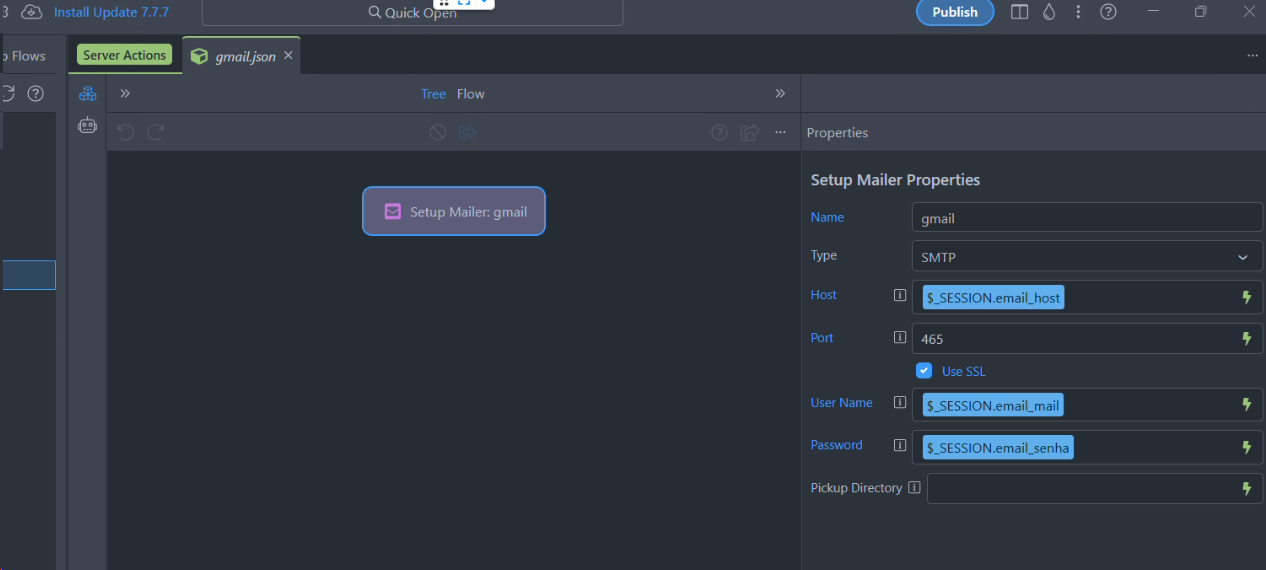
Just checking I need to setup the mailer in globals with dummy values and then I can overwrite the values with this.
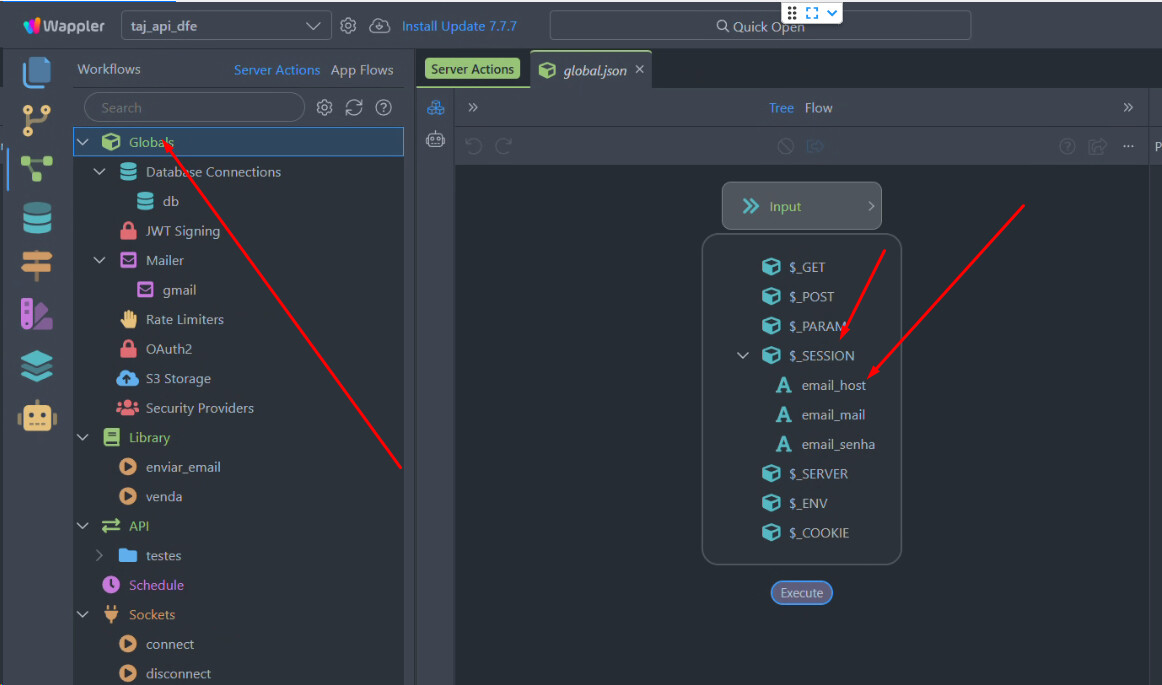
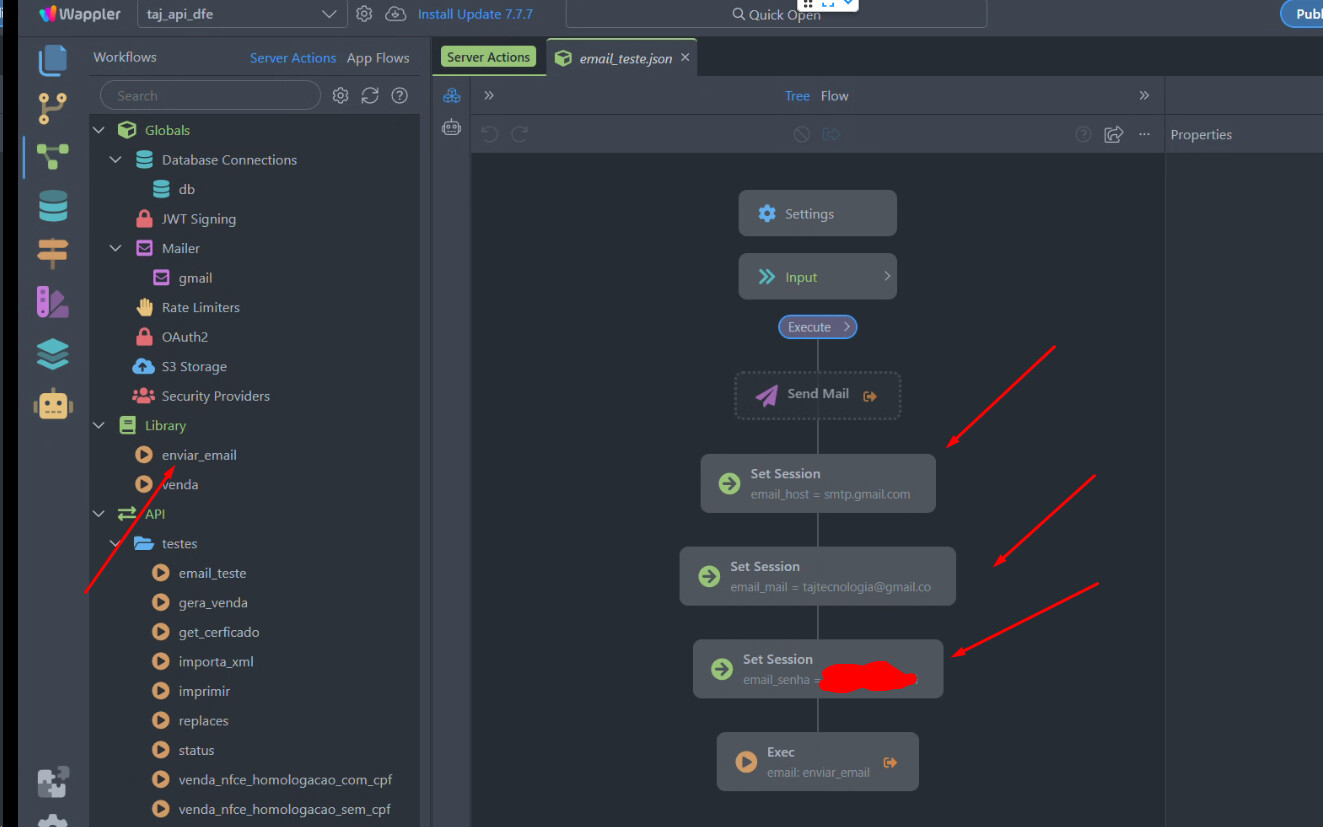
Thank you all I have managed to get it working use global session variables and the wappler default send mail.
@Hyperbytes I could not get the manual override working on the send mail works perfectly on all the IMAP actions I have tried. Probably something I am doing wrong but may be a bug. Really do appreciate you putting in the time to make these extensions
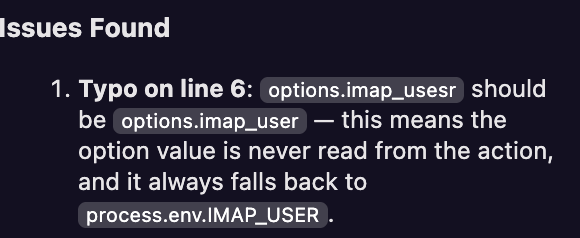
Just been trying to figure out why I couldn’t get it working and it looks like there may be a typo usesr and should be user.
@jmartland22
Hi Jamie, this was a really good catch by you.
I copy/paste a lot of stuff between modules, i have actually replicated this typo 11 times, only your unusual requirement picked it up.
Should be fixed in Version 1.1.7


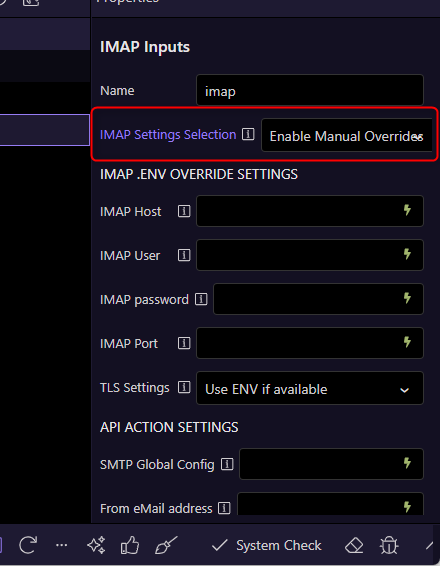
 I did try mess with this but I couldn’t get it to work. I think I confused myself. Will try with this again.