**Updated: I notice that the path to the image src has is Test/assets/PottyPlant_logo.svg when I place it there from the assets manager.
When I remove “Test” from the src path /assets/PottyPlant_logo.svg it saves and publishes correctly.
So, why Is it saving the incorrect src path?
Each time I add an image then save it shows a broken link, I am new to wrapper so I must have something setup incorrectly, can anyone help me out?
(My test pages are publishing to the server and running fine in browser, the ftp is working and all connected.)
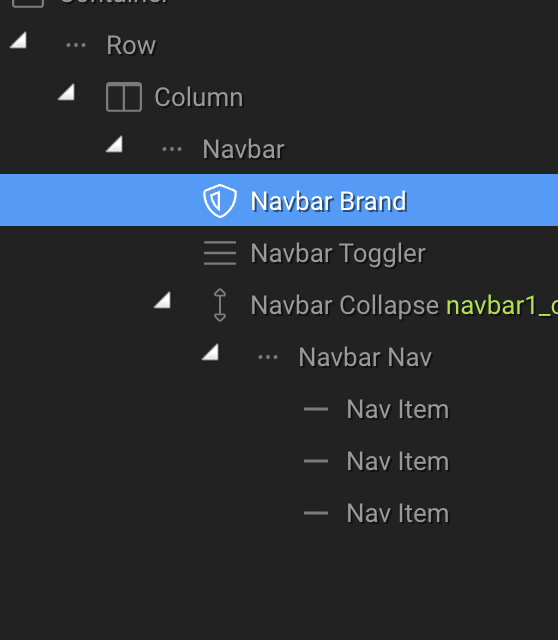
Sort of under the same topic, does the bootstrap NavBar Brand have any significance when I want a logo in that spot? (maybe from an seo or structural perpective)
Do I put the logo image inside the NavBar item or do I delete it and put an image in that spot?
I also don’t know the difference between an image and an image anchor?
I know these are basic questions but I’m working in a new paradigm to what I’m used to!
Here is the issue I am facing with the image path. No matter what I do, I cant seem to get the image to correctly link, every time I save it, it shows a broken link.
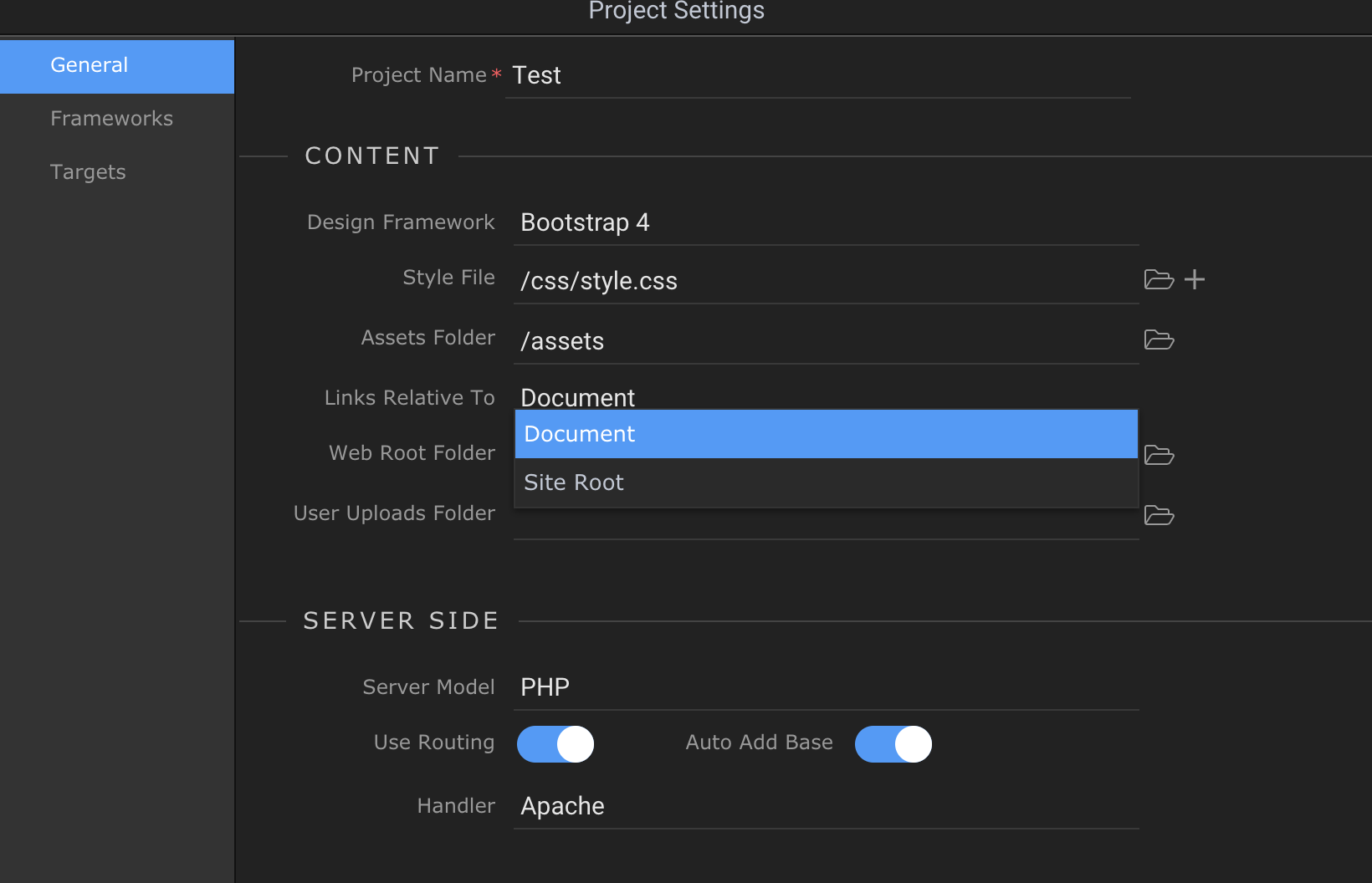
So, changing the setting from site root > document fixed it but I dont think this is right, I want everything to be relative to the site root don’t I? I don’t understand the difference but I did see a video suggesting that site root was the preferred option.
And still more issues with the image asset not being displayed.
Here I am simply adding a section with a background image but it will not show the image.
Help please!
If you have issues with site root relative links, then there is some issue with how is your site root or target defined.
No, it's perfectly fine to use page relative links, especially in cases like yours where probably the local and target folder structures are different and the links break.