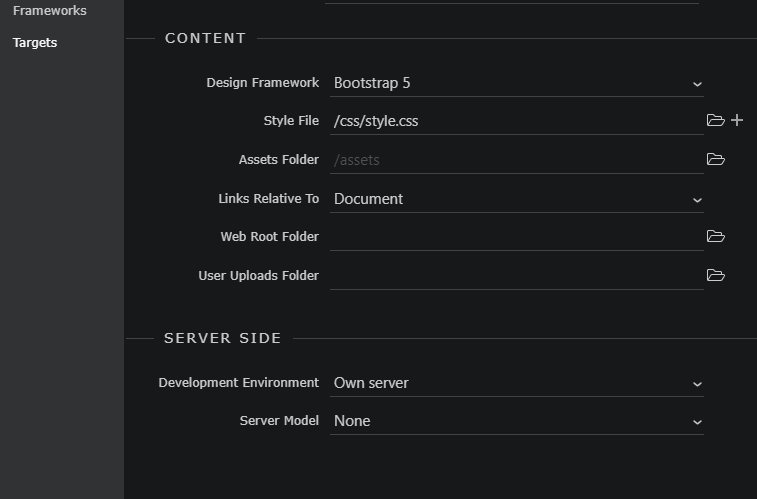
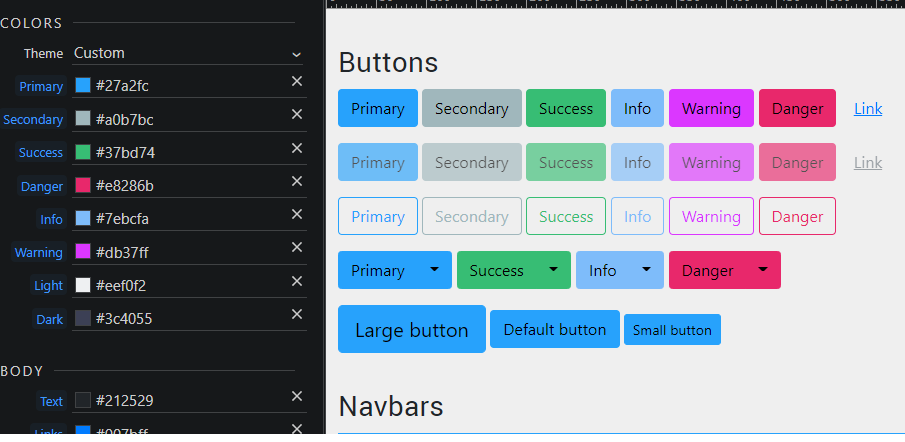
I have bootstrap 5 local selected in the project
When i try to change the colour of warning (from default orange to pink) i see no changes on any of the pages
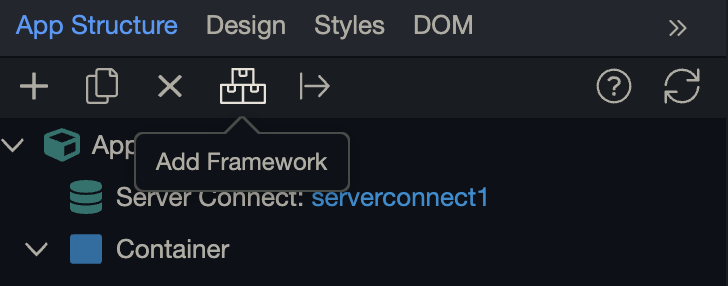
I clicked the rocket icon too
What am i doing wrong ?

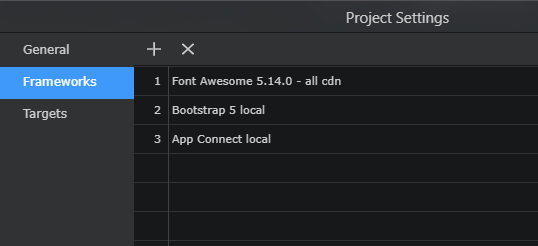
I have bootstrap 5 local selected in the project
When i try to change the colour of warning (from default orange to pink) i see no changes on any of the pages
I clicked the rocket icon too
What am i doing wrong ?
A few things to try:
Also in project settings there is a option to use bootstrap 5
These are just a few suggestions hope it helps
Make sure Bootstrap 5 is selected as design framework in the project general options.
My project settings did have bootstrap
While the colour is not updating on any of the pages it is updating in the Bootstrap preview page
On this preview page the code is
<link rel="stylesheet" href="bootstrap/5/css/bootstrap.min.css" />
whereas on all my pages the code is
<link rel="stylesheet" href="bootstrap/5/slate/bootstrap.min.css" />
On your pages if you look under add frameworks
Is this also bootstrap 5 local sounds like this could be bootstrap 5 slate?
Yes it is. I thought theme manager meant we could edit existing theme so for example if i want everything of slate except a few changes
Now as i understand it , theme manager is to edit the base bootstrap only?
In that case if i want to have something exactly like slate, like the dropdown items have a dark backgound colour, how would i replicate that in the base theme ?
You need to include Bootstrap 5 local, not a Bootswatch theme!
Oh i found it , advanced variables in the theme manager, looks great. Thanks everyone for all your help