I am not sure i understand what you mean here. What do you mean by "I don’t want to directly use it in my page"?
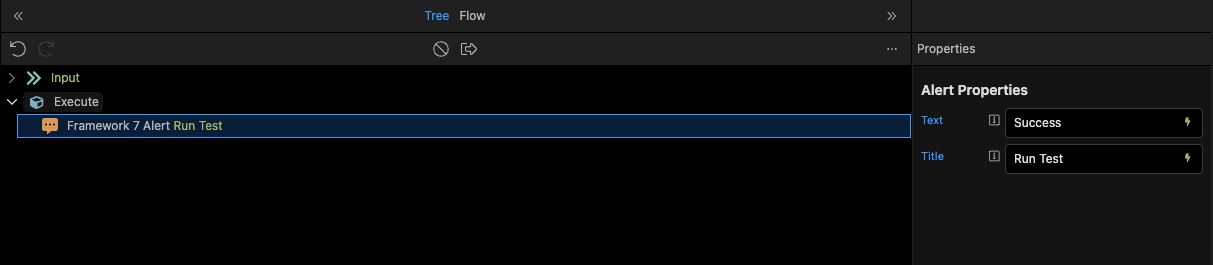
Are you using a page flow or an app flow?
Basically what you want: user logs in, gets directed to a page which loads their profile, then inserts data into table1, then inserts data to table2, then gives them a notification. This all takes place before the user has a chance to click on the page or navigate away.
You're complicating this. After the user logs in and gets directed to a page, use a server connect to load their profile (auto run). When that server connect is finished, use its dynamic event "on success" to trigger the insert data to table1 server connect. When table1 server connect is done, use its dynamic event "on success" to trigger another server connect for inserting into table2. When that is done, use "on success" again to show the alert/notification.
You can chain server connects together by using their dynamic event handlers and "on success". You don't need to use flows to accomplish this.
But run()is not how you execute a Server Flow. That syntax is only for running a subflow inside another flow, not for running a workflow from the client.
In Wappler:
1. Workflows (Server Flows) cannot be executed usingrun()from the front‑end.
run() is only for Flow Actions inside App Flows or Page Flows.
2. To run a Workflow from a page/app, you must use a Server Connect API Action.
Every Workflow automatically exposes an API endpoint.
3. The correct approach is:
Create a Server Connect Action pointing to the workflow.