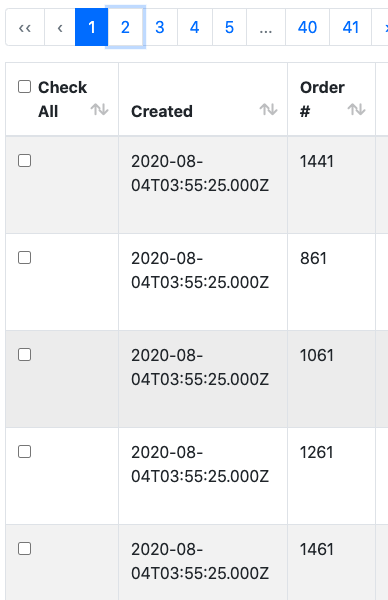
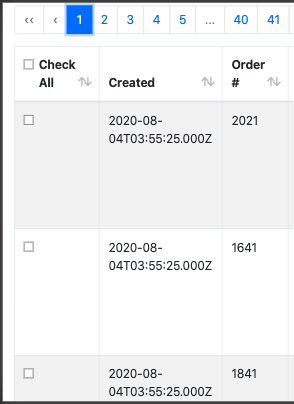
Does anyone know the correct way to set up table pagination for spa’s??? Using the generator changes the URL but doesn’t refresh the table… when attempting to do this with the router the url changes and the page refreshes displaying the correct results but how do do this without refreshing the whole page?
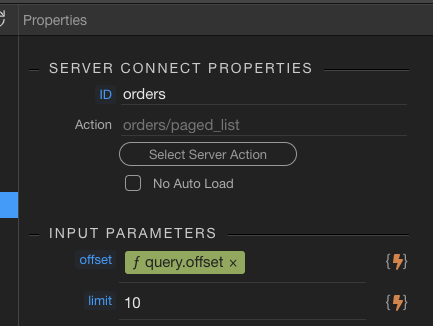
This expression seems wrong. Must be query.offset…
Actually seeing your url, it should be query.page as you are using an url parameter called page in your screenshots.
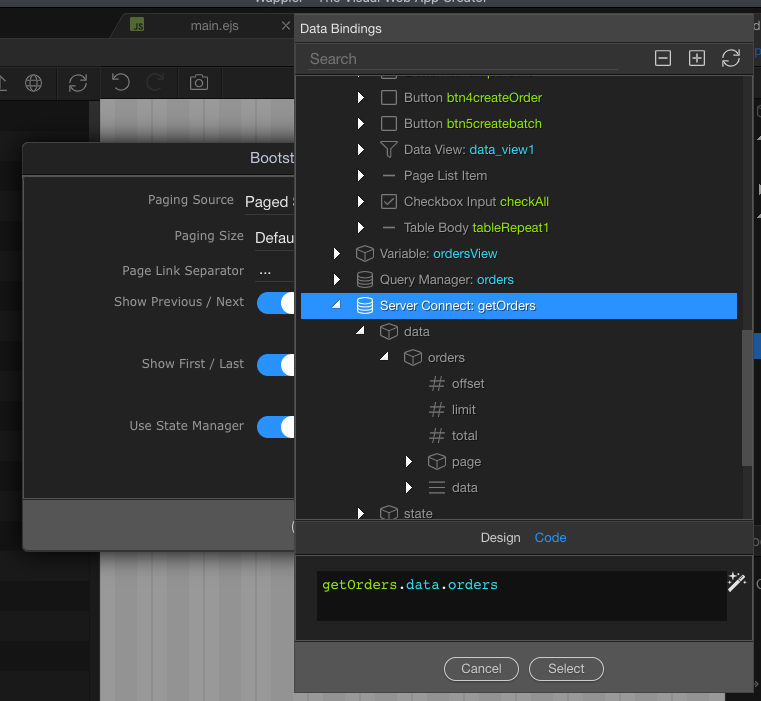
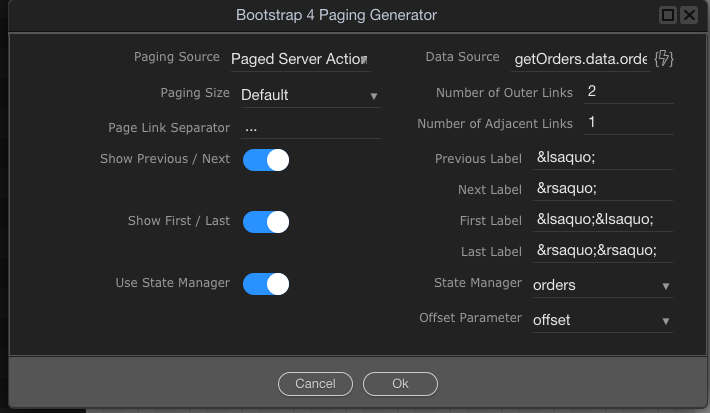
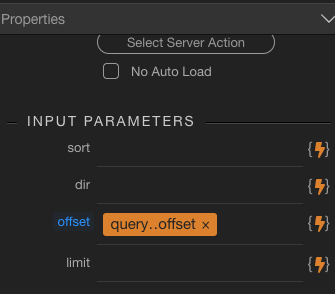
Can you actually share what have you set up in the paging generator exactly, as in your server action you have offset then in your URL you have page and in the properties panel you are binding offset … make sure you are using the same url parameter in all the places…
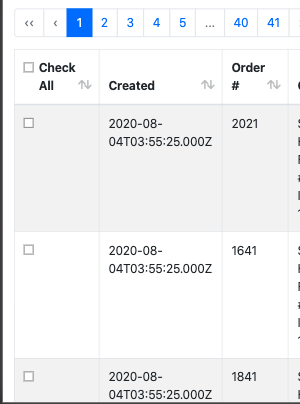
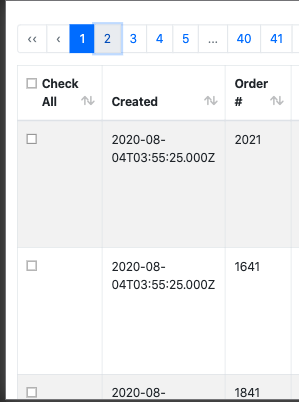
regardless of the page i click, the result is the same… the url changes… but there are no other request made to the to the server and the table doesnt change.
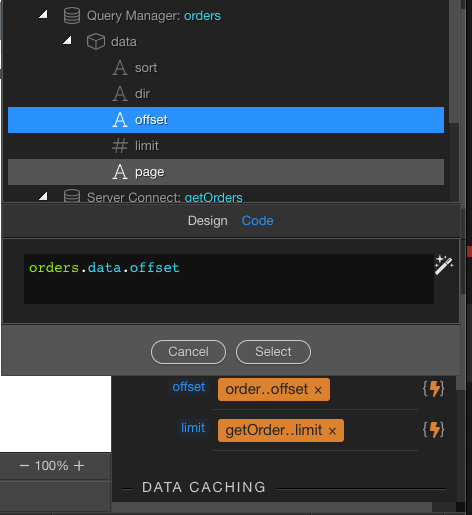
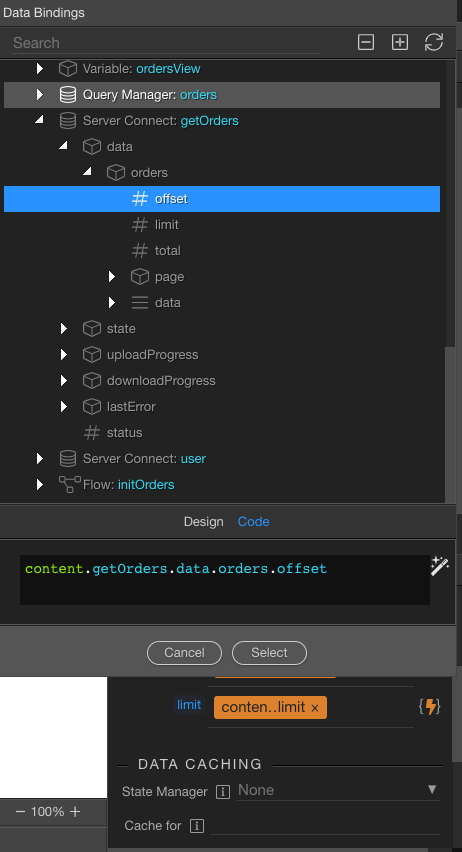
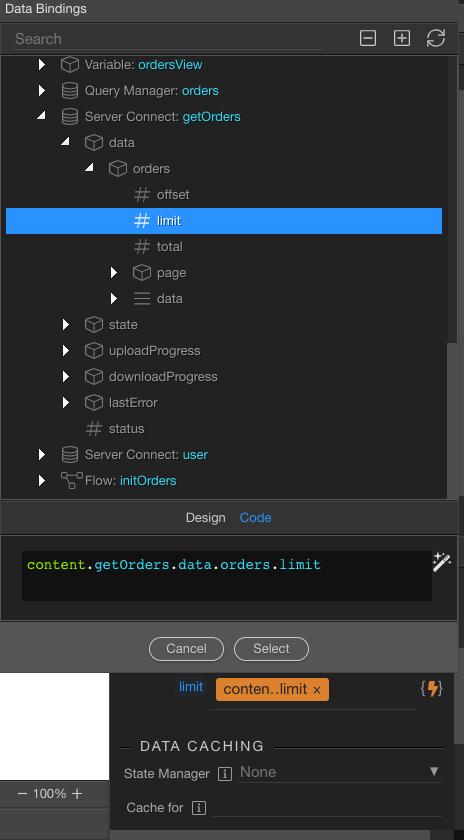
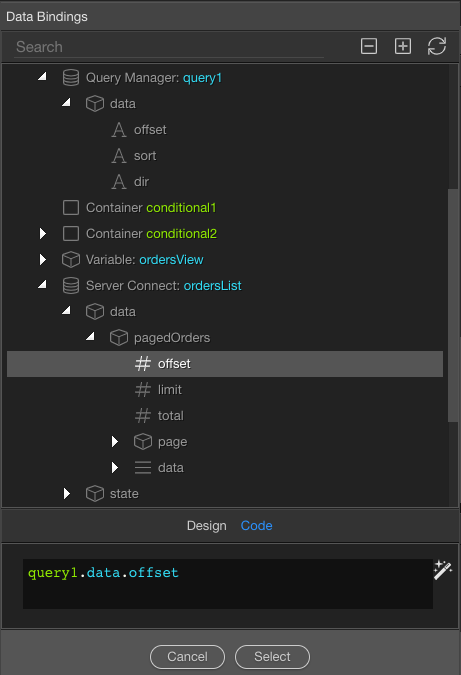
That's wrong ... for server connect you simply need to select query.offset and that's all. You've selected some wrong value from the server connect itself - makes no sense.
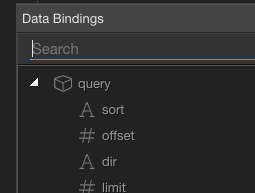
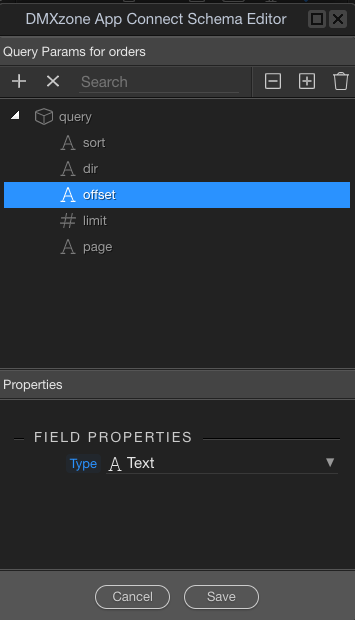
In the top of the data bindings panel you will see query params (not query manager!) select offset there. That's all explained in the pagination docs!
You don't need to select a value for limit if you are not changing it on the page somehow.
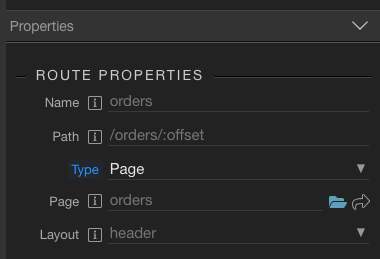
Also I am not sure what are you trying to do with routing, but seems wrong. You can't add the :offset like that there.
i redid everything, there is no query.offset… the option available for that step is query.data.offset (or in my case query1.data.offset) which i chose from the query manager.