How to post dynamic form elements?

Get your thinking caps on...

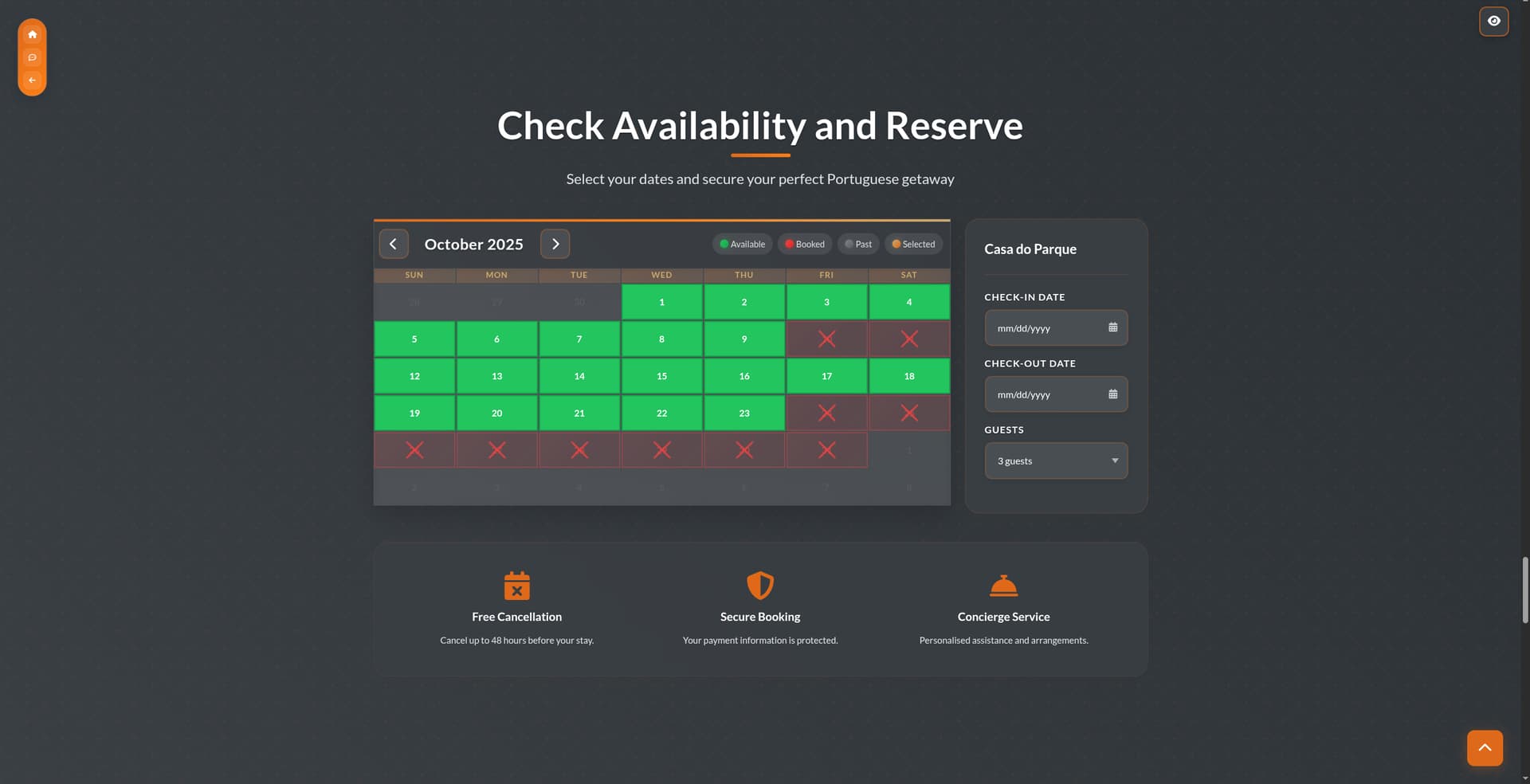
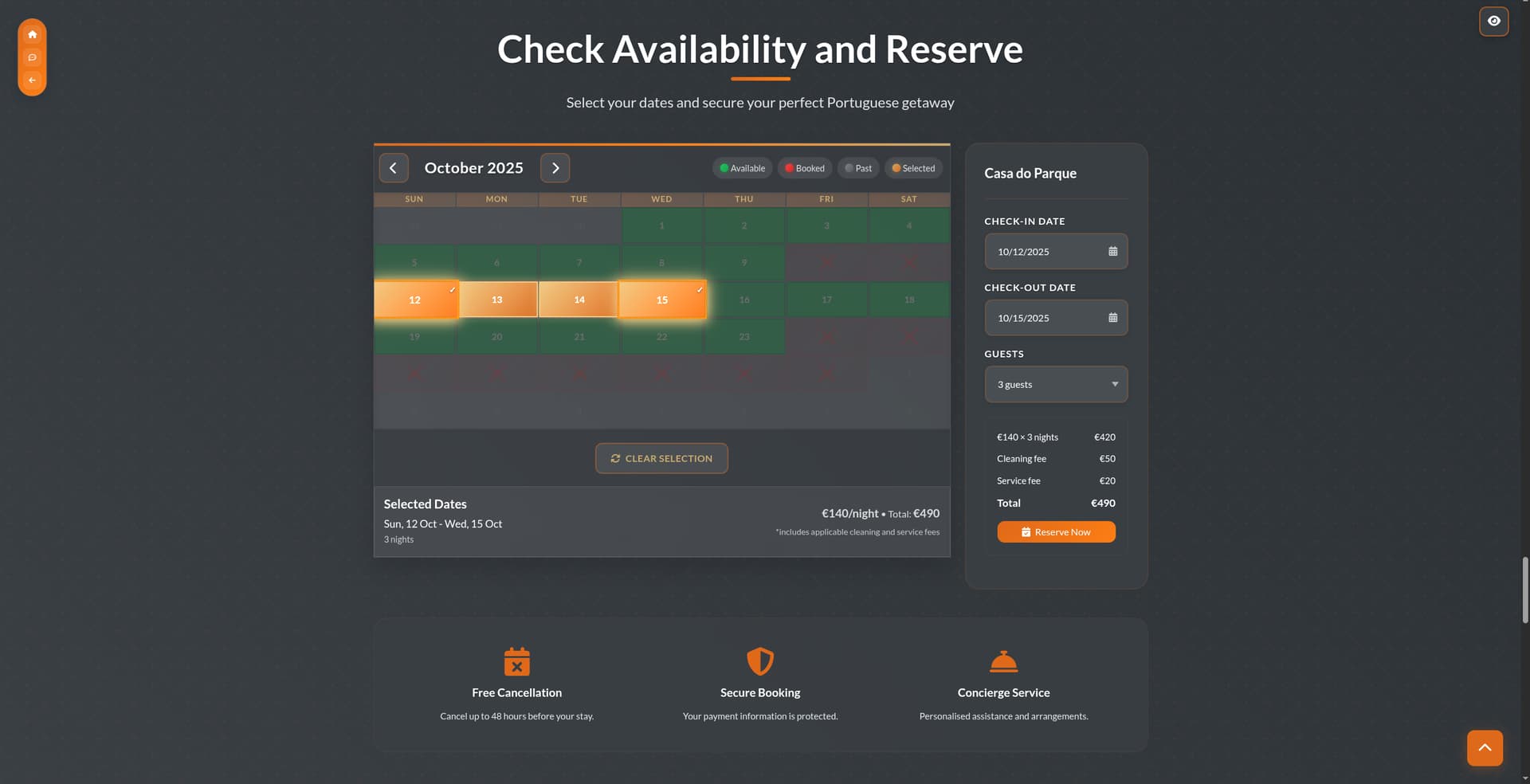
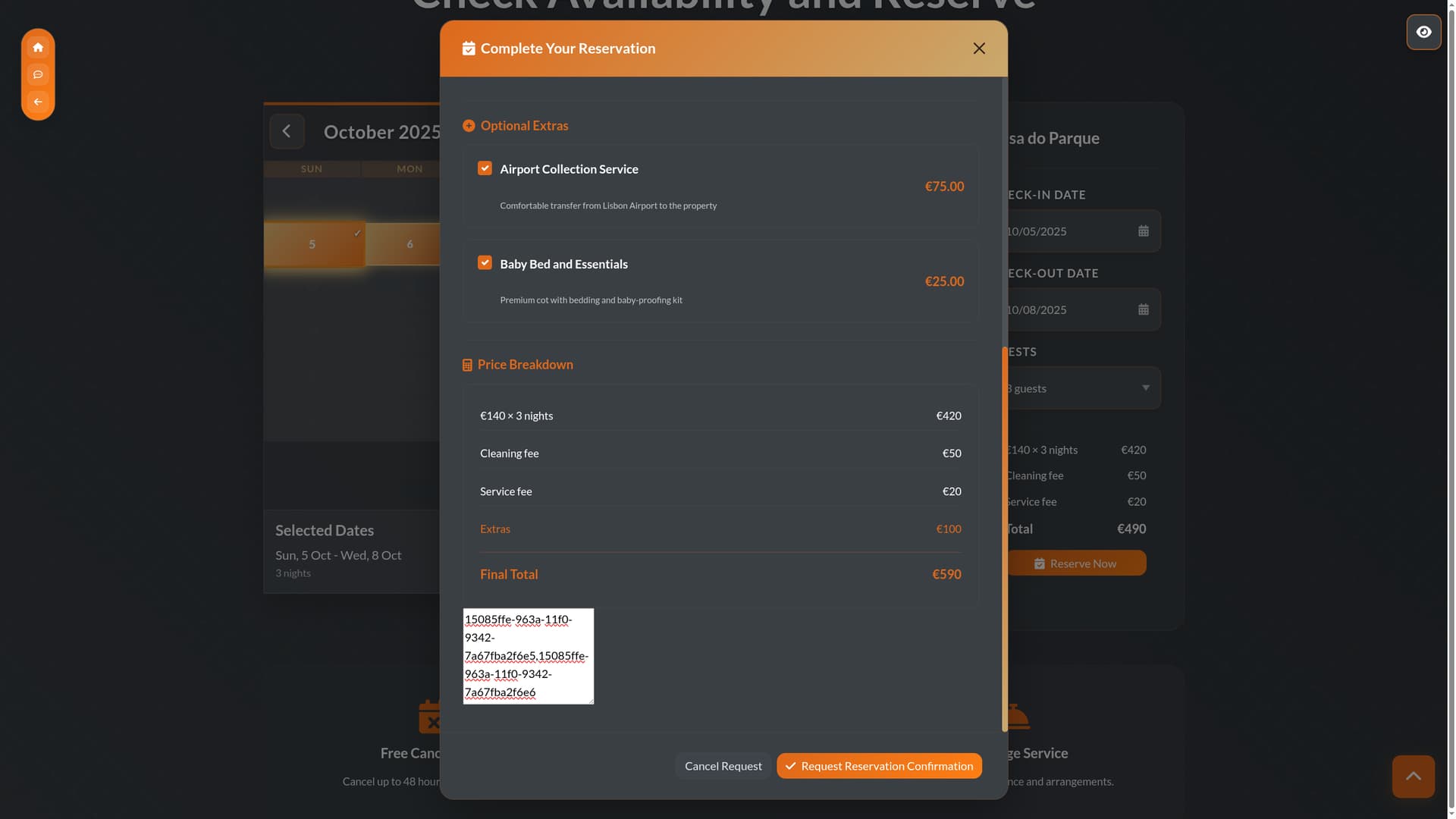
Right we have a set of options within a form (various checkboxes) that are populated in a Repeat (Optional Extras):

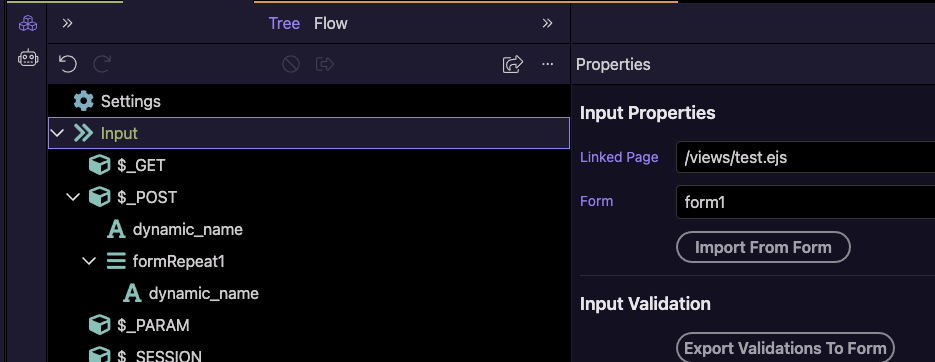
Now as these values don't exist in the form until rendered our question is how do we get these values in to the Server Connect Action Post variables for submission (using the linked page input properties and selecting the form)... They have dynamic ID and Name values...

Any ideas appreciated! Now am pretty sure we did this before but for the life of me can not remember how it was done?

:thinking:

Do I just echo them to a hidden input, would that be the most simple method, or is there a defined method for doing this, ie for dynamic form inputs?

Disclaimer: I’m a front-end beginner

  1. If the checkboxes are inside the <form>, shouldn’t they picked up automatically on Server Connect Form POST?

P.S.: That's a dope UI!

1 Like

But they don't exist until the page is rendered and the repeat is populated...

:melting_face:

Cheers man we work incredibly hard on our UX/UI!

But when the form is submitted, it exists already in DOM, no? If yes, and if it's not submitted, then that's a feature request (or bug report) I guess?

Alternatively, I vaguely remember @ mebeingken using JSON for stuff like that, but I have no idea how, he probably commented on some of my topics back then

1 Like

This is the section I am working on so you can see it properly (all our own code no template nonsense).

I think I may just echo the selection to a hidden input and comma seperate it and then rebuild it on the back-end for display to the Agent when the mail is sent onward using Mailer... Just wondered, as there is the ability to add dynamic ID and Name values for inputs, that there may be a way of handling such inputs.

Importing the POST vars from a page is working for me when using dynamic name and id’s, so I must be missing something you are doing differently.

<form id="form1">
    <div class="form-group mb-3">
        <legend class="col-sm-2 col-form-label">One checkbox</legend>
        <div class="form-check">
            <input class="form-check-input" type="checkbox" value="" id="input1" name="input1" dmx-bind:id="dynamic_id" dmx-bind:name="dynamic_name">
            <label class="form-check-label" for="input1">Single checkbox</label>
        </div>
    </div>
    <div is="dmx-form-repeat" id="formRepeat1" dmx-bind:items="1">
        <div class="form-check">
            <input class="form-check-input" type="checkbox" value="" id="input2" name="input2" dmx-bind:name="dynamic_name" dmx-bind:id="dynamic_id">
            <label class="form-check-label" for="input2">Default checkbox</label>
        </div>
    </div>
</form>

1 Like

Hmmm will try a restart/reboot and see what is occurring. Thank you @mebeingken much appreciated!

Oh wait, I think I get it…the name itself is not going to be known as it is generated elsewhere, right?

Yes this is my conundrum.

Got it. So wouldn’t you loop through the array of the repeat, and process whatever comes over?

Within the form repeat, the name is not using the dynamic value. I’d see that as a bug, but maybe it isn’t that simple.

<dmx-value id="the_dynamic_name" dmx-bind:value="'this_is_dynamic'"></dmx-value>
<form id="form1" is="dmx-serverconnect-form" method="post" action="/api/1/4/just_success">
    <button id="btn1" class="btn" type="submit">Button</button>
    <div class="form-group mb-3">
        <legend class="col-sm-2 col-form-label">One checkbox</legend>
        <div class="form-check">
            <input class="form-check-input" type="checkbox" value="" id="input1" name="input1" dmx-bind:id="dynamic_id" dmx-bind:name="dynamic_name.value">
            <label class="form-check-label" for="input1">Single checkbox</label>
        </div>
    </div>
    <div is="dmx-form-repeat" id="formRepeat1" dmx-bind:items="1">
        <div class="form-check">
            <input class="form-check-input" type="checkbox" value="" id="input2" name="input2" dmx-bind:name="the_dynamic_name.value" dmx-bind:id="dynamic_id">
            <label class="form-check-label" for="input2">Default checkbox</label>
        </div>
    </div>
</form>
1 Like

Why do you have dynamic name? If you have multiple they will be under the array so no need to be dynamic.

Also if dynamic name you don’t know what to expect server side for validation and data picking.

1 Like

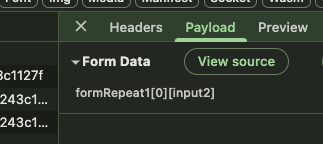
No array is imported George. I've tried several methods. I went with echoing to a hidden input which works fine (exposed it below to check values being sent), thanks however for all the input and suggestions. Was just interested to know if there was a way of getting input values with dynamic name and id in to Server Connect Actions.

Well if you use the form repeat then an array will be posted

1 Like

It is not a form repeat @George it is a repeat checkbox within a form.

See:

1 Like